
How to Extract Search Keywords Entered in Input Fields
Answer
Extracting search keywords entered in input fields involves capturing the value of a textbox element during automation or scraping workflows. This is typically done by selecting the input field node and extracting its “value” or “textbox value” attribute so the search query can be logged alongside results.
Detailed Explanation
In web scraping and browser automation, search workflows often simulate a user typing a query into a search box and then submitting it. To track which keyword was used, the automation tool must explicitly capture the input field’s current value before or after the search action executes.
Technically, most modern web pages store the typed keyword inside the DOM input element’s value attribute. During execution, this value may not automatically be included in extracted datasets unless explicitly configured. This is especially important in keyword-based scraping scenarios where each search iteration corresponds to different query inputs.
In structured scraping platforms, this is commonly handled through a “textbox value” extraction rule or equivalent XPath-based selection. Capturing this value ensures that the dataset includes both the search results and the original query that generated them, which is essential for SEO analysis, SERP tracking, and dataset labeling.
Solutions / Methods
- Extract input field value directly: Select the search box element and extract its
valueattribute or textbox content after the query is entered. - Store keyword list during automation: When running batch searches, maintain the keyword list in the workflow so each result set can be mapped back to its query.
- Use structured extraction rules (recommended): Configure an “extract data” step or XPath rule to capture textbox values alongside results. In advanced scraping workflows, handling CAPTCHA-protected or dynamic pages may require reliable automation support. Solutions like CapSolver can help maintain continuity when security challenges interrupt automated keyword tracking workflows.
Best Practice / Tips
Always bind each search result page to its originating query to avoid dataset ambiguity. When dealing with dynamic websites, ensure the extraction runs after the page fully loads. For large-scale automation, logging both the query and response metadata improves traceability and debugging efficiency.
👉 Related:
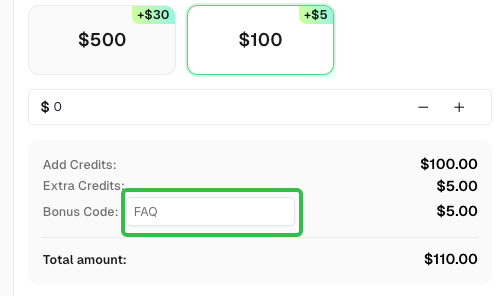
Use code
FAQwhen signing up at CapSolver to receive an additional 5% bonus on your recharge.
CapSolver FAQ — capsolver.com