
🎉NEWCapSolver for AI agents-MCP, agent tools, and SDK integrations
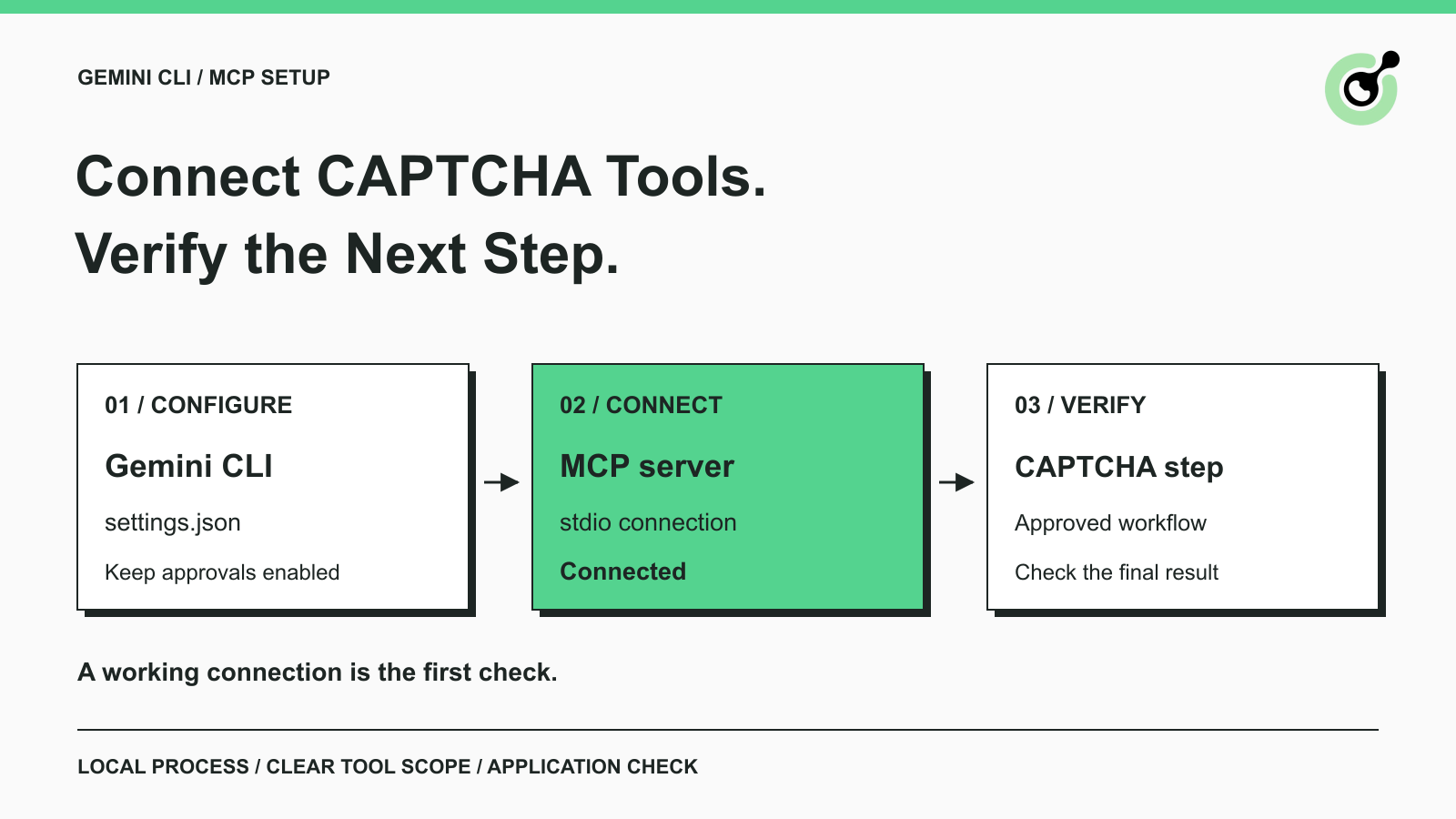
Connect Gemini CLI to a CAPTCHA solver over MCP, verify the local connection, choose the right tools, and keep browser completion separate from tool discovery.

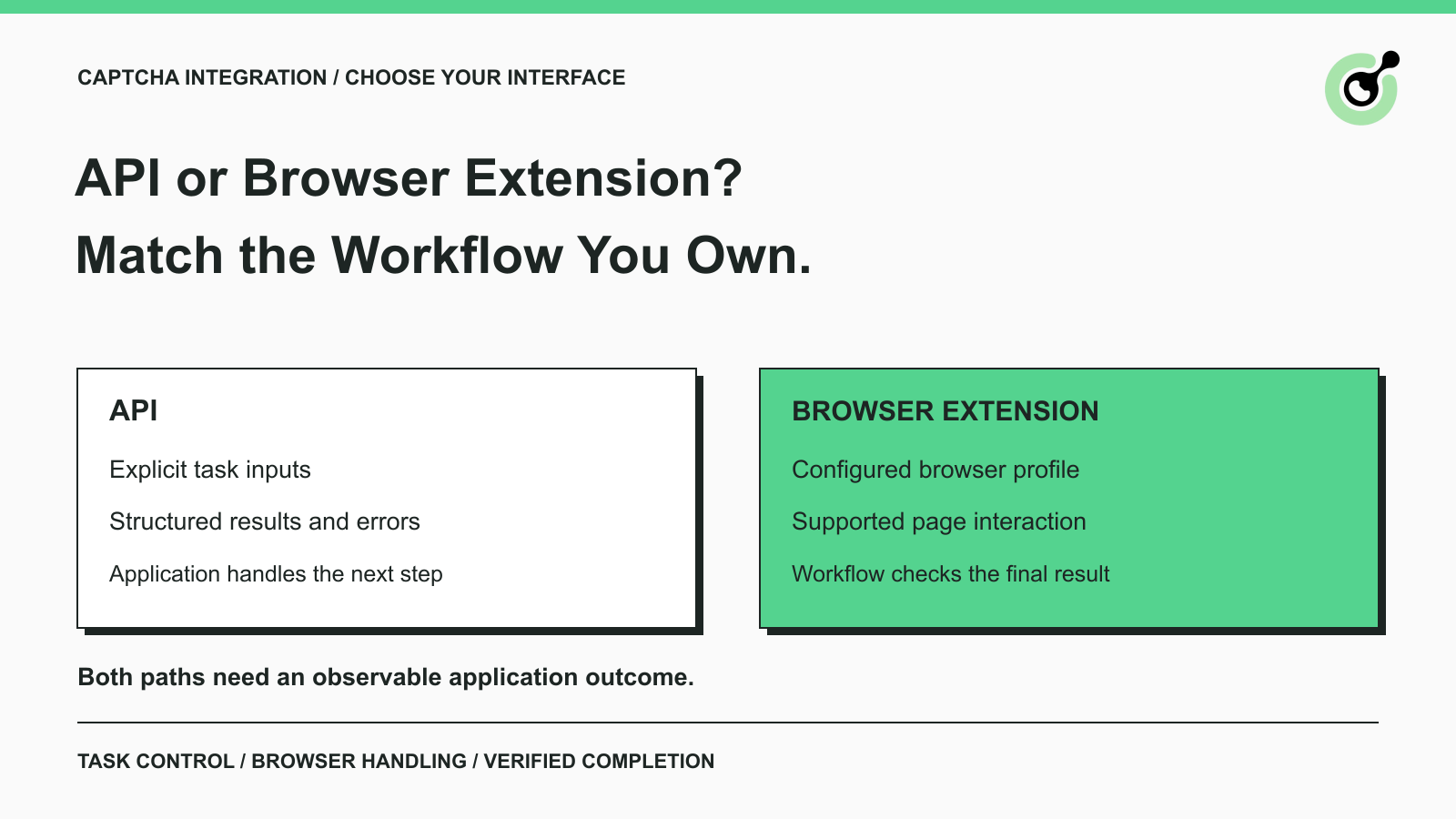
Compare CAPTCHA solver APIs and browser extensions for manual browsing, QA, and agents. Choose by runtime, page handling, task control, and verified outcomes.
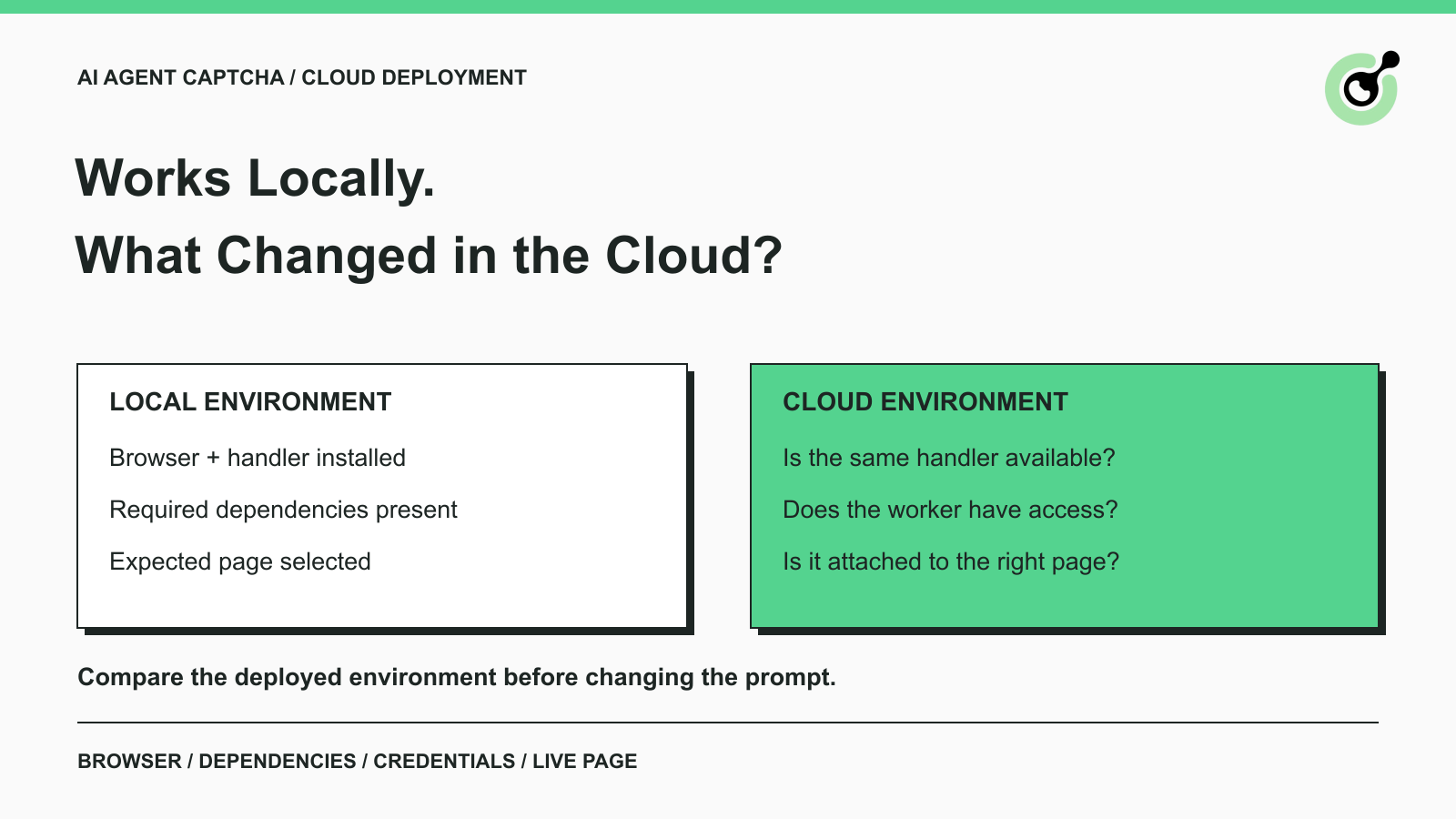
Fix CAPTCHA handling that works locally but fails in a cloud AI agent. Compare browser setup, dependencies, credentials, network access, and page state.

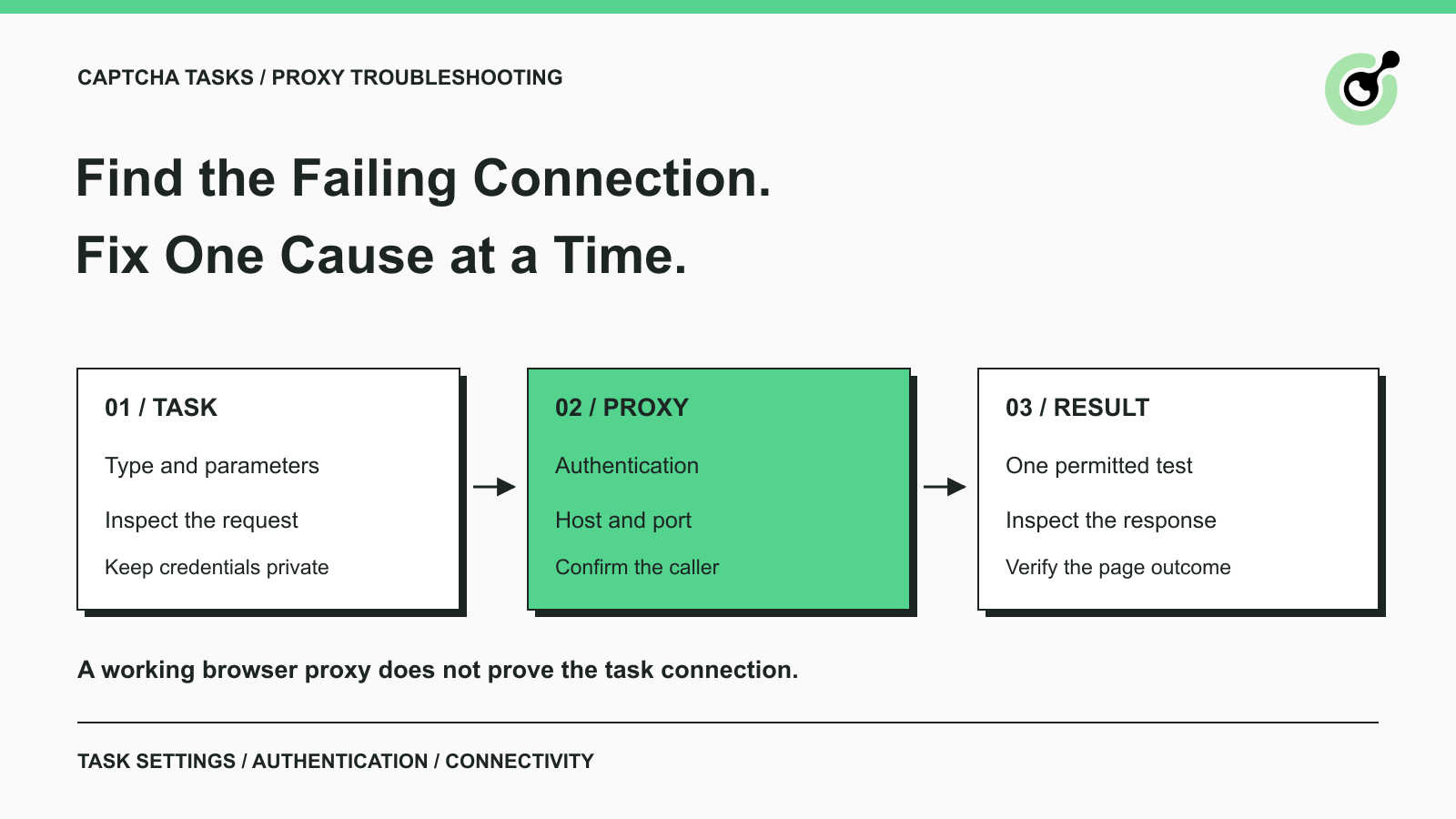
Troubleshoot CapSolver proxy errors by checking task parameters, authentication, connectivity, and session settings before retrying a CAPTCHA request.
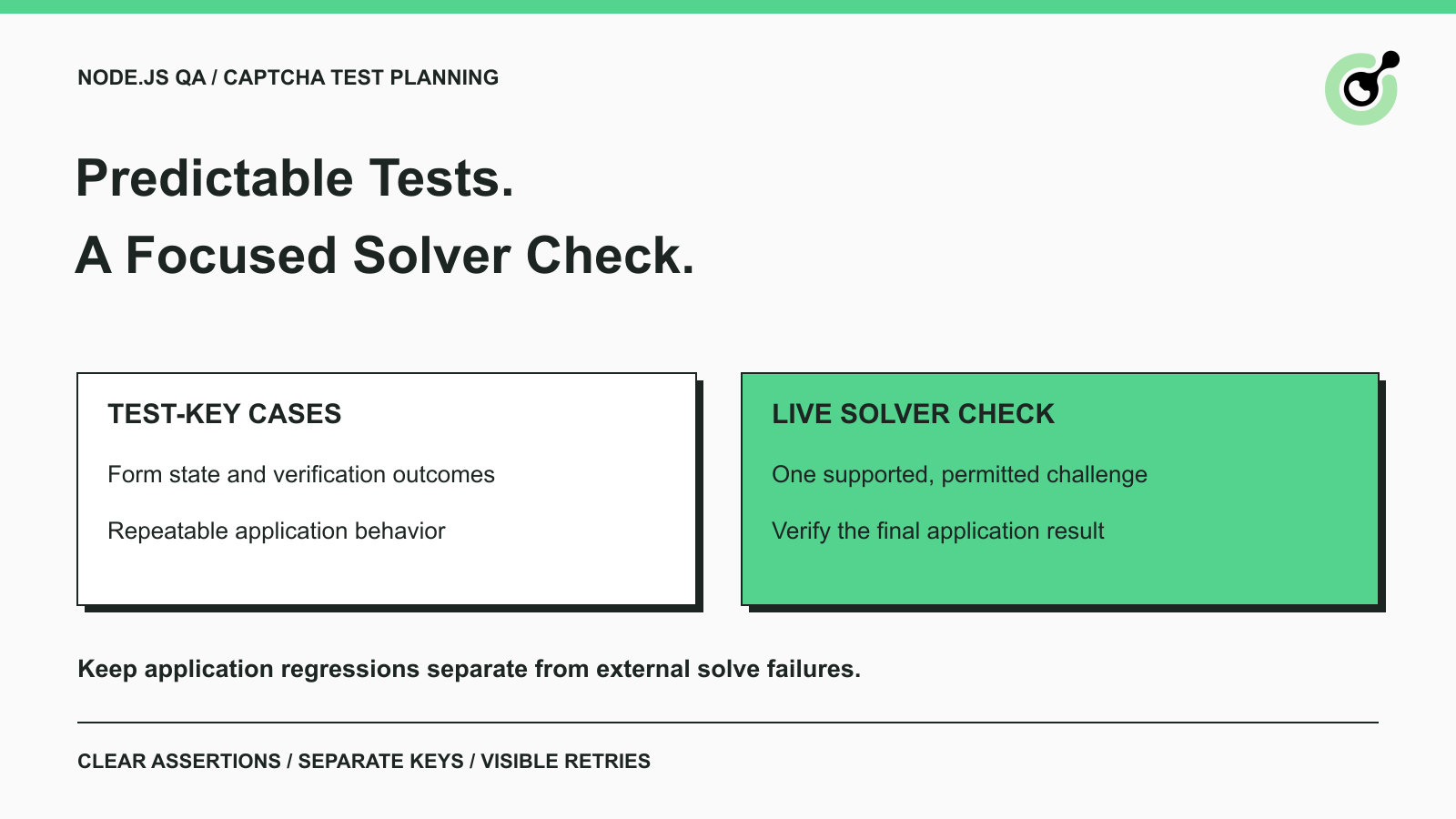
Plan Node.js CAPTCHA tests with vendor test keys, controlled solver checks, and clear assertions. Separate form regressions from external solving failures.
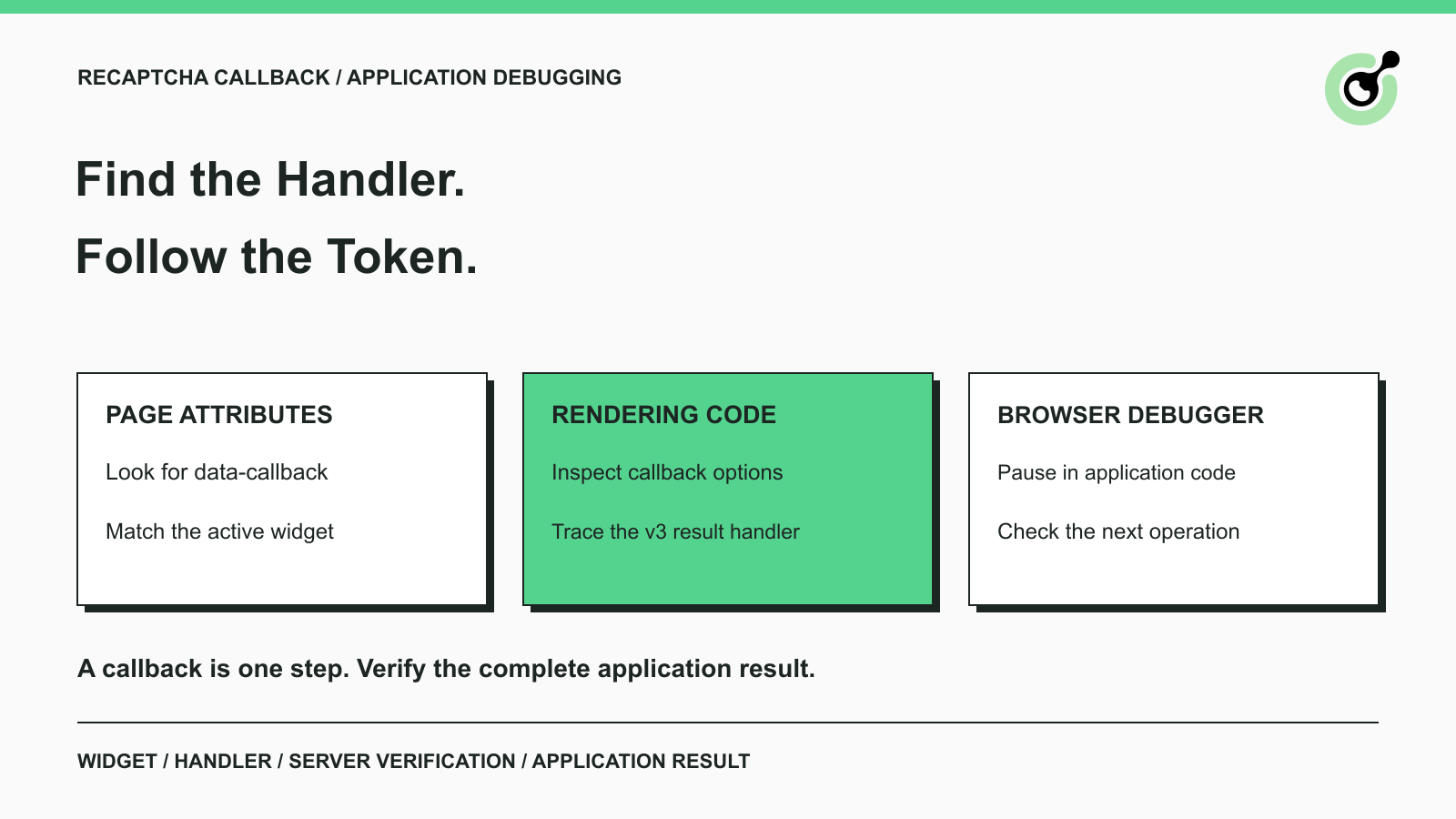
Find a reCAPTCHA callback through widget attributes, rendering code, and browser debugging. Check token handling without relying on fragile internal paths.
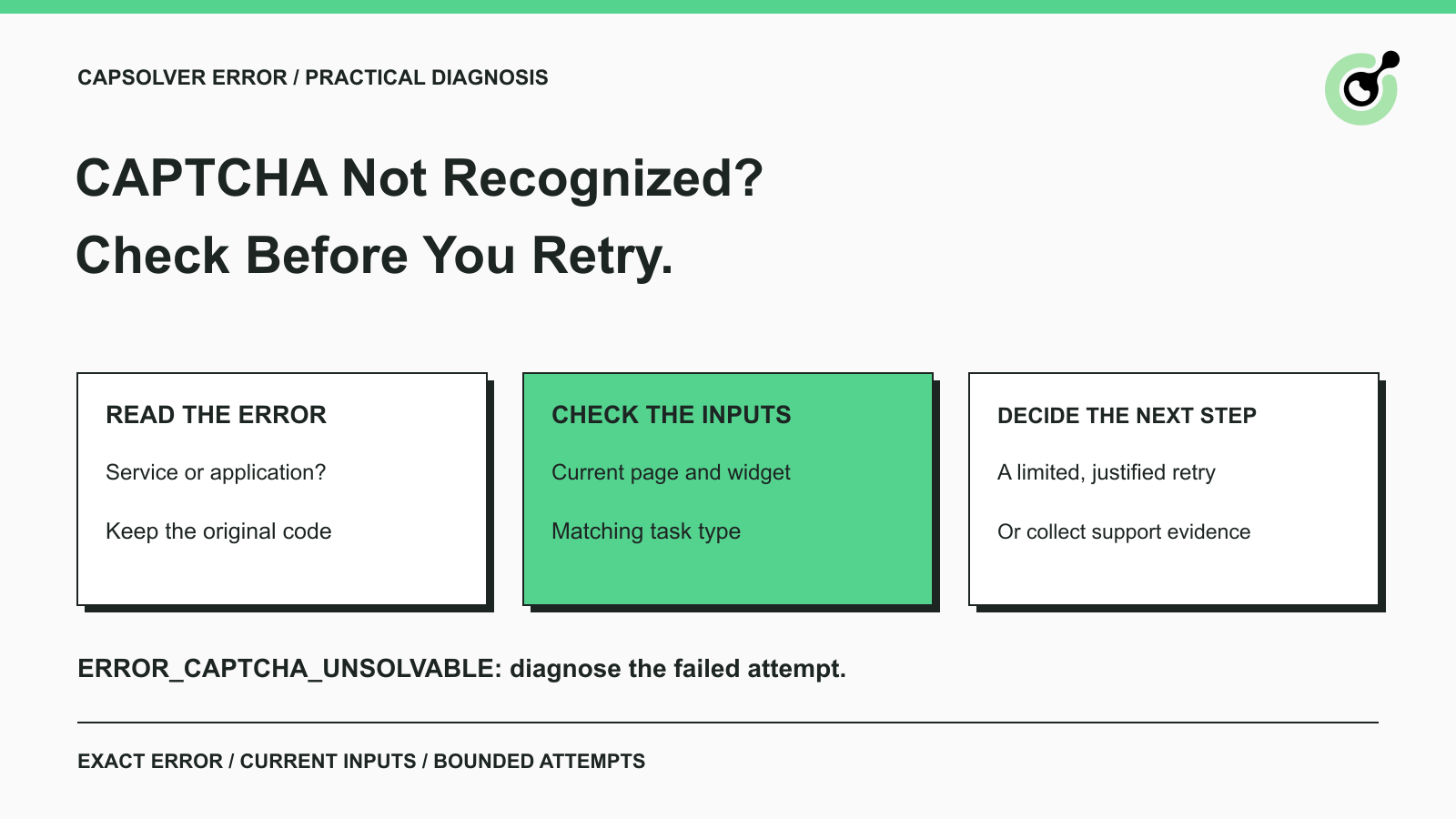
Diagnose ERROR_CAPTCHA_UNSOLVABLE in CapSolver. Check the error stage, current task inputs, safe retries, and the evidence to send when a solve keeps failing.
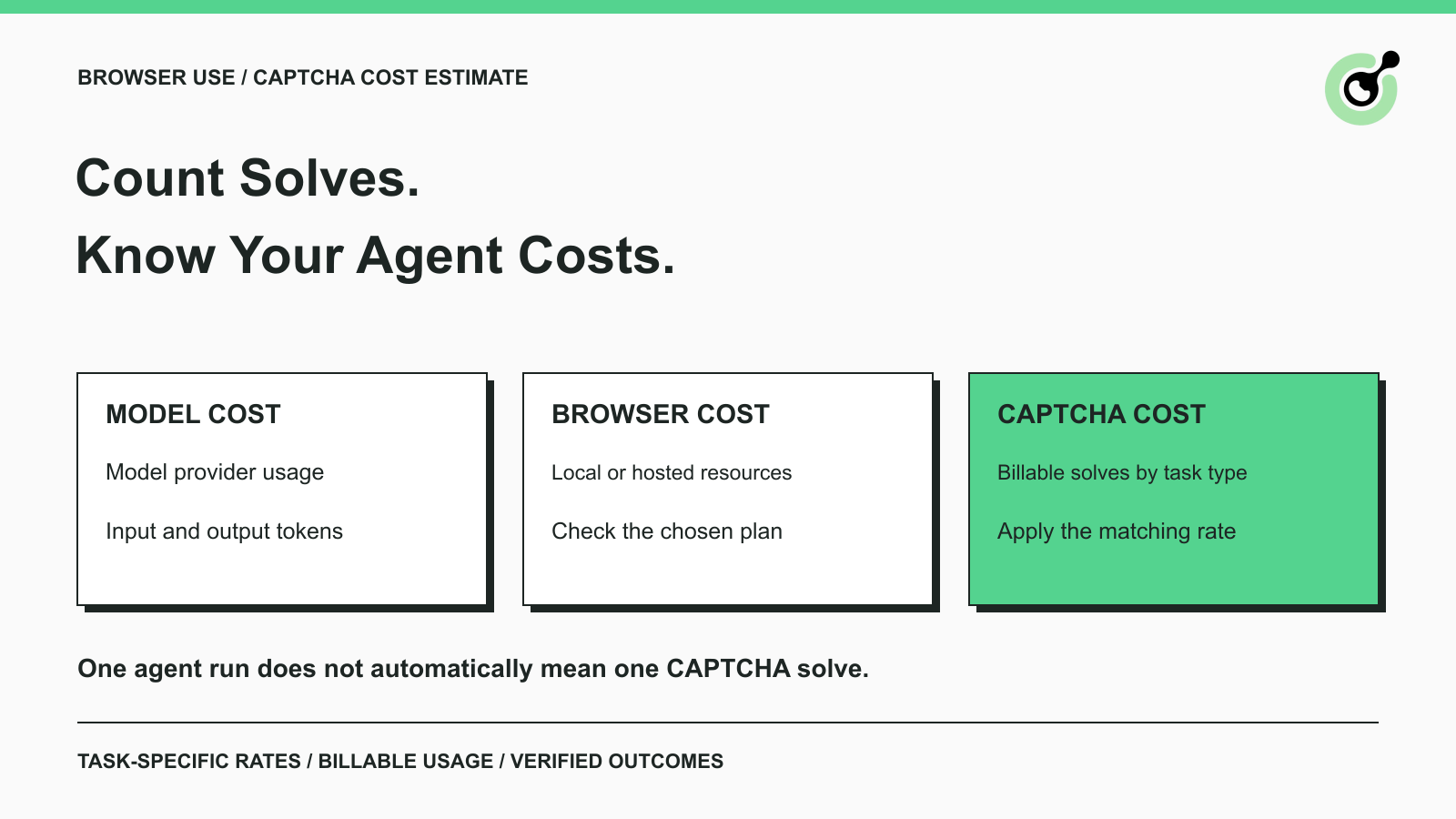
Estimate CAPTCHA solving costs in Browser Use by separating agent runs, challenge types, billable solves, retries, and verified outcomes from browser costs.
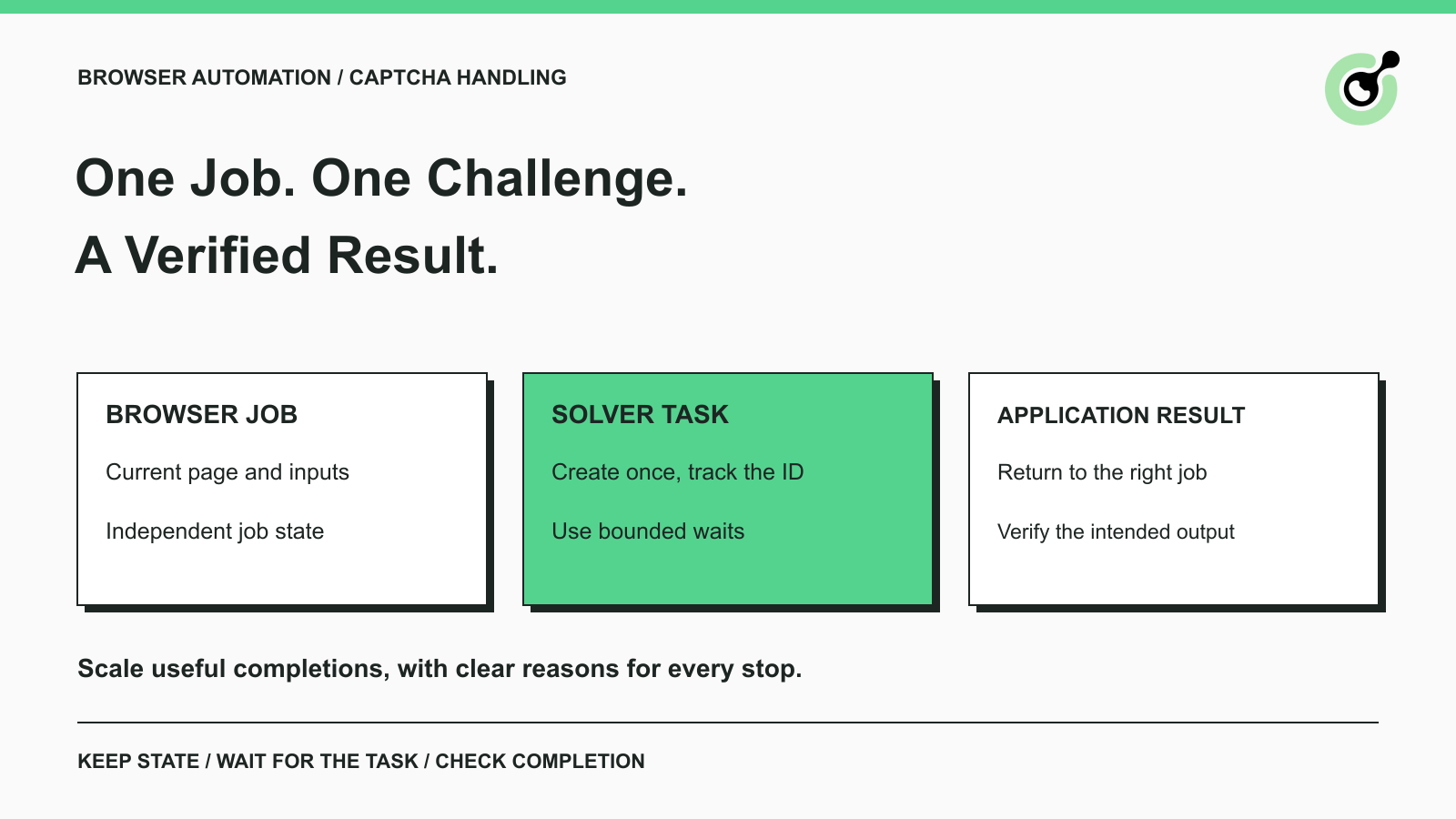
Improve CAPTCHA handling in browser automation with current task inputs, isolated browser sessions, bounded retries, and checks that confirm the final result.

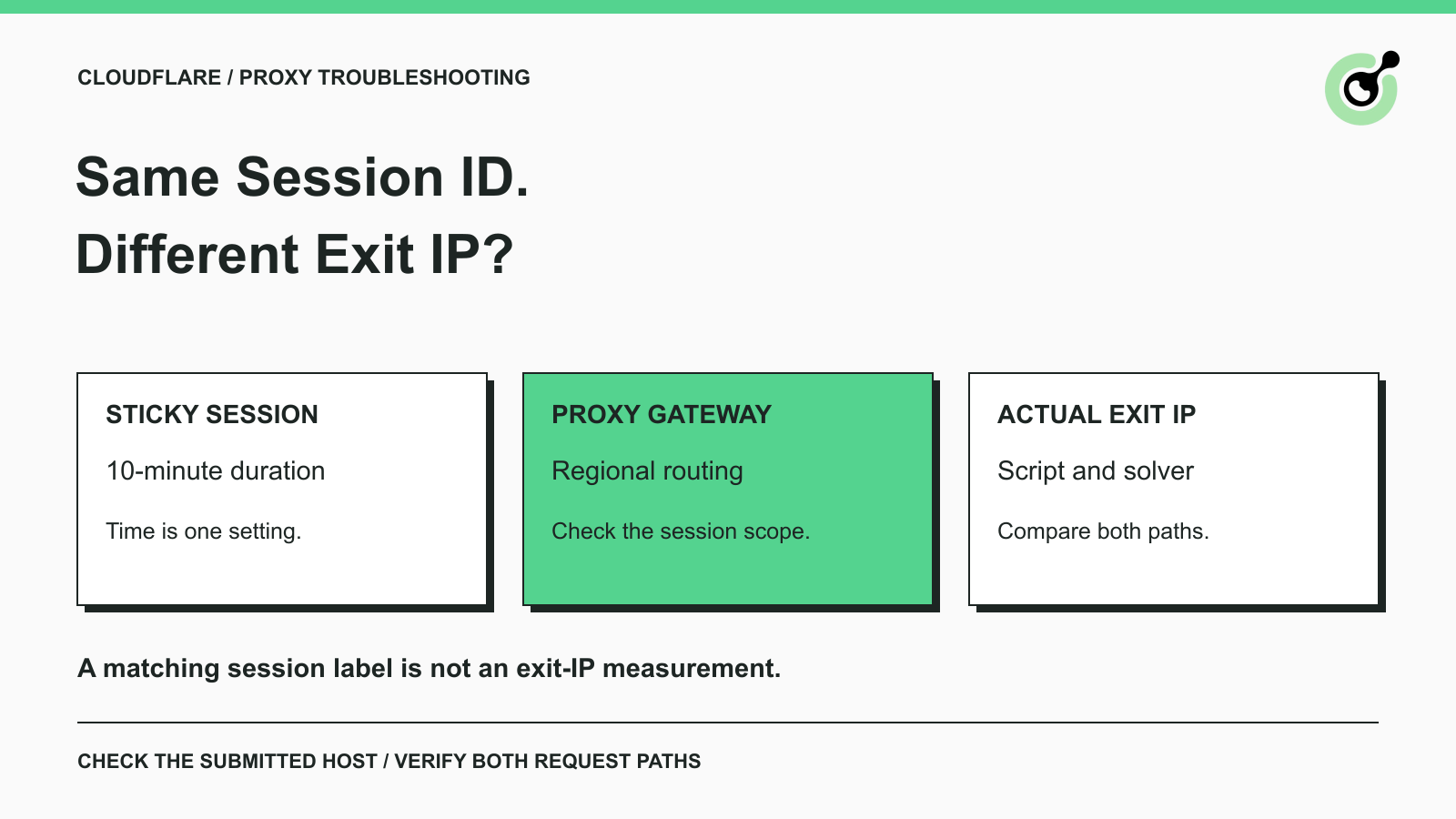
Fix the AntiCloudflareTask dynamic DNS proxy error. Learn why a 10-minute sticky session can use different exit IPs and how to verify both request paths.
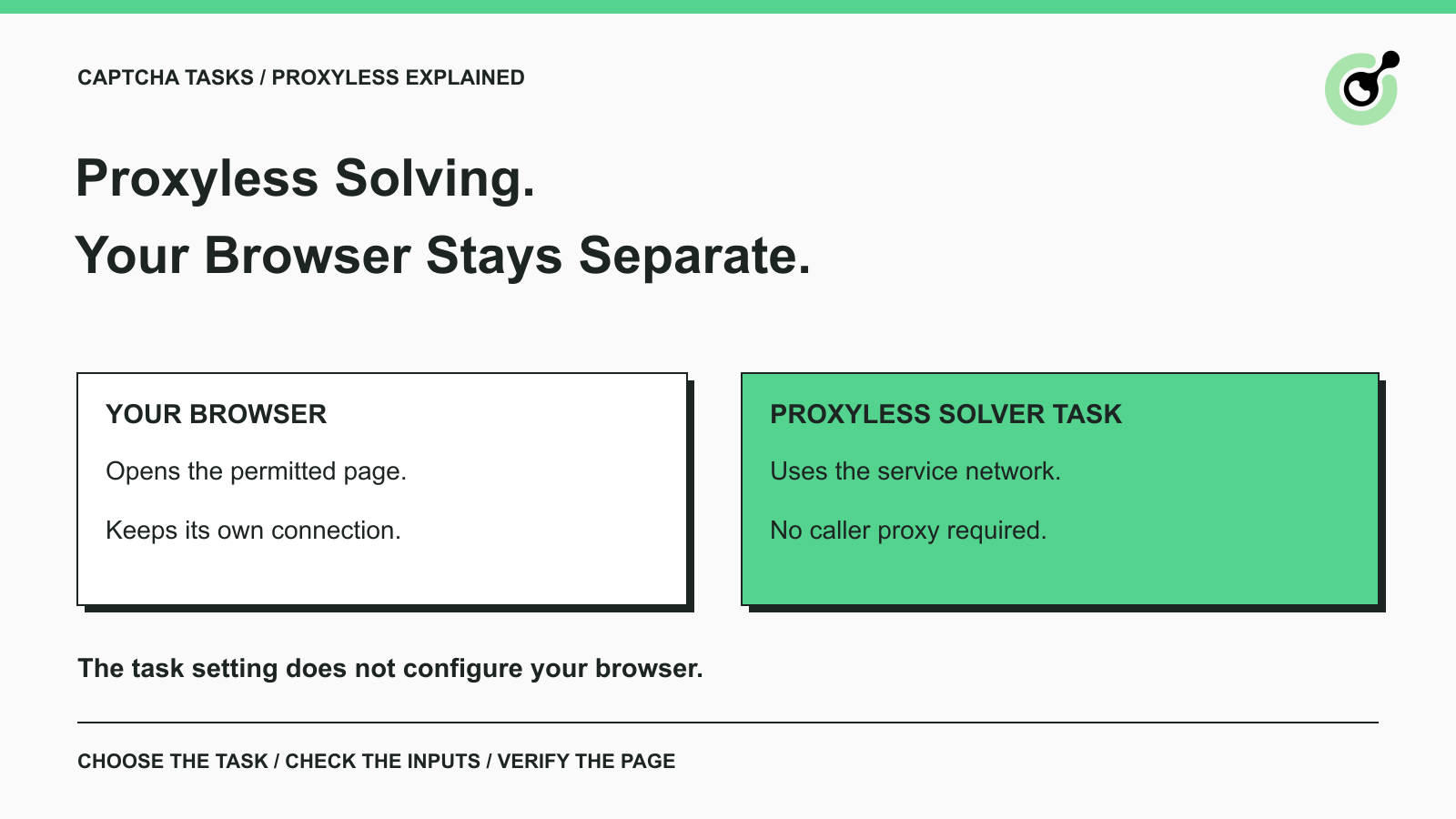
Understand proxyless CAPTCHA tasks, when a supplied proxy is needed, and how to choose the correct CapSolver task for your browser or API workflow.
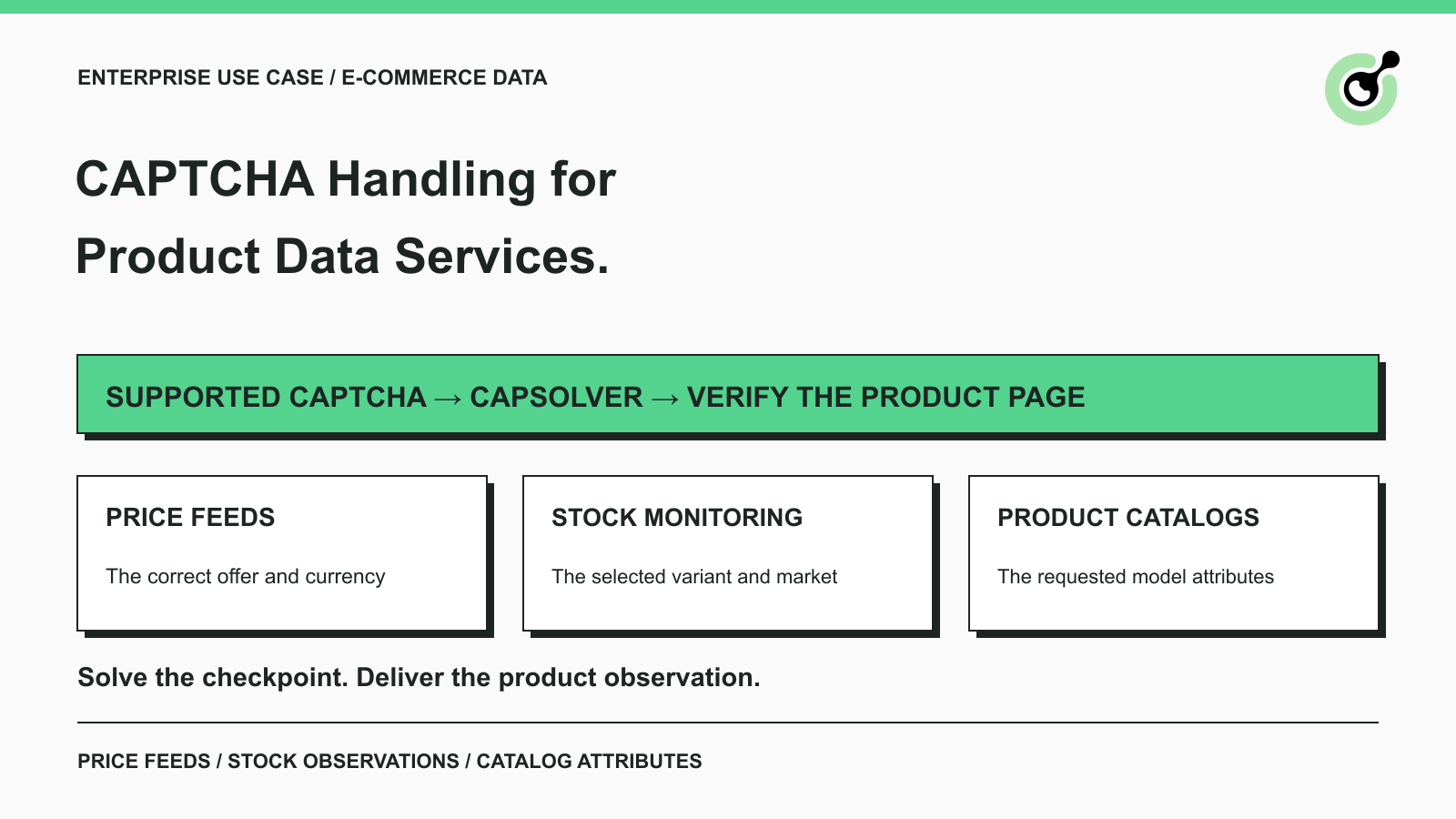
See how e-commerce data providers use CAPTCHA solving for price feeds, stock monitoring, and product catalogs, with practical CapSolver steps for each case.