

🎉NEWCapSolver for AI agents-MCP, agent tools, and SDK integrations
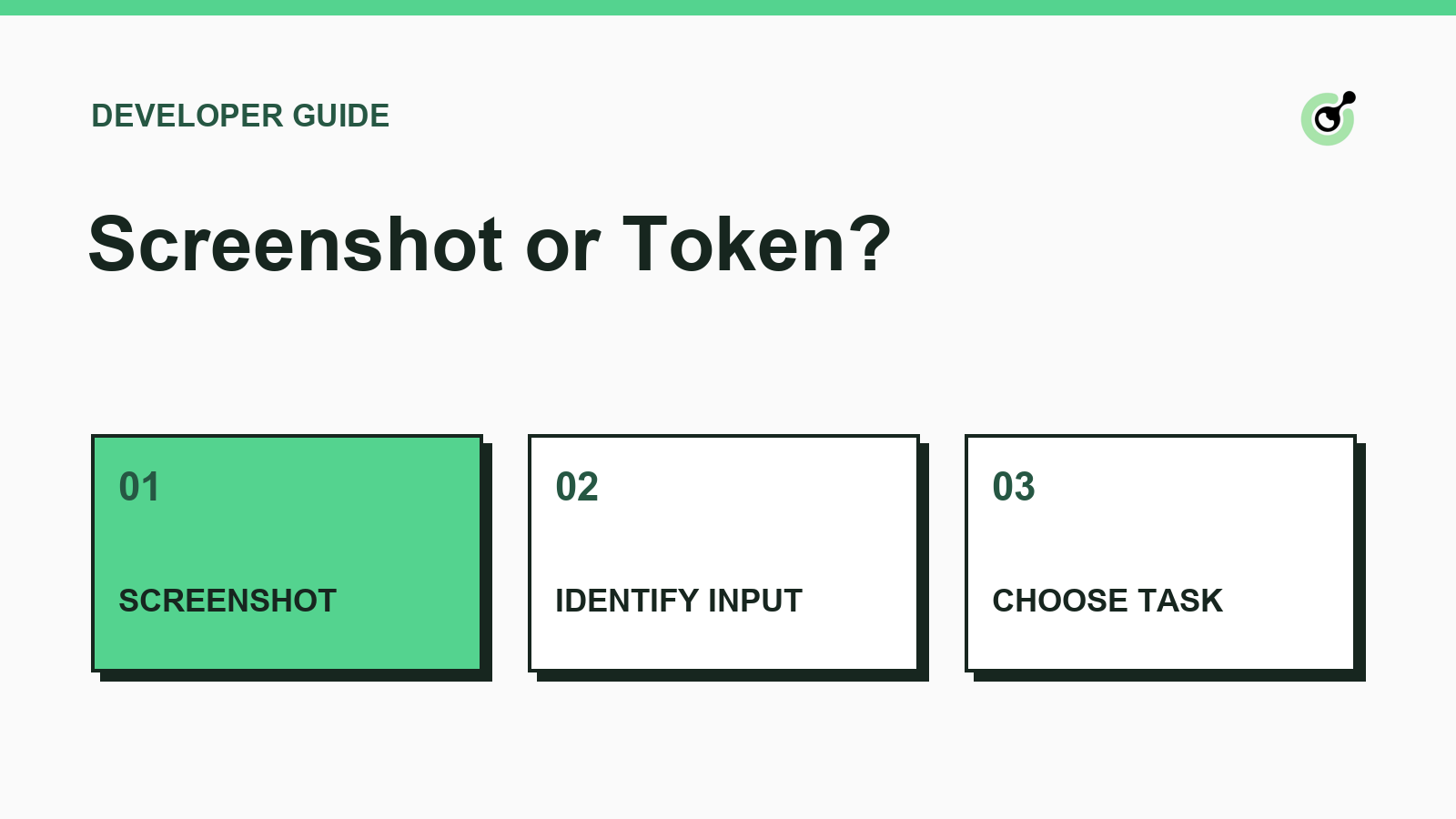
Decide which CAPTCHA inputs your computer-use agent can actually supply, and when to switch to browser inspection or request human input.

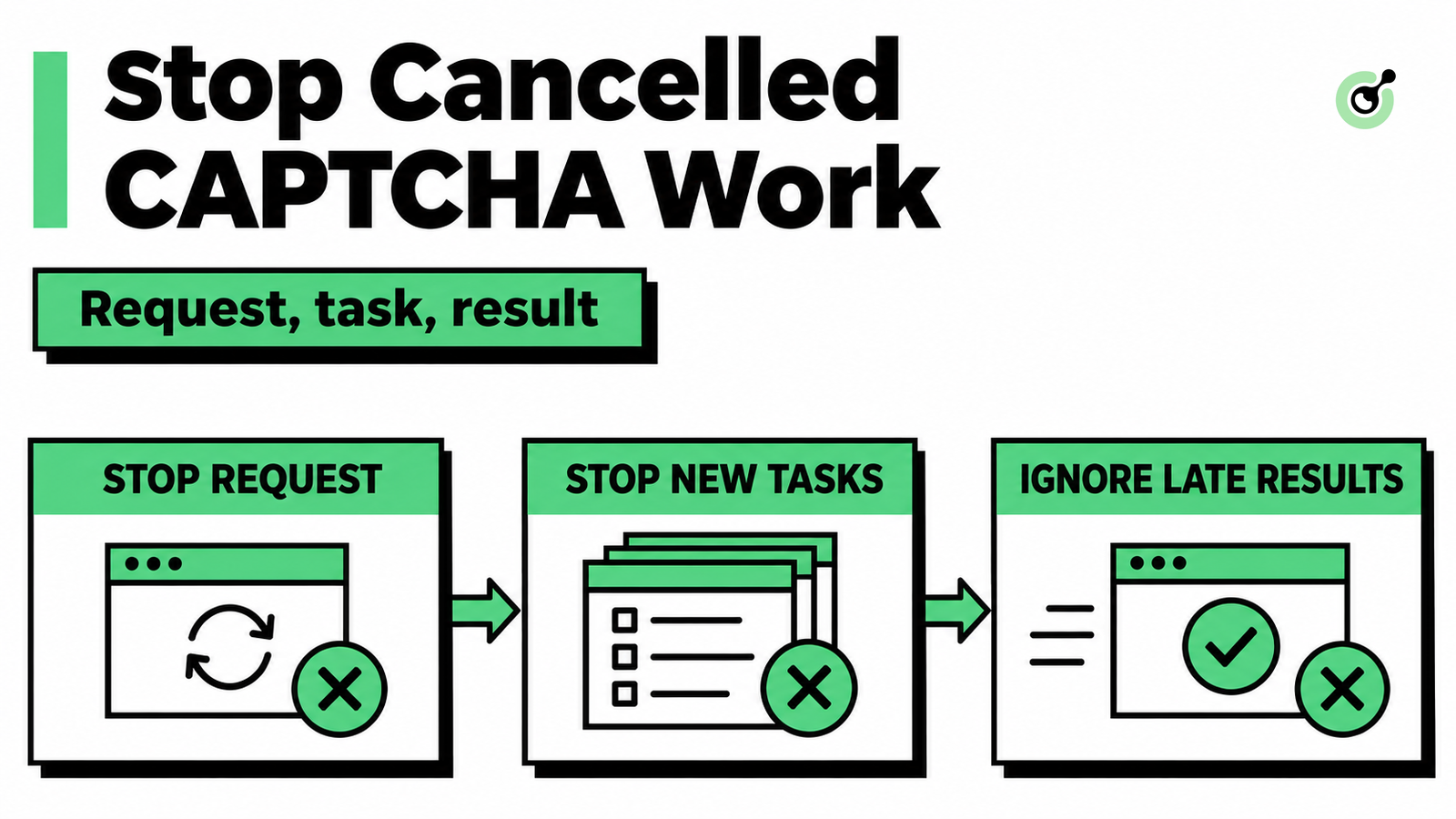
Handle MCP CAPTCHA cancellation in AI agents. Stop new calls, distinguish remote tasks from local waits, and prevent late results from restarting work.
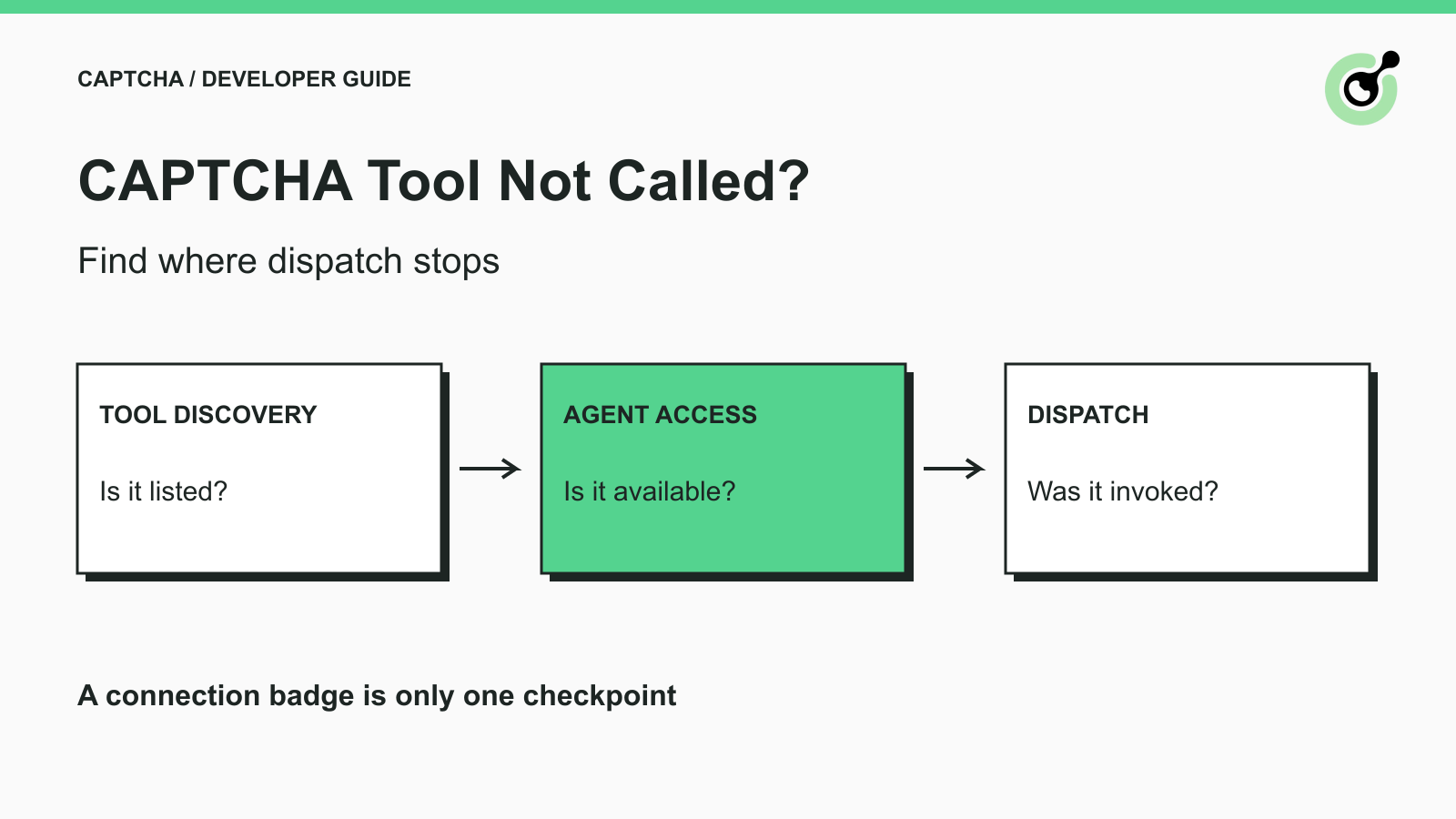
Fix CAPTCHA tools that connect but never run. Check discovery, agent visibility, required inputs, approvals, and executor dispatch before changing solver settings.

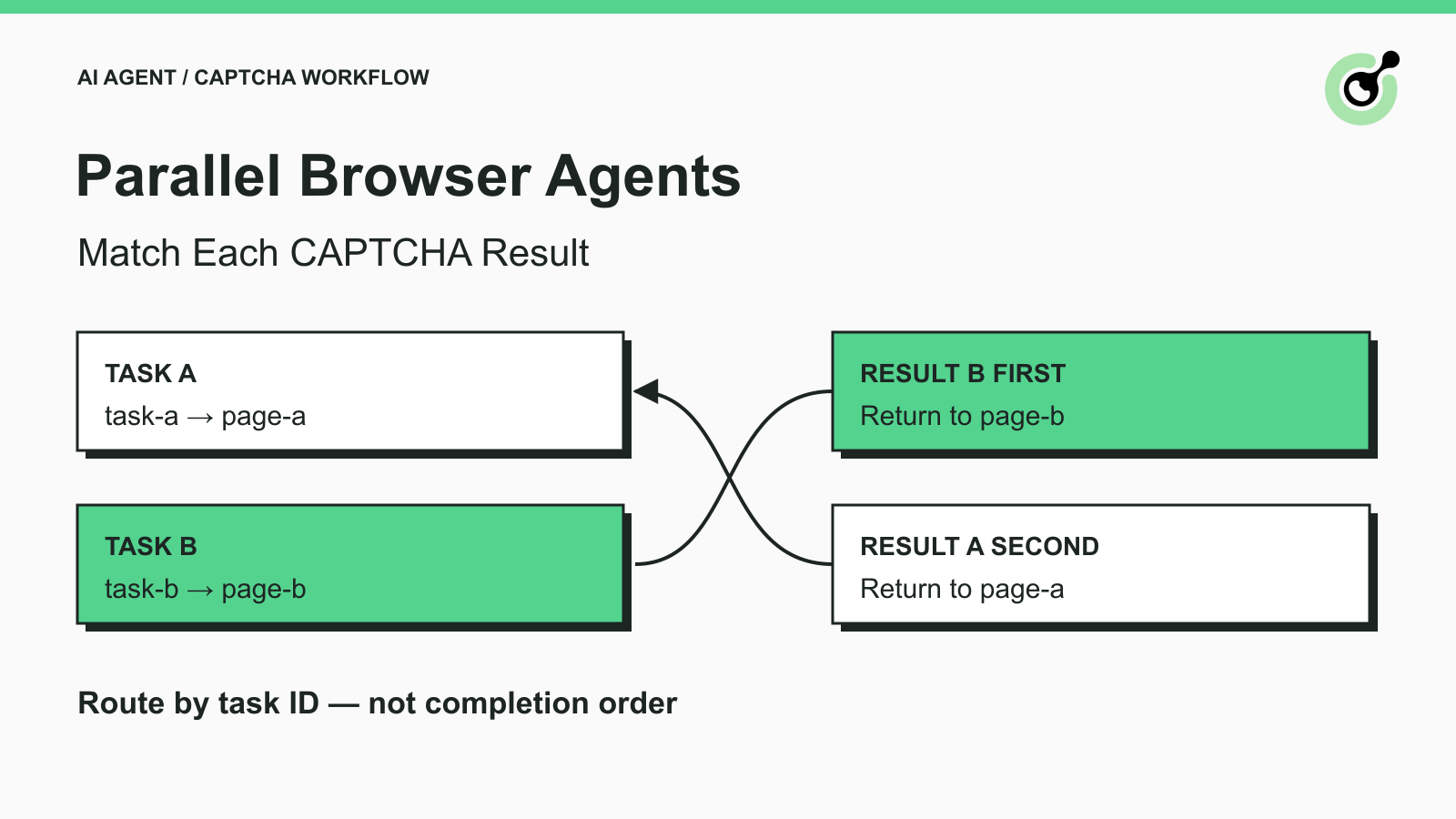
Keep parallel browser agents from mixing CAPTCHA results. Map task IDs to page owners, reject stale responses, and test routing before applying a solution.
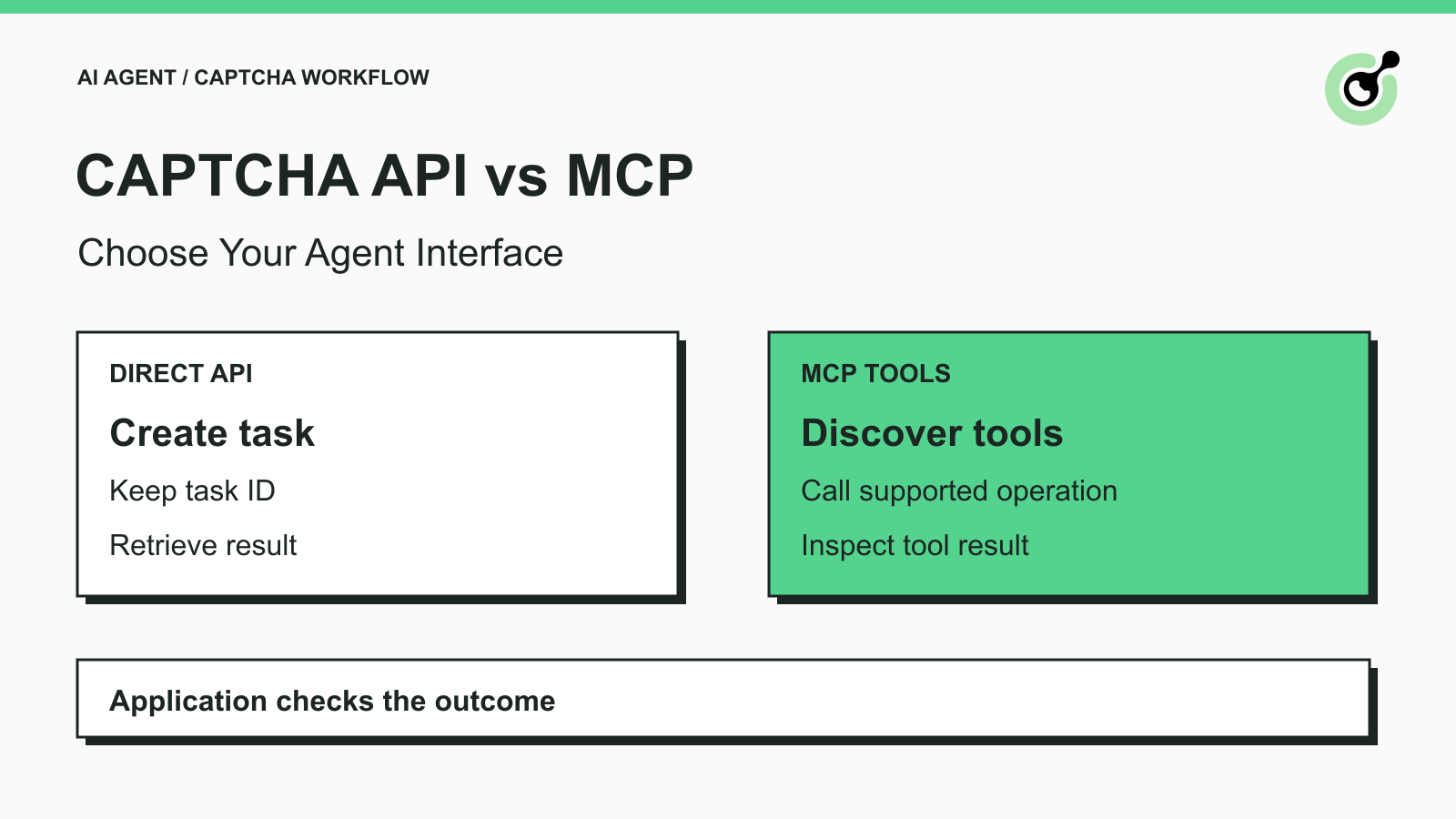
Choose a CAPTCHA API or MCP for your AI agent by comparing task control, tool discovery, result handling, and browser responsibilities before you integrate.
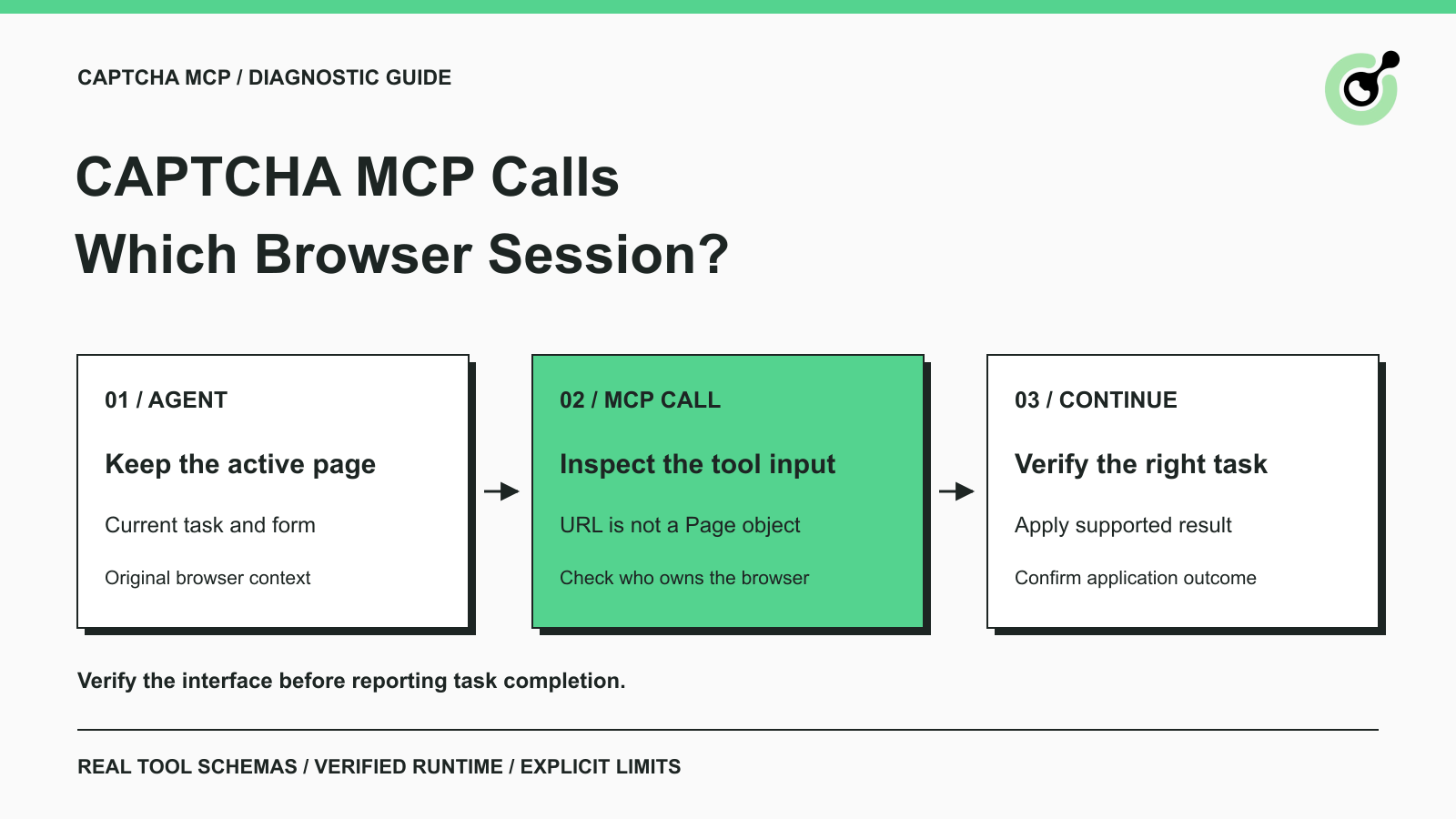
Diagnose CAPTCHA MCP calls that open a different browser session. Inspect tool inputs, keep the original page, and verify the task before continuing.
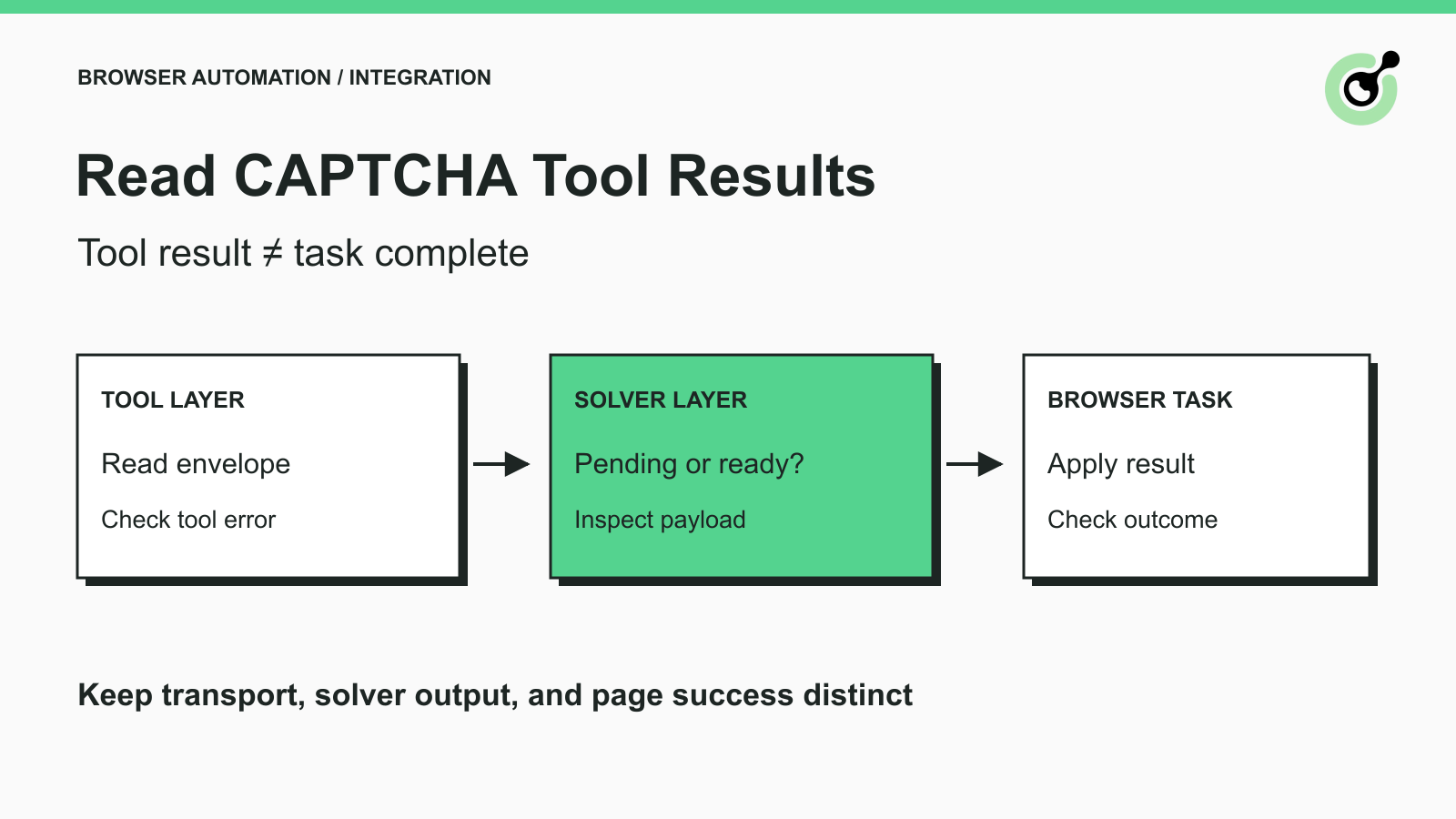
Read CAPTCHA tool results correctly: distinguish transport errors, pending tasks, solver output, and browser success before letting an AI agent continue.
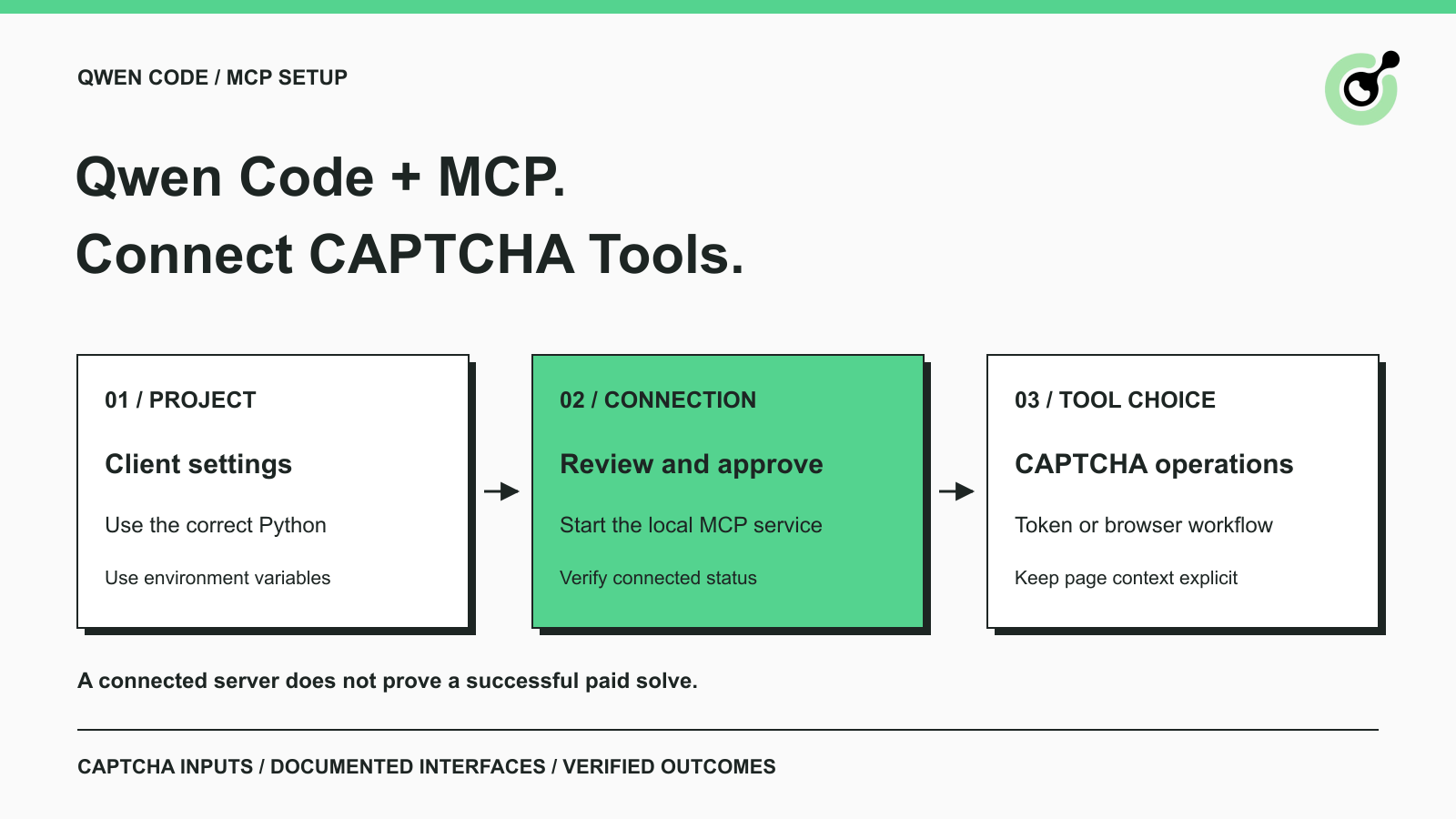
Connect CAPTCHA solver MCP tools to Qwen Code, approve the project server, verify its connection, and choose the right token or browser workflow for your task.

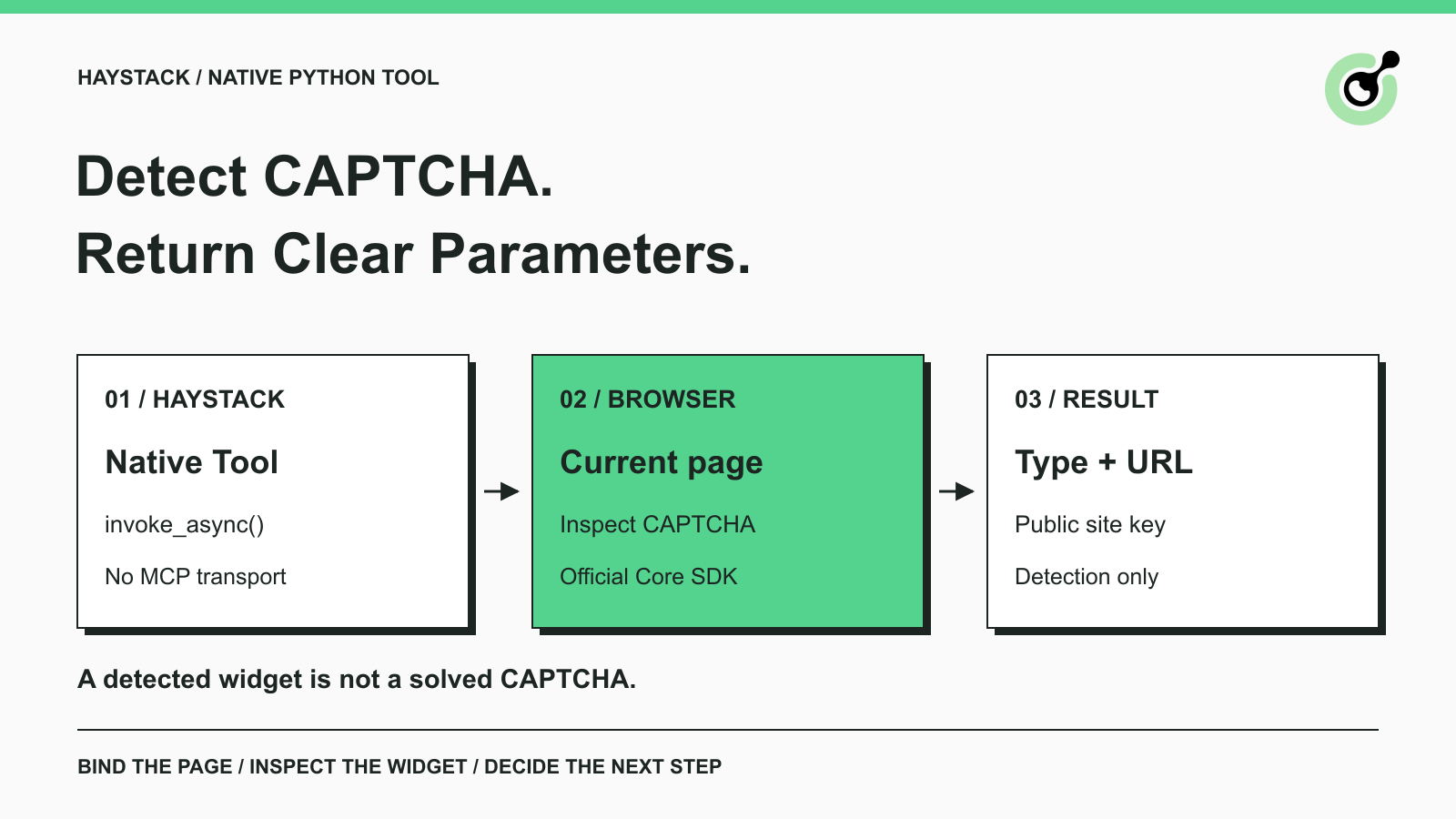
Add a CAPTCHA inspection tool to Haystack, read reCAPTCHA parameters with the official SDK, and verify the connection before a separate solving step.
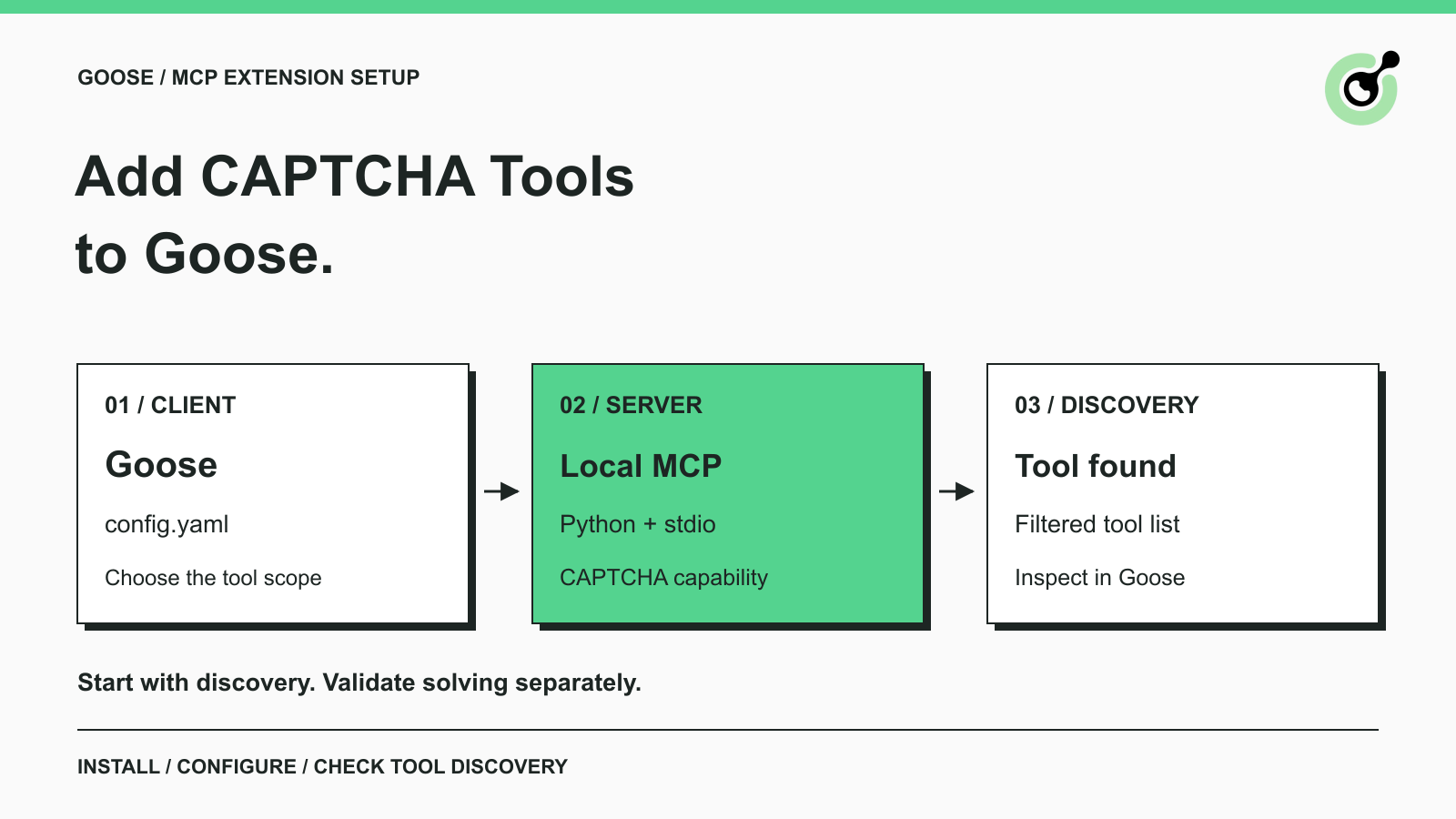
Add CAPTCHA solver tools to Goose with a local MCP extension. Configure Python, inspect tool discovery, and troubleshoot the setup before a solving task.
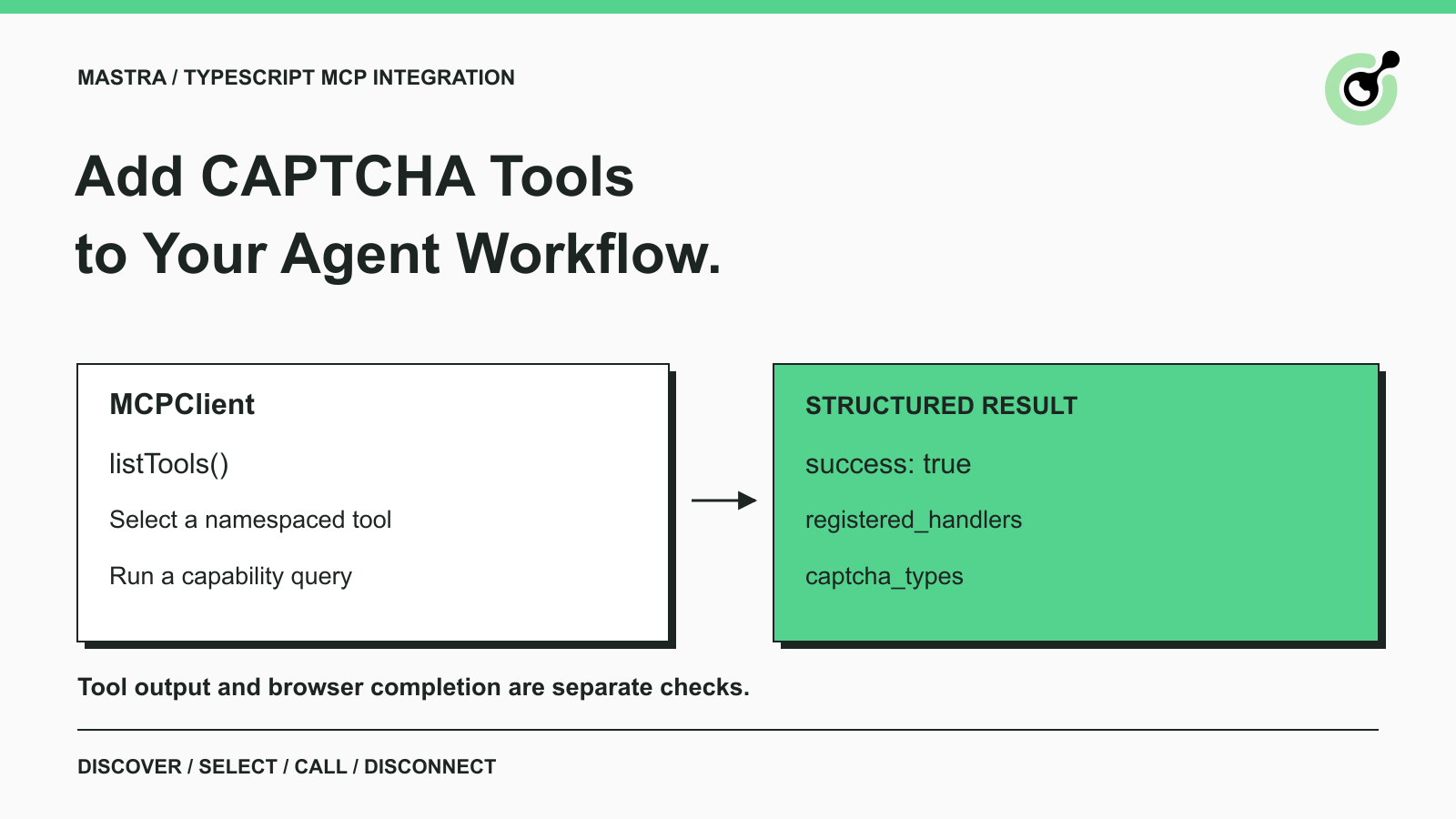
Connect Mastra to a CAPTCHA solver with MCPClient, inspect namespaced tools, run a capability check, and define the next step for an authorized agent workflow.
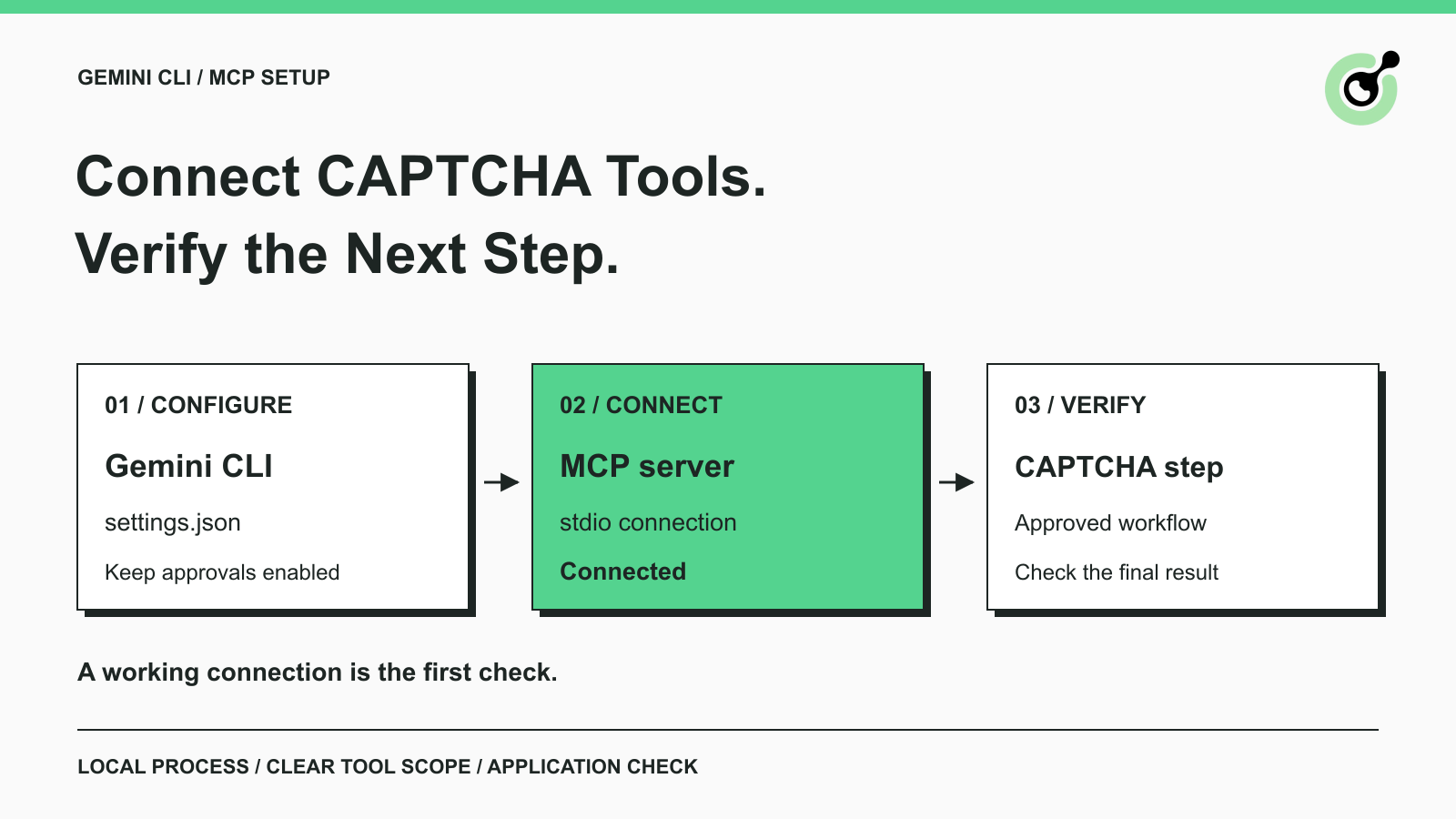
Connect Gemini CLI to a CAPTCHA solver over MCP, verify the local connection, choose the right tools, and keep browser completion separate from tool discovery.