
🎉NEWCapSolver for AI agents-MCP, agent tools, and SDK integrations

Khadija Santos
AI Agent & MCP Engineer
Published Oct 21, 2026
Updated Nov 12, 2026 · min read
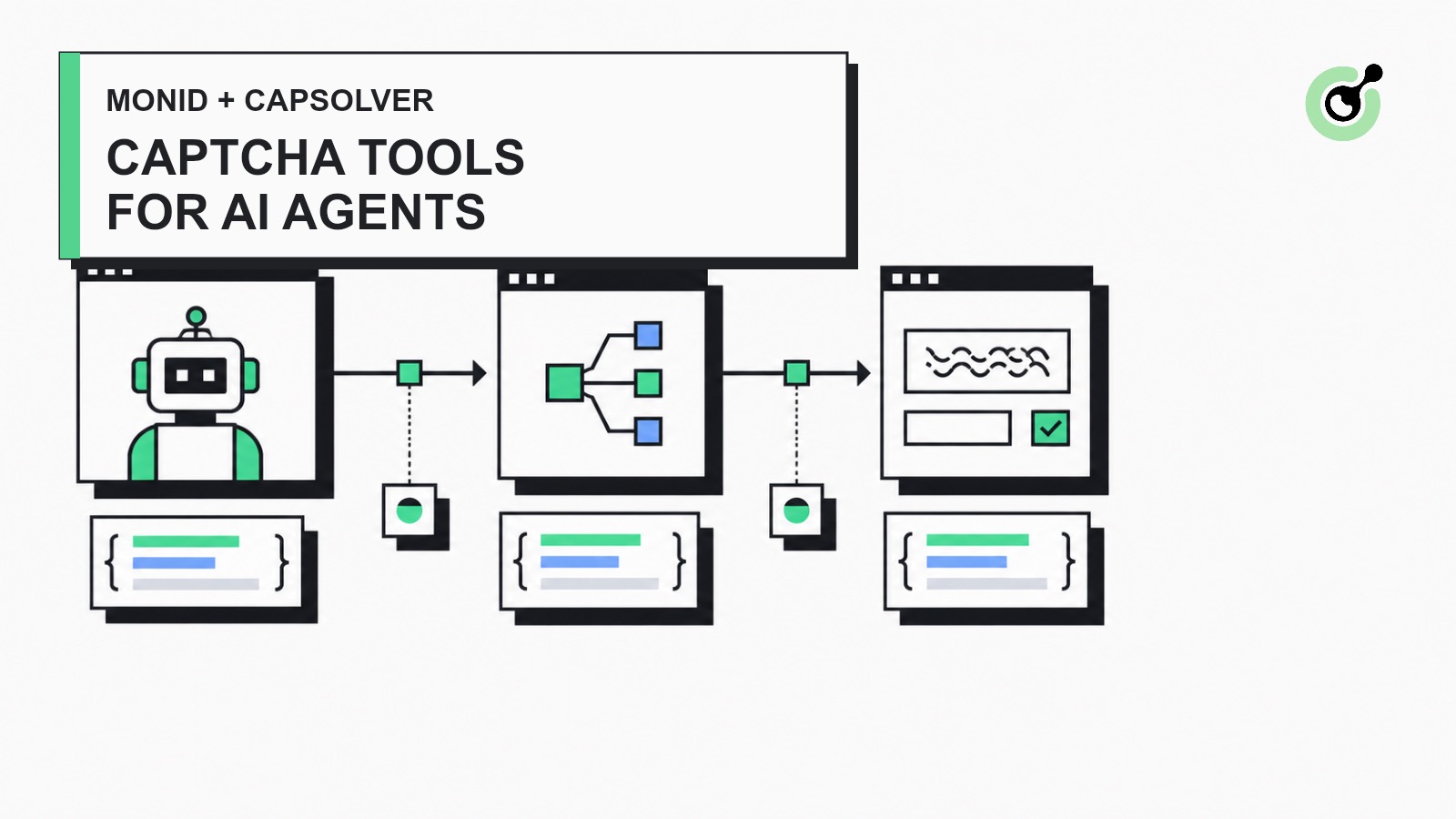
discover, inspect, and run flow that its agents use for other API tools.Browser agents can navigate pages and call web-data tools, but a CAPTCHA checkpoint creates a separate technical step. The agent must identify the challenge type, submit the correct page URL and public site key, wait for a result, and apply the returned token to the authorized browser session. Without a dedicated tool, every agent framework has to implement that lifecycle independently.
The proposed integration adds CapSolver as a native Monid provider. Monid remains the tool-discovery and execution layer, while CapSolver handles supported CAPTCHA tasks through its documented API. This approach fits Monid's existing model: an agent discovers a tool, inspects its schema and pricing, and starts a structured run through one interface. Monid documents that flow in its official introduction.
The native connector gives an AI agent a structured way to request CAPTCHA solving without embedding provider-specific HTTP logic in every workflow.
The first connector scope contains three endpoints:
| Monid endpoint | CapSolver task type | Intended use |
|---|---|---|
capsolver#solve/recaptcha-v2 |
ReCaptchaV2TaskProxyLess |
Standard and invisible reCAPTCHA v2 token tasks |
capsolver#solve/recaptcha-v3 |
ReCaptchaV3TaskProxyLess |
Score-based reCAPTCHA v3 token tasks with an action |
capsolver#solve/turnstile |
AntiTurnstileTaskProxyLess |
Cloudflare Turnstile token tasks |
This small initial scope keeps the connector easy to review. Enterprise task types, proxy-based tasks, and browser-side token application can be added separately after the core API lifecycle is stable.
The integration is designed for QA, RPA, browser automation, and permitted public-web data workflows. Technical capability does not grant permission to access private, restricted, or sensitive data. Review the target site's terms and obtain authorization before automating it.
The native connector wraps CapSolver's asynchronous task API in Monid's standard provider lifecycle.
websiteURL, websiteKey, and any task-specific input.clientKey into the JSON request body./createTask and stores only the returned task ID./getTaskResult while the task is idle or processing.ready, the connector returns the provider's structured solution.This is intentionally a native REST connector rather than an MCP-to-MCP bridge. Monid already exposes its own MCP interface for AI clients; the provider layer underneath it calls CapSolver's API directly.
AI agent
  → Monid discover / inspect / run
  → CapSolver connector
  → createTask
  → getTaskResult polling
  → structured solution
  → authorized browser workflow continues
Redeem Your CapSolver Bonus Code
Boost your automation budget instantly!
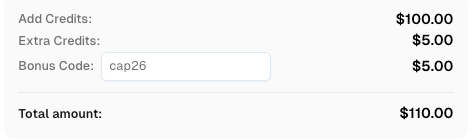
Use bonus code CAP26 when topping up your CapSolver account to get an extra 5% bonus on every recharge — with no limits.
Redeem it now in your CapSolver Dashboard
CapSolver authentication differs from providers that use an HTTP authorization header. The API expects clientKey in the JSON body, so the connector adds it inside Monid's credential injection layer.
The submitted provider definition uses this authentication and timeout pattern; the asynchronous lifecycle is implemented separately in the same provider:
export default defineProvider({
  name: "capsolver",
  auth: {
    inject: ({ data, utils }) => ({
      ...data.request,
      body: utils.json.merge(data.request.body ?? {}, {
        clientKey: data.params.apiKey,
      }),
    }),
  },
  request: {
    baseUrl: "https://api.capsolver.com",
  },
  timeouts: { requestMs: 30_000, runMs: 300_000, pollMs: 3_000 },
});
The secret stays out of the endpoint definition, replay fixtures, logs, and lifecycle state. Only the transport layer receives the credential when it sends the provider request.
You can review the current CapSolver task lifecycle in the official createTask and getTaskResult documentation.
Each Monid endpoint maps a validated input schema to one CapSolver task type. The reCAPTCHA v2 endpoint accepts a page URL, public site key, and optional fields observed from the widget, including invisible mode, page action, the standard s value, session mode, and API domain.
const zBody = z.object({
  websiteURL: z.url(),
  websiteKey: z.string().min(1),
  isInvisible: z.boolean().optional(),
  pageAction: z.string().min(1).optional(),
  recaptchaDataSValue: z.string().optional(),
  isSession: z.boolean().optional(),
  apiDomain: z.string().optional(),
}).strict();

export default defineEndpoint({
  endpoint: "/solve/recaptcha-v2",
  request: { method: "POST", path: "/createTask" },
  input: {
    schema: { body: zBody },
    toRequest: ({ data, utils }) => ({
      ...data.input,
      body: {
        task: utils.json.merge(data.input.body ?? {}, {
          type: "ReCaptchaV2TaskProxyLess",
        }),
      },
    }),
  },
});
The same structure applies to reCAPTCHA v3 and Turnstile, with task-specific schemas and task types. Monid's connector authoring guide requires replay fixtures, type checks, and a pull request before a provider is added to the hosted catalog.
The connector must treat CapSolver as an asynchronous provider. A successful /createTask response normally supplies a task ID, while /getTaskResult reports idle, processing, or ready.
The tested lifecycle follows these rules:
idle or processing: keep the Monid run active and poll again.ready: return the structured solution and complete the run.errorId: return a provider error rather than a successful result.This separation matters because Monid distinguishes its own run status from the upstream provider's HTTP status. Its CLI run documentation explains how asynchronous tools start a run and expose the final provider response.
Before hosted publication, the verified local commands are:
deno task catalog endpoints --provider capsolver
deno task catalog inspect 'capsolver#solve/recaptcha-v2'
After publication, an MCP client should call Monid's monid_inspect tool first:
{ "provider": "capsolver", "endpoint": "/solve/recaptcha-v2" }Then call monid_run with the validated input:
{
  "provider": "capsolver",
  "endpoint": "/solve/recaptcha-v2",
  "input": {
    "body": {
      "websiteURL": "https://authorized.example/test",
      "websiteKey": "PUBLIC_SITE_KEY"
    }
  }
}
Use an authorized test page and replace PUBLIC_SITE_KEY with the widget's public site key. Keep API credentials in Monid's credential configuration rather than placing them in commands, prompts, or source files.
At the time of writing, the hosted endpoint is not yet available. The submitted connector passes compilation and the Monid test suite, with 1,376 tests passing in the PR verification run. reCAPTCHA v2 and v3 fixtures were recorded from public demo pages, while Turnstile success and failure coverage remains explicitly synthetic. Monid's upstream review, hosted deployment, and a non-dummy Turnstile live check remain prerequisites for general availability.
For direct agent integrations available today, the CapSolver MCP Server exposes CAPTCHA tools to compatible clients. The broader agentic browser integration guide explains where CAPTCHA handling belongs in a browser-agent workflow.
The first connector should stay narrow until the basic lifecycle is accepted and observed in real workloads.
After upstream review, the next useful additions are a non-dummy Turnstile live recording and a verified browser example showing how an agent detects a supported widget, calls the Monid endpoint, and applies the result to the same authorized session. Both should use explicit demo environments rather than third-party production sites.
A native Monid connector is the cleanest way to make CAPTCHA solving discoverable to AI agents without adding provider-specific code to every agent framework. The submitted connector demonstrates that Monid can validate task input, protect the API key, manage asynchronous polling, and return a structured result through its normal tool lifecycle.
The remaining work is procedural and verification-focused: resolve the two minor automated review comments, complete a non-dummy Turnstile live check, obtain Monid's approval, and verify the hosted MCP flow after deployment. Teams that need direct access before then can integrate through the official CapSolver API or MCP Server.
Create an account from the CapSolver Dashboard, review the supported integration documentation, and test only on pages you are permitted to automate. For product and account questions, consult the CapSolver FAQ.
Q: Is the CapSolver connector already available in Monid?
No. The native connector has been submitted as a pull request and is awaiting Monid's upstream review, hosted deployment, and catalog publication.
Q: Does Monid call the CapSolver MCP Server directly?
No. Monid should call CapSolver's REST API through a native provider connector, while Monid's own MCP server exposes the resulting tools to compatible AI clients.
Q: Which CAPTCHA types are included in the proposed first release?
The proposed first release covers proxyless reCAPTCHA v2, reCAPTCHA v3, and Cloudflare Turnstile token tasks.
Q: Where is the CapSolver API key stored?
The connector passes the API key through Monid's credential injection layer and adds it to the provider request body only when the request is sent.
Q: Can the connector automatically control a browser page?
No. The initial connector returns a structured solution; the authorized browser workflow remains responsible for applying that result to its active page or session.
Q: Can the integration be used on any website?
No. Use the integration only on sites and workflows you are authorized to automate, and follow applicable terms, privacy requirements, and laws.
Khadija Santos
AI Agent & MCP Engineer
Develops and maintains CapSolver’s MCP tooling, from implementation and package releases to AI agent integrations.
ABOUT THE AUTHOR
Decide which CAPTCHA inputs your computer-use agent can actually supply, and when to switch to browser inspection or request human input.

Handle MCP CAPTCHA cancellation in AI agents. Stop new calls, distinguish remote tasks from local waits, and prevent late results from restarting work.