
🎉NEWCapSolver for AI agents-MCP, agent tools, and SDK integrations
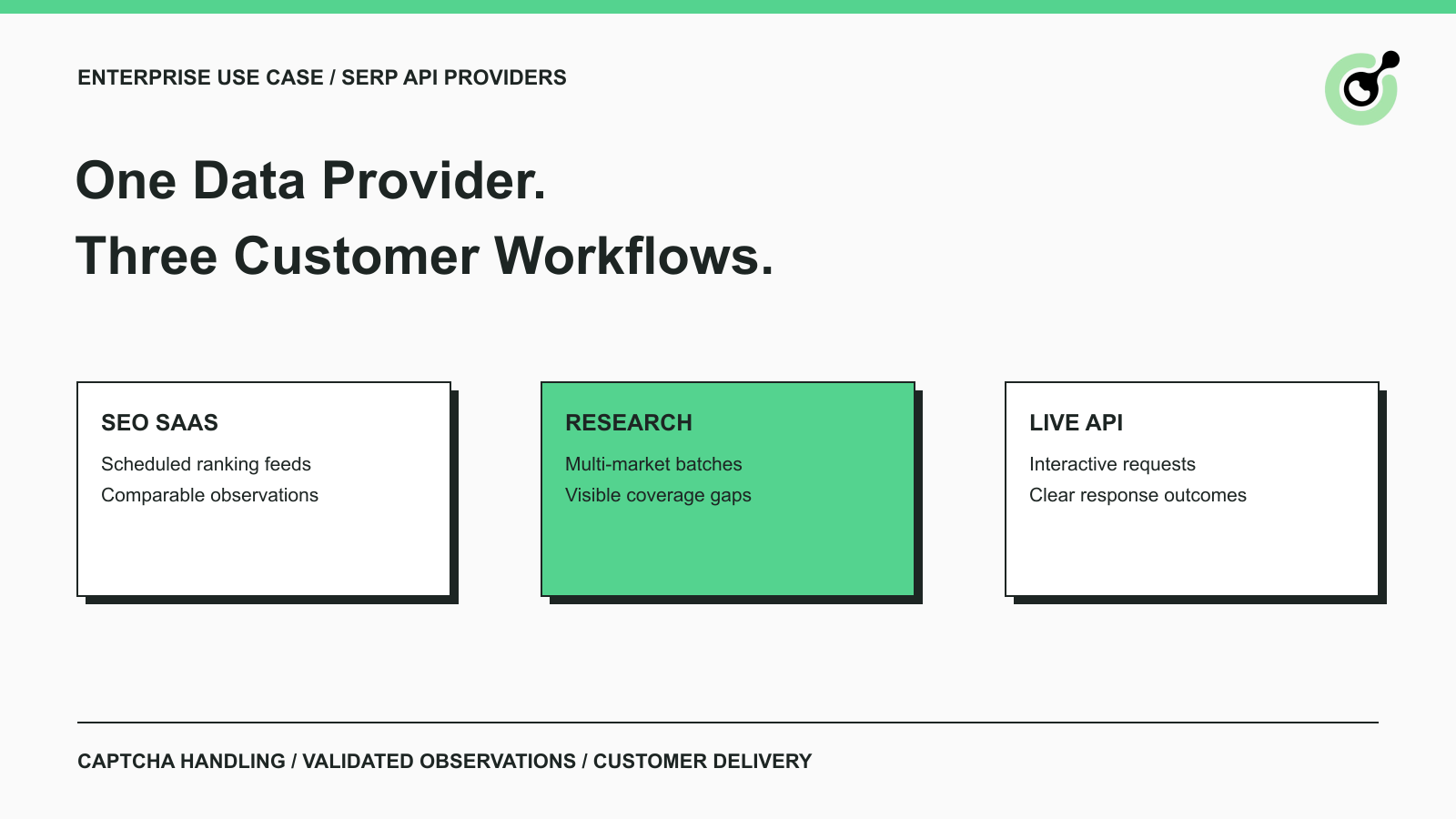
Explore three enterprise uses of CAPTCHA solving for SERP API providers: scheduled ranking feeds, market-research batches, and interactive search-data delivery.

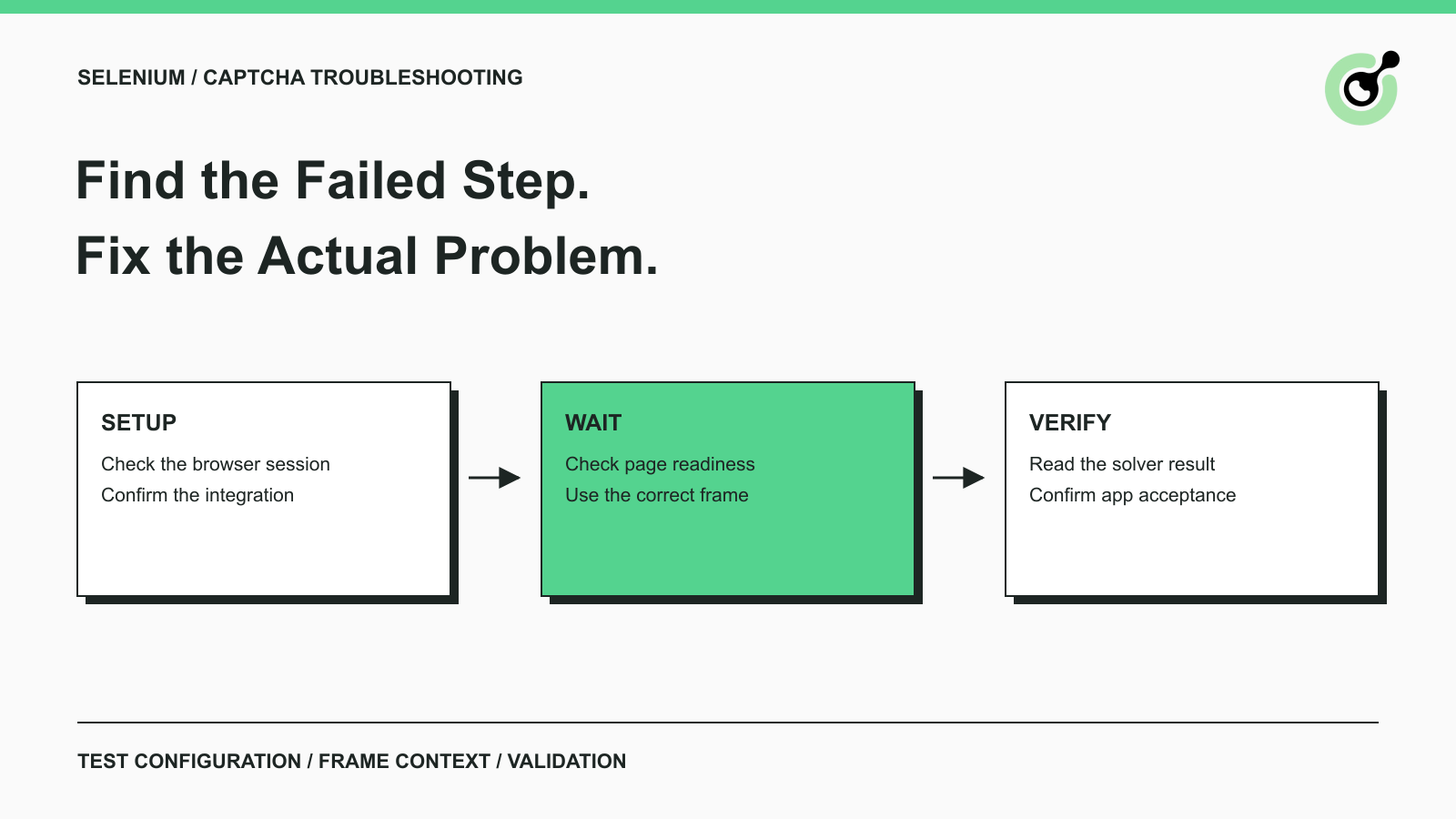
Fix common Selenium CAPTCHA integration problems by checking test configuration, extensions, waits, iframe context, solver responses, and application results.

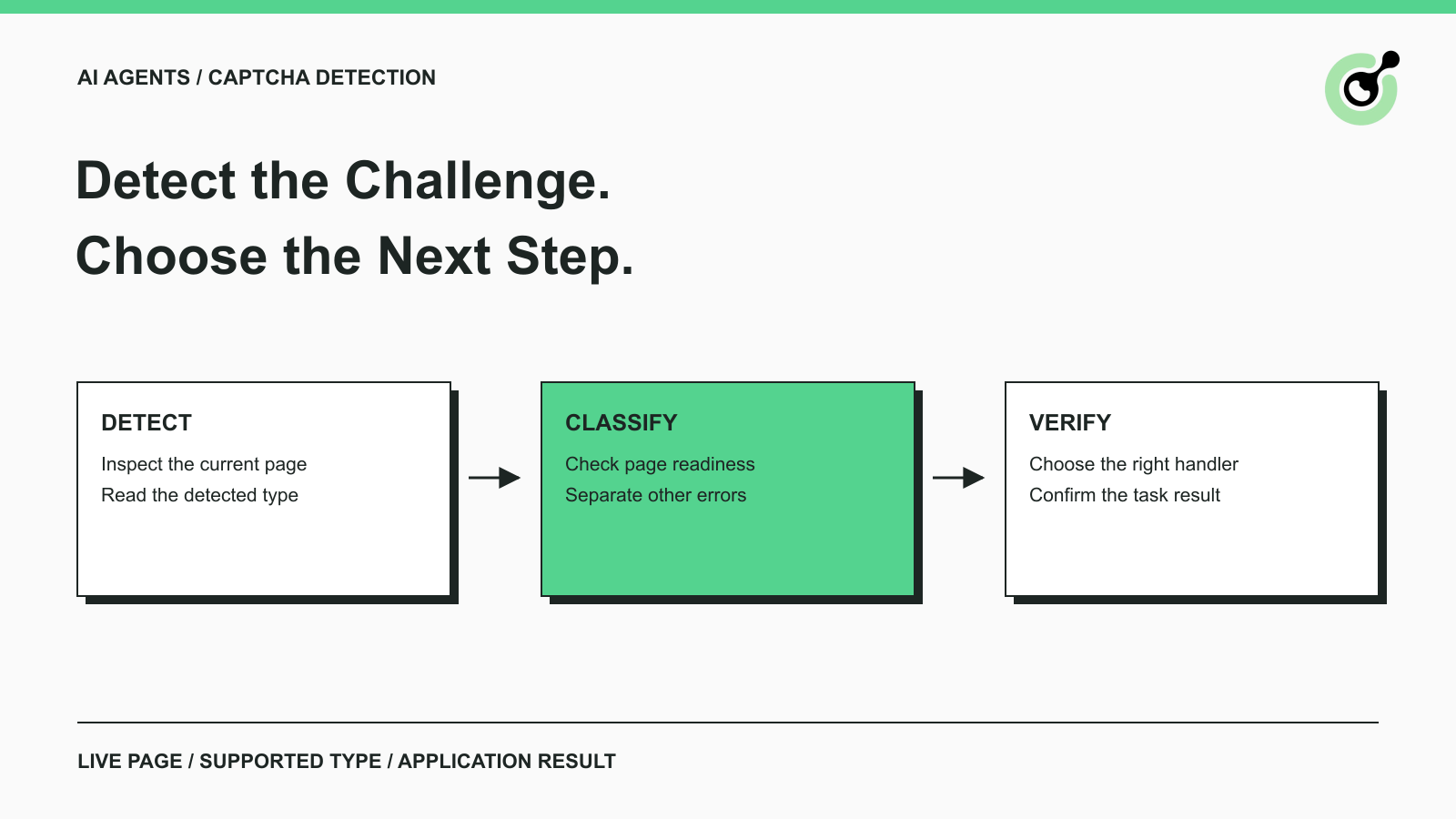
Learn how AI agents detect CAPTCHAs with the CapSolver Core SDK, run a tested Python example, and separate detection from solving and workflow completion.

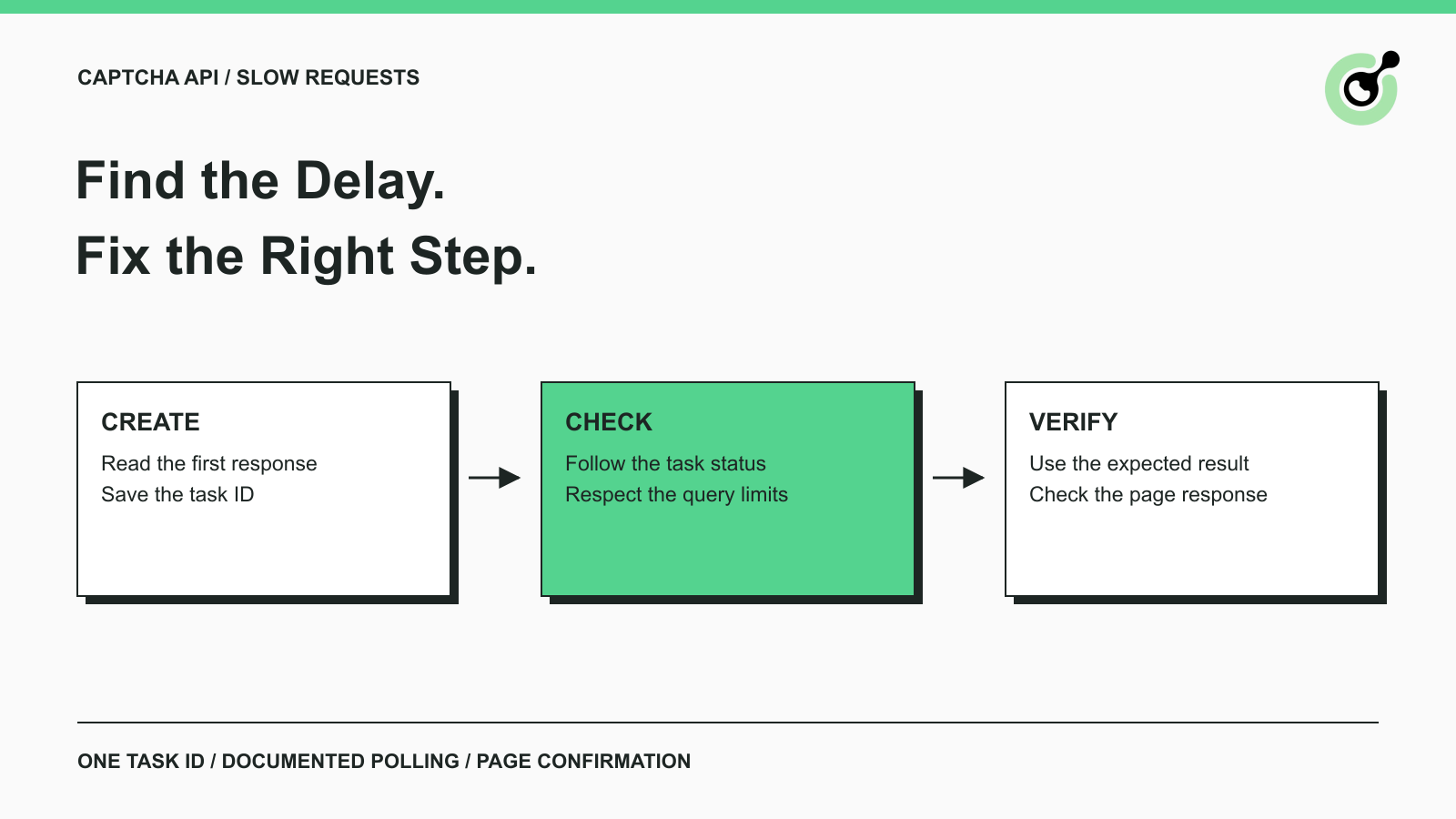
Troubleshoot slow CAPTCHA API requests with clear checks for task creation, result polling, errors, token expiry, and the final browser action after solving.

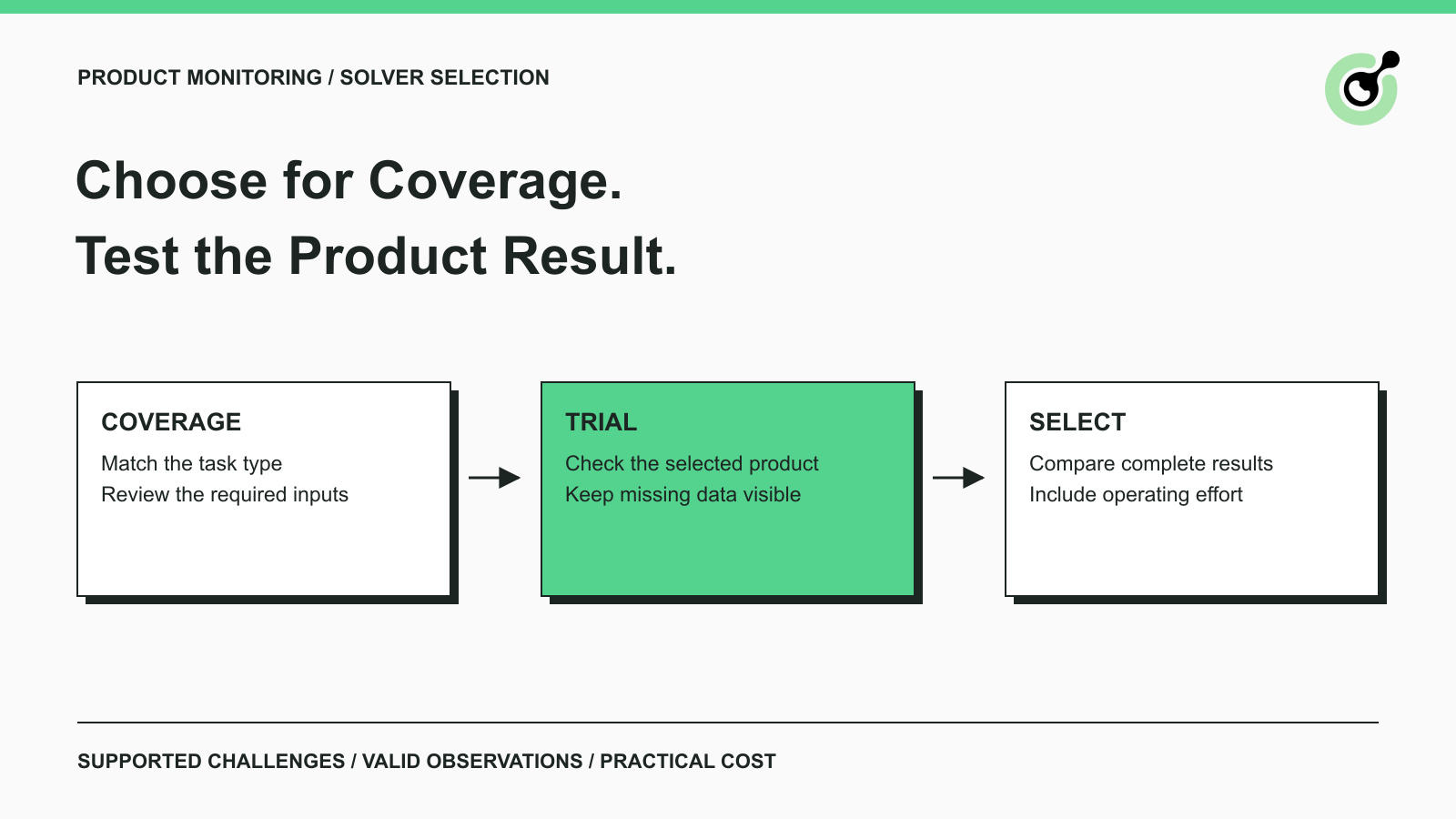
Choose a CAPTCHA solver for product monitoring by checking challenge coverage, complete product observations, integration effort, operating cost, and support.
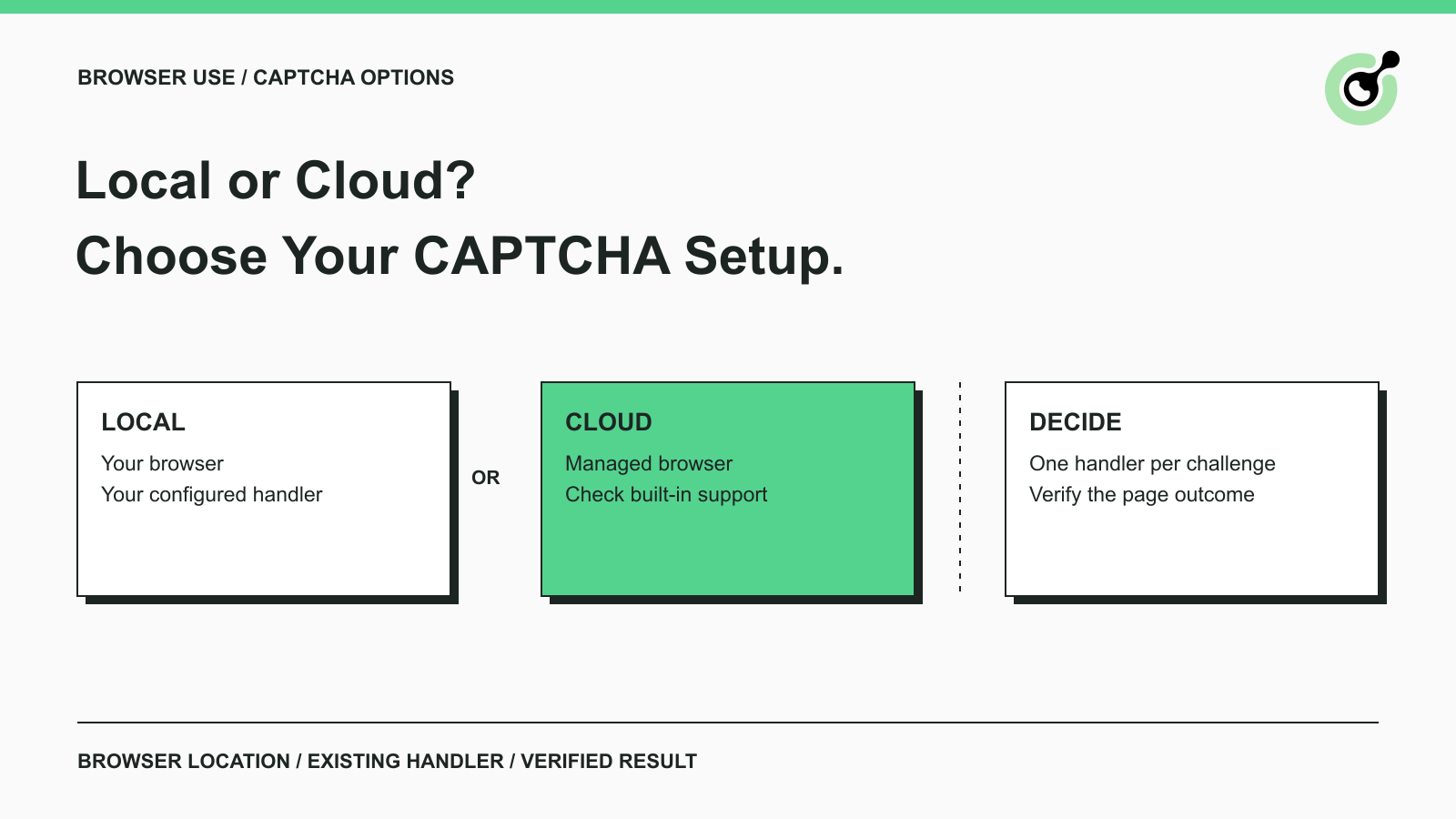
Compare Browser Use CAPTCHA handling in local and cloud browsers, learn where CapSolver fits, and choose a practical setup for authorized agent workflows.

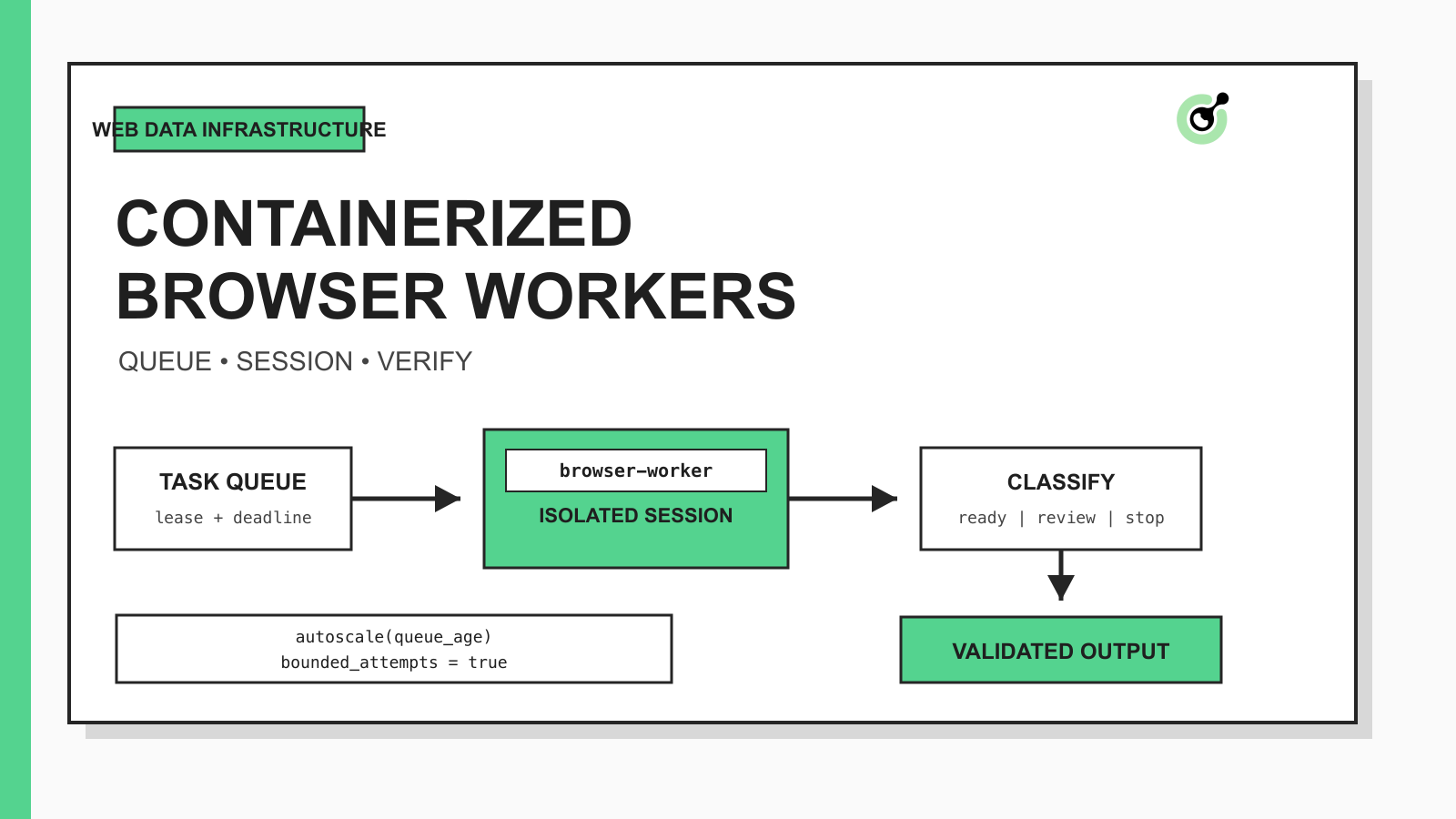
Design containerized browser workers with durable queues, isolated sessions, bounded CAPTCHA handling, autoscaling controls, and validated web data outputs.
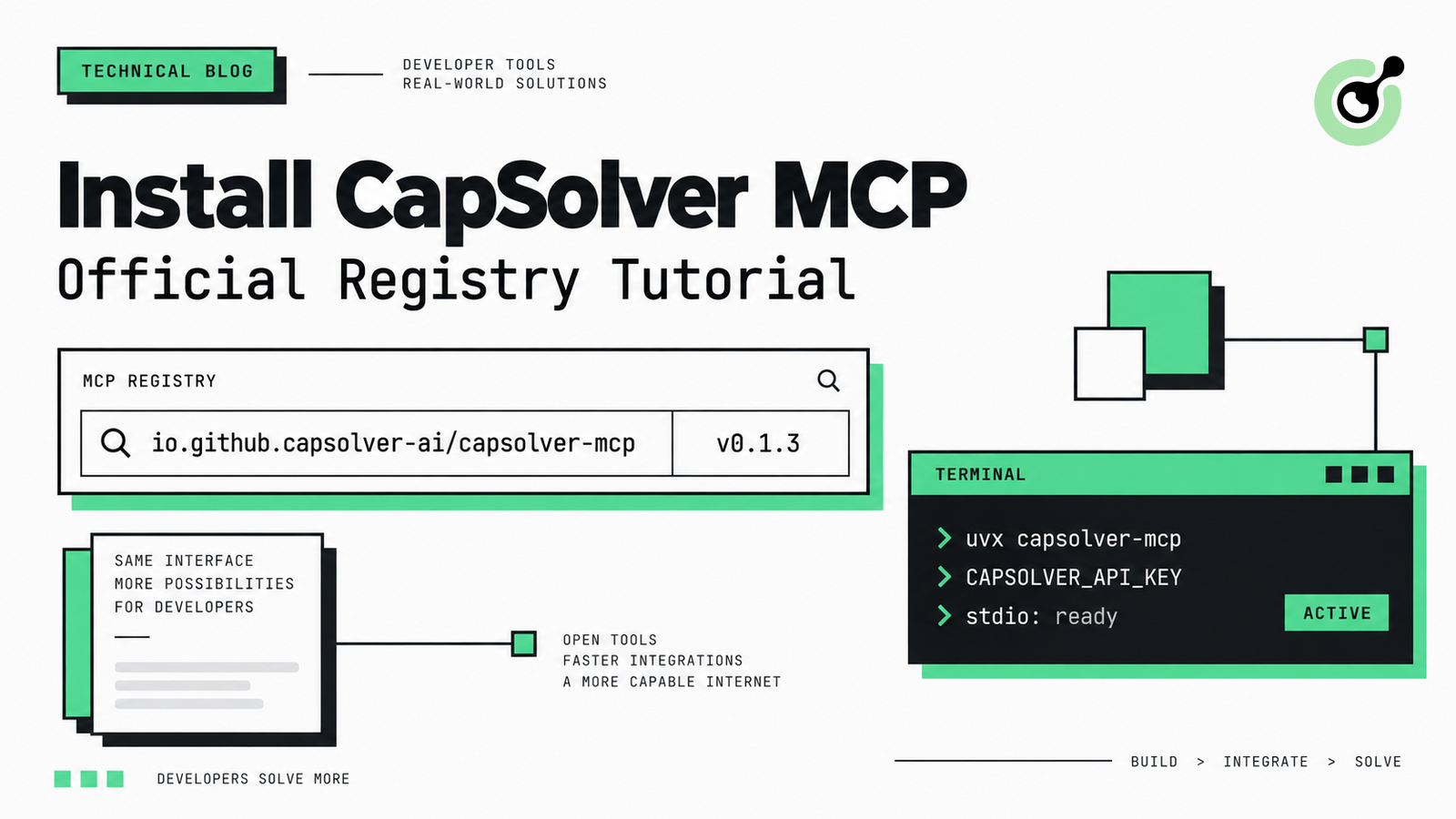
Find CapSolver MCP in the Official MCP Registry, install version 0.1.3 with uvx or pip, configure a local client, and verify the stdio tools.
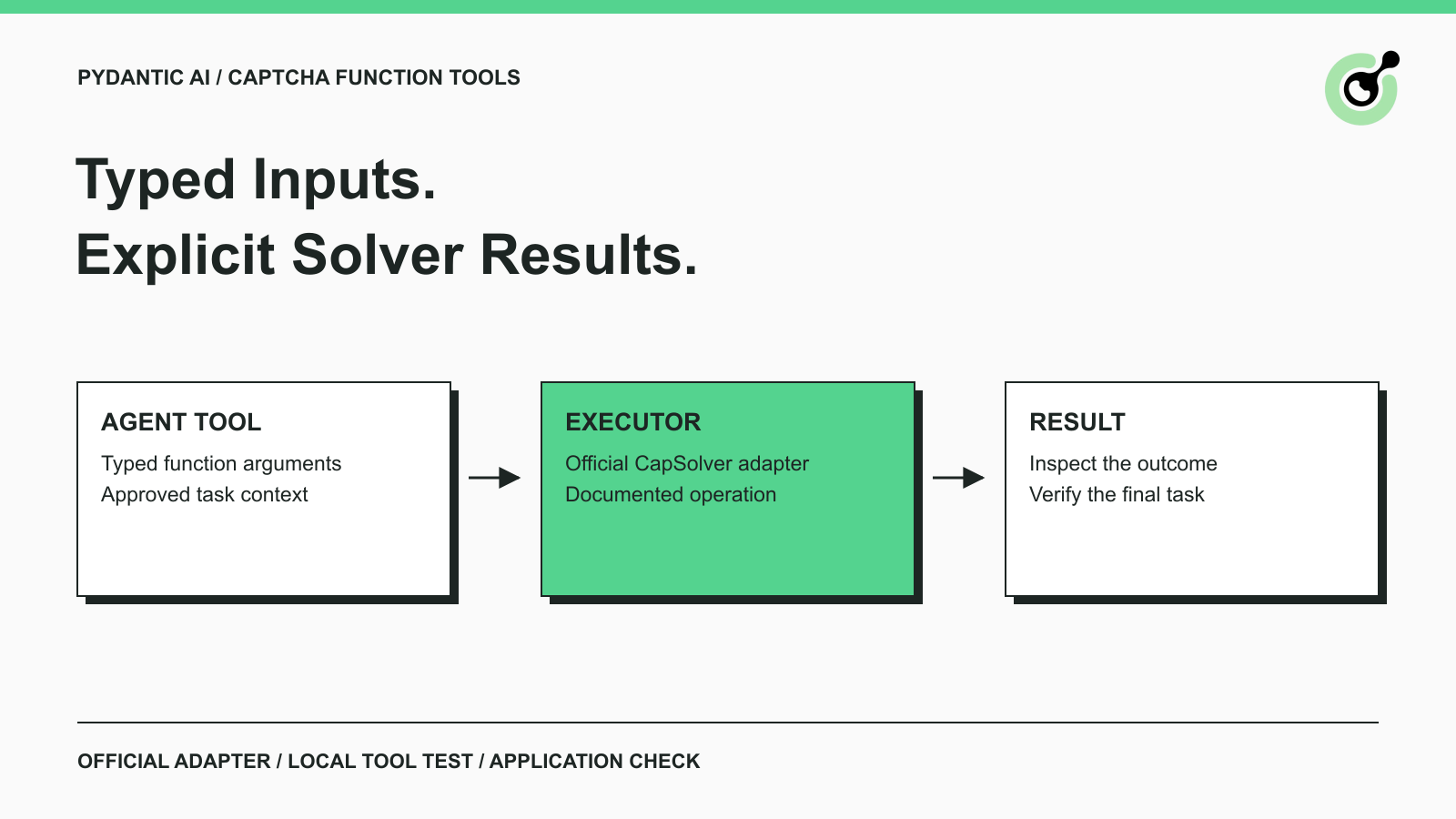
Add CAPTCHA tools to Pydantic AI using the official CapSolver adapter, test tool execution locally, and handle typed inputs and structured solver results.
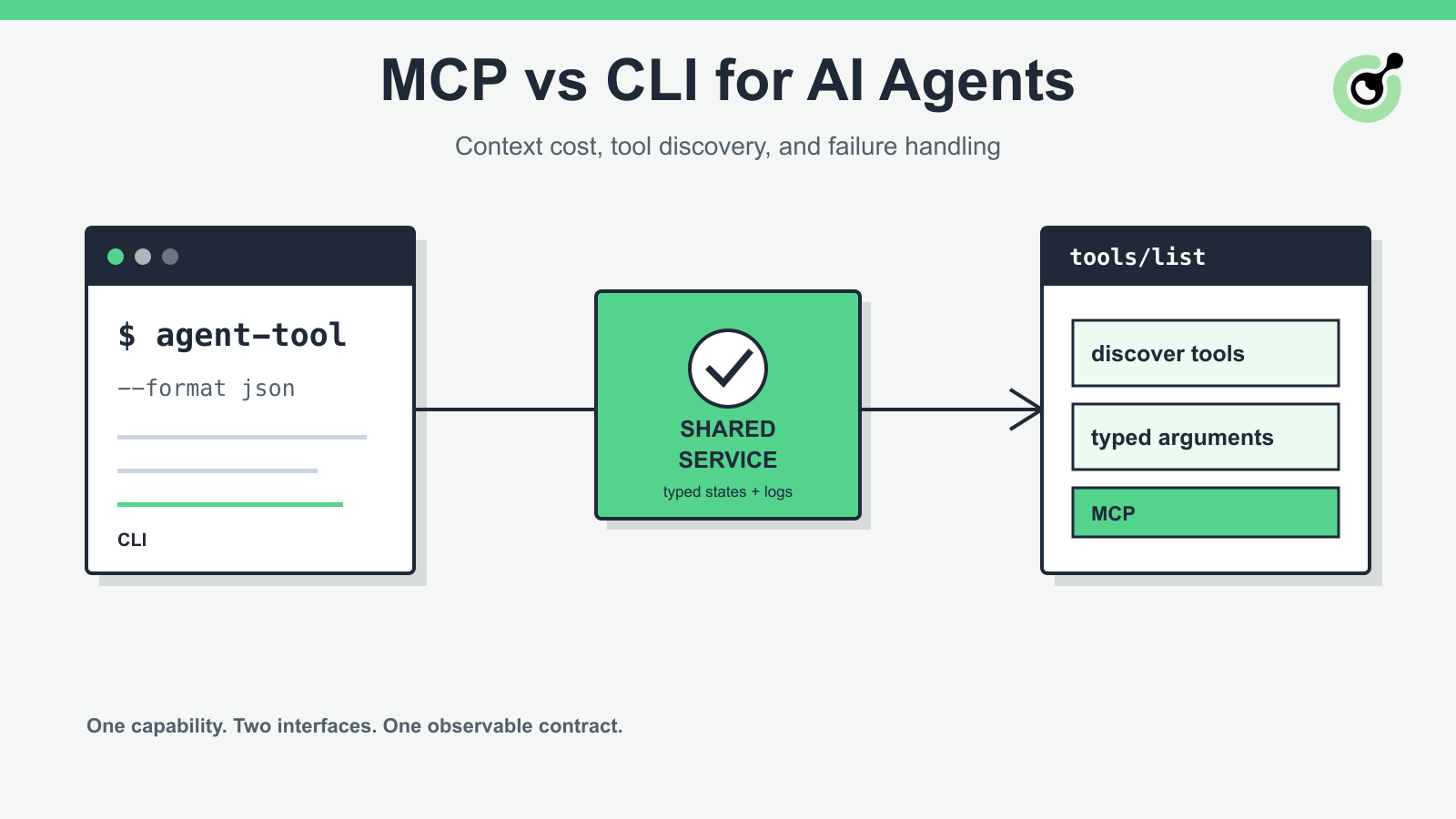
Compare MCP and CLI interfaces for AI agents across tool discovery, context cost, security, debugging, failure handling, and hybrid architecture.
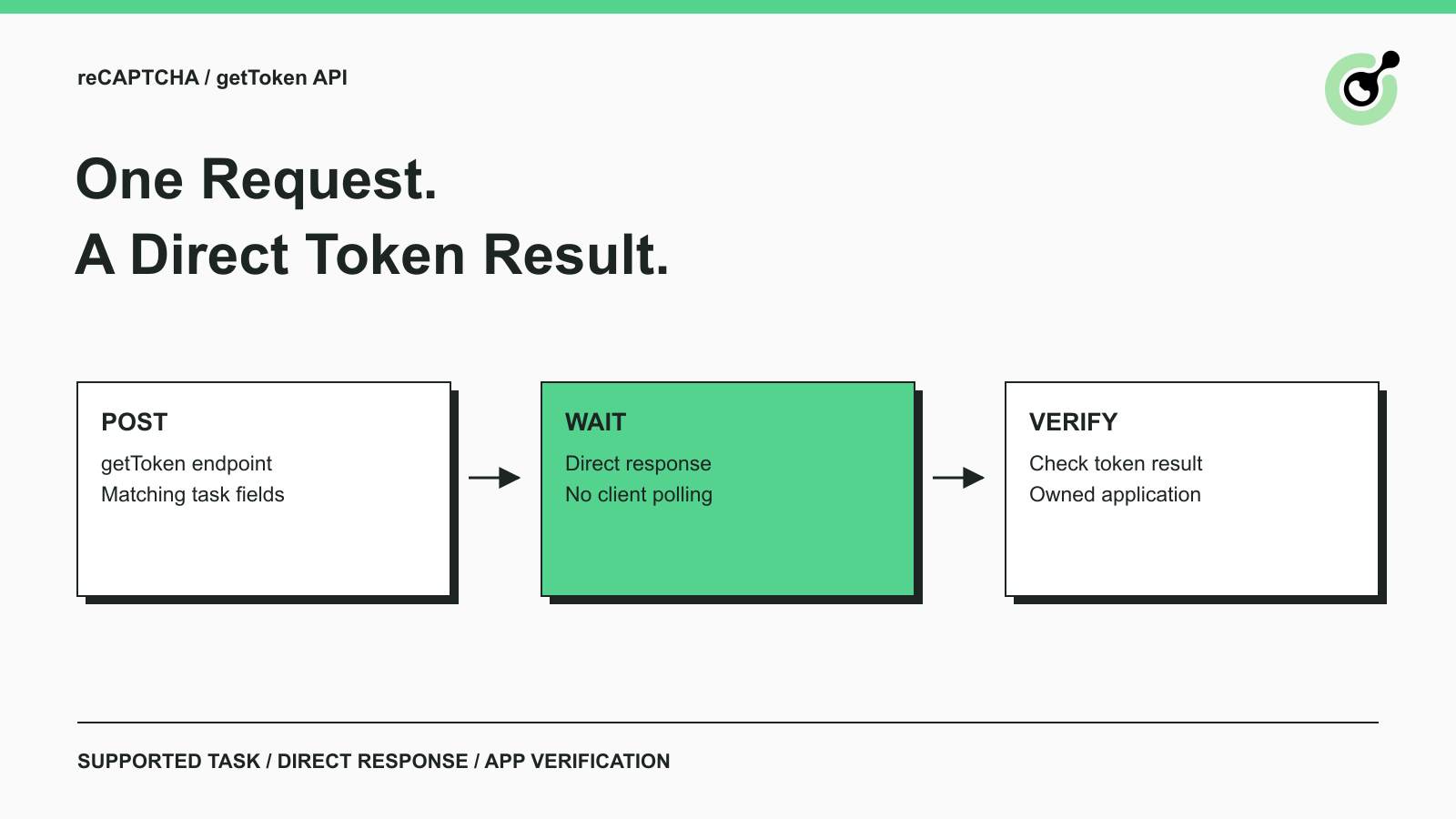
Use CapSolver getToken for supported reCAPTCHA tasks with a documented JSON request, a cURL example, direct results, and clear token-validation steps.
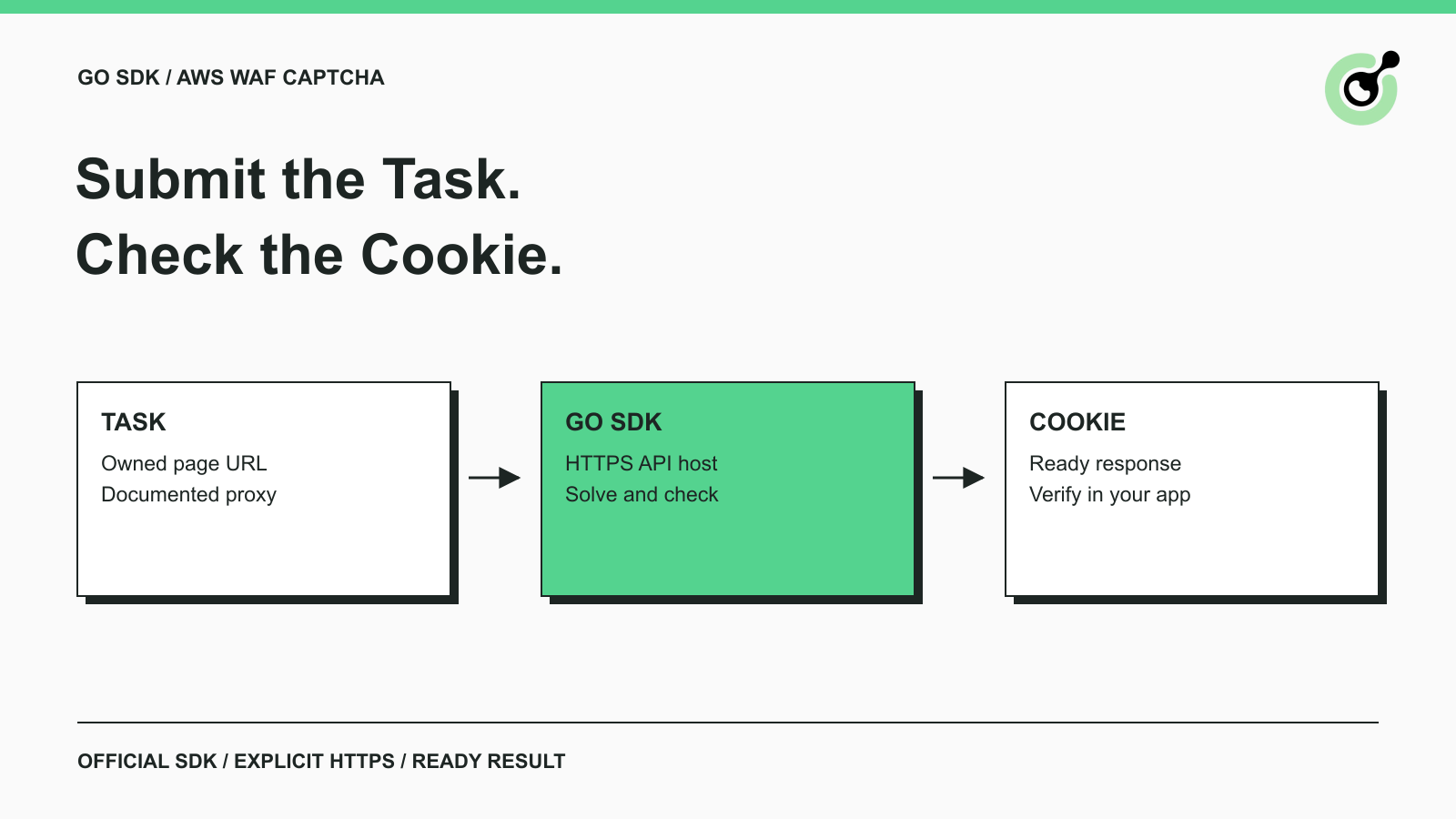
Use the official Go SDK for an AWS WAF CAPTCHA task, set HTTPS explicitly, supply documented parameters, and check the returned cookie before continuing.
