

🎉NEWCapSolver for AI agents-MCP, agent tools, and SDK integrations
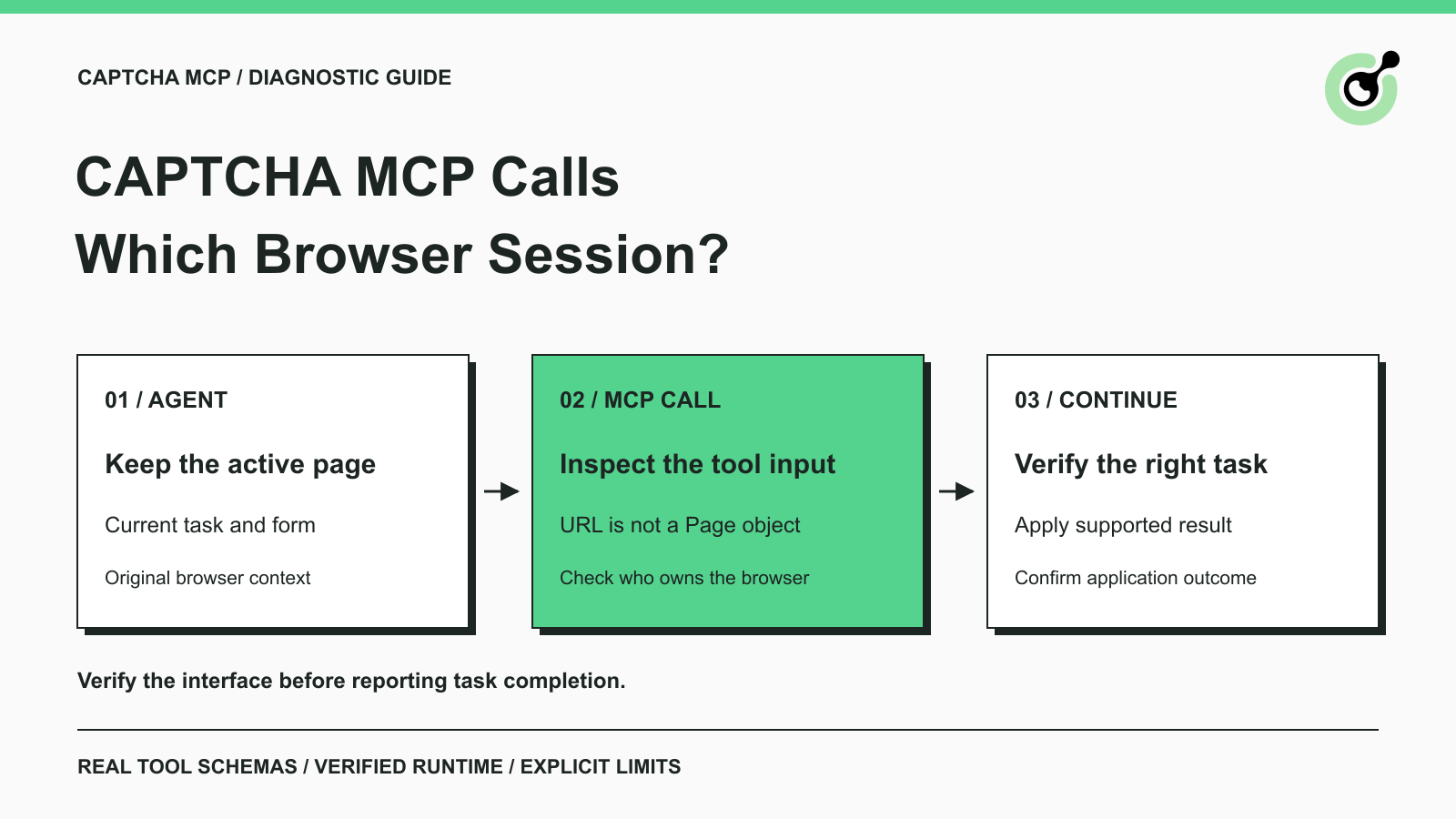
Diagnose CAPTCHA MCP calls that open a different browser session. Inspect tool inputs, keep the original page, and verify the task before continuing.

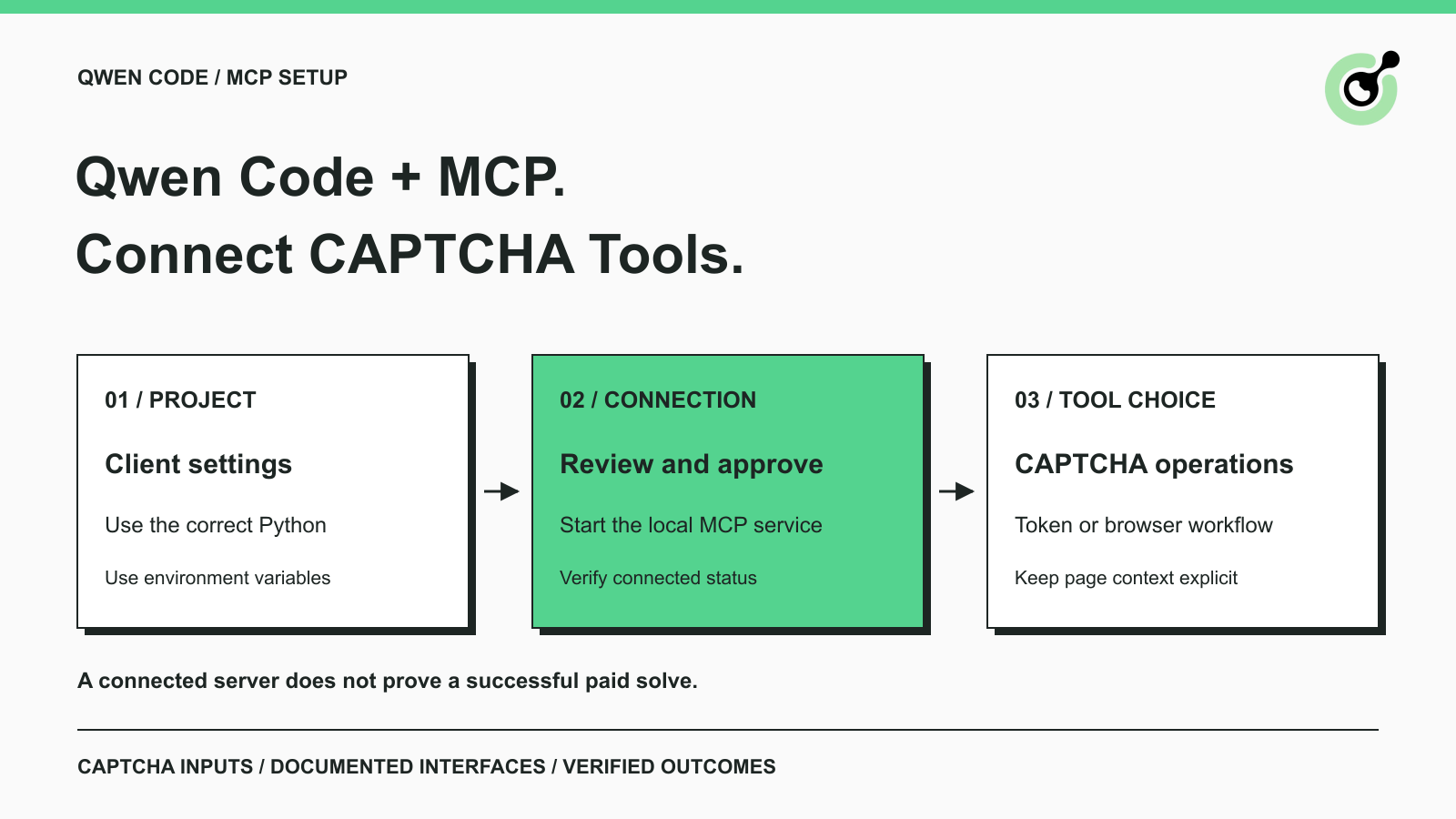
Connect CAPTCHA solver MCP tools to Qwen Code, approve the project server, verify its connection, and choose the right token or browser workflow for your task.

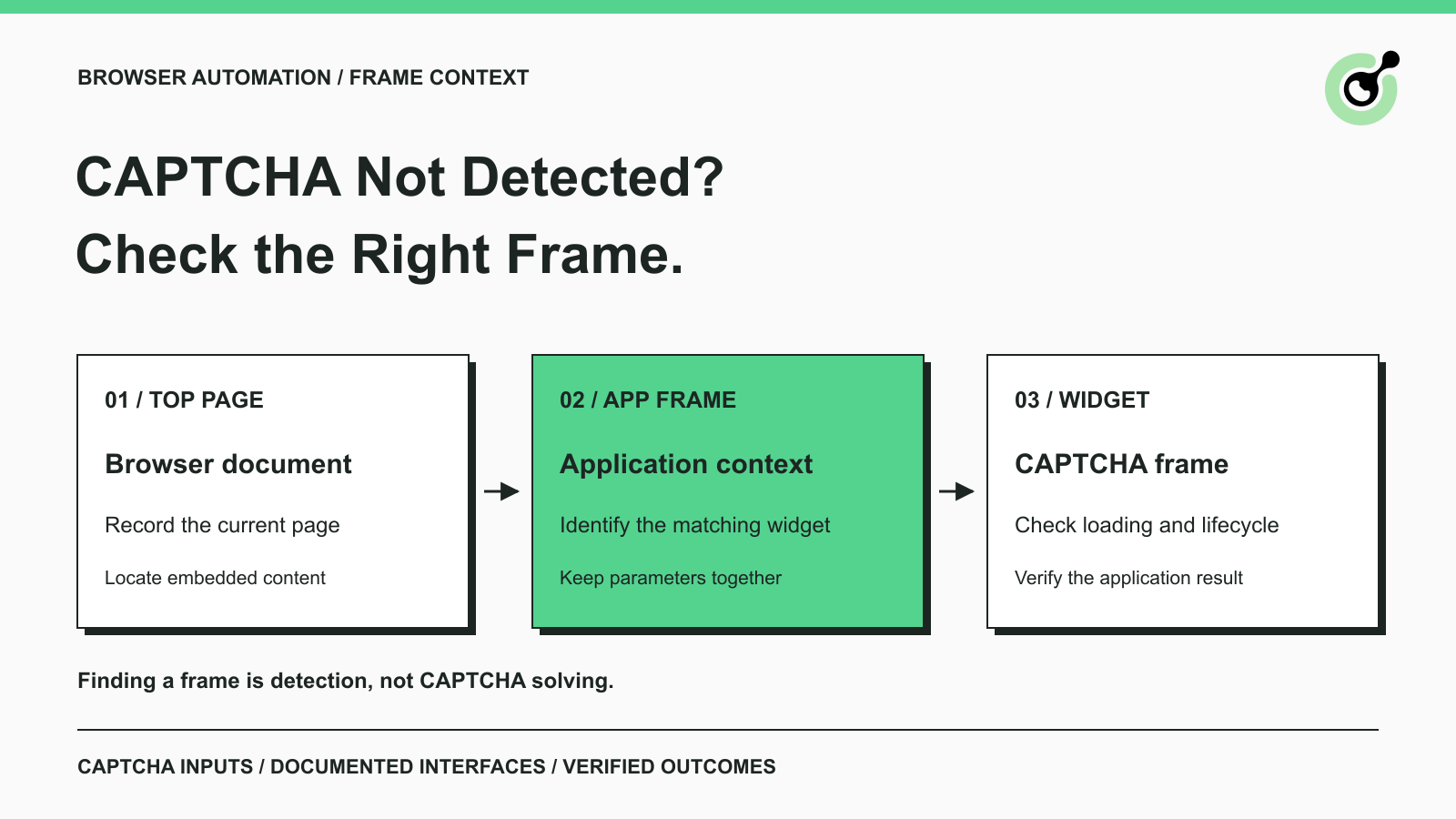
Find why a visible CAPTCHA is missed inside an iframe. Check document context, widget loading, site parameters, and the browser handoff to your solver.

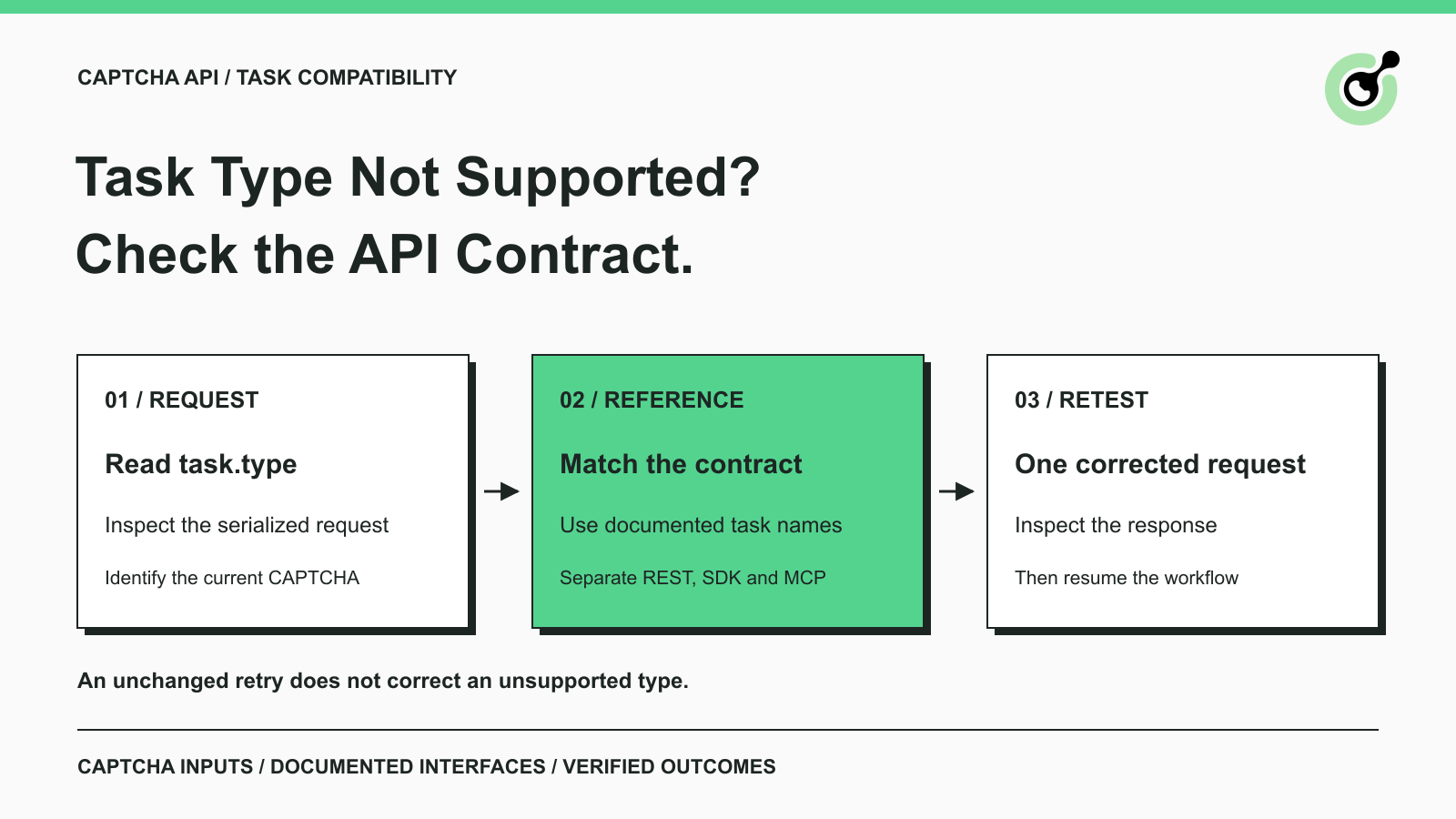
Fix ERROR_TASK_NOT_SUPPORTED by checking the actual CAPTCHA task type, API contract, and SDK mapping. Correct incompatible requests before retrying them.

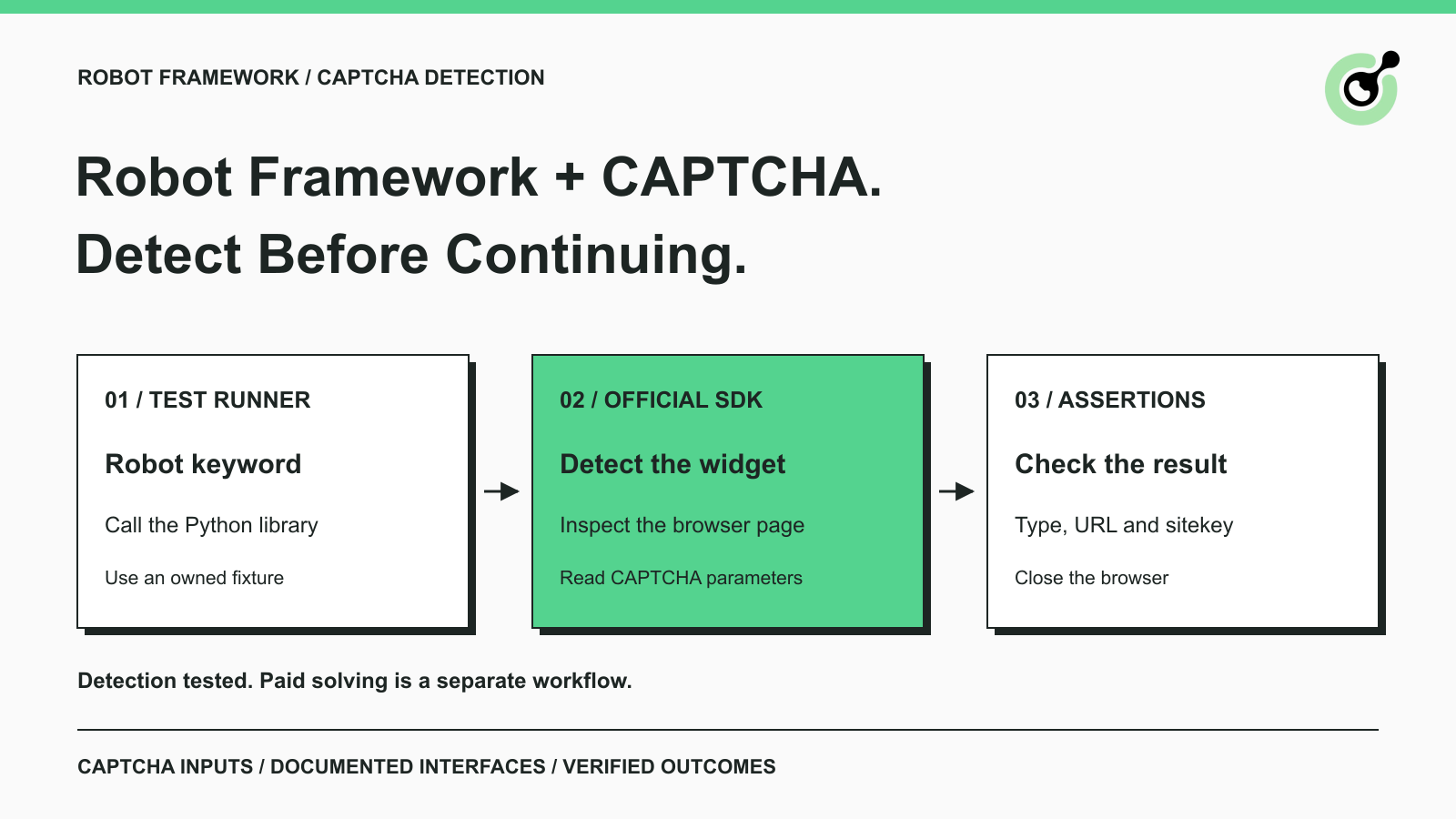
Detect CAPTCHA in Robot Framework with a tested Python keyword and the official solver SDK. Inspect page parameters and understand where detection stops.

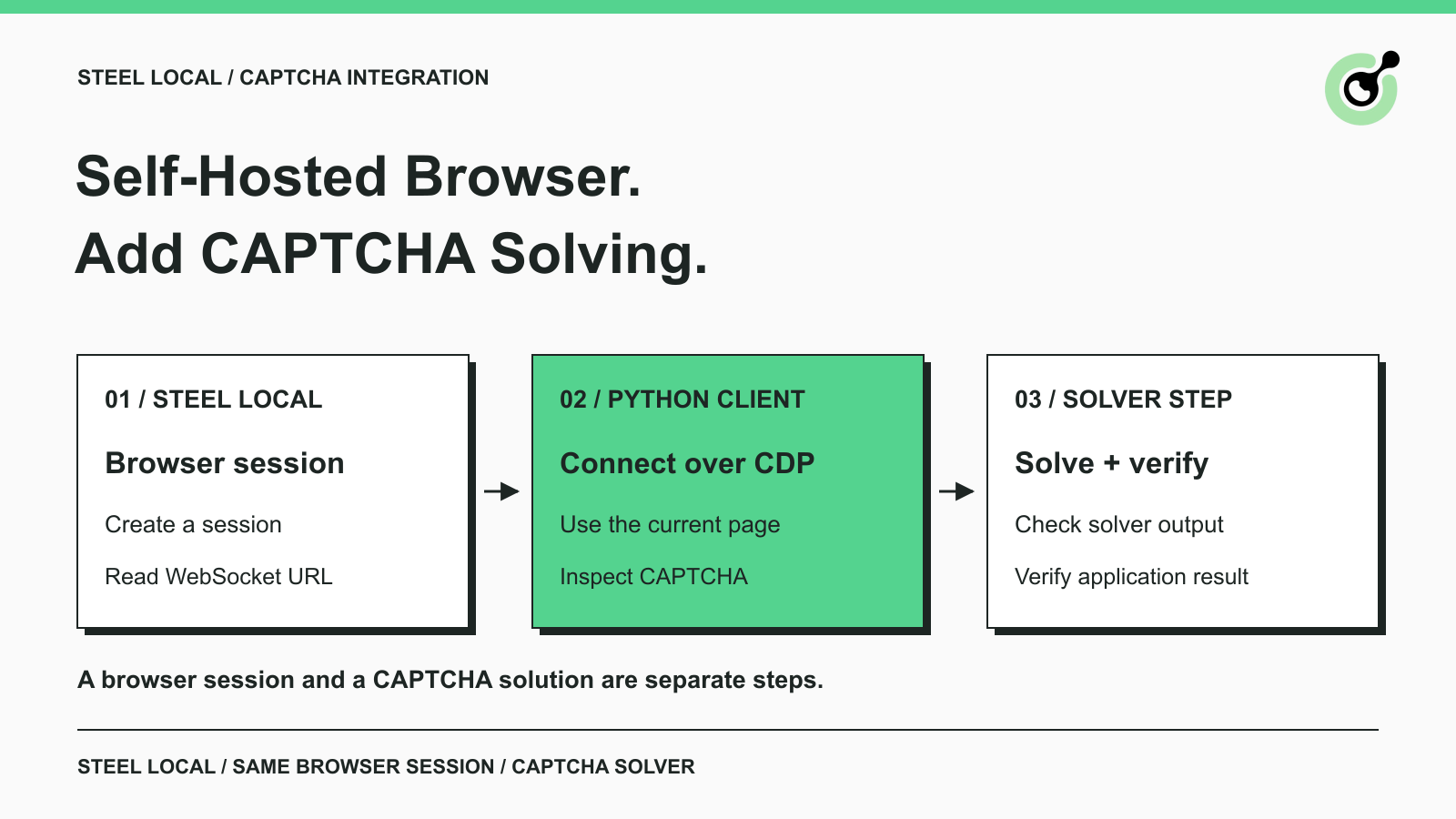
Add a CAPTCHA solver to self-hosted Steel Browser, connect Python through CDP, verify widget detection, and keep solving in the same browser session.

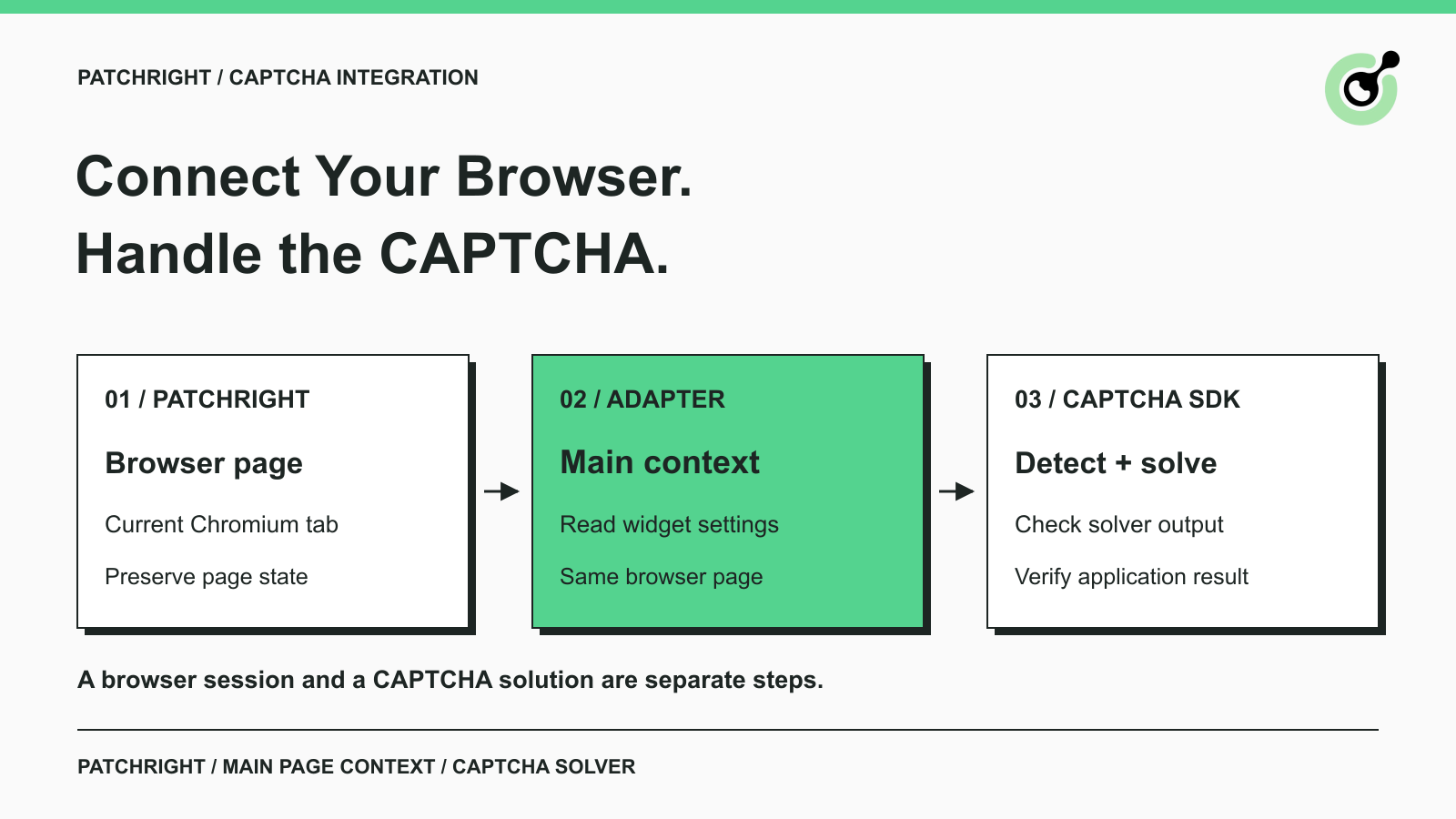
Connect a CAPTCHA solver to Patchright, handle reCAPTCHA page context correctly, and check token results before continuing your browser automation workflow.
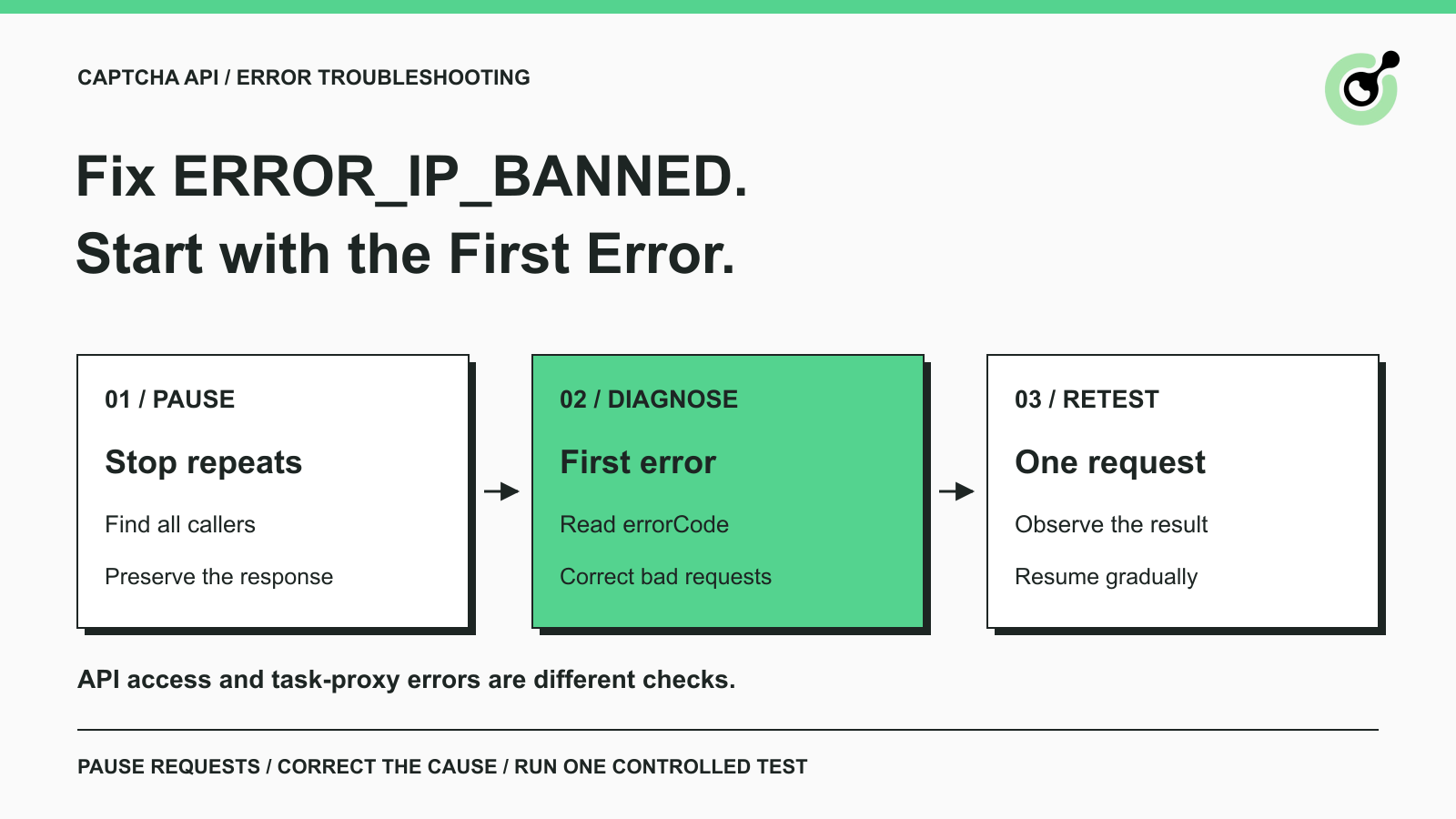
Fix ERROR_IP_BANNED by stopping repeated bad CAPTCHA API requests, finding the first error, checking related codes, and resuming with a controlled test.
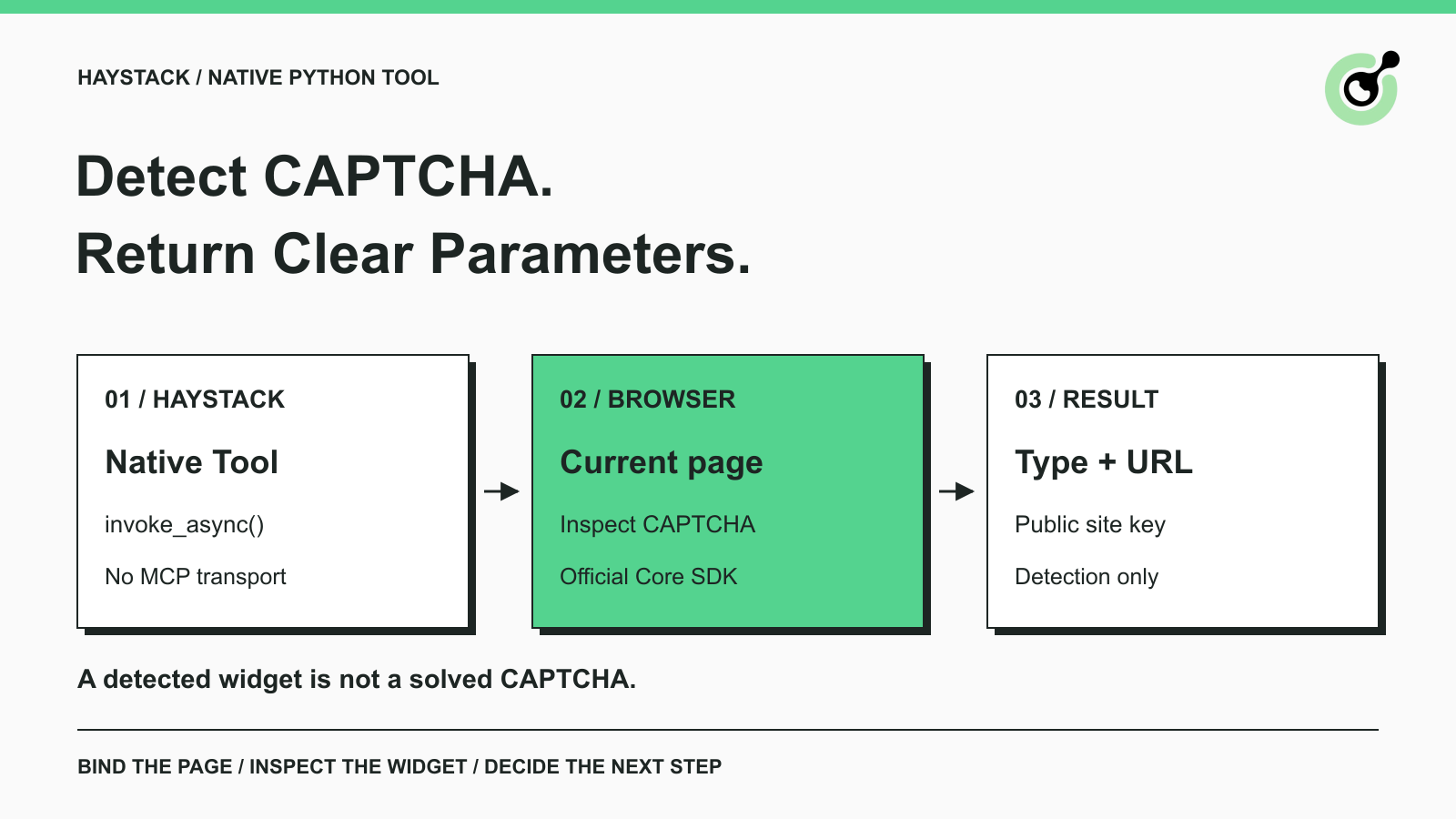
Add a CAPTCHA inspection tool to Haystack, read reCAPTCHA parameters with the official SDK, and verify the connection before a separate solving step.
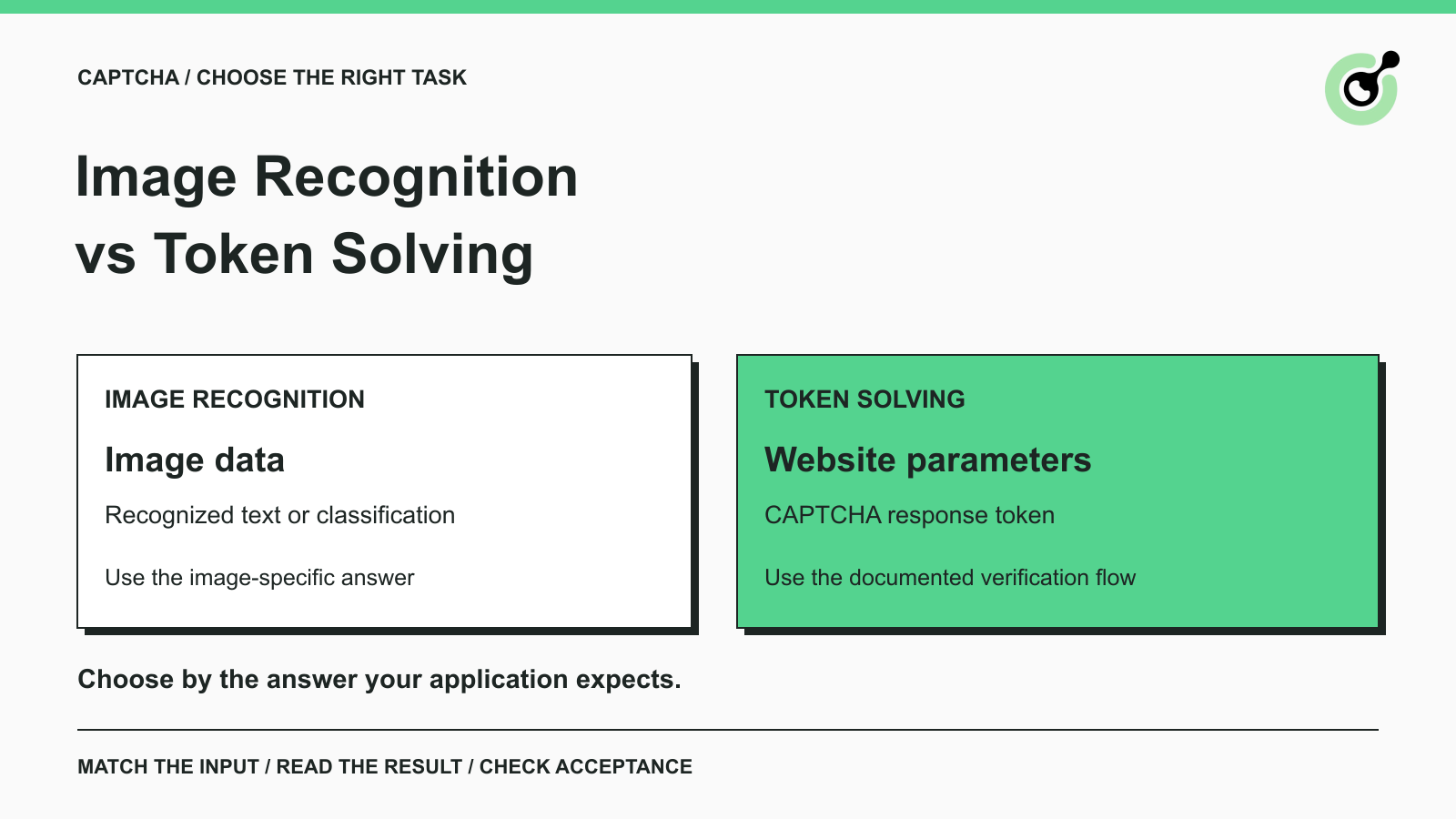
Compare CAPTCHA image recognition and token solving, understand their inputs and outputs, and choose the right API workflow for your authorized automation.
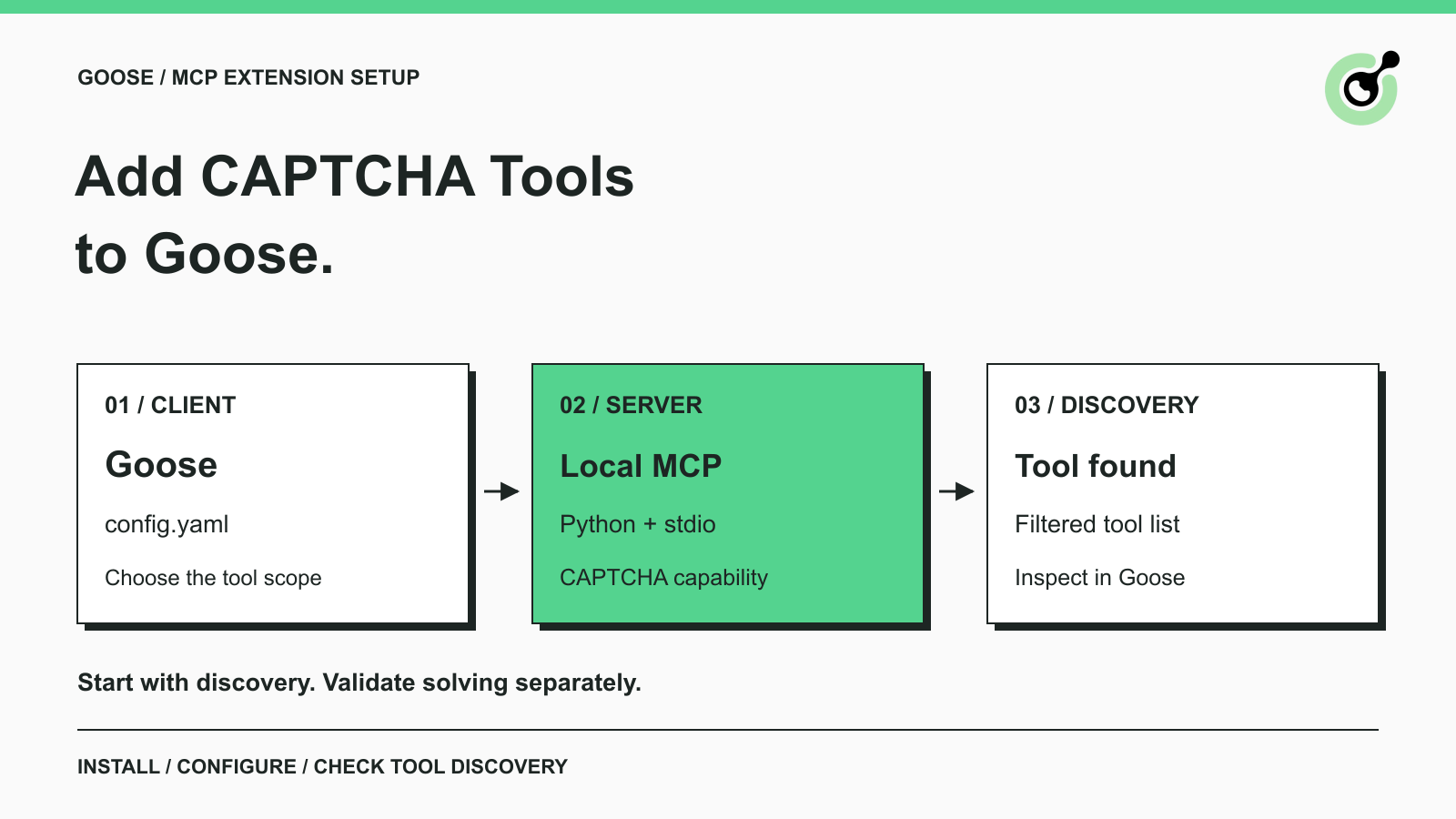
Add CAPTCHA solver tools to Goose with a local MCP extension. Configure Python, inspect tool discovery, and troubleshoot the setup before a solving task.
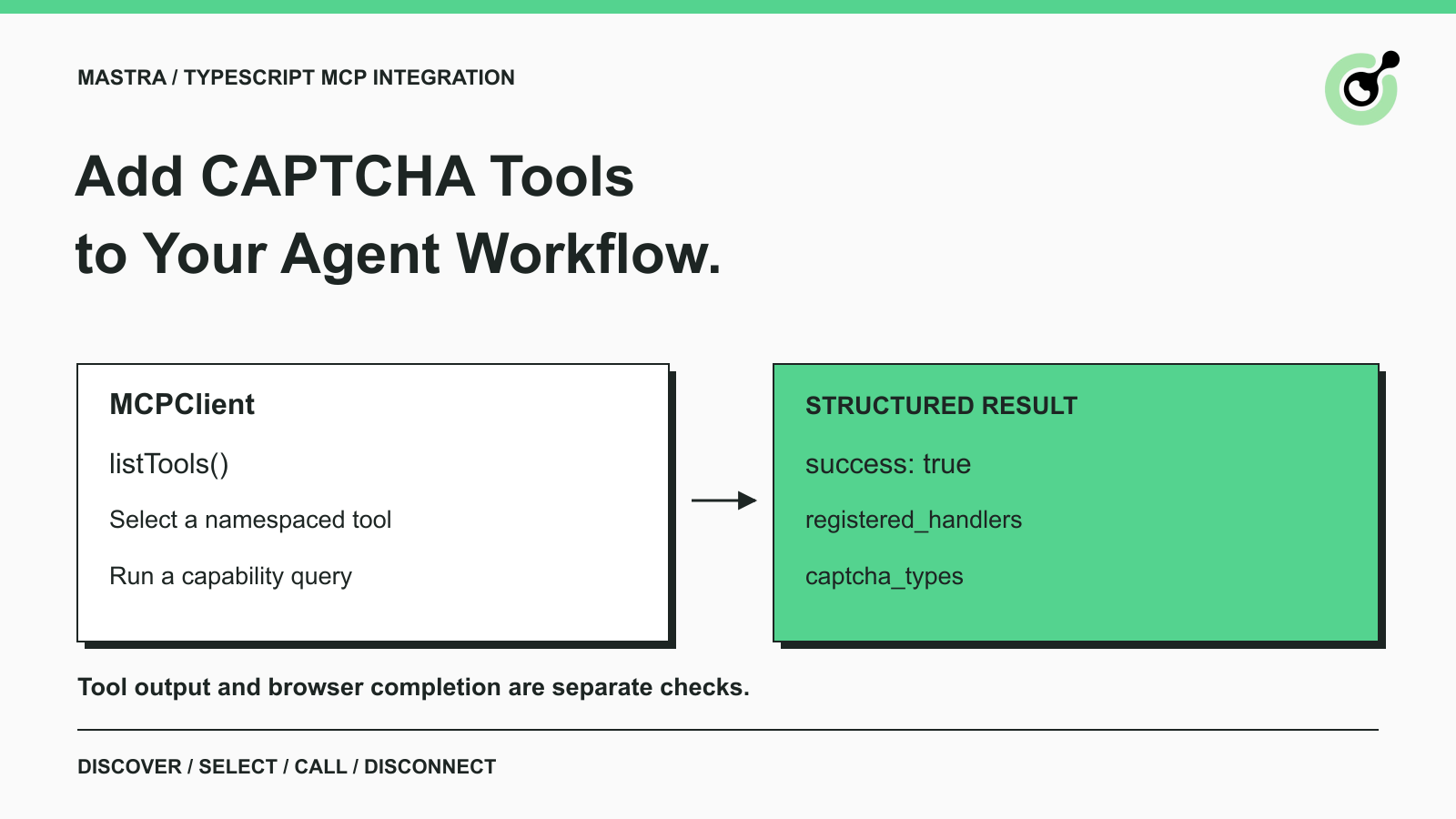
Connect Mastra to a CAPTCHA solver with MCPClient, inspect namespaced tools, run a capability check, and define the next step for an authorized agent workflow.