
🎉NEWCapSolver for AI agents-MCP, agent tools, and SDK integrations

Lucas Mitchell
Automation Engineer
Published Jun 23, 2026
Updated Jun 23, 2026 · min read
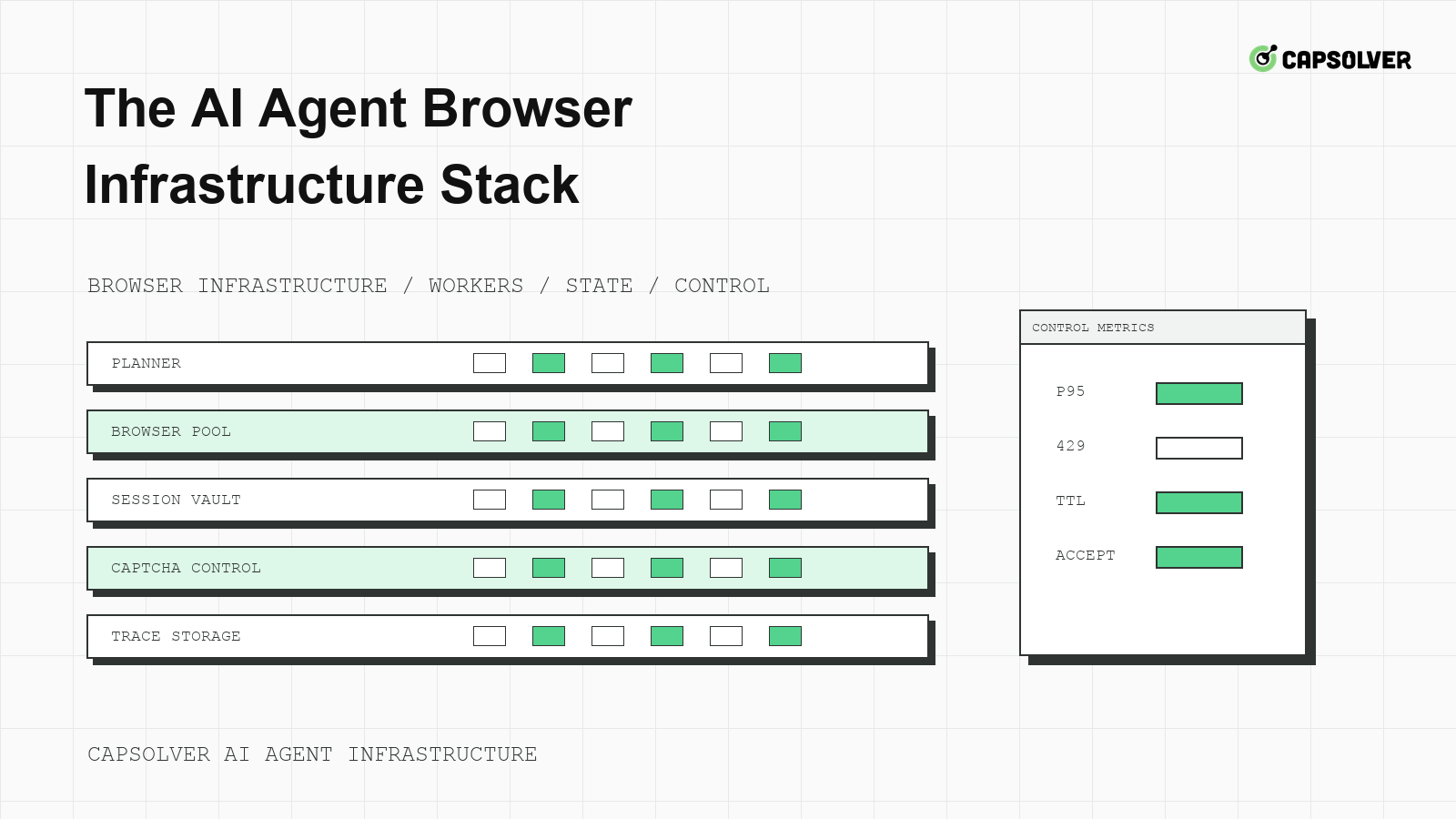
Modern web agents fail when the browser is treated as a disposable tab instead of a controlled execution environment. CapSolver can support approved CAPTCHA workflows, but the AI agent browser infrastructure stack must first decide what the agent may access, how state is preserved, and which evidence proves success. The browser layer is not only a rendering tool. It is where cookies, form timing, network status, interactive challenges, and user-visible outcomes meet. A reliable stack makes those signals explicit before an agent is allowed to scale.
The AI agent browser infrastructure stack should separate model planning from browser state. The planner can decide intent, but infrastructure should own sessions, routes, device profiles, permissions, and stop rules. This separation keeps a model from turning every page delay into another click. It also gives operators one place to inspect why a protected workflow continued or stopped.
A practical stack has five layers: task admission, browser runtime, state store, challenge service, and evidence pipeline. Task admission checks domain permission and data scope. The browser runtime executes deterministic actions. The state store leases cookies and storage to one run. The challenge service handles only eligible CAPTCHA events. The evidence pipeline records trace IDs, status codes, screenshots, and final application outcomes. CapSolver's explanation of the agentic browser automation layer is useful background because it frames browser control as infrastructure, not a prompt trick.
Use a session lease so only one workflow owns a browser profile at a time. The lease should name the domain, account class, route class, viewport, locale, storage snapshot, and expiry time. RFC 6265 defines HTTP cookie state management, and those scope rules matter when a login, challenge, and final form submit use different subdomains.
browser_session_lease:
  domain: "example.com"
  account_class: "owned_test_account"
  route_class: "residential-region-a"
  viewport: "1365x768"
  locale: "en-US"
  expires_after_minutes: 20
  stop_on_profile_change: true
This configuration is local runtime policy, not a CapSolver API payload. Its output should be a clear permit, wait, or stop decision. The AI agent browser infrastructure stack becomes easier to debug when every protected action can be tied to a single lease.
Challenge handling should not start until the stack understands the route signal. A 403 response, 429 response, JavaScript interstitial, missing hidden input, and visible CAPTCHA widget describe different problems. MDN's HTTP 429 rate limits makes the cooldown case especially clear: the correct action is often waiting, not opening another browser.
Build an evidence bundle around one navigation, not around the final error. Capture the initial URL, redirect chain, final URL, response statuses, challenge frame markers, form readiness, and submit result. The bundle should also record whether the run used browser automation with LLMs, a scripted worker, or a human-reviewed queue. That distinction helps engineers compare planner behavior against deterministic browser behavior.
The evidence bundle should avoid secrets. Store route class instead of proxy credentials and account class instead of passwords. If the evidence shows a 429, place the domain in shared cooldown. If it shows a visible CAPTCHA and the task is permitted, the challenge service can evaluate official task support. If it shows a private-data prompt, the run should stop for review.
The AI agent browser infrastructure stack should call a challenge service through a narrow contract. The browser runtime reports the observed challenge family, page URL, session ID, and policy context. The challenge service decides whether the task is eligible and which documented implementation path applies. CapSolver's basic API instructions should be treated as the source of truth for CapSolver API concepts, and exact task fields should be verified before production code is written.
Do not let the model invent request fields or task types. The contract should reject any challenge that cannot be mapped to official documentation. That rejection is a useful result because it stops unsafe automation and prevents silent corruption of browser state.
Redeem Your CapSolver Bonus Code
Boost your automation budget instantly!
Use bonus code CAP26 when topping up your CapSolver account to get an extra 5% bonus on every recharge — with no limits.
Redeem it now in your CapSolver Dashboard
Browser identity is a runtime concern. User-agent family, viewport, timezone, locale, TLS behavior, storage state, and route class need to remain coherent from page load to protected submit. The stack should not let an agent solve a challenge in one profile and submit the result in another. CapSolver's glossary entry on browser-as-a-service helps describe why hosted browser execution still needs state governance.
Run a drift check before the submit action. Compare the current profile to the leased profile. Fail closed if the viewport, route class, user-agent family, account identity, or storage snapshot changed unexpectedly. W3C WebDriver's element interactability section is a useful reminder that a valid browser action depends on current page state, not the planner's memory.
A drift check should also compare form state. If the DOM rerendered while a challenge was pending, the hidden fields may have changed. If a page moved from public catalog to account settings, the access boundary changed. The AI agent browser infrastructure stack should make these conditions visible as typed failures, not as another solver attempt.
Observability should answer operational questions directly. Did the browser reach the expected URL? Did the page show a challenge? Did the challenge service fire? Did the final backend action succeed? Did any retry create a duplicate side effect? CapSolver's article on web automation infrastructure gives teams a related vocabulary for mapping browser automation risks to infrastructure layers.
Use correlation IDs across the planner, browser worker, state store, challenge service, and application assertion. The ID should appear in logs and metrics without exposing sensitive user data. The best dashboard is not a wall of screenshots. It is a chain of typed events that shows where the workflow stopped.
Responsible automation starts with permission. Technical capability does not grant permission to access private, restricted, sensitive, or unauthorized data. NIST's AI risk management framework is a useful planning reference because it asks teams to govern and measure risk before deployment.
The release gate should require a written domain permission, a small traffic budget, a session lease policy, a route cooldown policy, challenge eligibility rules, and a one-action replay. CapSolver's guidance on cookie and session management is especially relevant because lost session state is a common reason protected workflows appear to pass visually but fail on the backend.
Before scaling, replay one allowed action from a clean queue item. The replay should show exactly one protected action, one browser session lease, bounded challenge handling, no duplicate submit, and a final application-level acceptance signal. If the run succeeds only after clearing cookies or switching profiles manually, the AI agent browser infrastructure stack is not ready.
Operationally, the AI agent browser infrastructure stack should have a daily baseline review. Compare challenge frequency, 403 refusals, 429 cooldowns, backend rejection, and human review stops by domain. A sudden change in one signal may be a target redesign, a browser upgrade effect, or a route-quality issue. The review should end with one concrete action such as lowering concurrency, narrowing the workflow, updating session lease rules, or pausing a domain until authorization is clarified.
Another useful practice is a negative-path rehearsal. Force a session expiry, a route cooldown, a form rerender, and an unsupported challenge in staging. The AI agent browser infrastructure stack should stop cleanly in each case. A clean stop is not a failure; it is proof that the agent cannot turn uncertainty into uncontrolled traffic.
For The AI Agent Browser Infrastructure Stack, connect AI agent browser infrastructure stack to browser automation layer in one evidence trail. The owner should inspect the queue item, browser session lease, route class, challenge event, and final application result before allowing the next run. This keeps The AI Agent Browser Infrastructure Stack from becoming a hidden retry policy. If permission, session coherence, cooldown state, or backend acceptance is unclear, the next state should be review or cooldown rather than another automated attempt.
The AI agent browser infrastructure stack is the control plane that keeps web agents measurable, stateful, and responsible. Build it around session leases, route observability, documented challenge contracts, fingerprint coherence, and release gates. Teams that need approved CAPTCHA support can evaluate CapSolver while keeping authorization, cooldowns, and browser evidence inside their own stack.
It is the layered system that manages browser execution, session state, traffic validation, challenge handling, observability, and release controls for web agents.
Cookies, storage, viewport, route class, and account state are runtime facts. A prompt can describe them, but it cannot reliably enforce them across retries and browser restarts.
Only after the task is permitted, a supported challenge is detected, the original browser session is still valid, and the retry budget allows a controlled attempt.
A production-ready stack proves one allowed workflow can complete once with coherent browser state, typed evidence, no hidden retries, and a final application acceptance signal.
Lucas Mitchell
Automation Engineer
Helping browser automation recover and continue.
ABOUT THE AUTHOR
Fix CAPTCHA handling that works locally but fails in a cloud AI agent. Compare browser setup, dependencies, credentials, network access, and page state.

Estimate CAPTCHA solving costs in Browser Use by separating agent runs, challenge types, billable solves, retries, and verified outcomes from browser costs.

