
🎉NEWCapSolver for AI agents-MCP, agent tools, and SDK integrations

Anh Tuan
Data Science Expert
Published Jun 23, 2026
Updated Jun 23, 2026 · min read
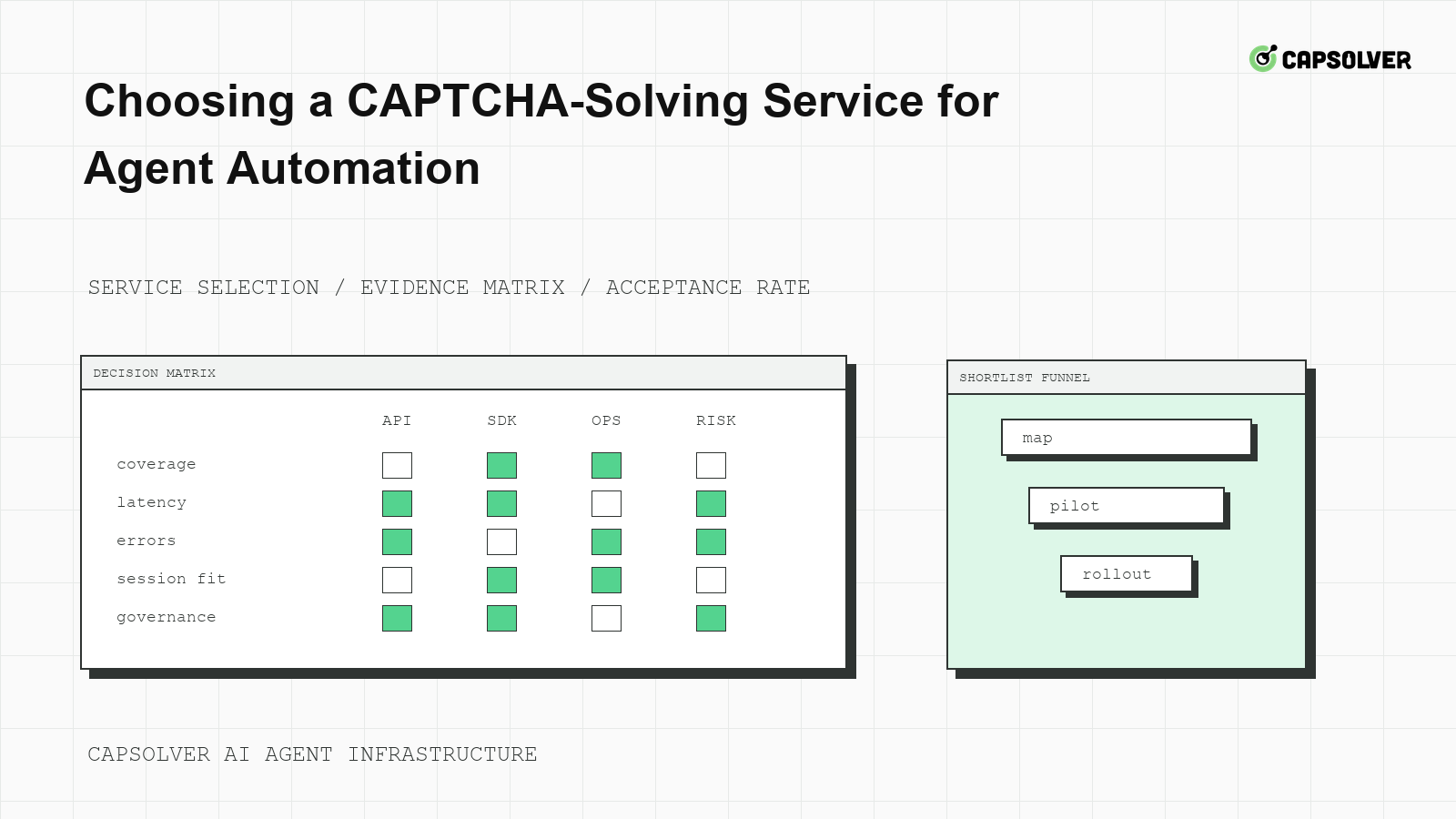
Selecting a solver by the lowest price or a single success-rate claim usually creates problems later. CapSolver is one option for approved agent automation, but choosing a CAPTCHA-solving service for agent automation should be an engineering evaluation. The service must match documented challenge families, browser-session requirements, API behavior, failure modes, and compliance expectations. The right question is not which service can answer a challenge once. It is which service can fit into a controlled workflow that produces accepted outcomes without unsafe retries.
Choosing a CAPTCHA-solving service for agent automation starts with evidence from your own browser traces. List the challenge families your agents actually encounter, where they appear, and which protected action follows them. Do not buy for theoretical coverage. Buy for documented fit against your workflow.
CapSolver's article on choosing a solver for agent infrastructure is useful background because agent automation has different requirements than one-off scripts. Agents need state, policy, and observability around the solver call.
Build a small matrix before testing vendors. Include challenge family, page context, account class, browser framework, required session continuity, official documentation URL, and acceptance signal. CapSolver's support solver types should be used to confirm CapSolver-supported categories before writing implementation code.
evaluation matrix columns:
  challenge_family | page_context | browser_framework | session_binding
  official_docs_confirmed | eligible_policy | accepted_action_signal
This matrix prevents a common mistake: assuming a service supports your workflow because it supports a related CAPTCHA family.
Agent automation needs a predictable API contract. The service should make task creation, pending state, ready state, error state, and billing visibility understandable. It should also support correlation with your browser run ID. CapSolver's CAPTCHA API availability explains why API access is central for automation teams.
Ask specific questions during review. How is a task created? How is readiness checked? What are the documented error states? How long can a result be queried? Which fields are required for this challenge family? What should the client do on timeout? Do not accept undocumented fields or copied snippets as production evidence.
The IETF's HTTP semantics standard helps frame status handling in your own wrapper. Your service wrapper should distinguish API transport errors from target-site rejection. A 200 response from a solver API is not the same as an accepted business action on the target application.
Choosing a CAPTCHA-solving service for agent automation requires testing in the same browser path used by production. The test should preserve cookies, local storage, route class, user-agent family, viewport, locale, and hidden form state from challenge detection through protected submit. CapSolver's glossary entry on success rate is helpful, but your internal acceptance rate is the metric that matters.
Run a session continuity test with one allowed workflow. Detect the challenge in the production-like browser context, call the service through your wrapper, consume the result in the same context, and verify the backend outcome. Fail the test if the workflow opens a fresh context, changes route class, or submits stale form state.
W3C WebDriver's browser session model is a useful neutral reference for why session boundaries matter. If your browser framework hides those boundaries, add instrumentation until they are visible.
Redeem Your CapSolver Bonus Code
Boost your automation budget instantly!
Use bonus code CAP26 when topping up your CapSolver account to get an extra 5% bonus on every recharge — with no limits.
Redeem it now in your CapSolver Dashboard
Service dashboards often focus on solve counts and response time. Agent teams should measure accepted protected actions per eligible attempt. That metric includes detection accuracy, API result readiness, session consumption, and backend acceptance. CapSolver's discussion of captcha-solving success factors can help define inputs, but the final acceptance metric must be measured in your workflow.
| Criterion | Why it matters for agents | Failure signal |
|---|---|---|
| Documented task coverage | Prevents unsupported challenge guesses | Unknown task mapping |
| API state clarity | Keeps polling bounded | Pending loop or duplicate submit |
| Session compatibility | Preserves target-site context | Backend rejection after ready result |
| Observability | Supports incident review | No correlation between solver and browser |
| Compliance controls | Keeps use responsible | No stop state for unclear access |
Use the table as a gate, not a marketing scorecard. A service that fails session compatibility may still look fast in isolation.
Technical capability does not grant permission to access private, restricted, sensitive, or unauthorized data. Choosing a CAPTCHA-solving service for agent automation should include lawful purpose, target permission, data classification, account ownership, and audit retention. NIST's AI risk management controls provide a useful governance lens.
CapSolver's article on a fast CAPTCHA API for automation discusses speed, but speed should never replace permission checks. A service wrapper should fail closed when the workflow enters a private area, encounters an account warning, or exceeds its approved action budget.
Run the bakeoff with frozen inputs: same domain permission, same browser profile, same route class, same challenge evidence, same attempt budget, and same acceptance assertion. Do not let one vendor test use a warmer session or a different page state. OWASP's automated threat guidance is a useful reminder that repeated automated behavior can create risk even during testing.
Stop a vendor test when an account warning appears, authorization is unclear, a 429 cooldown starts, or the same protected action fails after the attempt budget. Record the stop reason. The best service for agent automation is not the one that encourages more attempts. It is the one that integrates cleanly with your stop rules and evidence model.
Cost should be calculated per accepted protected workflow, not per task alone. Include solver charges, browser runtime, route cost, engineering time, review time, and failed attempts. A cheaper task can be more expensive if it causes more backend rejection or requires manual investigation.
Choosing a CAPTCHA-solving service for agent automation becomes clearer when finance and engineering share the same denominator. The useful denominator is accepted outcomes under policy. If a service lowers task price but increases challenge loops, it is not cheaper in production.
A final procurement step is support-path testing. Ask how to report a task-family mismatch, timeout cluster, or backend rejection pattern. The response should help engineering isolate evidence, not only ask for a screenshot. Choosing a CAPTCHA-solving service for agent automation is easier when support can reason about documented fields, challenge families, and browser-session evidence.
Teams should also keep an exit plan. Wrap provider calls behind an internal interface, keep task mapping tables versioned, and avoid placing provider-specific fields in the agent planner. This lets engineering pause or change a provider without rewriting prompts or exposing secrets to the model.
For Choosing a CAPTCHA-Solving Service for Agent Automation, connect CAPTCHA-solving service for agent automation to CAPTCHA API selection in one evidence trail. The owner should inspect the queue item, browser session lease, route class, challenge event, and final application result before allowing the next run. This keeps Choosing a CAPTCHA-Solving Service for Agent Automation from becoming a hidden retry policy. If permission, session coherence, cooldown state, or backend acceptance is unclear, the next state should be review or cooldown rather than another automated attempt.
Choosing a CAPTCHA-solving service for agent automation is a systems decision. Confirm challenge coverage, API contracts, browser-session fit, outcome reliability, cost per accepted workflow, and compliance controls before scaling. Teams evaluating approved CAPTCHA workflows can test CapSolver inside that framework and compare results against their own protected-action evidence.
Documented coverage for the exact challenge family and workflow is the first gate. Without that, pricing and speed comparisons are not meaningful.
Measure accepted protected actions per eligible attempt. This includes solver readiness, browser-session consumption, and backend acceptance.
They are only a starting point. Your workflow may have different browser state, route quality, form timing, and application acceptance requirements.
Check lawful purpose, target permission, data scope, account ownership, action budgets, audit logs, and stop rules for unclear authorization.
Anh Tuan
Data Science Expert
Turning task outcomes into actionable insights.
ABOUT THE AUTHOR
Fix CAPTCHA handling that works locally but fails in a cloud AI agent. Compare browser setup, dependencies, credentials, network access, and page state.

Estimate CAPTCHA solving costs in Browser Use by separating agent runs, challenge types, billable solves, retries, and verified outcomes from browser costs.

