
🎉NEWCapSolver for AI agents-MCP, agent tools, and SDK integrations

Ethan Collins
AI Agent Workflow Engineer
Published May 15, 2026
Updated May 15, 2026 · min read
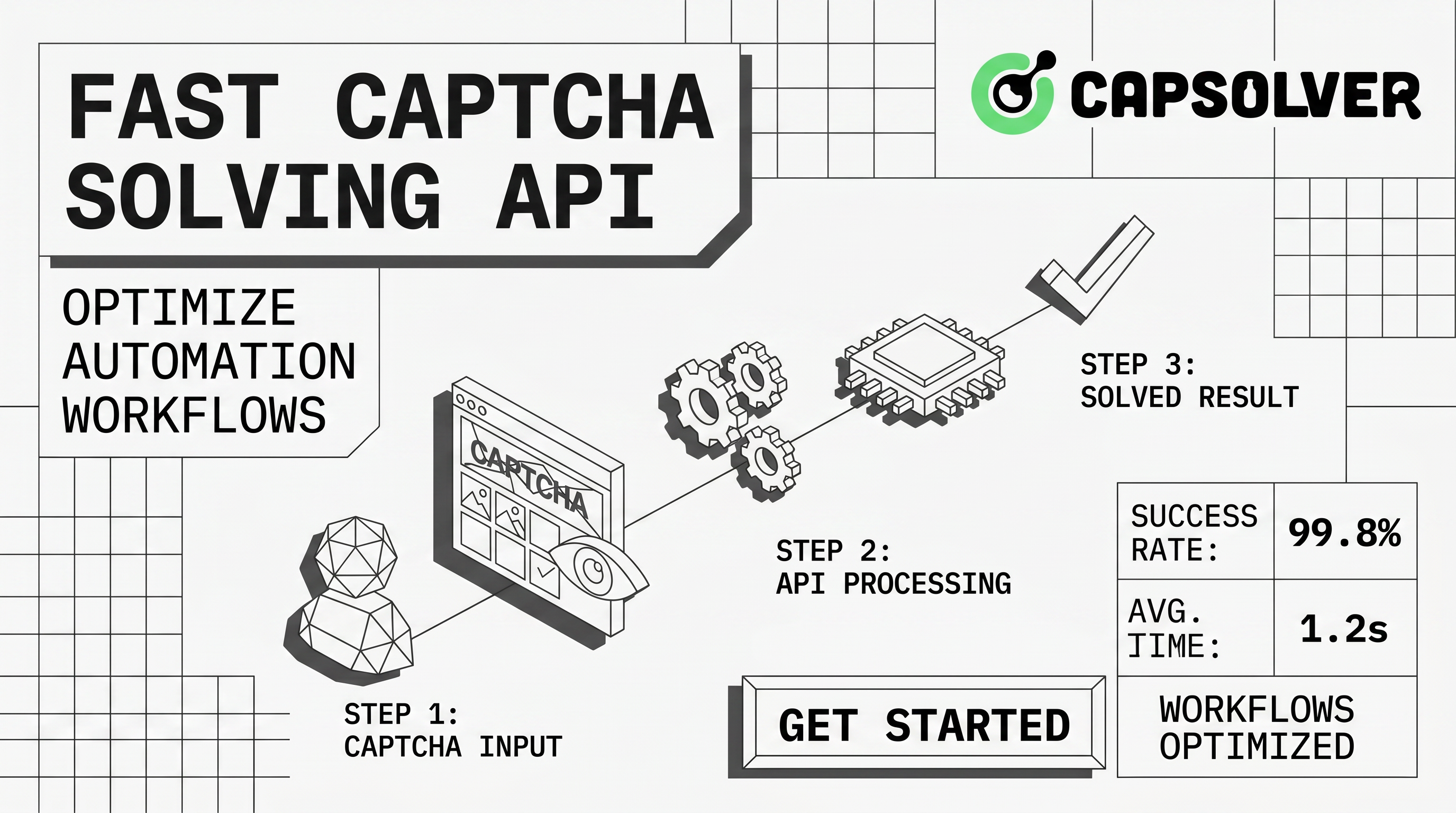
createTask and getTaskResult, which helps teams keep CAPTCHA handling predictable inside QA, RPA, monitoring, and permitted data workflows.Fast CAPTCHA solving API for automation is useful when a legitimate workflow needs structured challenge handling rather than manual browser intervention. For teams running QA checks, RPA jobs, public data monitoring, or approved scraping, CapSolver provides an API-first path that maps challenge tasks to returned solutions without requiring operators to maintain custom challenge logic. The practical goal is not only speed. A reliable workflow also needs correct CAPTCHA type detection, short-lived token handling, proxy alignment, retry limits, and clear rules for lawful use. This guide explains how to evaluate a Fast CAPTCHA solving API for automation, how the task lifecycle works, and how to build safer automation around it.
Fast CAPTCHA solving API for automation should turn an unpredictable browser challenge into a measurable API task. In a typical flow, your application detects the challenge type, sends required parameters to an API endpoint, receives a task identifier, and then retrieves a solution when processing is complete. CapSolver’s official API documentation lists createTask, getTaskResult, getBalance, and feedbackTask as core endpoints, with createTask accepting clientKey and a task object and getTaskResult retrieving the solution by taskId.
This structure matters because CAPTCHA challenges are not identical. A checkbox flow, a score-based reCAPTCHA flow, and a Cloudflare Turnstile flow each require different page context. Google’s reCAPTCHA v3 documentation states that reCAPTCHA v3 returns a 0.0 to 1.0 score without user friction and requires developers to verify the response token and expected action on the backend. Cloudflare’s Turnstile validation documentation states that Turnstile tokens must be validated server-side through Siteverify, are single-use, and expire after 300 seconds. A useful API must respect those constraints instead of treating every token as interchangeable.
| Evaluation area | What to check | Why it affects automation |
|---|---|---|
| Challenge coverage | reCAPTCHA v2, reCAPTCHA v3, Turnstile, image recognition, and page-specific options | Coverage reduces custom fallbacks and keeps task routing simple. |
| Task lifecycle | Clear create, poll, ready, and error states | Predictable states prevent infinite retries and hidden failures. |
| Context accuracy | Site URL, site key, action, proxy, and user-agent alignment | Tokens often depend on the context in which the challenge appears. |
| Latency visibility | Time to task creation, processing, and result retrieval | Automation queues need measurable timing budgets. |
| Compliance controls | Allowed targets, rate limits, logs, and stop conditions | Technical capability does not grant permission to access restricted systems. |
Fast CAPTCHA solving API for automation usually starts with a task creation call. CapSolver’s createTask guide states that a task request requires clientKey and a task object, while optional fields include appId and callbackUrl. For asynchronous challenges, a successful response returns errorId: 0 and a taskId; the client then calls getTaskResult until the task reaches a ready state.
The second step is result retrieval. CapSolver’s getTaskResult guide documents processing and ready states. When errorId is 0 and status is ready, the solution field contains the returned challenge solution. The same getTaskResult guide notes that tasks can be queried within five minutes after creation, supports up to 120 query requests per task, and should be retried when the status is still processing.
A good production workflow should keep this logic explicit. Your worker should store the task ID, set a timeout, back off between polling attempts, and log the challenge type, target page, result status, and error code. It should also stop when authorization, robots, site terms, account policy, or internal risk rules do not permit the workflow.
Fast CAPTCHA solving API for automation is often described as a latency problem, but production speed usually comes from reducing avoidable retries. The quickest successful result is the one that is sent with the correct challenge parameters the first time. Incorrect site keys, stale URLs, mismatched actions, or proxy changes often create longer delays than the API processing window itself.
For reCAPTCHA v3, action consistency is especially important because Google recommends verifying the returned action name against the expected action. For Turnstile, token freshness matters because Cloudflare documents five-minute, single-use tokens. For reCAPTCHA v2, a task may require the correct website URL, website key, and surrounding browser context; CapSolver’s reCAPTCHA v2 guide should be used as the implementation source when that challenge type appears.
A practical Fast CAPTCHA solving API for automation should sit behind a small internal service rather than being scattered across many scripts. This design lets teams standardize credentials, allowed target domains, retry policy, timeouts, and logs. It also makes cost control easier because every task request can be attributed to a job, environment, or owner.
A simple service can expose one internal function: submit a challenge task and return a solution or a typed failure. Under the hood, it can call CapSolver API documentation, route challenge types to createTask, and retrieve completed results through getTaskResult. For workflows that depend on browser traffic, proxy settings should stay consistent with the page request; CapSolver’s guidance on proxy ports for scraping and automation is a useful internal checklist for that layer.
Fast CAPTCHA solving API for automation must be used only where the operator has permission to run automation. OWASP describes unwanted automated usage as software-driven behavior that diverges from accepted behavior and creates undesirable effects for web applications, and its taxonomy includes CAPTCHA-related abuse scenarios and scraping among automated threat events. That framing is important for engineering policy. A working API integration does not make restricted access acceptable.
Teams should define allowed use cases before deployment. Reasonable examples include regression testing, accessibility workflows, internal monitoring, account-owned workflows, and permitted public data collection. Risk controls should include domain allowlists, request-rate ceilings, job owner labels, audit logs, and stop rules when a site requests reduced access or denies automation. A safe Fast CAPTCHA solving API for automation is therefore both a technical integration and a governance process.
Redeem Your CapSolver Bonus Code
Boost your automation budget instantly!
Use bonus code CAP26 when topping up your CapSolver account to get an extra 5% bonus on every recharge — with no limits.
Redeem it now in your CapSolver Dashboard
Fast CAPTCHA solving API for automation is most valuable when jobs are repeatable and need predictable error handling. Manual review may still be suitable for one-off troubleshooting, but it does not scale well for scheduled QA or monitoring pipelines. Browser-only extensions can help individual users, while an API gives developers structured state management and observability.
| Approach | Best fit | Limitation |
|---|---|---|
| Manual handling | One-time debugging and human review | Slow, inconsistent, and difficult to audit. |
| Browser extension | Individual browser sessions and small tests | Harder to standardize across distributed workers. |
| API-first workflow | QA, RPA, monitoring, and approved automation | Requires careful implementation, logging, and policy controls. |
CapSolver also provides related resources for teams comparing approaches, including a broad guide on solving CAPTCHA problems, a CAPTCHA solving API documentation overview, and product-specific guidance for Cloudflare Turnstile. These links are useful because they separate implementation details from general automation policy.
Fast CAPTCHA solving API for automation should be added only after the target workflow is clearly documented. Start by identifying the page, challenge type, site key, action, and whether proxy alignment is required. Then define timeout budgets, retry intervals, and a maximum number of task attempts. Finally, record the result status so that failures can be inspected without rerunning the job blindly.
A clean checklist usually includes these decisions in one place: allowed domains, challenge type mapping, task payload source, polling interval, maximum wait time, retry policy, error-code handling, credential storage, proxy policy, and job-level audit logs. For web scraping and data collection, add an explicit authorization review. CapSolver’s FAQ answer on whether web scraping and CAPTCHA solving services provide an API can be used as a reader-friendly internal link when explaining why API access is preferred over ad hoc manual steps.
Fast CAPTCHA solving API for automation should help developers make challenge handling measurable, documented, and safer. The best implementation uses official task endpoints, verifies short-lived token context, limits retries, and operates only within approved use cases. If your team needs an API-based CAPTCHA workflow for QA, RPA, monitoring, or permitted data operations, review the official API docs and test a small controlled workflow with CapSolver.
A Fast CAPTCHA solving API for automation is an API workflow that accepts challenge parameters, creates a task, and returns a token or solution that your authorized automation can submit. It is most useful when jobs need repeatable handling, logs, and typed errors instead of manual browser steps.
You reduce latency by sending accurate parameters, using the right challenge type, preserving browser and proxy context, and avoiding unnecessary polling. For infrastructure planning, start with proxy setup for automation before tuning retry intervals.
No. reCAPTCHA v3 is score-based and depends on action context, so the backend should verify the token and expected action. For implementation details, use CapSolver’s reCAPTCHA v3 guide and Google’s official documentation.
Teams should use an API when they need centralized credentials, logs, timeout policy, and integration with queues or schedulers. A browser extension is more suitable for individual sessions or small tests, while an API is easier to govern in production automation.
No. It should be used only for lawful and authorized workflows. Before running automation, confirm site terms, data permissions, account rules, privacy obligations, and request-rate limits.
Ethan Collins
AI Agent Workflow Engineer
Building clearer handoffs between AI agents and tools.
ABOUT THE AUTHOR
Understand CAPTCHA tokens, cookies, and solver results, including reCAPTCHA, Turnstile, expiry, browser context, and the checks that confirm completion.

Troubleshoot slow CAPTCHA API requests with clear checks for task creation, result polling, errors, token expiry, and the final browser action after solving.
