
🎉NEWCapSolver for AI agents-MCP, agent tools, and SDK integrations
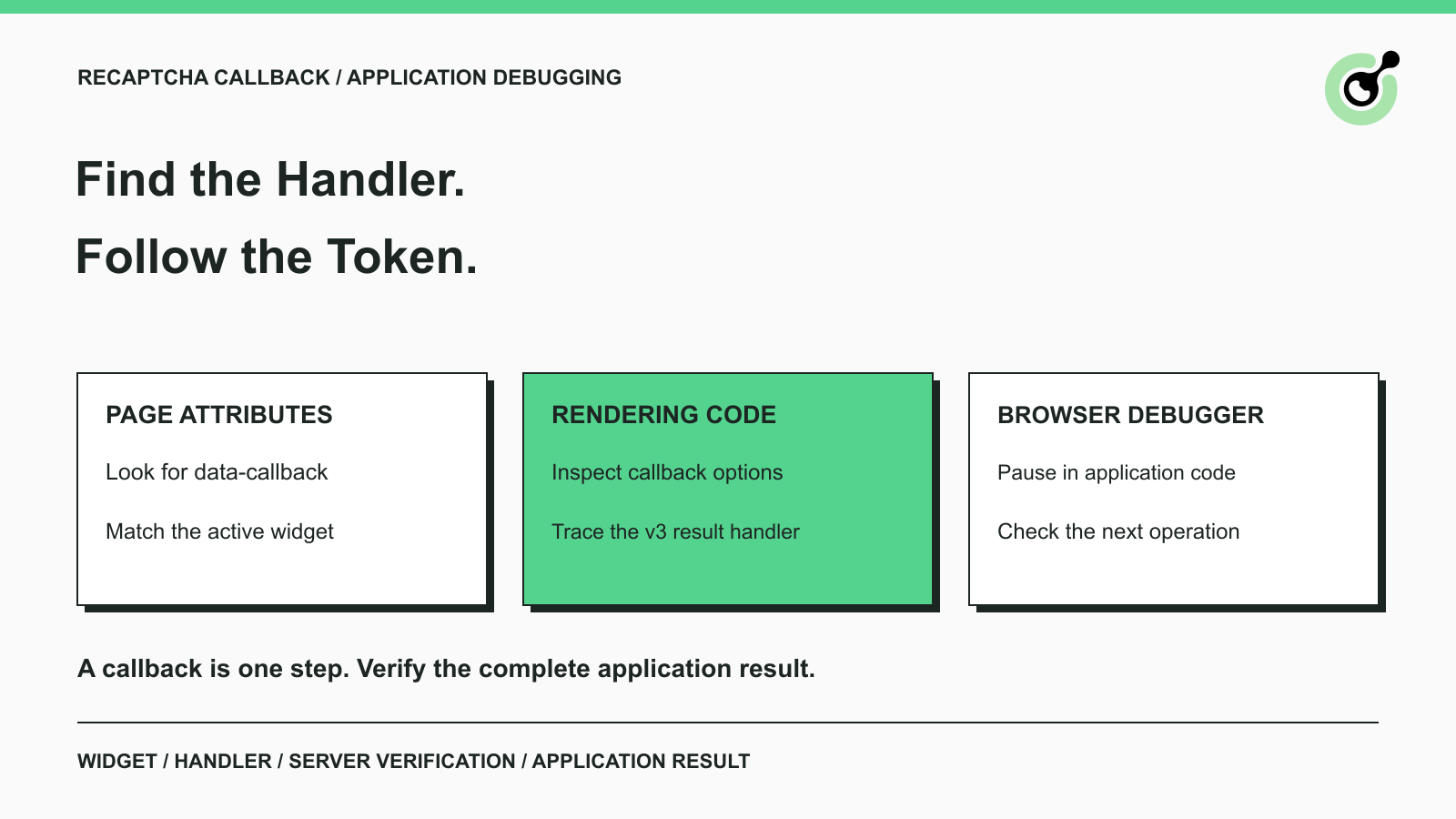
Find a reCAPTCHA callback through widget attributes, rendering code, and browser debugging. Check token handling without relying on fragile internal paths.

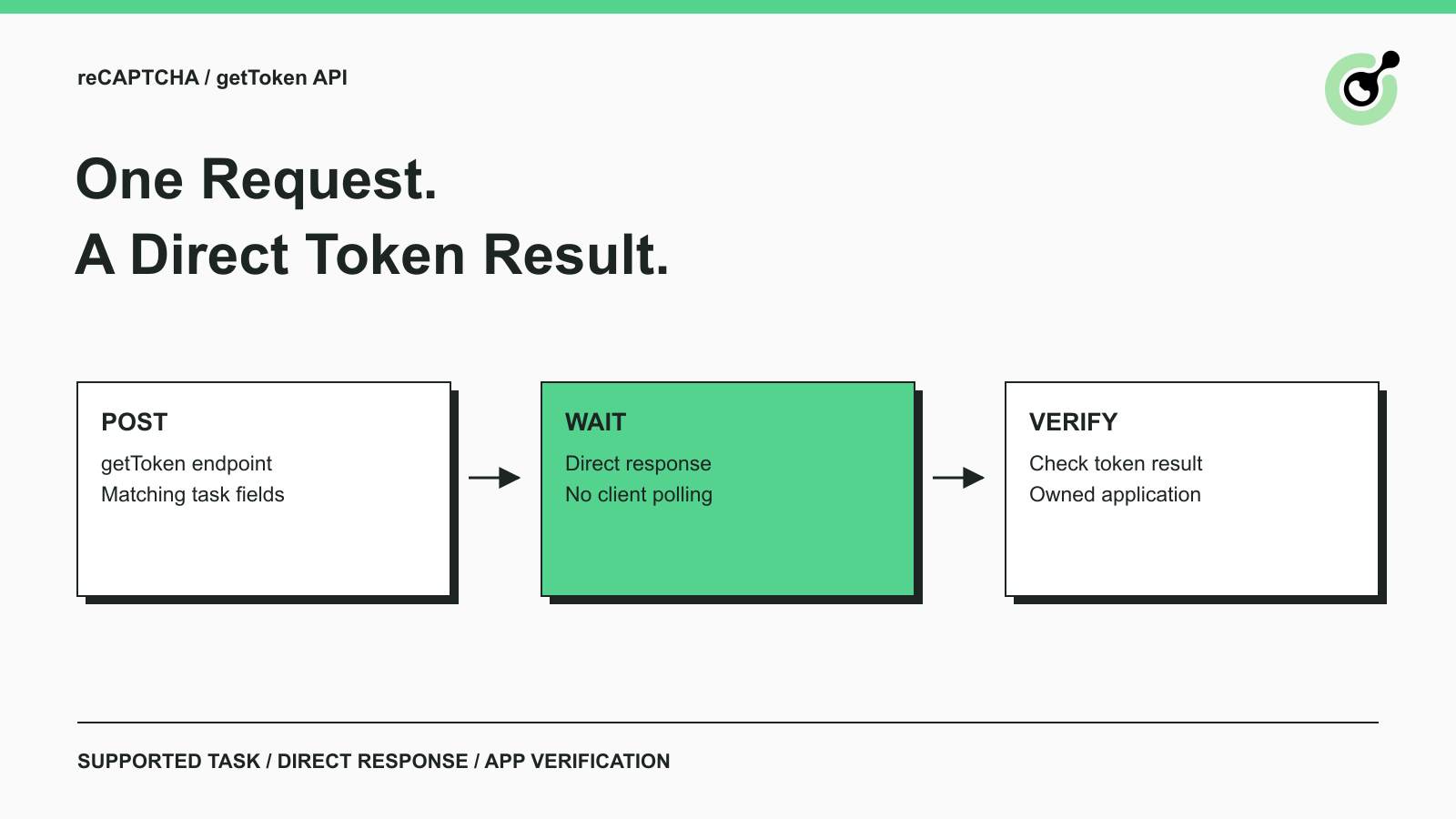
Use CapSolver getToken for supported reCAPTCHA tasks with a documented JSON request, a cURL example, direct results, and clear token-validation steps.

Use reCAPTCHA test keys in QA with separate environments, backend validation checks, negative tests, and release guards that keep test settings out of production.

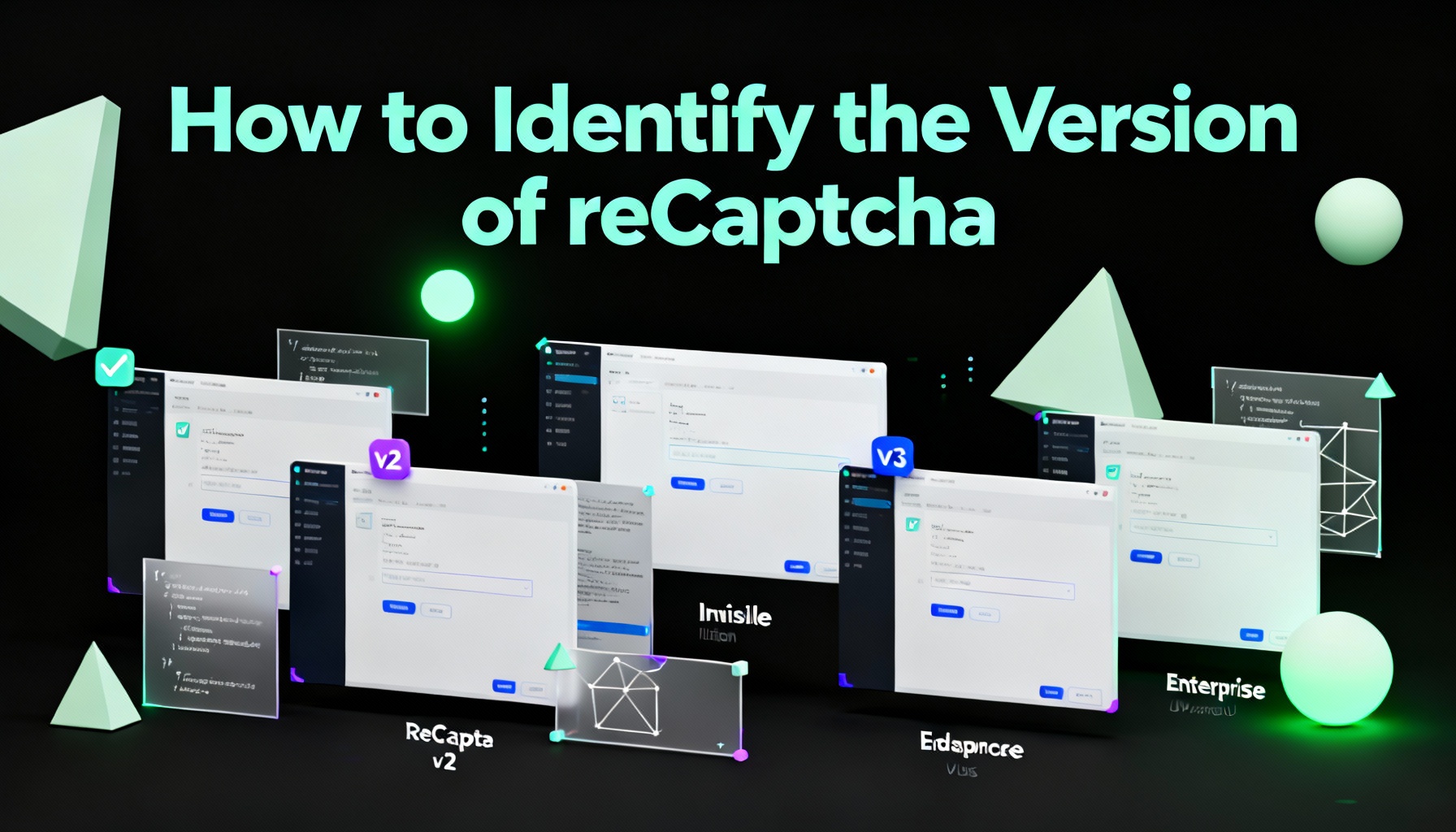
In this article, we will show you how to identify what reCaptcha version is being used.

Struggling with 'Unusual traffic from your computer network' errors on Google? Our guide explains the triggers and offers solutions to solve captchas, including tips and a look at how CAPSOLVER.COM can streamline your browsing experience by automatically resolving these interruptions.

The reliable way to implement playwright recaptcha v3 is to pause the permitted browser task at the verification checkpoint, recover inside the same Playwright page, and resume only after the original action passes its own assertion. CapSolver provides the official `capsolver-core` browser pipeline for detection, parameter reading, solving, and fill-back. Playwright remains responsible for navigation, form state, credentials, and test assertions. This separation avoids stale
Follow this Make reCAPTCHA solver tutorial to build a CapSolver HTTP scenario with createTask, getTaskResult, retry branches, and verification.
A Cursor reCAPTCHA v2 solver is safest when Cursor calls a narrow MCP tool instead of asking the model to improvise browser steps. CapSolver provides that shape through `capsolver-mcp`, which exposes solving capabilities as discoverable Model Context Protocol tools. The practical setup is straightforward: install `capsolver-core`, install `capsolver-mcp`, add the server to Cursor, and choose token mode or browser mode depending on the workflow. This guide rewrites the common
A Playwright reCAPTCHA solver is most reliable when it treats CAPTCHA handling as a page recovery step. Your script should detect that a permitted workflow has reached a reCAPTCHA gate, ask CapSolver to solve the challenge, fill the token in the same Playwright page, then verify that the application actually moved forward. This approach is especially useful for QA, owned form testing, internal workflows, and browser agents that need a deterministic tool instead of a vague "tr
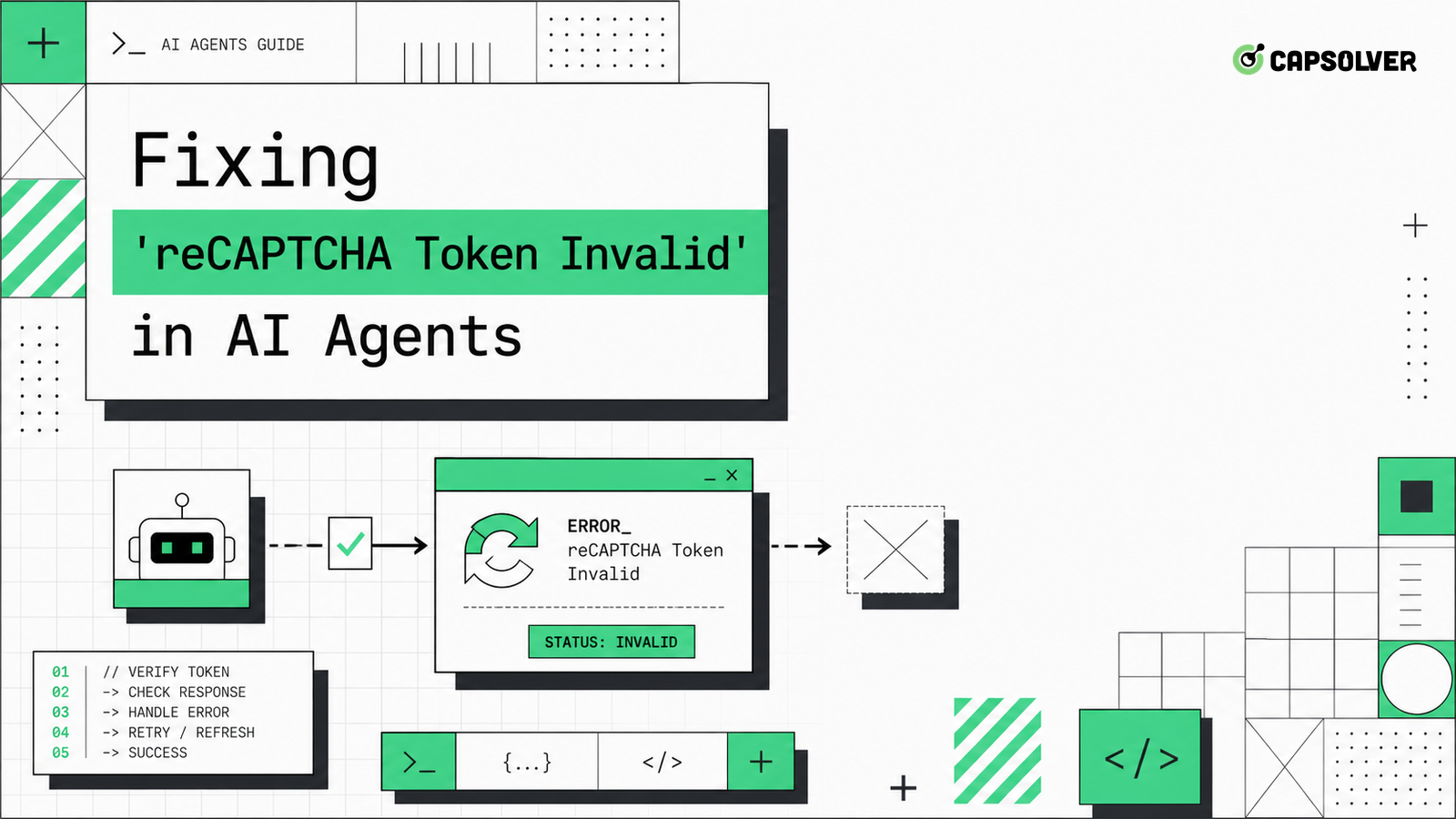
A form-submission guide for AI agents that see reCAPTCHA Token Invalid, focused on token timing, action matching, hidden fields, and backend verification.

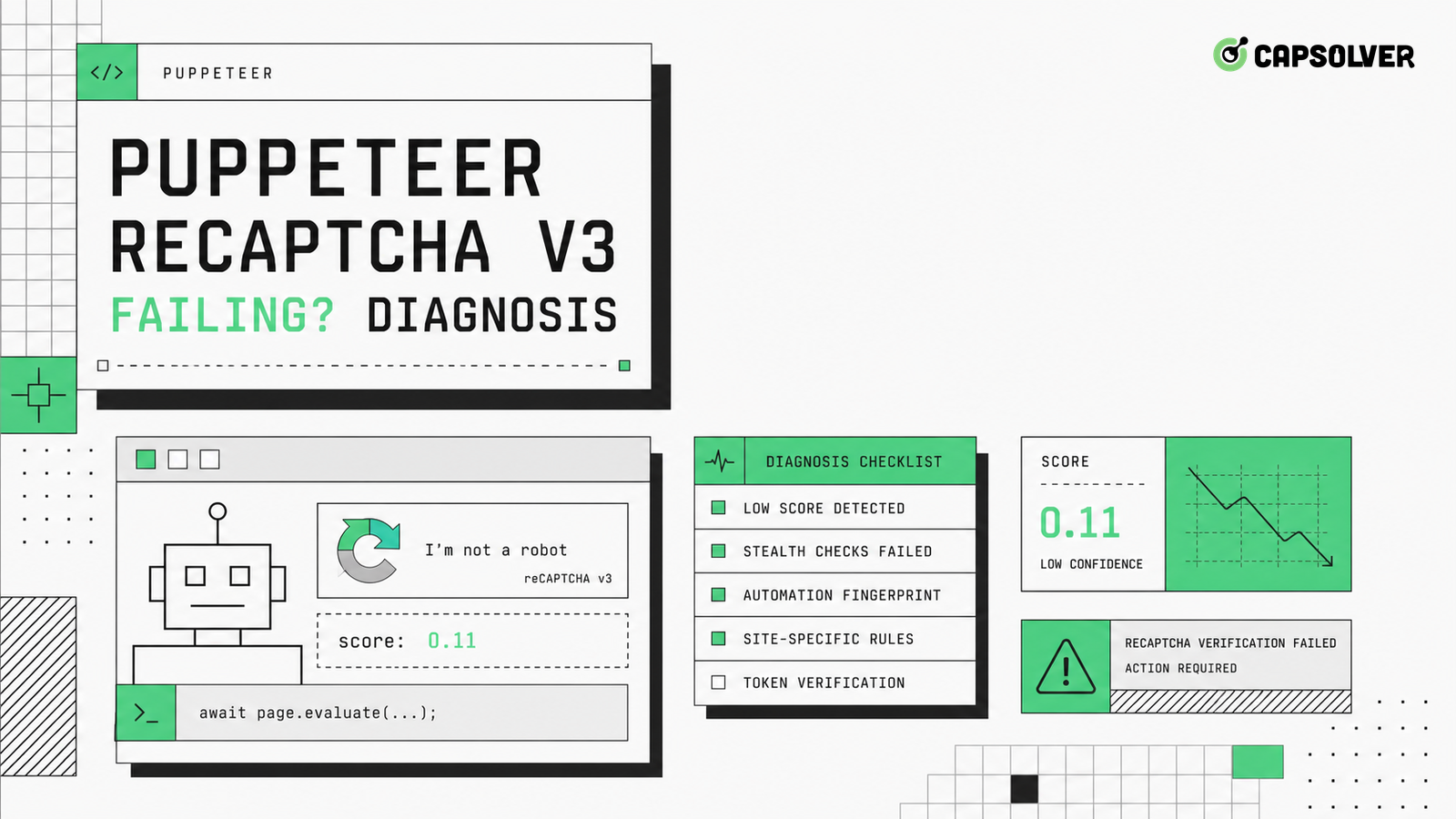
A Puppeteer-specific diagnostic workflow for reCAPTCHA v3 failures, focused on action names, token timing, submit boundaries, score signals, and safe remediation.

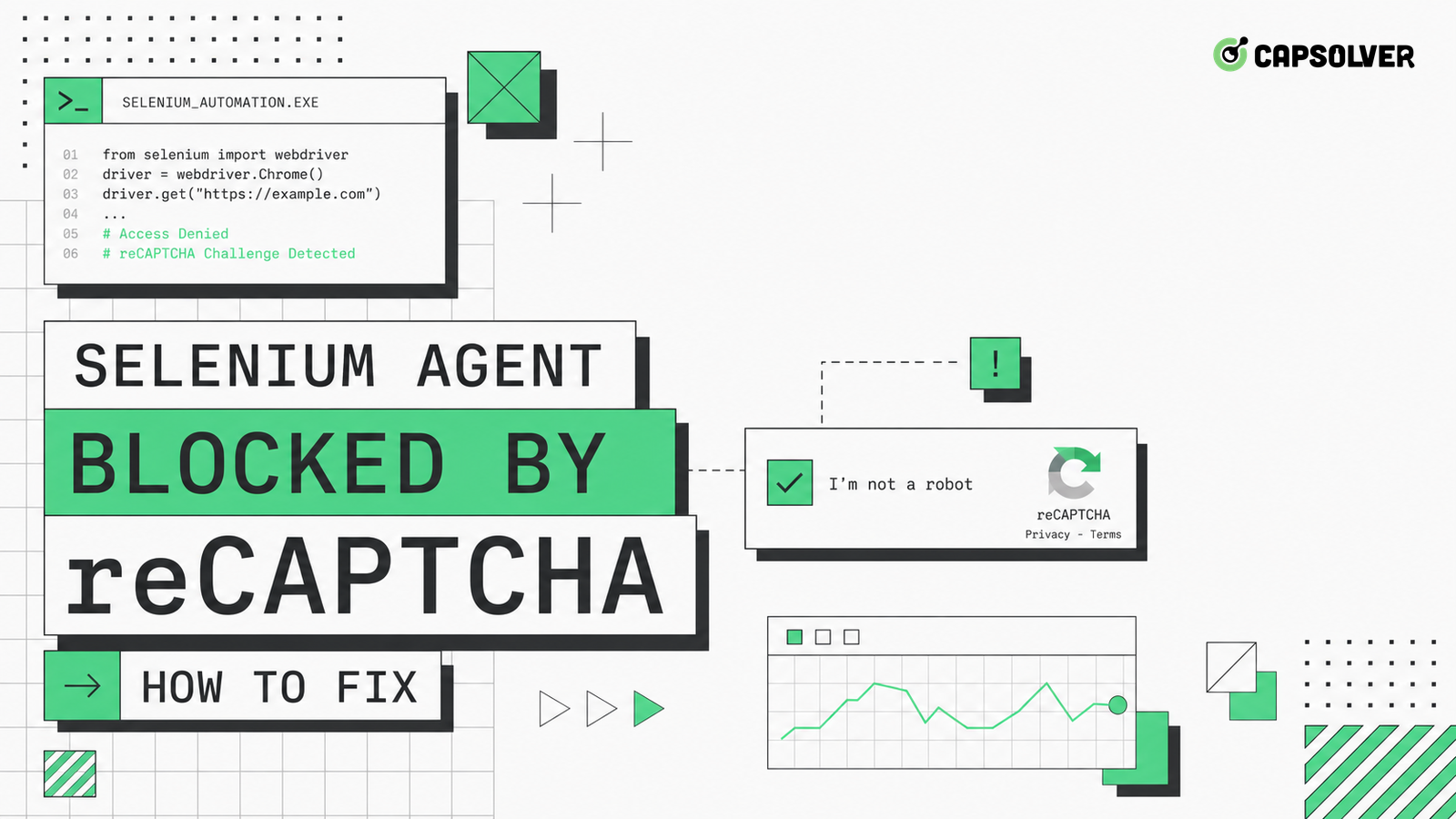
A Selenium-focused repair guide for reCAPTCHA blocks, covering waits, locators, 429 pressure, session persistence, and responsible remediation.