
🎉NEWCapSolver for AI agents-MCP, agent tools, and SDK integrations

Anh Tuan
Data Science Expert
Published Jun 15, 2026
Updated Jun 15, 2026 · min read
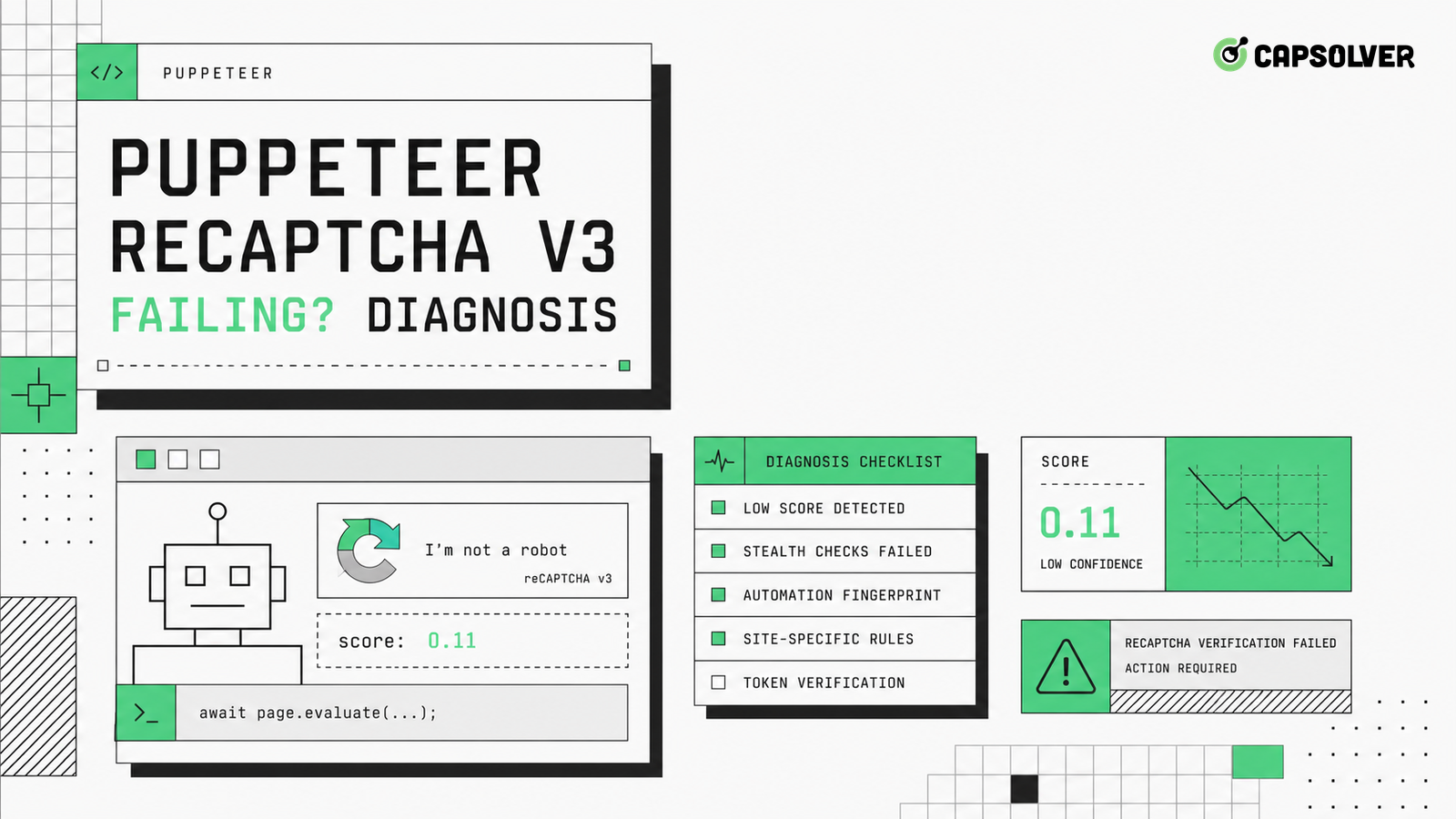
A Puppeteer reCAPTCHA v3 failure is usually a broken validation chain, not a single bad click. The page can load, the browser can execute JavaScript, and the token can still be rejected because the action, timing, session, or submit request is inconsistent. CapSolver helps teams handle authorized reCAPTCHA workflows, but diagnosis should begin with evidence from the form path. For Puppeteer reCAPTCHA v3 failing, trace the moment the site key is read, the action is chosen, the token is generated, the hidden field changes, and the backend verifies the response. That sequence turns guesswork into a repair plan.
The first repair is to draw the token path. reCAPTCHA v3 does not stop the user with a visible checkbox. It runs in the background and sends a token that the backend verifies with expected context. The official Google description of the reCAPTCHA v3 score model makes that action context important: the score is tied to interactions and action names, not just to a page visit. When Puppeteer reCAPTCHA v3 failing appears after a code change, inspect where the script loads, when grecaptcha.execute runs, which action is passed, and which request carries the token.
Keep the evidence close to the actual form. In a login page, the important order is script load, field entry, client validation, token creation, submit request, server verification, and final navigation. If the page validates an email field after the token is generated, the user may correct the field while the token ages. If Puppeteer retries the submit button, the second request may reuse a token that was intended for the first request. A reliable diagnosis names these transitions instead of only logging a final status code.
CapSolver has a focused reCAPTCHA v3 product workflow for permitted automation, and the same investigation pattern applies when the token is supplied by a solver. The backend still expects a coherent site key, action, origin, and session. If those values are wrong, a new token provider will not repair the form. Puppeteer reCAPTCHA v3 failing should be treated as an end-to-end validation mismatch until the trace proves otherwise.
A common mistake is to treat the site key as the whole problem. The site key identifies the client integration, but the action often explains why a token that looks valid is refused. A page may use login, submit, checkout, search, or a custom action value. If Puppeteer reads a key from one script block and sends a token for another action, the server can reject the request or give it a low score. The CapSolver explanation of reCAPTCHA parameter discovery is useful here because the diagnostic target is not only the key; it is the full parameter set.
Log the action name at runtime rather than copying it from view source. Modern pages often set it after hydration, route changes, or feature flags. Puppeteer should wait for the same client state a real user reaches before collecting parameters. If the page moves from /login to /login?step=verify, do not assume the action stayed the same. Puppeteer reCAPTCHA v3 failing after a redesign often comes from that route-level drift.
Store the key and action with the request ID that eventually fails. This makes server-side logs useful. If the backend says invalid-input-response or returns a generic validation error, you can compare the failing request with a successful headed run. The relevant differences are usually action, age, cookie jar, user interaction history, or duplicate submit behavior.
The token should be generated as close as possible to the protected action. Creating it at page load is fragile because the user or agent may spend time filling fields, waiting on client validation, solving another step, or handling a network retry. The browser platform itself also has timing behavior that can surprise automation; the MDN explanation of Performance API timing shows why high-resolution event marks are better than console guesses. Add marks for form-ready, execute-start, token-received, submit-click, request-sent, and response-received.
Puppeteer reCAPTCHA v3 failing becomes easier to debug when every mark is attached to one form attempt. Do not reuse the same token across field corrections. Do not generate a token before a required terms checkbox, address validator, or phone formatter has finished. If the page shows an inline error, discard the token and restart the protected action after the user-visible state is valid.
This timing rule also reduces accidental abuse of the target service. A loop that creates tokens every few seconds while the form is still invalid can look like probing. Responsible automation should pause, classify the problem, and limit retries. Use the CapSolver Puppeteer CAPTCHA integration only where you have permission to automate, and keep retries bounded by a clear policy.
Redeem Your CapSolver Bonus Code
Boost your automation budget instantly!
Use bonus code CAP26 when topping up your CapSolver account to get an extra 5% bonus on every recharge — with no limits.
Redeem it now in your CapSolver Dashboard
The submit request is the contract between the browser and the backend. Inspect method, URL, content type, cookies, CSRF value, hidden fields, token field name, and redirect behavior. The HTTP specification describes why method semantics matter in RFC 9110 HTTP semantics; a token attached to a GET preflight or a stale POST body may not be the request the server verifies. Puppeteer reCAPTCHA v3 failing often hides inside a mismatch between the DOM field and the network payload.
Use DevTools protocol events or Puppeteer request interception to capture the exact payload after the page serializes it. Many form libraries update hidden inputs asynchronously. If Puppeteer clicks immediately after setting values, the framework may not have flushed the token field. Waiting for a selector is weaker than waiting for the field value and the outbound request body to agree.
Do not mask backend validation by automatically refreshing the page. A 400 response, a JSON error, or a redirect back to the same form is useful evidence. If the server returns a specific reason, preserve it. If the error is generic, compare the request with a manual browser run under the same account and network. The goal is not to force repeated attempts; it is to locate the first broken assumption.
Ask the backend team for a temporary correlation ID when you control the application. The browser log can include token age and action, while the server log can include verification result, hostname, action match, score threshold, and business-rule rejection. That split matters because Puppeteer reCAPTCHA v3 failing can be caused by application policy after token verification succeeds. A fraud rule, missing account flag, or duplicate transaction check may return the same user-facing error as a token rejection.
Headed mode can help isolate differences, but it is not a cure. reCAPTCHA v3 scores are influenced by broad interaction and environment signals, so a headed window with the same flawed action or stale token can still fail. Look at browser state coherence: cookies, local storage, navigation history, focus events, field entry cadence, and whether the agent changes proxy routes mid-flow. CapSolver's reCAPTCHA score guidance is most useful when paired with these local traces.
Measure the difference between a passing headed run and a failing headless run. The W3C WebDriver standard exposes an automation flag through webdriver-active browser state, and sites may combine that with many other signals. Do not patch one property and declare the problem solved. A robust Puppeteer reCAPTCHA v3 failing diagnosis asks whether the whole session looks coherent for the protected workflow.
Compliance belongs in the same checklist. Run automation only on properties you own, on customer-approved QA targets, or on public data workflows where access is allowed. If a site uses traffic validation to deny a session, treat that refusal as a boundary. Technical capability does not create authorization.
End the investigation with a small decision record. Include the site key source, action source, token timing, form readiness condition, submit request fields, server response, retry limit, and owner for server-side verification. If Puppeteer reCAPTCHA v3 failing is caused by action drift, change only action discovery. If it is caused by stale tokens, move token generation closer to submit. If it is caused by session loss, fix storage and network continuity before touching CAPTCHA logic.
This record keeps future fixes honest. It also helps separate application bugs from challenge handling. A broken CSRF value, missing cookie, duplicate submit, or route mismatch can look like a CAPTCHA issue from the browser side. Once those are ruled out, a solver integration such as reCAPTCHA recognition can be evaluated against a known-good browser and request path.
Turn the record into a regression test. Keep a fixture for a valid action, an expired token, a duplicate submit, and a mismatched route. The test does not need to solve a live challenge; it needs to prove that the automation controller waits for the right field state and stops on the right server response. That makes the next Puppeteer reCAPTCHA v3 failing incident faster to diagnose.
Puppeteer reCAPTCHA v3 failing is best handled as a chain-of-custody problem for the token. Confirm the site key, action, timing, form state, request payload, session continuity, and server response before changing multiple variables. When CAPTCHA support is appropriate for an authorized workflow, keep it tied to the same slug, action, and submit boundary you verified in the trace. For teams that need a practical way to support approved reCAPTCHA automation while preserving responsible controls, close the loop with CapSolver.
A token only proves that the browser received a response for a specific context. It can still fail when the action name, token age, site key, origin, cookies, CSRF field, or submit payload does not match what the backend verifies.
Usually no. Generate it close to the protected action after the form is valid and before the submit request is sent. Page-load tokens often age while the agent fills fields or handles client-side errors.
Headed mode is only a diagnostic comparison. It does not repair stale tokens, wrong actions, duplicate submits, or session changes. Compare headed and headless traces to find the first meaningful difference.
Log the site key, action, token creation time, hidden field mutation, submit request body, cookies, CSRF value, response body, redirect target, and retry count for each attempt.
Anh Tuan
Data Science Expert
Turning task outcomes into actionable insights.
ABOUT THE AUTHOR
Use CapSolver getToken for supported reCAPTCHA tasks with a documented JSON request, a cURL example, direct results, and clear token-validation steps.

Use reCAPTCHA test keys in QA with separate environments, backend validation checks, negative tests, and release guards that keep test settings out of production.


