🎉NEWCapSolver for AI agents-MCP, agent tools, and SDK integrations

Ethan Collins
AI Agent Workflow Engineer
Published Apr 29, 2026
Updated Apr 29, 2026 · min read
TL;Dr:
Building reliable scrapers or automation tools today means constantly running into sophisticated anti-bot walls. It is no longer just about parsing HTML; it is about navigating a web where AI-driven bots generate more than half of all global internet traffic, as noted in the Imperva 2025 Bad Bot Report. For any developer tasked with maintaining high-volume data pipelines, a solid CAPTCHA solving API documentation for developers is the difference between a functional product and a blocked IP. This guide cuts through the noise to show you exactly how to integrate CapSolver into your stack. We will focus on the practical steps to handle reCAPTCHA, AWS WAF, and Cloudflare challenges without the usual technical friction.
The primary purpose of a CAPTCHA is to act as a Turing test, ensuring that a request originates from a human. However, traditional challenges often introduce significant cognitive friction, sometimes taking users over 10 seconds to complete. This delay can be catastrophic for business metrics, as highlighted in various studies on user experience and conversion rates. For automated systems, these challenges represent a complete block unless handled by a specialized service. By utilizing a CAPTCHA solving API documentation for developers, teams can bypass these manual bottlenecks and ensure their applications remain functional at scale. Implementing a CAPTCHA solving API documentation for developers is the most effective way to maintain high throughput in automated environments.
The rise of agentic AI has fundamentally changed how traffic is analyzed on the modern web. Data from the Cloudflare Radar 2025 Year in Review indicates that AI bot traffic alone accounted for a significant portion of HTML requests throughout the year. This environment has forced security providers to implement more aggressive challenges, such as invisible reCAPTCHA v3 and complex AWS WAF interrogations. Developers must therefore look for solutions that offer more than just simple image recognition. A modern CAPTCHA solving API documentation for developers must provide token-based solutions that mimic human behavior to satisfy advanced risk analysis algorithms. To better understand these systems, you can explore our guide on how to identify reCAPTCHA types which covers the technical differences between versions. If you are specifically working with invisible versions, learning how to solve reCAPTCHA v3 is a crucial next step.
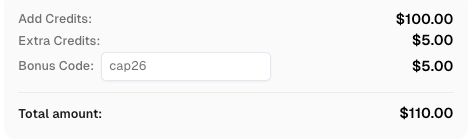
Use code
CAP26when signing up at CapSolver to receive bonus credits!
Integrating a new service into your development stack should be a straightforward process. CapSolver has designed its workflow to be as developer-friendly as possible, focusing on minimizing the time from setup to execution. The following table outlines the essential steps required to begin using the service effectively.
| Step | Action | Description |
|---|---|---|
| 1 | Create Account | Register on the CapSolver panel to access the dashboard. |
| 2 | Obtain API Key | Retrieve your unique client key from the home page panel. |
| 3 | Create Task | Use the createTask method to submit your CAPTCHA details. |
| 4 | Get Result | Poll the getTaskResult endpoint to receive the solution. |
For a more detailed walkthrough of these initial steps, developers should consult the official getting started guide provided by CapSolver. This documentation ensures that you have a solid foundation before moving into more complex API calls. If you prefer a more visual approach, you might also want to learn how to solve image captchas using our specialized recognition tools.
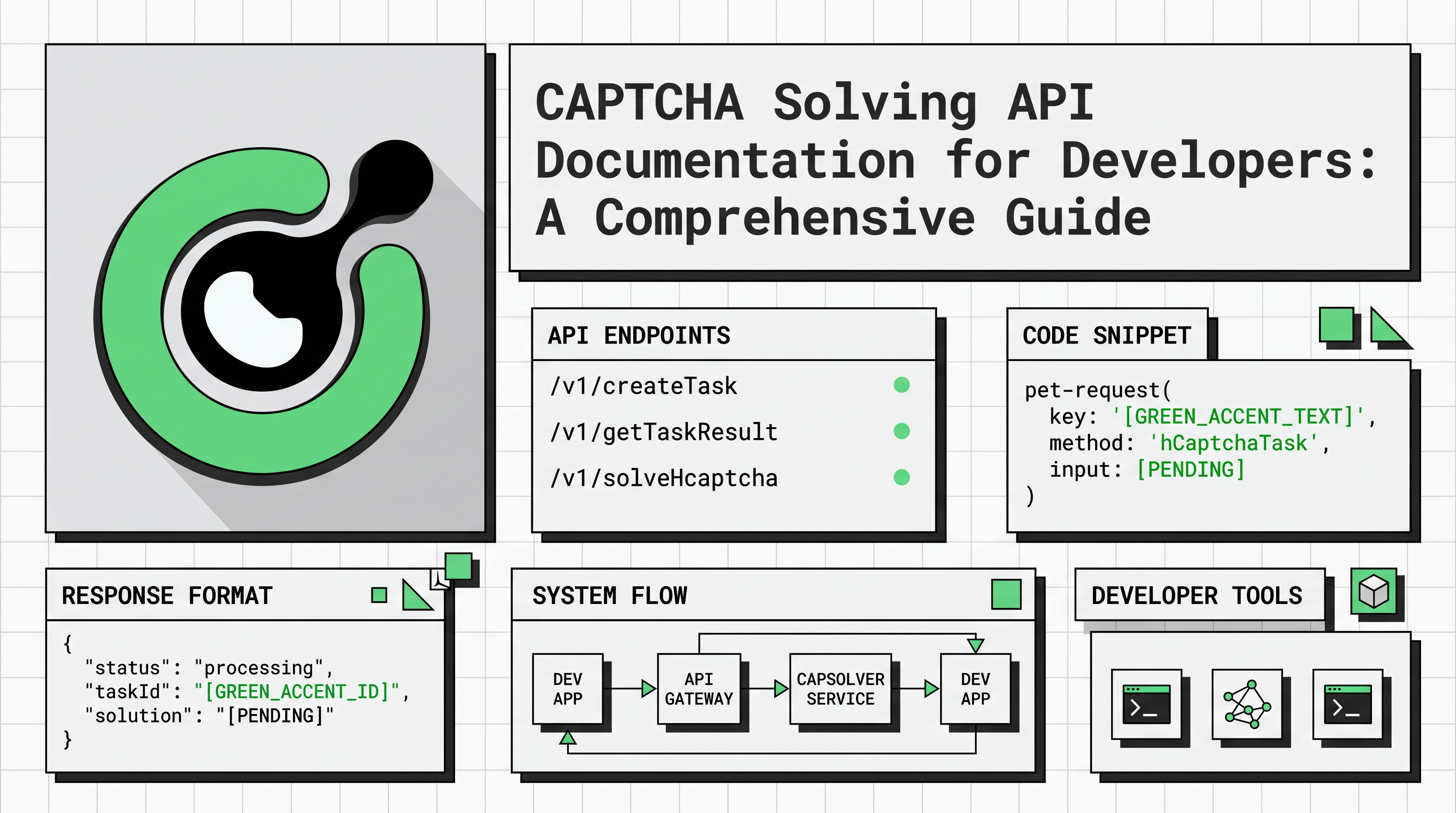
The core of the CapSolver service lies in its RESTful API, which allows for programmatic interaction with various CAPTCHA solving engines. The API is built around a few key endpoints that handle task creation, status monitoring, and account management. Understanding the structure of these requests is vital for any developer looking to implement a CAPTCHA solving API documentation for developers in their project.
The createTask method is the entry point for every solving request. It requires a JSON payload containing your clientKey and a task object. The task object must specify the type of CAPTCHA you are attempting to solve, along with any necessary parameters like the websiteURL and websiteKey.
POST https://api.capsolver.com/createTask
Content-Type: application/json

{
  "clientKey": "YOUR_API_KEY",
  "task": {
    "type": "ReCaptchaV2TaskProxyLess",
    "websiteURL": "https://www.google.com/recaptcha/api2/demo",
    "websiteKey": "6Le-wvkSAAAAAPBMRTvw0Q4Muexq9bi0DJwx_mJ-"
  }
}
Upon a successful request, the API returns a taskId, which you will use to retrieve the solution. This asynchronous model allows your application to continue other processing while the CAPTCHA is being solved. For a full list of supported task types and their specific parameters, refer to the API reference documentation. For those working with specific enterprise versions, our tutorial on how to bypass reCAPTCHA v2 enterprise provides targeted code examples.
Once a task is created, the next step is to obtain the result. For token-based tasks, this usually involves polling the getTaskResult endpoint. Most tasks are solved within 1 to 10 seconds, making the process highly efficient for real-time applications.
POST https://api.capsolver.com/getTaskResult
Content-Type: application/json

{
  "clientKey": "YOUR_API_KEY",
  "taskId": "37223a89-06ed-442c-a0b8-22067b79c5b4"
}
The response will include a status field. When the status is ready, the solution object will contain the necessary token or text to complete the challenge. This seamless flow is a primary reason why CapSolver is a preferred choice for developers seeking a CAPTCHA solving API documentation for developers. If you are using headless browsers, you can also solve reCAPTCHA with Puppeteer by integrating our extension or API directly into your scripts.
CapSolver supports a wide array of CAPTCHA types, categorized into recognition-based and token-based tasks. Recognition tasks are typically used for image-to-text or simple grid selections, while token tasks are designed for more advanced systems like reCAPTCHA, DataDome, and AWS WAF.
One of the most challenging hurdles for developers today is the AWS WAF 405 status code, which indicates a security interrogation. Handling this requires a specialized approach that involves extracting specific parameters like awsKey and awsIv from the target page. CapSolver provides dedicated task types for these scenarios, ensuring that even the most complex firewalls can be navigated. For more information on this specific use case, you can read the guide on how to solve AWS amazon captcha token. Similarly, if you are dealing with Cloudflare protections, our guide on how to bypass Cloudflare Turnstile is an essential resource.
When evaluating a CAPTCHA solving API documentation for developers, it is helpful to compare the different methods available. The following table summarizes the differences between recognition and token-based solving.
| Feature | Recognition Tasks | Token Tasks |
|---|---|---|
| Primary Use | Image-to-Text, Grid Selection | reCAPTCHA, Cloudflare, AWS WAF |
| Response Type | Direct text or coordinates | Cryptographic token |
| Complexity | Low to Medium | High |
| Success Rate | High for simple puzzles | Variable based on risk scores |
To get the most out of a CAPTCHA solving API documentation for developers, it is important to follow industry best practices. First, always implement robust error handling to manage potential API timeouts or incorrect parameters. Second, consider using the ProxyLess versions of tasks if you do not want to manage your own proxy infrastructure. CapSolver's internal proxy pool is optimized for high success rates across various geographic regions. For those who need to scale their operations, selecting the best proxy services is a critical step in maintaining high success rates.
For large-scale operations, monitoring your account balance and task throughput is essential. The getBalance endpoint allows you to programmatically check your remaining credits, ensuring that your service remains uninterrupted. Additionally, providing feedback on solved tasks via the feedbackTask endpoint helps improve the accuracy of the solving engines over time. These features are all part of a comprehensive CAPTCHA solving API documentation for developers that prioritizes long-term reliability. You can also integrate our browser extension for local testing and debugging during the development phase.
Navigating the complexities of modern web security requires a sophisticated set of tools and a clear understanding of the underlying technologies. By following a well-structured CAPTCHA solving API documentation for developers, teams can overcome the barriers posed by reCAPTCHA, AWS WAF, and other security systems. CapSolver offers a powerful, flexible, and developer-centric platform that simplifies the integration process while maintaining high performance. As bot traffic continues to evolve, having a reliable partner for CAPTCHA solving will remain a critical advantage for any data-driven organization.
What is the average time to solve a reCAPTCHA v2 task?
Most reCAPTCHA v2 tasks are solved within 1 to 10 seconds when using CapSolver's API. The exact time can vary depending on the complexity of the challenge and the current network conditions.
Does CapSolver support the new Cloudflare Turnstile challenges?
Yes, CapSolver provides dedicated task types for Cloudflare Turnstile and Cloudflare Challenge (5s challenge). These are handled via token-based tasks to ensure maximum compatibility with Cloudflare's security rules.
Can I use the API without managing my own proxies?
Absolutely. CapSolver offers ProxyLess task types for almost all supported CAPTCHAs. These tasks use CapSolver's internal, high-quality proxy infrastructure, reducing the operational burden on your development team.
How do I handle the AWS WAF 405 status code?
To handle the AWS WAF 405 code, you should use the AntiAwsWafTask. This requires extracting the awsKey, awsIv, and awsContext from the target page and submitting them to the CapSolver API to receive a valid aws-waf-token.
Is there a way to test the API before committing to a large plan?
Yes, developers can register for an account and use a small amount of credits to test the integration. The products page provides more information on the various plans and features available to suit different needs.
Ethan Collins
AI Agent Workflow Engineer
Building clearer handoffs between AI agents and tools.
ABOUT THE AUTHOR
Fix ERROR_IP_BANNED by stopping repeated bad CAPTCHA API requests, finding the first error, checking related codes, and resuming with a controlled test.

Compare CAPTCHA image recognition and token solving, understand their inputs and outputs, and choose the right API workflow for your authorized automation.