
What is headless browser detection and how to avoid it?
Answer
Headless browser detection is a technique used by websites to identify and block automated browsers. To avoid it, you can use common User Agents, adjust window size and viewport to match standard devices, disable automation flags, and utilize anti-detection tools like Puppeteer Stealth or ZenRows.
Detailed Explanation
Headless browser detection involves various methods that websites employ to identify automated browsers. One of the primary techniques is User Agent analysis, which detects unusual or inconsistent browser identifiers. JavaScript execution is another method, where missing or modified JavaScript features are flagged as potential automation signals. Canvas fingerprinting identifies unique graphics rendering signatures, while permission states check for anomalies in browser permissions. Plugin detection looks for missing standard plugins. On the server-side, request pattern analysis tracks timing and frequency of requests, header examination examines HTTP headers for inconsistencies, IP behavior tracking flags suspicious IP activity or proxy usage, and browser fingerprinting combines multiple signals to create unique identifiers.
Solutions / Methods
- Modify Browser Settings: Use common User Agents, adjust window size and viewport to match standard devices, disable automation flags (e.g., --disable-blink-features=AutomationControlled), and enable mobile emulation when needed.
- Integrate Anti-Detection Tools: Utilize tools like Puppeteer Stealth or ZenRows, which provide advanced methods for ethical automation. These tools include features such as modifying browser fingerprints, adjusting request headers, rotating proxies, simulating mouse movements, and mimicking keyboard input patterns.
Best Practice / Tips
To effectively implement the most effective solution, use a combination of residential proxies with automatic User-Agent rotation and set page.setRequestInterception(true) to block unnecessary resources. Additionally, configure your browser settings to lower the chances of detection by tweaking Chrome settings, such as using common User Agents, adjusting window size and viewport, and disabling automation flags.
👉 Related:
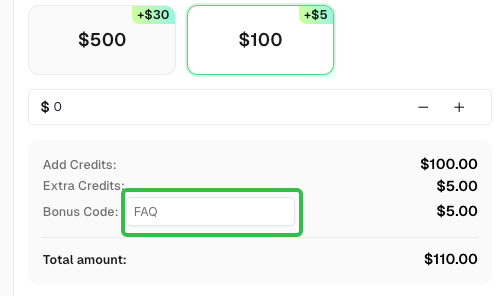
Use code
FAQwhen signing up at CapSolver to receive an additional 5% bonus on your recharge.
CapSolver FAQ — capsolver.com