
🎉NEWCapSolver for AI agents-MCP, agent tools, and SDK integrations

Ethan Collins
AI Agent Workflow Engineer
Published Apr 17, 2026
Updated Apr 17, 2026 · min read
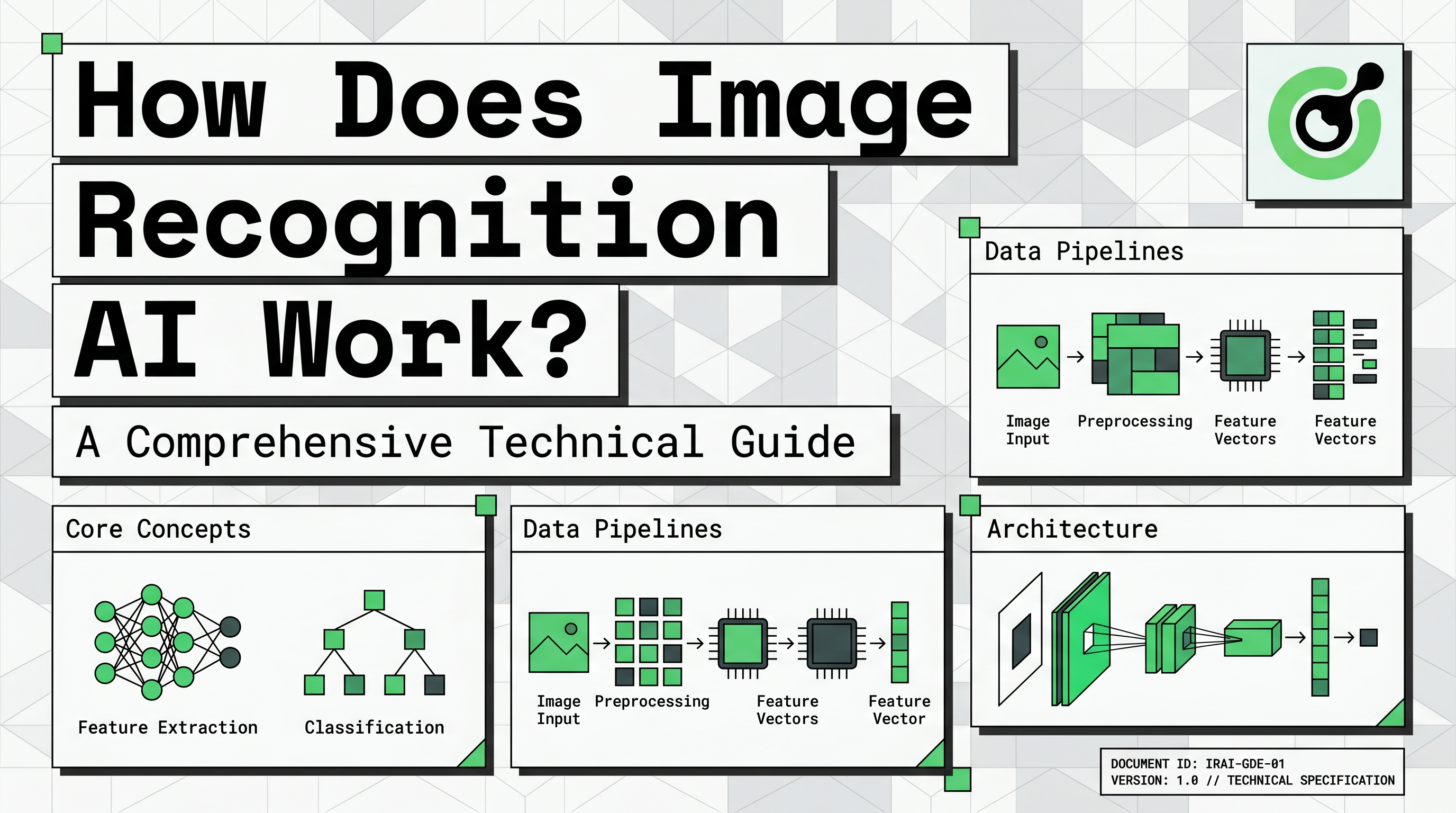
Image recognition AI works by converting visual information into mathematical arrays that neural networks analyze for specific patterns. This technology allows machines to identify objects, people, and actions within digital images with remarkable speed and accuracy. For developers and data enthusiasts, understanding how does image recognition ai work is the first step toward building advanced computer vision systems.
By conclusion forward, the effectiveness of image recognition depends on the quality of training data and the sophistication of the neural architecture. This guide demystifies the technical layers of visual AI, from raw pixel processing to the final classification of complex objects. We will explore how modern systems use mathematics to "see" and interpret the world around us.
To understand how does image recognition ai work, we must first look at how computers perceive images. A digital image is essentially a large grid of tiny elements called pixels. Each pixel contains numerical values that represent its light intensity or color levels.
In a standard color image, each pixel is represented by three values: red, green, and blue (RGB). These values typically range from 0 to 255. A machine sees a photo of a car not as a vehicle, but as a massive matrix of numbers. This numerical representation is the raw input that an image recognition system processes to find meaningful patterns.
| Component | Machine Representation | Function |
|---|---|---|
| Pixel | Numerical Value (0-255) | Basic unit of visual data |
| Color Channel | RGB Matrix | Provides color and depth information |
| Image Tensor | Multidimensional Array | The complete data structure for AI input |
This transition from visual input to machine-readable tensors is critical. It allows the AI to perform mathematical operations on the data to identify features that humans recognize instinctively.
The primary technology behind modern visual systems is the Convolutional Neural Network (CNN). This architecture is specifically designed to process grid-like data structures such as images. When exploring how does image recognition ai work, CNNs are the most important technical component to understand.
A CNN consists of several layers that perform different functions. The first layer is the convolutional layer, which applies filters to the image to extract low-level features. These features include simple elements like horizontal lines, vertical edges, and basic textures.
Next, pooling layers reduce the dimensionality of the data while preserving the most important information. This step makes the system more efficient and helps it focus on the most relevant features. Finally, fully connected layers take the processed information and perform the final classification. This is where the AI decides if the identified features represent a cat, a car, or a specific type of text.
According to IBM: What is Image Recognition?, these layers work together to build a hierarchical understanding of the image. The system starts with simple lines and gradually builds up to complex objects. This hierarchical approach is why CNNs are so effective at handling diverse visual tasks.
Building a successful system involves a structured pipeline that goes beyond just the neural network. The first stage is data collection, where developers gather thousands of images relevant to their target task. For example, a system designed to identify medical anomalies requires a vast dataset of clinical scans.
Data labeling is the next critical step. Human annotators must tag the images with correct classifications or draw bounding boxes around specific objects. This labeled data serves as the "ground truth" that the AI uses to learn during the training phase. Without high-quality labels, even the best CNN will fail to produce accurate results.
Preprocessing and augmentation are also essential. This involves resizing images, normalizing color values, and creating variations of the existing data. Augmentation helps the model become more robust by training it on rotated, flipped, or slightly blurred versions of the original images. This ensures the AI can recognize objects in different real-world conditions.
Finally, the model is evaluated using metrics like precision, recall, and accuracy. This testing phase determines if the system is ready for deployment. Developers must ensure that the AI performs reliably on new, unseen data before it is integrated into a live application.
Image recognition is used across many industries to automate tasks that were previously manual. In healthcare, it assists radiologists in identifying early signs of disease in X-rays. In retail, it powers automated checkout systems and visual search tools that help customers find products using photos.
A specialized application of this technology is found in security and automation. For instance, CapSolver utilizes advanced image recognition to solve complex visual challenges like CAPTCHAs. Their Vision Engine is a prime example of how does image recognition ai work in high-accuracy environments.
By using the CapSolver Vision Engine, developers can automate the recognition of visual puzzles with extreme precision. This is particularly useful for web scraping and data extraction tasks where traditional automation might be blocked. For those looking to implement these technologies, a practical guide on AI and LLMs in automation can provide valuable implementation strategies. Below is a conceptual example of how to interact with a visual recognition API:
import requests

# Example of using a vision engine for image recognition
def solve_visual_task(image_path, api_key):
    url = "https://api.capsolver.com/createTask"
    payload = {
        "clientKey": api_key,
        "task": {
            "type": "ImageToTextTask",
            "body": "base64_encoded_image_string"
        }
    }
    response = requests.post(url, json=payload)
    return response.json()

# This demonstrates the practical use of image recognition in automation
The role of AI in captcha solving highlights the technical maturity of modern image recognition. It shows that AI can now handle subjective visual tasks that were once thought to be only solvable by humans. This evolution is part of a broader trend where AI and LLMs are changing the captcha landscape by providing more sophisticated reasoning capabilities.
Not all image recognition tasks are equal in complexity. Developers often categorize tasks based on their level of subjectivity and the required precision.
| Task Category | Description | Example |
|---|---|---|
| Objective | Clear criteria with binary answers | Is there a dog in this photo? |
| Subjective | Requires nuanced interpretation | Is this medical scan showing a benign or malignant growth? |
| Quantitative | Involves counting or measuring | How many cars are in this parking lot? |
| Qualitative | Assessing the quality of an image | Is this product photo clear enough for an e-commerce site? |
Understanding these categories helps developers choose the right models and training strategies. Objective tasks are generally easier for AI to master, while subjective tasks require more extensive datasets and human oversight.
Image recognition identifies the primary subject of an image, while object detection finds and labels multiple objects within a single frame. Object detection is generally more complex because it requires identifying the location of each object.
CNNs are preferred because they can automatically learn spatial hierarchies of features. They use convolutional layers to identify simple patterns like edges and gradually combine them into complex objects. This makes them more efficient than traditional neural networks for visual data.
The amount of data depends on the complexity of the task. For simple classification, a few thousand images might suffice. However, for high-accuracy systems in fields like autonomous driving, millions of labeled images are often required to ensure safety and reliability.
Yes, modern hardware and optimized neural architectures allow for real-time image recognition. This is essential for applications like facial recognition security and autonomous vehicle navigation, where decisions must be made in milliseconds.
Mastering how does image recognition ai work requires a deep understanding of both neural architecture and data management. By combining powerful CNNs with high-quality datasets, developers can create systems that interpret the visual world with incredible precision. This technology continues to evolve, opening new possibilities for automation and intelligent decision-making.
If you are looking to integrate advanced visual AI into your workflows, explore the CapSolver today. Our solutions are designed to handle the most challenging image recognition tasks with ease.
Ethan Collins
AI Agent Workflow Engineer
Building clearer handoffs between AI agents and tools.
ABOUT THE AUTHOR
Discover how AI agents transform web scraping and competitive intelligence. Learn about automated data collection, anti-bot challenges, and CAPTCHA solutions for scalable workflows.

Discover the key differences between AI agent vs chatbot. Learn how agentic AI outperforms traditional AI in automation, decision-making, and complex workflows.


