
🎉NEWCapSolver for AI agents-MCP, agent tools, and SDK integrations

Khadija Santos
AI Agent & MCP Engineer
Published Nov 13, 2026
Updated Nov 13, 2026 · min read
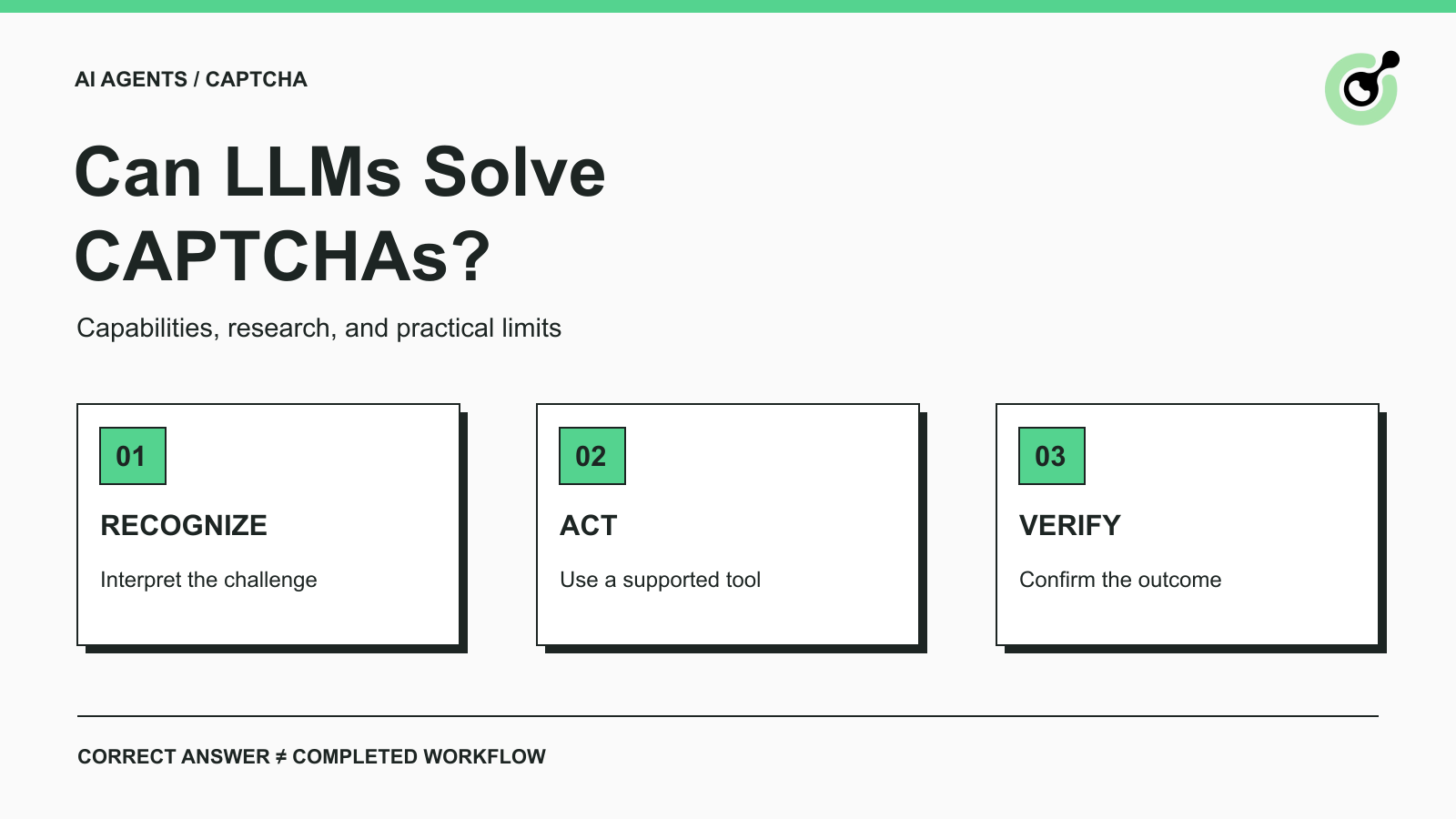
A screenshot showing a correctly identified object is useful evidence about a model's vision capability. It leaves another question unanswered: did the application accept the verification and finish the requested operation? That distinction matters when evaluating an LLM CAPTCHA solver for browser agents, QA, or permitted data collection.
This guide explains what the term means, what research demonstrates, and which checks belong in an evaluation. It also shows where a service such as CapSolver fits. The focus is capability and product selection, rather than prompts for attacking a particular website or a claim that every AI agent can solve every challenge.
An LLM CAPTCHA solver uses a language model, usually with image understanding, to interpret a CAPTCHA task or help coordinate its completion. The phrase covers several different systems, so ask what the product actually accepts and returns.
One system might accept an image and produce a text answer. Another might return a proposed click location. A browser agent might call a separate solving service, then continue a task after trusted application code checks the outcome. These systems require different evaluation methods.
The LLM glossary entry explains the underlying model category. Adding a browser or a solver tool gives a model additional capabilities; it does not make every tool result a result of the model's own visual reasoning.
Recognition asks whether a model correctly interprets the challenge input. Orchestration asks whether an agent selects and uses an appropriate tool at the right point in a workflow.
An agent that delegates a CAPTCHA to an API may be useful without solving the image itself. Conversely, a model that labels an image correctly may still lack the browser controls, task inputs, or accepted response needed to complete a web operation. Evaluate the role your application actually needs.
Published research shows that performance varies across challenge types and system designs. It supports a conditional answer to “can LLMs solve CAPTCHAs?”
The Oedipus research paper examines reasoning CAPTCHAs and reports difficulties when using LLM capabilities directly. Its proposed framework adds task decomposition and a domain-specific representation. A framework result therefore includes the surrounding system, rather than simply an unassisted model.
The COGNITION study evaluates multimodal models across several CAPTCHA task types. Its reported findings distinguish recognition-oriented, low-interaction tasks from harder localization, spatial-reasoning, and cross-frame tasks. The paper also considers retries, latency, and cost rather than accuracy alone.
These studies do not give a transferable success rate for every service, browser, or live deployment. When reading a result, keep the evaluated model, task collection, retry allowance, and measurement endpoint attached to the claim. A newer model name alone is not evidence that the same result holds.
A useful benchmark description tells you whether success meant a correct label, an accepted sequence of interactions, a valid server response, or completion of the application's original job.
For an authorized QA team, an image-answer benchmark can help select a recognition component. A browser-agent team needs additional evidence about page interaction and application completion. Neither team should quietly substitute one measurement for the other.
Also check whether failed or timed-out attempts remain in the denominator. Reporting only successful outputs hides the work that an operator would have to investigate.
A correct visual answer can be insufficient because an application may require a valid verification response and its own acceptance checks. The visible puzzle is only the part a screenshot exposes.
For example, Google's response-verification documentation describes a response token that the application's backend verifies. It documents a two-minute validity period and single use. A model-generated description of an image is not that verification response.
Similarly, Cloudflare's Turnstile validation guide requires server-side token validation and describes a five-minute lifetime with single-use tokens. Turnstile should not be evaluated as though it were simply an image-labeling task.
These examples establish why the evaluation endpoint matters. They do not imply that a solver guarantees application access. The site still controls its application logic and access decisions.
When testing your own application, inspect the server-side validation result and final application state. When working with a permitted third-party workflow, use the documented observable outcome available to you.
If the backend result is unavailable, label it unknown. A changed button, a closed widget, or a returned API response may be useful signals, but none should silently become “server accepted” in a report.
Redeem Your CapSolver Bonus Code
Boost your automation budget instantly!
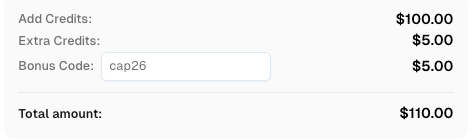
Use bonus code CAP26 when topping up your CapSolver account to get an extra 5% bonus on every recharge — with no limits.
Redeem it now in your CapSolver Dashboard
A dedicated CAPTCHA solver handles a supported verification task within a larger authorized workflow. The agent remains responsible for the original objective, and the application remains responsible for checking the result.
The CapSolver Agent Tools documentation describes a division between model decisions, a tool adapter, and the Core execution layer. That gives teams a documented integration route without requiring a language model to infer the solving protocol from a screenshot.
A practical evaluation should follow this sequence:
This is a responsibility checklist, not executable integration code. Use the official example for your chosen framework and verify it in your environment before deployment.
The model usually needs an explanation of the outcome, such as completed, still pending, or stopped for review. It does not need the full contents of browser cookies, service credentials, or every raw response.
This makes troubleshooting clearer. Record the observed challenge, selected operation, and final state separately. If a tool call never started, investigate tool selection. If the solver returned a result but the application rejected it, investigate that later stage.
For the separate implementation question of choosing screenshot input or a token API, see CAPTCHA handling for computer-use agents. That decision depends on what the runtime can observe and execute.
Evaluate an LLM CAPTCHA solver against a small, authorized task set with explicit acceptance conditions. The purpose is to test the role you need, rather than manufacture a universal leaderboard.
Write down the input type, allowed actions, supported challenge family, retry budget, and expected final state before comparing systems. Keep ordinary browser failures separate from challenge failures. Otherwise, a slow page load can distort the apparent solving result.
Report the outcome count, elapsed time, attempts consumed, and cost for the complete evaluated unit. If the unit is an agent job, include failed jobs and repeated paid calls. If it is an image task, say so directly.
A useful evaluation report also preserves negative cases. Include an unsupported challenge, a missing required input, and a result that arrives after the job has ended. The desired behavior in those cases may be a clear stop rather than another attempt.
Do not interpret a model's confidence statement as a measured probability of acceptance. Use an observed result from the application or test harness. Keep the harness limited to systems and data you are authorized to test.
A small test can show that an integration behaves as intended on the inspected cases. It cannot justify claims such as “best for all agents” or “works on every site.” Keep the test report attached to the purchasing decision so another team can see its limits.
When requirements change, repeat the relevant cases. Changing the model, browser runtime, solver task type, or target application can change what your earlier evidence establishes. A precise compatibility statement is more useful than an unrestricted promise.
Choose a recognition model when the requirement is a bounded image-understanding task you can evaluate directly. Choose a documented solving integration when an authorized application needs a supported CAPTCHA result. Use an agent when the surrounding job benefits from planning and tool selection.
CapSolver can provide the documented solving step. Confirm the current supported task type, test the complete authorized workflow, and treat application acceptance as a separate result.
Start with the official CAPTCHA getting-started guide and choose the capability that matches your actual challenge. Keep the first test small enough to inspect each outcome before expanding usage.
Q: Can LLMs solve CAPTCHAs?
LLMs with suitable visual capabilities can solve some evaluated CAPTCHA tasks. Results depend on the challenge, model, surrounding system, and definition of success. A correct visual answer does not automatically prove successful website verification.
Q: Is an LLM CAPTCHA solver the same as a CAPTCHA API?
No. An LLM is a model component; a CAPTCHA API exposes a documented service operation. An agent may call that API without performing the underlying image recognition itself.
Q: Can a text-only LLM solve an image CAPTCHA?
A text-only LLM cannot inspect the image directly. It needs a separate image-capable component or another source of visual information, and the complete system still needs evaluation.
Q: Should an agent keep retrying until a CAPTCHA passes?
No. Set an explicit attempt and time budget, then stop or request review when the budget is exhausted. Repeated attempts should not conceal unsupported inputs or an application rejection.
Q: Does a research benchmark prove a solver will work on my website?
No. A benchmark describes its evaluated tasks and conditions. Validate the required capability in your authorized environment and distinguish recognition results from application completion.
Khadija Santos
AI Agent & MCP Engineer
Develops and maintains CapSolver’s MCP tooling, from implementation and package releases to AI agent integrations.
ABOUT THE AUTHOR
A technical preview of a native Monid connector that lets AI agents call CapSolver for reCAPTCHA v2, reCAPTCHA v3, and Cloudflare Turnstile in authorized automation workflows.
Decide which CAPTCHA inputs your computer-use agent can actually supply, and when to switch to browser inspection or request human input.