
🎉NEWCapSolver for AI agents-MCP, agent tools, and SDK integrations

Emma Foster
Machine Learning Engineer
Published Nov 04, 2026
Updated Nov 04, 2026 · min read
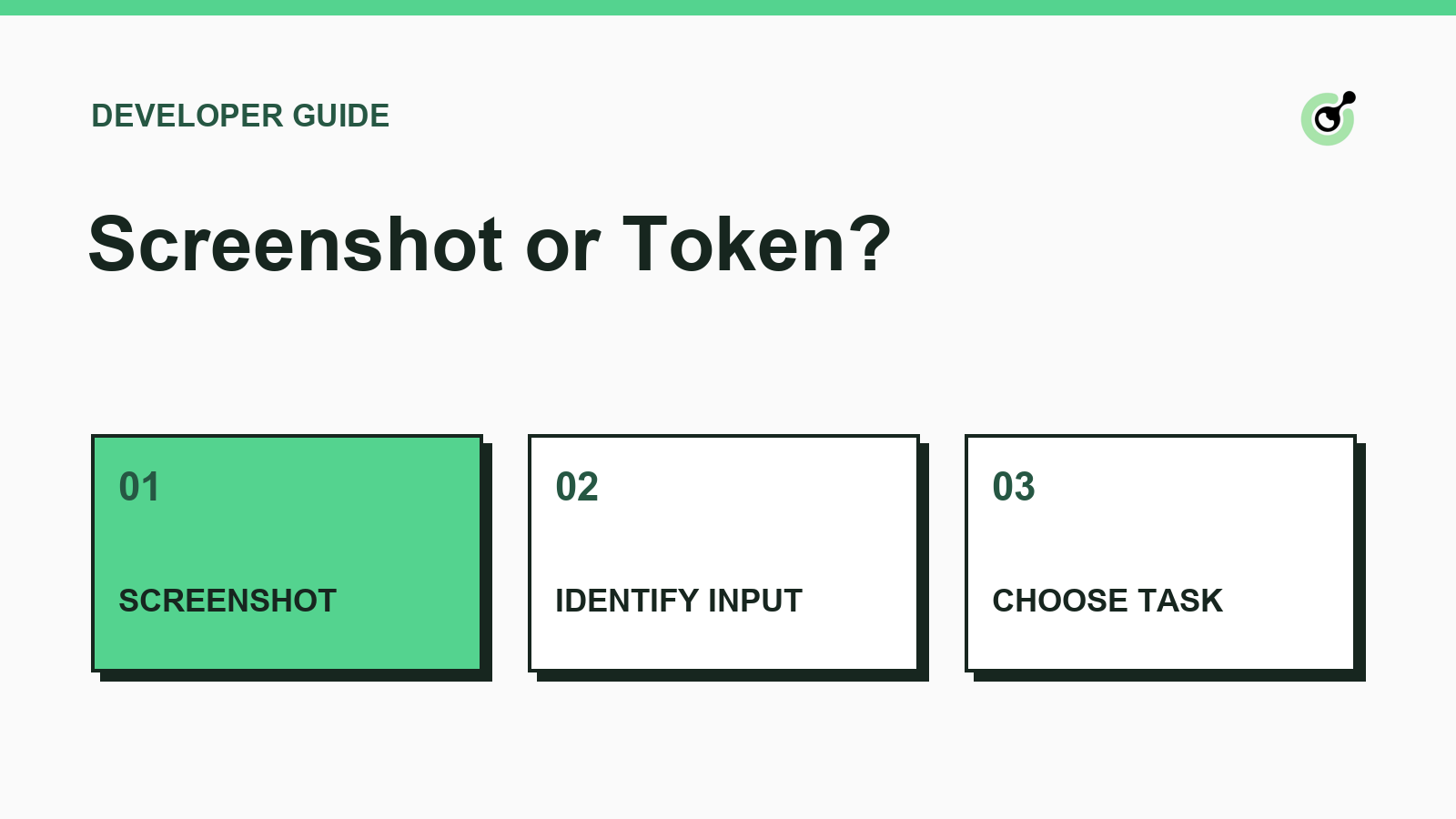
An agent sees a CAPTCHA in a screenshot and has permission to complete a form. The first decision is whether its executor can provide the inputs the challenge requires. A screenshot-based agent and a browser-aware executor may see the same page but have very different options.
CapSolver documents the task inputs and response fields used in this workflow.
A text CAPTCHA presents an image and an answer field. If the isolated challenge image is available, the documented image-to-text task accepts encoded image bytes. Crop to the challenge and keep unrelated page content out of the payload. If the answer field and image cannot be matched reliably, ask for human input.
A screenshot of a checkbox widget gives you a visual clue about the challenge. For token-based tasks, the required inputs depend on the challenge type. The task type guide separates recognition from token workflows. Google's reCAPTCHA widget guide shows where a site owner configures a site key.
A visual-only executor can work with a supported image challenge when it can isolate the image and enter the returned text. A browser-aware executor can inspect the authorized page for documented widget parameters and confirm that the same form is still active. Playwright frame locators illustrate how frame-aware tools distinguish embedded controls from top-level page elements.
A token result still needs the integration's intended submission path. On a site you operate, use the Google server verification contract to distinguish a returned token from an accepted response. For a permitted third-party workflow, use the application's visible acceptance or rejection as your outcome signal.
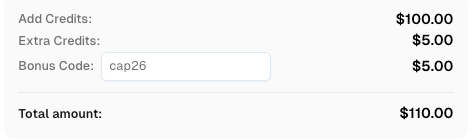
Redeem Your CapSolver Bonus Code
Boost your automation budget instantly!
Use bonus code CAP26 when topping up your CapSolver account to get an extra 5% bonus on every recharge — with no limits.
Redeem it now in your CapSolver Dashboard
Record the observed challenge type, the inputs available, and the next permitted action. If the route needs browser parameters the executor cannot retrieve, pause the job and ask for the missing capability or a human handoff. Avoid repeated screenshot submissions while the underlying input gap remains.
Use CapSolver when the task matches the documented inputs and your workflow can verify the outcome.
Q: Can I send a full-page screenshot as an image challenge?
Isolate the supported challenge image. A full page can contain unrelated text and data that the recognition task does not need.
Q: Can a checkbox screenshot supply a site key?
Treat the screenshot as a visual clue and obtain the documented parameters from the authorized application or browser context.
Q: What counts as a completed task?
Completion means the intended application accepted the form or operation after verification.
Emma Foster
Machine Learning Engineer
Where machine learning meets practical AI tooling.
ABOUT THE AUTHOR
Handle MCP CAPTCHA cancellation in AI agents. Stop new calls, distinguish remote tasks from local waits, and prevent late results from restarting work.

Fix CAPTCHA tools that connect but never run. Check discovery, agent visibility, required inputs, approvals, and executor dispatch before changing solver settings.