
🎉NEWCapSolver for AI agents-MCP, agent tools, and SDK integrations

Emma Foster
Machine Learning Engineer
Published Aug 20, 2026
Updated Aug 20, 2026 · min read
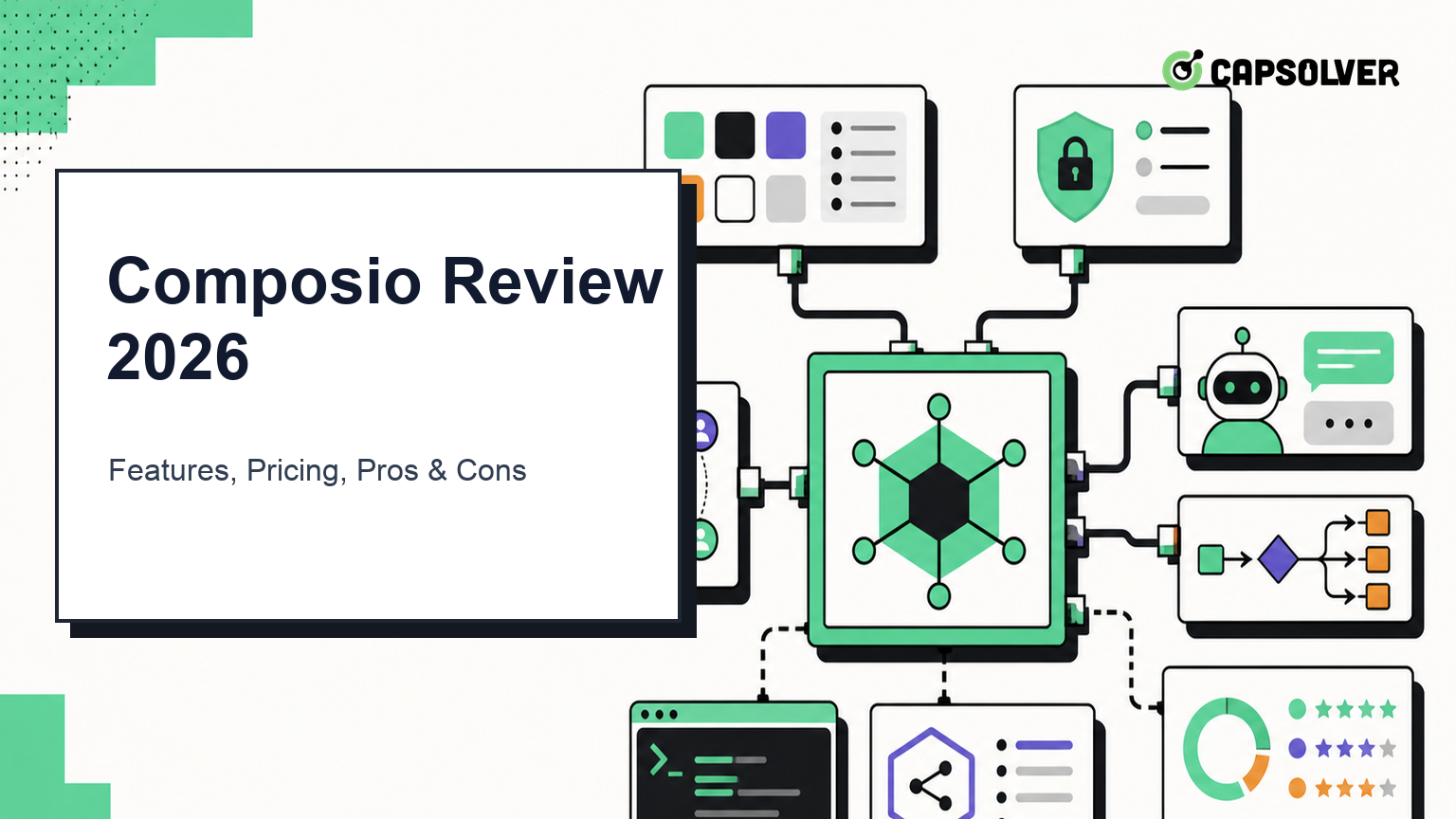
Composio is infrastructure that lets AI agents discover, authenticate, and execute tools across external applications. Instead of implementing separate Gmail, GitHub, Slack, Notion, CRM, and browser integrations, a developer can expose relevant Composio toolkits to an agent through an SDK, CLI, or MCP endpoint.
That places Composio between the reasoning model and the applications on which the model acts. If you are new to this architecture, CapSolver's explanations of how LLMs interact with external tools and APIs and what an AI agent is provide useful background.
Composio is not an agent model or a general workflow application by itself. It supplies the tool, authentication, and execution layer that a model, agent framework, or product can call.
Composio's current architecture centers on sessions. A session represents one agentic runtime for one user and ties together the available toolkits, authentication configuration, connected accounts, execution logs, MCP state, tool memory, and workbench files.
By default, a session can expose a compact set of meta-tools rather than placing hundreds of action schemas into the model context. The agent searches for a suitable tool, requests a user connection when necessary, and executes the chosen action inside the same session. Developers who already know the exact actions can instead use direct-tool presets.
This design addresses a real scaling problem: adding more tools can increase model context, tool-selection errors, and permission complexity. Composio's Tool Router attempts to make tools available just in time. Readers comparing tool protocols can also review MCP and WebMCP and the concise Model Context Protocol FAQ.
The official Composio catalog listed 1,069 toolkits when this review was prepared. Popular entries include GitHub, Gmail, Slack, Notion, Google Sheets, Shopify, Google Drive, Supabase, and HubSpot. A toolkit groups related actions for one service, while each tool exposes a defined input and output schema.
Connector breadth is useful, but buyers should verify the exact actions, scopes, and authentication modes needed for their workflow. A toolkit's presence does not guarantee that every endpoint or organization-specific configuration is covered.
Composio maps connected accounts to a stable user ID and supports OAuth2, API keys, bearer tokens, and basic authentication through auth configurations. Managed apps can reduce OAuth setup, while custom auth configurations allow a team to bring its own OAuth application, scopes, consent screen, and credentials.
When an account is not connected, an agent can generate a hosted Connect Link and pause until the user authorizes access. According to the official documentation, credentials do not pass through the model or the developer's application in that managed flow.
This is one of Composio's most valuable capabilities for multi-user products. It is also an area that requires careful design: use stable internal user IDs, request minimum scopes, separate work and personal accounts, and define how expired or revoked connections are handled.
Sessions scope which user's accounts and which tools are available to the agent. Meta-tools can search, manage connections, execute actions, and use sandbox compute without loading the entire tool catalog into the prompt.
Composio documents session reuse for multi-turn conversations and session updates when toolkits or connected accounts change. This gives the application an explicit runtime boundary, but developers still need to decide when a conversation should reuse a session and when a new task requires a clean one.
Composio supports TypeScript and Python SDKs, provider adapters, a command-line interface, and hosted MCP endpoints. The official GitHub repository includes @composio/core, the Python composio package, the CLI, and adapters for OpenAI Agents, Claude Agent SDK, Vercel AI SDK, and LangChain.
For MCP deployments, current Composio documentation recommends session-based MCP URLs rather than its deprecated standalone MCP management API. This distinction matters because older tutorials may use an outdated setup. CapSolver's roundup of MCP servers for automation workflows offers additional context on how an MCP tool layer fits into a broader agent stack.
Triggers deliver external events to an agent or webhook, enabling workflows such as reacting to new issues, messages, records, or application events. Trigger support can reduce polling, but production systems still need deduplication, ordering rules, retries, and idempotent downstream actions.
Composio's sandbox gives an agent a remote environment for files, Python execution, intermediate data, and bulk operations. This can keep large tool results out of the language model context and support transformations before a final action.
The sandbox is useful for data-heavy tasks, but it expands the security boundary. Teams should restrict tool access, validate inputs, control outbound actions, and decide what data may enter the workbench.
Composio uses a free tier, a paid platform plan, and metered usage. The official pricing page showed the following structure on August 20, 2026:
| Plan or charge | Published allowance or rate |
|---|---|
| Free | $0; 100,000 tool calls per month, 50,000 trigger events, unlimited connections, and 3 members |
| Pro | $29 per month, including monthly usage credit and unlimited members |
| Enterprise | Custom pricing with volume commitments and enterprise controls |
| Tool-call overage | $0.0003 per call for own app, API key, or MCP usage |
| Trigger-event overage | $0.003 per delivered event |
| Sandbox tokens | 1 million per month included, then $3.75 per million |
The pricing model has additional layers. Composio-managed apps have separate included limits and rates, optional features can add per-call charges, and premium tools pass through third-party provider costs with a platform fee. For example, the pricing page listed browser automation through Browser Use at approximately $0.70 per task, but marked premium-tool prices as approximate and changeable.
The right cost metric is therefore not simply price per tool call. Measure cost per completed agent task, including searches, retries, trigger events, sandbox execution, managed connections, premium tools, and failed actions. Free is hard-capped; Pro continues with overage unless a spend cap stops it.
Composio has five clear strengths.
For teams assessing the broader ecosystem, the guide to AI agent frameworks helps separate orchestration frameworks from integration infrastructure such as Composio.
Composio's convenience comes with important tradeoffs.
Authentication, action schemas, tool routing, logs, and sessions become coupled to a third-party runtime. A migration plan should identify which connected accounts, auth configurations, and execution paths would need replacement if the platform changes.
Base tool calls are inexpensive, but the total can include triggers, managed-app rates, sandbox execution, proxy execution, compliance add-ons, connections, and premium-provider charges. Cost forecasting requires representative workloads rather than a single unit price.
A large toolkit count does not make all connectors equally deep. Test the exact operations, fields, pagination behavior, rate limits, error responses, and scopes required by the product.
Managed auth and tool schemas do not automatically create safe agents. Your application must enforce least privilege, approval boundaries, audit logs, idempotency, rate controls, and recovery for partial failures. Browser actions and other consequential tools should have explicit confirmation gates. The overview of why browser automation fails on CAPTCHA checkpoints illustrates one operational failure mode that an integration catalog alone does not remove.
The best alternative depends on which part of Composio you need.
| Alternative | Best fit | Main tradeoff |
|---|---|---|
| Direct APIs and custom OAuth | Maximum control over a small number of critical integrations | Highest engineering and maintenance burden |
| Individual MCP servers | Modular tool access for known services and MCP-native clients | Authentication and governance vary by server |
| n8n | Visual, self-hostable workflow automation with deterministic pipelines | Less centered on dynamic agent tool discovery |
| Zapier | Business automation with a large application ecosystem and accessible workflow building | Agent runtime control and self-hosting are more limited |
| Pipedream | Developer-oriented workflows, APIs, and event sources | Multi-user agent authentication still requires architecture choices |
| Composio | Agents needing managed auth, tool search, sessions, MCP, and many integrations in one layer | Platform dependency and multi-part usage costs |
A direct integration is often better when an application depends on two or three high-value APIs and requires complete control. Composio becomes more compelling when the product must support many users, many connected applications, and dynamic tool selection.
Composio is a strong shortlist candidate for SaaS teams building multi-user agents, engineering teams that want MCP or SDK access to many applications, and prototypes that need to become operational without implementing dozens of OAuth flows.
It is less compelling for a deterministic workflow with one stable API, a team that must keep every credential and execution path on its own infrastructure, or a highly regulated environment that has not approved Composio's data and authentication boundaries.
Before adopting it, run a proof of concept with real user isolation, expired credentials, denied permissions, rate limits, duplicate trigger delivery, partial tool failure, and audit-log review. A successful happy-path demo is not enough to validate production fit.
Composio is one of the more complete integration layers for action-oriented AI agents. Its sessions, managed authentication, tool discovery, hosted MCP access, triggers, SDKs, and sandbox address several hard production problems behind a single surface. The product is most valuable when integration breadth and per-user authentication would otherwise dominate the engineering roadmap.
The decision should still be evidence-based. Verify the exact toolkits, calculate full task costs, restrict permissions, and test failure recovery before moving critical actions into production.
When a Composio-powered browser workflow encounters an authorized CAPTCHA checkpoint, the next step is a dedicated integration rather than adding CAPTCHA logic to the general tool router. See the practical guide to integrating CapSolver with Composio for AI browser automation for the implementation path.
Q: What is Composio used for?
Composio connects AI agents to external applications through toolkits, managed authentication, sessions, triggers, SDKs, CLI access, and MCP endpoints.
Q: Is Composio open source?
Composio's SDK monorepo is publicly available under the MIT license, while the hosted platform, managed authentication, execution services, and dashboard are commercial services.
Q: How much does Composio cost?
Composio offers a hard-capped free tier, a $29 monthly Pro plan with usage credit, usage-based overages and add-ons, and custom Enterprise pricing as of August 2026.
Q: Does Composio support MCP?
Yes. Current documentation recommends creating a session with MCP enabled and using the session's hosted MCP URL; the older standalone MCP management API is deprecated.
Q: Is Composio better than n8n or Zapier?
Composio is usually a better fit for dynamic AI-agent tool discovery and per-user managed authentication, while n8n and Zapier are often stronger choices for deterministic visual workflows. The correct choice depends on runtime control, hosting, authentication, and workflow complexity.
Q: Can Composio handle browser automation?
Yes. Composio lists browser automation as a premium tool category, but browser workflows still require authorization, failure handling, cost controls, and specialized recovery for verification checkpoints.
Emma Foster
Machine Learning Engineer
Where machine learning meets practical AI tooling.
ABOUT THE AUTHOR
Estimate CAPTCHA solving costs in Browser Use by separating agent runs, challenge types, billable solves, retries, and verified outcomes from browser costs.

Set up CapSolver MCP in Claude Code, check the available CAPTCHA tools, and choose token or page solving for a supported, authorized browser task.