
🎉NEWCapSolver for AI agents-MCP, agent tools, and SDK integrations

Ethan Collins
AI Agent Workflow Engineer
Published Jul 03, 2026
Updated Jul 03, 2026 · min read
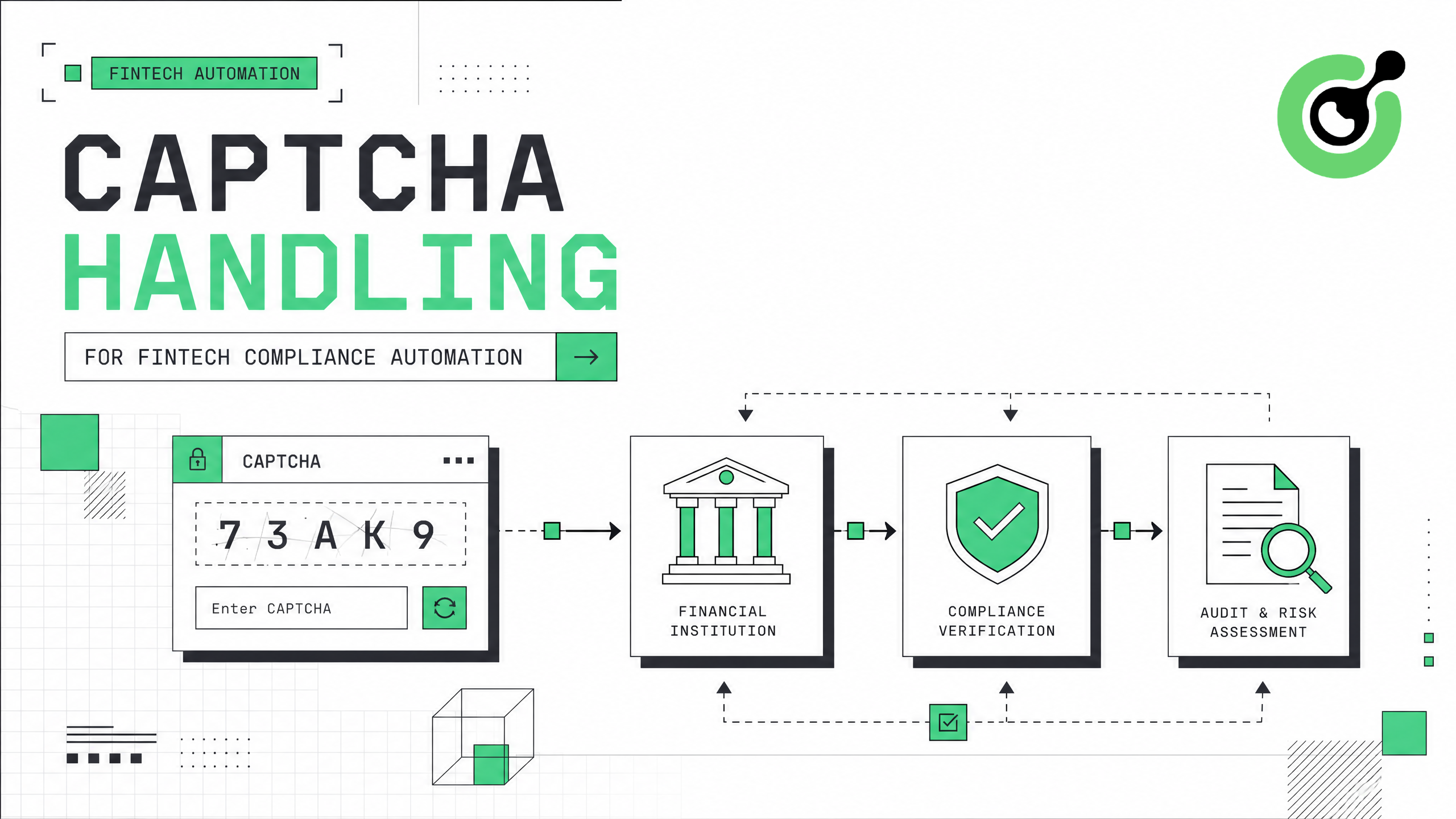
FinTech compliance teams face a growing challenge: the government portals, banking APIs, and regulatory databases they need to access for KYC, AML, and transaction monitoring are increasingly protected by CAPTCHA systems. This guide walks through a practical approach to integrating CAPTCHA solving into compliance automation workflows, covering regulatory portal access, identity verification pipelines, and audit data collection. You will learn how to maintain continuous automated access to protected resources while keeping your compliance operations running on schedule.
FinTech companies performing Know Your Customer (KYC) and Anti-Money Laundering (AML) checks must access dozens of external data sources daily. According to McKinsey, financial institutions spend $180-$270 billion annually on compliance operations globally. A significant portion of that cost comes from manual processes that could be automated — except that CAPTCHA challenges on government portals and regulatory databases block automated access. This guide shows how to integrate CAPTCHA solving into your compliance automation stack so that KYC checks, sanctions screening, and regulatory data pulls run without interruption.
Before implementing CAPTCHA handling in your compliance automation pipeline, prepare these components:
Understanding the CAPTCHA landscape on regulatory portals is essential. Many state-level business registries use reCAPTCHA v2, while federal systems like SEC EDGAR and FinCEN use custom image-based challenges. The CapSolver guide to solving image CAPTCHAs covers these non-standard challenge types.
Document every external portal your compliance team accesses and identify which ones deploy CAPTCHA protection. Create a registry of portals, their CAPTCHA types, access frequency, and business criticality.
Common CAPTCHA types found on compliance-relevant portals:
| Portal Category | Typical CAPTCHA Type | Frequency |
|---|---|---|
| State business registries | reCAPTCHA v2 | Every search query |
| Federal regulatory databases | Custom image CAPTCHA | After 5-10 requests |
| Banking portals | Cloudflare Turnstile | Session-based |
| Sanctions databases | reCAPTCHA v3 | Score-based, invisible |
| Court record systems | Text/digit CAPTCHA | Every document access |
Different CAPTCHA types require different API parameters and solving strategies. A compliance workflow that accesses 8 different portals may encounter 4 different CAPTCHA systems. Mapping this landscape upfront prevents integration failures and allows you to estimate API costs accurately.
Add CAPTCHA solving as a middleware step in your existing compliance automation workflow. The integration pattern depends on your automation framework:
For Python-based compliance scripts:
import requests
import time
from datetime import datetime

CAPSOLVER_KEY = "your-api-key"

def solve_compliance_captcha(site_key, page_url, captcha_type, portal_name):
    """Solve CAPTCHA with audit logging for compliance documentation."""
    start_time = datetime.utcnow()

    payload = {
        "clientKey": CAPSOLVER_KEY,
        "task": {
            "type": captcha_type,
            "websiteURL": page_url,
            "websiteKey": site_key
        }
    }

    response = requests.post("https://api.capsolver.com/createTask", json=payload)
    task_id = response.json().get("taskId")

    # Poll for result
    for _ in range(40):
        result = requests.post("https://api.capsolver.com/getTaskResult", json={
            "clientKey": CAPSOLVER_KEY,
            "taskId": task_id
        }).json()

        if result.get("status") == "ready":
            solve_time = (datetime.utcnow() - start_time).total_seconds()
            log_captcha_solve(portal_name, captcha_type, solve_time, "success")
            return result["solution"]
        time.sleep(3)

    log_captcha_solve(portal_name, captcha_type, 120, "timeout")
    raise TimeoutError(f"CAPTCHA solve timed out for {portal_name}")

def log_captcha_solve(portal, captcha_type, duration, status):
    """Audit log for compliance records."""
    log_entry = {
        "timestamp": datetime.utcnow().isoformat(),
        "portal": portal,
        "captcha_type": captcha_type,
        "solve_duration_seconds": duration,
        "status": status
    }
    # Write to your audit log system
    print(f"[AUDIT] {log_entry}")
For n8n workflow integration:
CapSolver integrates with n8n automation workflows through HTTP Request nodes. Configure a workflow that detects CAPTCHA presence, calls the CapSolver API, and injects the token before proceeding with data extraction.
Compliance automation must maintain audit trails. Every CAPTCHA solve should be logged with timestamp, portal name, solve duration, and outcome. This documentation proves to auditors that your automated access followed consistent, controlled procedures rather than ad-hoc manual processes.
Configure your compliance automation to respect portal rate limits and implement responsible access patterns:
import asyncio
from collections import defaultdict

class ComplianceRateLimiter:
    def __init__(self):
        self.portal_limits = {
            "state_registry": {"max_per_minute": 10, "max_per_hour": 200},
            "federal_database": {"max_per_minute": 5, "max_per_hour": 100},
            "sanctions_list": {"max_per_minute": 20, "max_per_hour": 500}
        }
        self.request_counts = defaultdict(list)

    async def wait_if_needed(self, portal_name):
        """Enforce rate limits before making requests."""
        now = time.time()
        limits = self.portal_limits.get(portal_name, {"max_per_minute": 5, "max_per_hour": 100})

        # Clean old entries
        self.request_counts[portal_name] = [
            t for t in self.request_counts[portal_name] if now - t < 3600
        ]

        # Check hourly limit
        if len(self.request_counts[portal_name]) >= limits["max_per_hour"]:
            wait_time = 3600 - (now - self.request_counts[portal_name][0])
            await asyncio.sleep(wait_time)

        # Check per-minute limit
        recent = [t for t in self.request_counts[portal_name] if now - t < 60]
        if len(recent) >= limits["max_per_minute"]:
            await asyncio.sleep(60 - (now - recent[0]))

self.request_counts[portal_name].append(now)Responsible access to government and financial portals is not optional in FinTech. Excessive request rates can trigger IP blocks, account suspensions, or regulatory scrutiny. Rate limiting demonstrates that your automation operates within reasonable bounds and respects the infrastructure of public data sources.
Build a CAPTCHA type router that automatically selects the correct solving approach based on the portal being accessed:
PORTAL_CAPTCHA_CONFIG = {
    "california_sos": {
        "type": "ReCaptchaV2TaskProxyLess",
        "site_key": "6Lc...",
        "url": "https://bizfileonline.sos.ca.gov/search/business"
    },
    "sec_edgar": {
        "type": "ImageToTextTask",
        "module": "common"
    },
    "ofac_sanctions": {
        "type": "ReCaptchaV3TaskProxyLess",
        "site_key": "6Lc...",
        "url": "https://sanctionssearch.ofac.treas.gov/",
        "pageAction": "search"
    },
    "uk_companies_house": {
        "type": "AntiCloudflareTask",
        "url": "https://find-and-update.company-information.service.gov.uk/"
    }
}

def solve_portal_captcha(portal_name, **kwargs):
    config = PORTAL_CAPTCHA_CONFIG[portal_name]
    captcha_type = config["type"]

    task_params = {"type": captcha_type}
    if "site_key" in config:
        task_params["websiteKey"] = config["site_key"]
    if "url" in config:
        task_params["websiteURL"] = config["url"]
    if "pageAction" in config:
        task_params["pageAction"] = config["pageAction"]

return create_and_solve_task(task_params)A unified CAPTCHA handling layer abstracts the complexity of multiple CAPTCHA types behind a single function call. Your compliance analysts and automation engineers do not need to understand the technical differences between reCAPTCHA v2 and Cloudflare Turnstile — they simply call solve_portal_captcha("california_sos") and receive a valid token.
pageAction parameter that must match what the site expects. Incorrect action values produce low-score tokens that get rejected.| Factor | Manual Handling | Automated (CapSolver) |
|---|---|---|
| Average resolve time | 15-45 seconds per CAPTCHA | 3-12 seconds per CAPTCHA |
| Daily throughput | 200-400 checks per analyst | 5,000-50,000 checks per pipeline |
| Error rate | 5-10% (human fatigue) | Less than 2% (API-based) |
| Audit trail | Inconsistent manual logs | Automated, timestamped records |
| Scalability | Linear (add headcount) | Horizontal (add API capacity) |
| Cost per 1000 checks | $50-$150 (analyst time) | $1.5-$3.0 (API credits) |
Claim Your Bonus Code: Use code WEBS at CapSolver dashboard to get an extra 5% bonus on every recharge. Ideal for FinTech teams running high-volume compliance checks daily.
Set up monitoring dashboards and alerting for your CAPTCHA solving pipeline:
The CapSolver API response optimization guide provides additional techniques for minimizing latency in high-throughput environments.
Compliance workflows have SLA requirements. KYC checks often must complete within 24-48 hours of customer application. If your CAPTCHA solving pipeline fails silently, compliance cases back up and onboarding delays occur. Proactive monitoring catches issues before they impact customer experience or regulatory deadlines.
CAPTCHA handling for FinTech compliance automation is a solved problem when approached systematically. The five-step process — mapping your portal landscape, integrating the solving API with audit logging, implementing rate limits, building a multi-type CAPTCHA router, and deploying with monitoring — creates a production-grade pipeline that handles thousands of daily compliance checks without human intervention. CapSolver's sub-10-second solve times and support for all major CAPTCHA types make it particularly well-suited for compliance workflows where speed and reliability directly impact customer onboarding and regulatory deadlines. The combination of automated audit trails and configurable rate limiting satisfies both operational efficiency goals and regulatory documentation requirements.
Start building your compliance CAPTCHA pipeline today at CapSolver.
Automated access to government databases for legitimate compliance purposes is generally permitted when you have a lawful basis for the data access, such as performing required KYC checks. However, you must review each portal's terms of use and ensure your access patterns comply with applicable regulations like the Computer Fraud and Abuse Act (CFAA) in the US. Many government portals explicitly support API access for registered financial institutions.
A mid-size FinTech processing 200-500 new customer applications daily typically encounters 500-2,000 CAPTCHAs across various verification portals. This includes KYC registry checks, sanctions screening, and document verification. At CapSolver's pricing of $1.5-$3.0 per 1,000 solves, monthly costs range from $25-$180 depending on volume and CAPTCHA complexity.
CapSolver integrates with all major RPA platforms through its REST API. For UiPath, you can use the HTTP Request activity to call the createTask and getTaskResult endpoints. For Automation Anywhere, use the REST Web Service package. The integration pattern is identical regardless of the RPA platform: create task, poll for result, inject token into the browser session.
Portal CAPTCHA changes are common — a registry might upgrade from reCAPTCHA v2 to v3 or switch to Cloudflare Turnstile. Your monitoring system should detect increased failure rates immediately. CapSolver supports all major CAPTCHA types, so the fix typically involves updating the task type parameter in your configuration rather than rebuilding the integration. Maintain a configuration file that maps portals to CAPTCHA types for quick updates.
Ethan Collins
AI Agent Workflow Engineer
Building clearer handoffs between AI agents and tools.
ABOUT THE AUTHOR
Fix common Selenium CAPTCHA integration problems by checking test configuration, extensions, waits, iframe context, solver responses, and application results.

Choose the CapSolver Python Core SDK or direct HTTP API by task support, page access, response handling, and the responsibilities your application owns.