
🎉NEWCapSolver for AI agents-MCP, agent tools, and SDK integrations

Lucas Mitchell
Automation Engineer
Published Nov 16, 2026
Updated Nov 16, 2026 · min read
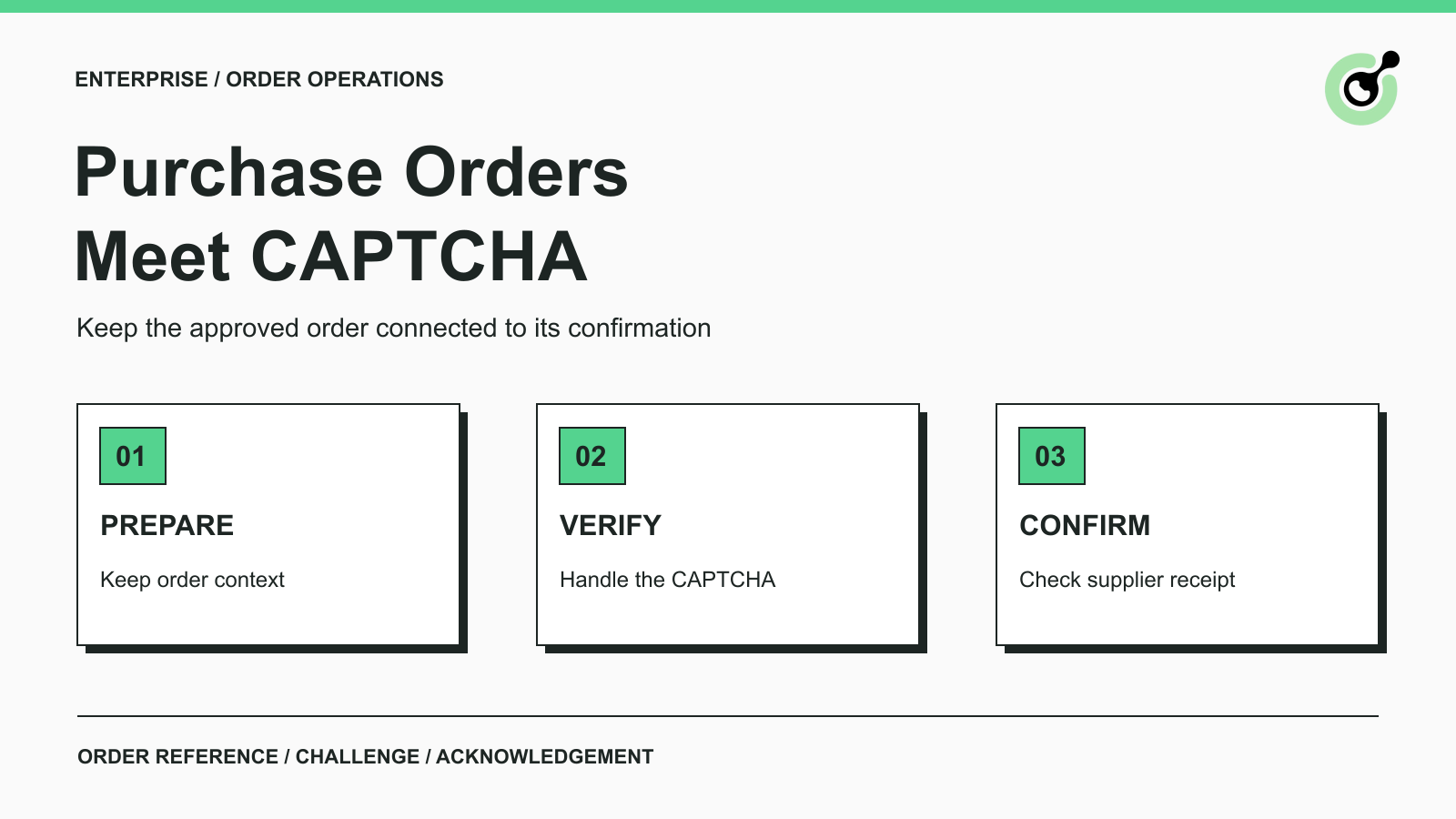
A purchasing operations team can have an approved order ready to enter, a browser robot that fills the supplier form correctly, and one remaining obstacle: a CAPTCHA beside the submission control. Restarting the whole robot may repeat the data entry. Clicking Submit again may leave the team unsure whether the supplier received one order or two.
CapSolver can handle a supported CAPTCHA within an authorized portal workflow. The practical task is to connect that result to the current order and then verify the supplier's response. This guide focuses on that narrow handoff. It uses an illustrative purchase order, not a claimed customer deployment or a tested integration with a specific supplier.
A CAPTCHA can interrupt an order workflow when the supplier's permitted browser form requires a verification result before accepting an operation. Its position depends on the portal; do not assume every purchase order process includes one.
Supplier-portal automation combines form entry, verification, and order tracking. A browser-automation vendor's procurement workflow overview discusses purchase order submission and CAPTCHA handling among the capabilities teams evaluate. That provides context for the operational problem; it does not establish a CapSolver partnership or demonstrate an integration with your supplier.
For your own process, locate the exact checkpoint. Is it beside the order form, before an order-status lookup, or on a separate page? A challenge before a status query has different consequences from a challenge attached to a submission that creates an order.
Use the RPA CAPTCHA workflow guide for general robot design. The order-specific requirement is to distinguish verification, submission, and acknowledgement rather than recording all three as one successful browser action.
Prepare a complete, approved order and identify the expected acknowledgement before the robot reaches the CAPTCHA step.
For an illustrative order called PO-DEMO-104, the robot might receive a supplier reference, two approved line items, quantities, and delivery instructions. Those values come from the purchasing process. A solver should neither generate them nor approve a commercial commitment.
The operating prerequisites are straightforward:
Finish data validation before obtaining a short-lived verification result. A robot that solves first and then waits for a buyer to correct quantities can let that result expire before it is useful.
Associate the purchase order reference with the browser operation from form loading through acknowledgement. Do not use a shared “latest CAPTCHA answer” variable across several simultaneous orders.
If the page refreshes while solving, check whether the form and challenge still belong to PO-DEMO-104. Restoring the order fields may be necessary, but reusing an answer from an earlier page state should not be the default.
A CAPTCHA is a verification checkpoint. Treating its solution as evidence that the order fields are correct gives it a responsibility it cannot perform.
Choose the documented task that matches the CAPTCHA actually shown by the supplier portal, then apply its output through the permitted form flow.
For a supported text-image challenge, the ImageToTextTask reference documents encoded image input and a direct recognition response. The recognized text belongs in that challenge's answer field. Refreshing the image means the earlier text may no longer match.
For reCAPTCHA v2, follow the documented task parameters for the actual page and variant. A returned token is different from recognized text and must be handled by the application's verification flow.
Google's response verification guidance specifies single-use tokens that expire after two minutes. This is a reason to keep solving close to the intended operation, rather than obtaining a token at the start of a long purchasing approval process.
The robot should continue only when the expected challenge result is available. If solving fails, retain the prepared order and a clear reason for the interruption. Do not automatically switch challenge types or submit an empty answer to see what happens.
This article does not supply generic portal selectors or a universal submission script: those controls depend on the supplier's supported interface. Use the official task examples for the CAPTCHA request and validate the surrounding form handling in your permitted environment.
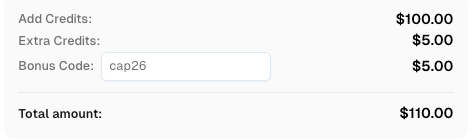
Redeem Your CapSolver Bonus Code
Boost your automation budget instantly!
Use bonus code CAP26 when topping up your CapSolver account to get an extra 5% bonus on every recharge — with no limits.
Redeem it now in your CapSolver Dashboard
Mark an order complete only after the supplier's application confirms the intended operation and the result matches the submitted order.
For PO-DEMO-104, a useful check would confirm the supplier reference, expected line items, and an acknowledgement or status that the team recognizes as acceptance. The exact evidence depends on the portal. A generated receipt number may be appropriate in one system; an accepted status in an order history may be appropriate in another.
The CAPTCHA widget disappearing is insufficient. So is the solver returning a result. Both may occur before the application checks required order fields or rejects a business rule.
Keep the robot's result readable to purchasing staff:
| Observed result | Recommended next action |
|---|---|
| Challenge still present; no submission attempted | Keep the order pending and inspect the solving step |
| Portal reports invalid order fields | Correct the approved record through the normal review process |
| Submission sent; acknowledgement missing | Reconcile portal order status before any resubmission |
| Matching supplier acknowledgement received | Record the accepted order and its reference |
| Acknowledgement refers to another order | Hold the result for investigation |
These are suggested workflow states, not CapSolver API statuses. They describe what the business automation knows after each step.
An uncertain response after submission requires an order-status check before another attempt to create the same order.
The distinction matters because retrying a lookup and retrying an order creation are different operations. MDN's explanation of idempotency describes why repeating a request does not always have the same effect as making it once. Do not assume a supplier form prevents duplicates simply because its button looks unchanged.
If the supplier provides a documented duplicate-prevention mechanism, follow it. Otherwise, use the approved order reference to inspect the supplier's acknowledgement or ask the responsible operator to resolve the uncertainty. Avoid generating a fresh order reference just to get a retry accepted.
A CAPTCHA rejection, a form validation error, and a missing confirmation need different fixes. Repeated solving is unlikely to help when the portal is rejecting an unsupported delivery date.
Record whether the challenge was observed, whether a solution was returned, whether submission was attempted, and whether acknowledgement was verified. Redact credentials and tokens. Keep the full commercial record in the purchasing system, not in a solver diagnostic log.
For unattended robots, compare the actual runtime with the environment where the form was tested. Microsoft's unattended desktop-flow troubleshooting guidance identifies browser configuration and loading differences among possible failure causes. An unavailable input control is not automatically a CAPTCHA service failure.
Validate the process with supplier-approved test facilities or a controlled, non-committing workflow before allowing real order submission.
Observe one supported CAPTCHA path and confirm that the order context survives it. Then check interruption cases: the challenge changes, the form rejects a field, or acknowledgement is unavailable after submission. The expected behavior is a precise pending state and an investigation route, not an unbounded retry loop.
Where a supplier has no safe test facility, keep the final commercial action under the existing human approval process. A successful CAPTCHA test alone cannot demonstrate that automated order creation is ready.
Connect CapSolver to the supported verification step, preserve the approved order, and confirm what the supplier accepted. That gives the operations team an outcome it can reconcile instead of a browser success message with an uncertain order behind it.
Q: Does a CAPTCHA solution mean the purchase order was accepted?
No. Confirm the supplier's acknowledgement and match it to the intended order before marking the operation complete.
Q: Should a robot solve the CAPTCHA before purchase approval?
Complete the required approval and field checks first. Obtain a fresh verification result close to the permitted submission step.
Q: Can the same CAPTCHA token be used for several orders?
Do not share a result across orders. Follow the challenge provider's documented lifecycle; Google's reCAPTCHA response tokens are single-use.
Q: What should happen if the page times out after Submit?
Check the supplier's order status using the approved reference before submitting again. A missing response does not establish that the order was never received.
Q: Is this a tested integration with a particular supplier?
No. It is an order-specific workflow guide grounded in official CAPTCHA interfaces. The supplier's form, permissions, and acknowledgement handling require validation in your own approved environment.
Lucas Mitchell
Automation Engineer
Helping browser automation recover and continue.
ABOUT THE AUTHOR
Add a CAPTCHA solver to Cypress with a Node task, keep API keys outside browser code, and verify an owned image-CAPTCHA form with a tested JavaScript example.

Use a practical CAPTCHA production checklist to verify browser state, solver tasks, retries, errors, and final application results before scaling automation.