
🎉NEWCapSolver for AI agents-MCP, agent tools, and SDK integrations

Lucas Mitchell
Automation Engineer
Published Jun 22, 2026
Updated Jun 22, 2026 · min read
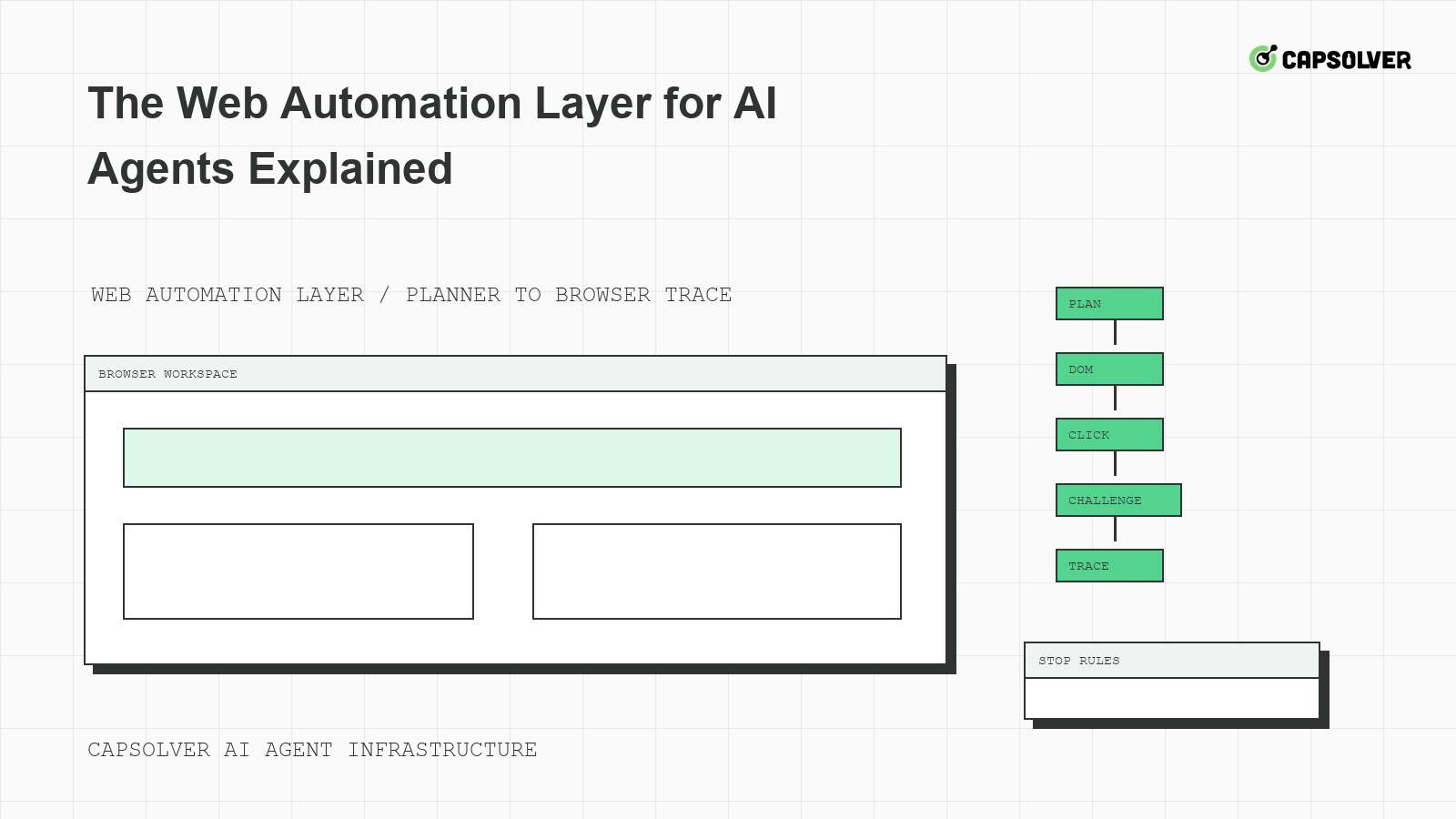
The web automation layer for AI agents explained in one sentence: it is the runtime that turns model intent into governed browser actions. CapSolver can support approved CAPTCHA handling inside that runtime, but it should not replace browser leases, DOM grounding, trace evidence, or risk limits. When agents fail on real sites, the problem is often not one bad click. It is missing state between the planner, browser, network, and protected workflow.
The web automation layer for AI agents sits between language-model planning and the live website. The planner decides the next intended action. The runtime checks whether the action is allowed, locates elements, waits for readiness, applies rate gates, records evidence, and stops when the task crosses a boundary. This division matters because the browser holds state that the model cannot reliably reconstruct.
CapSolver's LLM browser automation workflow is useful background for teams connecting models to browsers. The key production lesson is that the planner should not be the only control point. The runtime must own cookies, local storage, route class, viewport, downloads, and challenge state.
A browser lease object gives the runtime a concrete owner for state. It should include domain, account class, route pool, storage profile, viewport class, trace setting, and expiration. The W3C WebDriver session model supports the same idea: a browser automation session is a concrete runtime object, not just a prompt instruction.
{
  "browser_lease": {
    "correlation_id": "agent-run-0622-layer-01",
    "allowed_domain": "example.com",
    "storage_profile": "public-task-profile",
    "route_policy": "shared-cooldown-aware",
    "trace_mode": "protected_transitions",
    "expires_after_actions": 40
  }
}
This configuration belongs to the web automation layer for AI agents. It is not a CapSolver API request. Its purpose is to keep browser state owned and reviewable.
DOM grounding prevents agents from acting on stale page descriptions. The runtime should attach every click, fill, wait, and submit to a locator, element state, screenshot, and network status. The WHATWG DOM standard's DOM node model is useful background because the page is a changing tree, not a static document.
CapSolver's article about Browser Use agent blocking is relevant because browser agents often fail when they over-trust visual or text summaries. A button can look present while disabled. A form can look complete while a hidden field has changed. A challenge can be rendered after the planner has already chosen the next action.
Each protected transition should store locator, accessible name, element readiness, current URL, request status, challenge event if present, screenshot hash, and final application assertion. This packet lets engineers reproduce the run without dumping sensitive content into normal logs. The web automation layer for AI agents should redact secrets and private fields while preserving enough context to debug state.
Challenge handling belongs inside the runtime, not directly in the model prompt. The runtime can detect an eligible challenge, check task permission, follow documented integration guidance, apply budgets, and return a typed outcome. CapSolver's official error code documentation should be consulted when mapping API errors into agent states. Do not invent retry behavior or response fields.
Redeem Your CapSolver Bonus Code
Boost your automation budget instantly!
Use bonus code CAP26 when topping up your CapSolver account to get an extra 5% bonus on every recharge — with no limits.
Redeem it now in your CapSolver Dashboard
Trace review is the practical debugging method for browser agents. The trace should show the planner instruction, browser action, locator, screenshot, network event, challenge state, and final result under one correlation ID. Playwright's trace viewer documentation is a useful implementation reference for teams that use Playwright-based runtimes.
When a protected action fails, reconstruct the last known good state. Did the route gate allow the task? Did the browser lease match the domain and account class? Did the locator still point to an interactable element? Did the network return 403, 429, or 5xx? Did a challenge event appear? Did the backend accept the final submit? CapSolver's MCP systems explanation can help teams think about tool boundaries, but trace evidence should decide the immediate fix.
The trace should also reveal whether the model hallucinated progress. If the agent says the form was submitted but no request left the browser, the issue is DOM interaction. If the request left but the response rejected it, the issue is backend acceptance. If the page rerendered during polling, the issue is session and form-state timing.
Long-running browser agents need hard risk limits. Set maximum navigation depth, maximum form submissions, download restrictions, private-data prompt stops, account warning stops, and challenge loop stops. MDN's HTTP 401 Unauthorized is a useful reminder that authentication boundaries should not be treated as ordinary navigation.
Expose stop rules as typed states: navigation_depth_exceeded, download_not_allowed, private_data_prompt, login_required, challenge_budget_exhausted, and cooldown_active. CapSolver's Playwright browser automation content is useful for understanding browser automation workflows, while production stop rules should be enforced by your runtime.
The web automation layer for AI agents is mature when the model can ask for actions but cannot silently exceed policy. That may feel slower than a prototype, but it is what makes the system reviewable and reliable. A trace with clear stops is better than a transcript full of confident claims and no application result.
A debugging matrix helps teams decide which part of the web automation layer for AI agents failed. Divide incidents by planner, locator, browser state, network policy, challenge handling, and backend acceptance. The category should come from evidence, not opinion. If the model selected the wrong action even though the page state was clear, the planner needs improvement. If the correct action was selected but the element was detached or disabled, the locator and wait strategy need work. If the request was sent but rejected, the team should inspect session state and authorization.
Map each evidence type to an owner. Planner transcripts belong to the agent team. Locator failures belong to browser automation engineers. Cookie and storage drift belongs to runtime owners. 429 cooldowns belong to operations. Documented solver errors belong to the challenge integration owner. Backend rejection after an otherwise valid browser action belongs to the application workflow owner. This mapping prevents every incident from becoming a prompt-tuning exercise.
The matrix should be short enough to use during an incident. A good version has one row per failure category, the evidence that confirms it, the first response, and the owner. For example, repeated element_not_interactable events should lead to locator and readiness review. A clean solver-ready event followed by a 403 should lead to authorization and session review. A cooldown key shared across workers should lead to queue throttling, not another browser launch.
Use the matrix after successful runs too. Sample traces from completed workflows and confirm that the evidence still maps cleanly to owners. This catches silent degradation before it becomes a failure spike. The web automation layer for AI agents remains maintainable when debugging starts from evidence and ownership rather than from the last visible page state.
Synthetic test pages give the web automation layer for AI agents a controlled place to prove behavior. Build small internal pages that simulate disabled buttons, delayed form tokens, route cooldowns, unsupported downloads, login prompts, and eligible challenge placeholders. The point is not to imitate a target site perfectly. The point is to validate that the runtime returns the right typed state before the agent reaches a real protected workflow.
Use one fixture for each boundary. A delayed-token page should fail if the agent submits before the hidden field is ready. A route-cooldown fixture should stop before browser launch. A private-data fixture should close the task and preserve redacted evidence. An eligible-challenge fixture should enter the documented challenge path only when the access contract allows it. A backend-rejection fixture should prove that a completed browser action is not automatically treated as task success.
These fixtures are valuable during prompt upgrades. A stronger model may click faster, choose different navigation paths, or reinterpret a warning message. The fixtures confirm that the runtime still enforces policy regardless of planner confidence. They are also useful after browser upgrades because element readiness, event timing, and network behavior can shift between versions.
Keep fixture output small and comparable. Store the expected typed state, expected trace events, and expected stop reason for each case. When a regression appears, engineers can see whether the model changed, the runtime changed, or the browser changed. This makes the web automation layer for AI agents easier to evolve without exposing real sites to avoidable test traffic.
Synthetic pages should be versioned with the runtime. If a fixture changes at the same time as the browser layer, the team loses its control sample. Keep old fixtures available for a short period after major releases so regressions can be reproduced. The web automation layer for AI agents needs stable tests because live websites are already variable enough.
Fixture results should be easy for non-authors to read. Store the expected state, actual state, trace ID, and owner in a compact report. When a release fails, the team should see whether the failure is a policy stop, locator regression, network cooldown, or challenge-handling issue without replaying the entire browser session by hand.
Keep those reports beside release artifacts. They become a compact history of how the browser layer behaved as prompts, browsers, routes, and challenge handling changed.
They also speed incident review.
The web automation layer for AI agents should combine planner intent with browser leases, DOM grounding, network evidence, challenge handling, trace review, and risk limits. CAPTCHA solving is one bounded capability inside that runtime, not a substitute for governance. For teams building lawful browser agents with approved challenge needs, CapSolver can support the challenge layer while your runtime preserves state and policy.
It is the runtime layer that converts model intent into browser actions while managing sessions, DOM evidence, network status, challenge states, logs, and stop rules.
The planner does not own cookies, storage, live element state, network timing, route policy, or backend responses. The browser runtime must manage those facts.
It should appear as typed states such as challenge detected, pending, ready, backend accepted, backend rejected, cooldown, or review required.
A trace should prove which model decision led to which browser action, what the page and network returned, and whether the final application action succeeded once.
Lucas Mitchell
Automation Engineer
Helping browser automation recover and continue.
ABOUT THE AUTHOR
Fix CAPTCHA handling that works locally but fails in a cloud AI agent. Compare browser setup, dependencies, credentials, network access, and page state.

Estimate CAPTCHA solving costs in Browser Use by separating agent runs, challenge types, billable solves, retries, and verified outcomes from browser costs.

