
🎉NEWCapSolver for AI agents-MCP, agent tools, and SDK integrations

Rajinder Singh
Deep Learning Researcher
Published Jun 22, 2026
Updated Jun 22, 2026 · min read
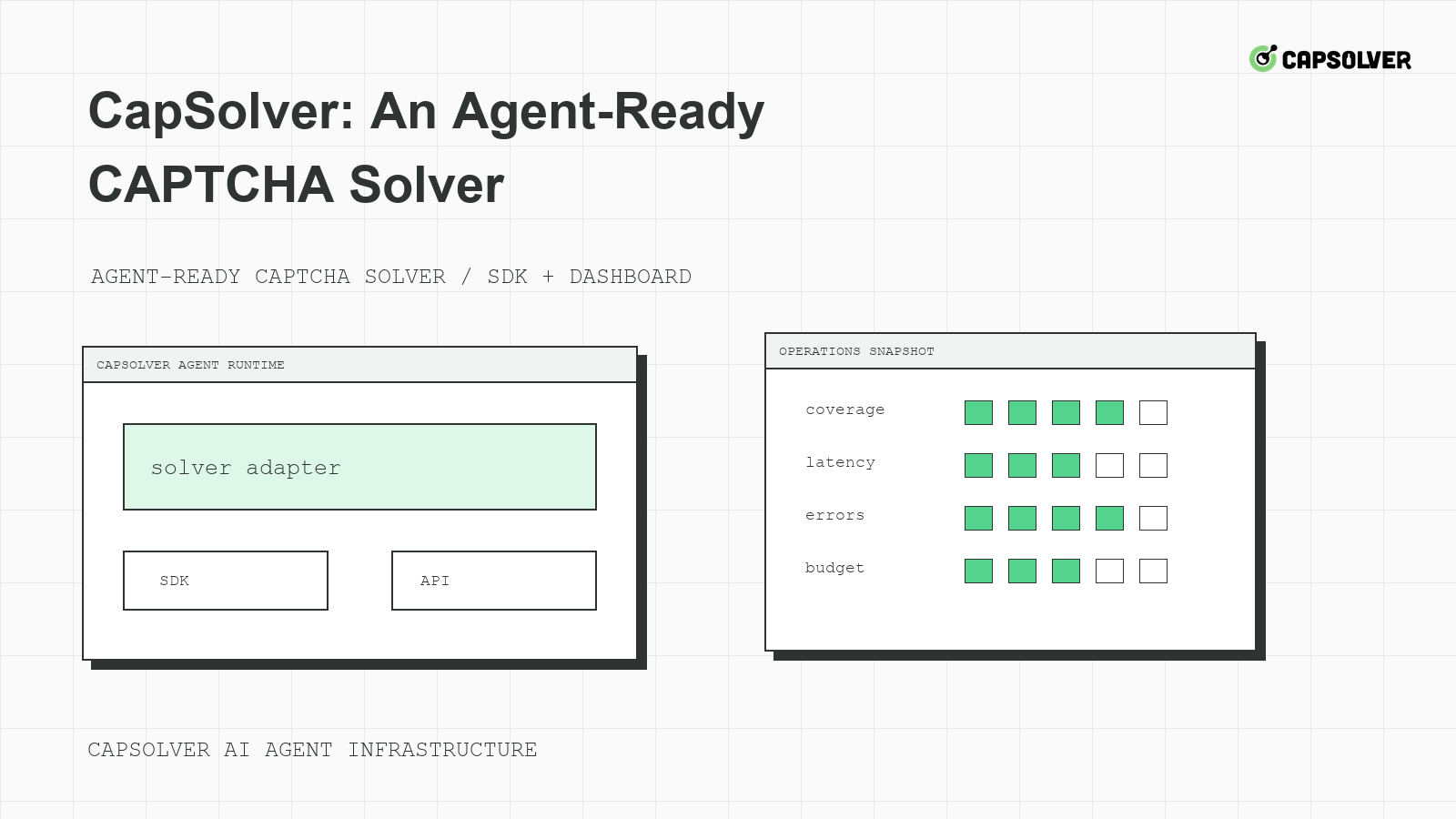
CapSolver: An Agent-Ready CAPTCHA Solver is best understood as a service component inside a larger agent runtime. CapSolver can help approved automation teams handle CAPTCHA challenges, but the runtime should still own permissions, session continuity, logging, and final outcome checks. Agent readiness is not a marketing label. It means the solver can be connected to documented workflows without asking the model to improvise API fields, retry policy, or sensitive access decisions.
An agent-ready CAPTCHA solver is not just a fast answer service. It must fit the way AI agents plan, execute, observe, and stop. Agents need typed challenge states, session-bound results, clear budgets, and evidence that a protected action was accepted by the application. They also need policy gates that prevent private, restricted, sensitive, or unauthorized access.
CapSolver's AI challenge handling overview helps frame why CAPTCHA solving should be connected to agent workflows carefully. The runtime should decide whether a task is allowed. The solver should handle documented eligible challenges. The application outcome should decide whether the workflow succeeded. This separation keeps CapSolver: An Agent-Ready CAPTCHA Solver from becoming a vague retry instruction.
Before dispatch, the runtime should know the allowed domain, account class, route pool, challenge family, protected action, attempt budget, and correlation ID. It should also know whether the page is showing a true challenge, a rate limit, a login warning, or a permission refusal. OWASP's automated threat taxonomy is a useful reminder that repeated automated attempts can have security implications even when the original task is legitimate.
agent_ready_solver_gate:
  required_before_dispatch:
    - allowed_domain
    - protected_action
    - browser_context_id
    - challenge_family
    - attempt_budget
    - stop_reason_if_denied
  success_requires: "application_acceptance"
This is a local gate for agent infrastructure. It is not a CapSolver request body. It tells the runtime what must be true before a solver path is eligible.
CapSolver fits between challenge detection and protected action verification. The agent or browser layer detects an eligible challenge. The solver service follows documented integration steps. The browser session consumes the result. The application accepts or rejects the protected action. CapSolver's official automation tool integration page should be the source of truth for wiring browser automation tools.
Keep solver calls in deterministic code paths, not free-form model text. A prompt can say "the page is in challenge state," but it should not compose unverified task payloads. The runtime can check official docs, apply budgets, redact logs, and stop on policy boundaries. CapSolver's agent infrastructure solver framework is a useful internal reference when teams evaluate where the solver sits in a larger stack.
This placement also improves auditability. If a workflow fails, engineering can inspect the detector event, solver request, polling window, browser context, and backend response separately. The model's reasoning is no longer the only record of what happened.
CapSolver: An Agent-Ready CAPTCHA Solver should be integrated with clear implementation boundaries. Field-level API details come from official documentation. Routing policy comes from infrastructure. Permission policy comes from the business owner. Browser state comes from the runtime. Final success comes from the target application's response. Mixing these responsibilities makes errors hard to diagnose.
The W3C WebDriver specification's browser session model is useful because it treats browser sessions as concrete objects. Agent teams should do the same. A solver result should be tied to the session that saw the challenge, not passed around as a generic string.
Redeem Your CapSolver Bonus Code
Boost your automation budget instantly!
Use bonus code CAP26 when topping up your CapSolver account to get an extra 5% bonus on every recharge — with no limits.
Redeem it now in your CapSolver Dashboard
Evaluate CapSolver as an agent-ready CAPTCHA solver with criteria that match production work. Start with documented challenge coverage. Then test integration with your browser tool, session continuity, queue behavior, error handling, latency, and observability. CapSolver's challenge success rate factors helps teams think beyond a single solve event.
Use a scorecard that includes eligibility accuracy, session binding, documented task coverage, polling budget control, backend acceptance rate, manual review reduction, and incident clarity. NIST's cybersecurity framework is a useful external comparison because it encourages identification, protection, detection, response, and recovery. The same lifecycle applies to protected agent workflows.
| Dimension | Strong signal | Weak signal |
|---|---|---|
| Coverage | Documented task family matches observed challenge | Payload copied from another site |
| Session binding | Same browser context consumes the result | New context opens after polling |
| Outcome | Backend accepts one protected action | Widget disappears but submit fails |
| Governance | Stop reason is recorded | Agent keeps retrying without owner |
The scorecard should be filled from traces, not impressions. If the agent team cannot prove which challenge created which solver task, the integration is not ready to scale.
Start with one approved workflow. Choose a public or owned-test scenario with clear permission, a stable browser profile, and a measurable final assertion. CapSolver's device fingerprinting entry is useful when defining which browser signals must remain consistent during the pilot.
Track challenge detection accuracy, solver dispatch count, median polling time, backend acceptance rate, duplicate-submit count, cooldown events, and manual review stops. HTTP Archive's page weight measurements can help explain why browser load and page complexity affect automation reliability. Heavy pages make timing problems more likely, and timing problems can look like solver defects.
CapSolver's agentic browser workflow gives additional context for browser-agent integration. Still, your rollout should be judged by your own trace evidence. Expand only after the pilot shows that one protected action completes once, with bounded challenge handling and a clear final result.
Procurement should evaluate CapSolver: An Agent-Ready CAPTCHA Solver with the same rigor used for any production dependency. The checklist should cover documented challenge coverage, support expectations, account controls, integration ownership, logging requirements, cost visibility, and incident response. A solver may be technically capable, but the buying decision should still ask how it fits the agent runtime, who owns failures, and how quickly the team can pause protected workflows.
Ask whether the selected challenge families are documented, whether the browser tool integration has a tested path, whether API credentials are stored outside prompts, whether solver attempts are tied to correlation IDs, and whether finance can see spend by workflow. Ask whether the team can disable one domain without disabling all automation. Ask whether review stops are expected and measured. These questions keep the evaluation grounded in operations rather than a single demo.
The checklist should include responsible-use boundaries. Which domains are approved? Which data classes are out of scope? Which account classes may be used? Which warnings stop the task immediately? Who reviews edge cases? CapSolver: An Agent-Ready CAPTCHA Solver should help approved automation continue through eligible challenges, but it should not be used to erase access decisions. The runtime and governance process must remain visible.
Finally, include an exit plan. If the pilot does not improve accepted protected actions, the team should know how to roll back the wrapper, remove credentials, archive traces, and restore manual handling. A mature procurement process defines failure criteria before rollout. That makes the adoption decision more honest and gives operators a clear path if the agent workflow proves unsuitable for automation.
The runbook should make CapSolver: An Agent-Ready CAPTCHA Solver understandable to every team that touches the agent platform. The agent team needs to know which typed states it can receive. Browser engineers need to know which context values must remain stable. Operations needs cooldown and route-health rules. Security needs credential storage and incident triggers. Policy owners need authorization boundaries and review criteria.
Include the allowed workflows, protected actions, browser lease requirements, documented integration links, queue budgets, review stops, metric definitions, and rollback owner. Add examples of cases that should not create a solver task: unclear permission, private-data prompt, account warning, cooldown, and unsupported challenge family. These examples are important because they keep the integration from being interpreted as a universal fix for every blocked page.
The runbook should include a first-response table. If solver tasks rise but accepted actions do not, review session binding and backend rejection. If 429 rises before challenge events, review admission control and route pressure. If the model asks to continue after a review stop, check planner state and tool permissions. If the browser context changes during polling, inspect lease expiration and page rerender behavior. This makes incidents faster and less emotional.
Runbooks should be exercised during low-risk drills. Create a fake cooldown, an expired browser lease, and an unsupported challenge state in a test environment. Confirm that the agent receives the correct typed state and that each owner knows the next step. CapSolver: An Agent-Ready CAPTCHA Solver is truly agent-ready when the humans around the agent can operate it under pressure.
The handoff should also define success language. Marketing may care about completed workflows, engineering may care about backend acceptance, and operations may care about stable cooldowns. Use one shared definition for protected-action success: the allowed workflow completed once in the expected session, with no duplicate side effect, no unresolved review stop, and enough evidence to explain the result. That shared definition keeps CapSolver: An Agent-Ready CAPTCHA Solver aligned across teams.
Review that definition whenever the agent begins a new class of work. A checkout test, public monitoring task, and account-support workflow may all encounter challenges, but they do not carry the same risk. Agent-ready adoption stays credible when success criteria follow the workflow instead of flattening every protected action into the same metric.
That discipline also helps leadership compare pilots fairly. A slower workflow with clear authorization and high backend acceptance may be more valuable than a faster workflow that creates review work.
CapSolver: An Agent-Ready CAPTCHA Solver belongs inside a runtime that already controls permissions, browser sessions, queue budgets, and application verification. The strongest integrations make the solver path documented, observable, and bounded. Teams building lawful automation can use CapSolver for approved challenge handling while keeping agent governance and final outcome checks under their own control.
It fits a runtime that can pass documented challenge data, preserve browser state, enforce budgets, record evidence, and verify final application acceptance.
No. Prompts can receive typed states, but solver calls, API fields, retries, and stop conditions should live in deterministic infrastructure.
Evaluate documented coverage, browser integration, session binding, polling control, backend acceptance, observability, and responsible stop behavior.
Start with one approved workflow, one browser profile, one route policy, and one measurable success assertion before expanding to more domains or tasks.
Rajinder Singh
Deep Learning Researcher
Making CAPTCHA solving more reliable in automated workflows.
ABOUT THE AUTHOR
Fix CAPTCHA handling that works locally but fails in a cloud AI agent. Compare browser setup, dependencies, credentials, network access, and page state.

Estimate CAPTCHA solving costs in Browser Use by separating agent runs, challenge types, billable solves, retries, and verified outcomes from browser costs.

