
🎉NEWCapSolver for AI agents-MCP, agent tools, and SDK integrations

Nikolai Smirnov
Software Development Lead
Published Jun 12, 2026
Updated Jun 12, 2026 · min read
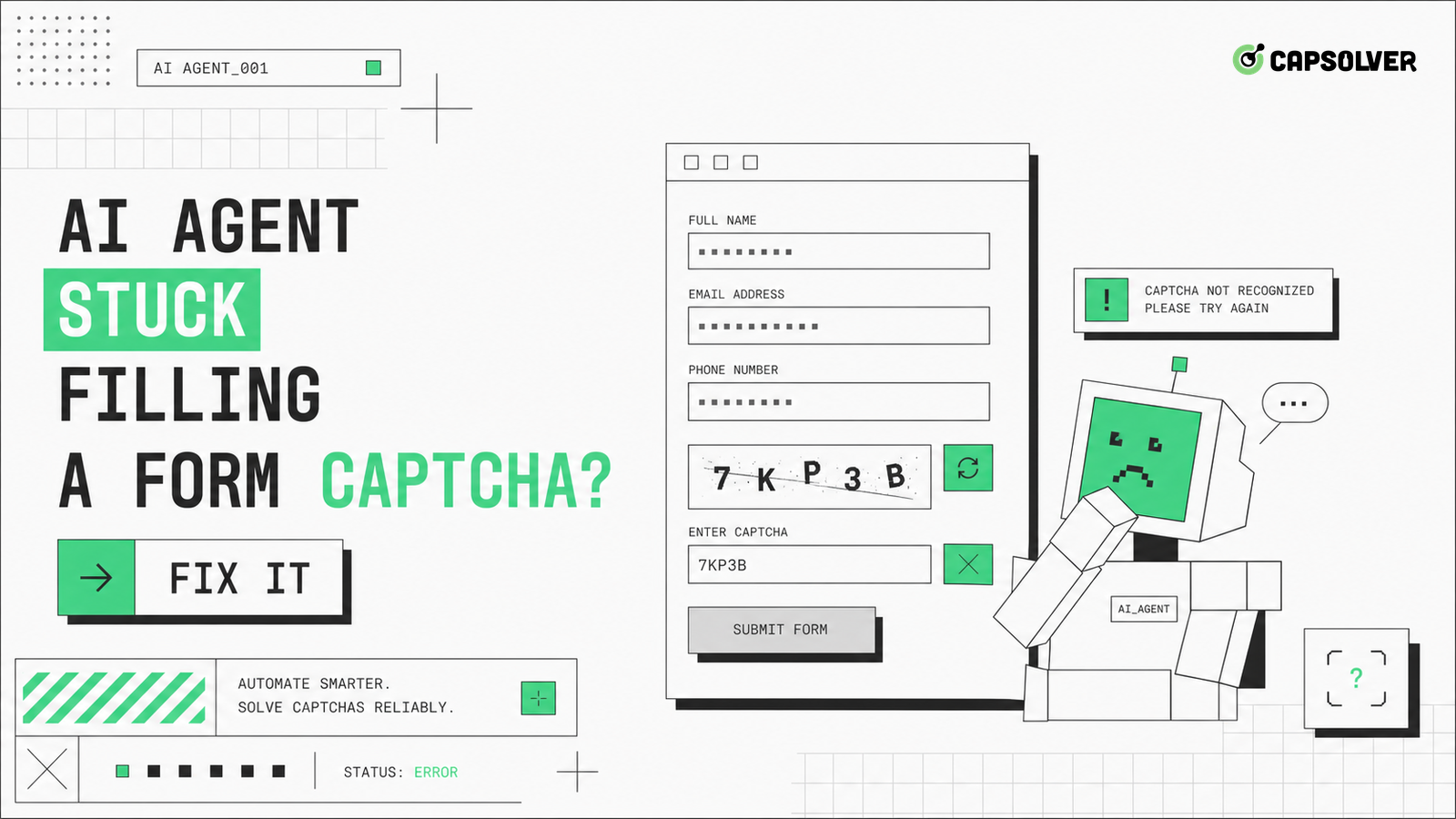
A form CAPTCHA stall is usually a broken transition, not a single broken field. When an AI agent reaches a form, fills values, and then loops at validation, the page may be waiting for a fresh token, a callback, a hidden input, or a server decision that the agent never observes. CapSolver can support authorized challenge handling inside that flow, but the first fix is to model the form state precisely. Record the field values, validation messages, submit event, token creation time, request payload, response code, and redirect target. An AI agent stuck filling a form CAPTCHA becomes much easier to repair when every transition has one owner, one timeout, and one clear stop condition.
Start by naming the states. A production form normally moves from blank page to field entry, local validation, challenge display, token receipt, final submit, server verification, and result handling. An AI agent stuck filling a form CAPTCHA often fails because it treats those states as independent screen tasks. The agent may type values after the challenge has already bound itself to earlier input, or it may submit while the hidden token field still contains an old value.
Build a state table with allowed transitions and failure reasons. The agent should not leave field entry until required controls pass local checks. It should not request challenge handling until the widget is present and the site key or challenge parameters are captured. It should not submit until the token is attached to the expected control and the session that rendered the widget is still active. The HTML form control model is useful context because form controls have names, validity states, and submit behavior that automation can disturb.
Keep this model in the browser tool, not only in the prompt. Return structured states such as fields_valid, challenge_visible, token_ready, submit_sent, and server_rejected. A planner can reason over those values without guessing from page text. This structure also separates form bugs from traffic validation, which is the central repair step for an AI agent stuck filling a form CAPTCHA.
Field validation should finish before CAPTCHA work starts. Many forms reject invalid input through inline errors, disabled buttons, pattern constraints, or asynchronous checks against the server. If the agent misses one of those signals, it may blame the CAPTCHA even though the form never reached the challenge-ready state. Use a deterministic field plan: set the value, blur the field when the site expects it, wait for validation to settle, and read both the DOM validity state and visible error text.
Pay special attention to fields that change the challenge context. Email domains, phone country codes, address autocomplete, tax IDs, consent checkboxes, and payment region fields can alter risk scoring or trigger a different widget mode. The client-side form validation overview is a practical baseline for understanding how browser validation and custom validation can coexist. For reCAPTCHA pages, CapSolver's reCAPTCHA type signals help classify whether the form uses a checkbox, invisible action, enterprise key, or score-based flow.
The safe rule is simple: a field error blocks submit, and a challenge does not excuse that error. Log every field name, expected format, final value class, and validation result. Do not log secrets or sensitive personal data. With that evidence, an AI agent stuck filling a form CAPTCHA can be fixed by correcting the field state instead of adding unnecessary challenge attempts.
Token timing is the most common form-specific failure. A CAPTCHA token is usually bound to a page, action, site key, user session, and short validity window. If the agent requests the token too early, edits fields afterward, reloads the page, rotates network routes, or delays before submit, the server can reject the response even though the browser appears ready. Google describes the reCAPTCHA server verification contract, which matters because client-side success must still match backend verification.
Instrument the sequence around the token. Store the render timestamp, challenge type, callback name, token receipt time, submit time, final endpoint, and server result. Keep the same browser context through render, token receipt, and submit. If the form has a hidden response input, confirm that the input is populated after the token arrives and before the submit event fires. If the page uses a callback, confirm that the callback ran and did not throw a console error.
Use CapSolver only at this specific transition when the task is permitted and the target challenge is supported. The site key extraction workflow is useful for documenting the challenge, while the CAPTCHA solving API path clarifies how challenge handling belongs inside an approved automation design.
Redeem Your CapSolver Bonus Code
Boost your automation budget instantly!
Use bonus code CAP26 when topping up your CapSolver account to get an extra 5% bonus on every recharge — with no limits.
Redeem it now in your CapSolver Dashboard
Duplicate submit behavior can turn a recoverable validation issue into a block. AI agents often retry the visible button because the page text has not changed, because a spinner lasts longer than expected, or because the model interprets a disabled control as a failed click. That pattern sends multiple near-identical payloads, sometimes with the same CAPTCHA token, and can trigger rate controls, fraud checks, or duplicate transaction protection.
Add a submit guard. Once submit_sent is true, the agent should wait for one of three outcomes: success navigation, server rejection with a clear error, or timeout with no network completion. During that wait it should not click another submit button, refresh the page, or create a new token. If the timeout fires, capture the request ID, screenshot, pending network calls, and button state before any recovery action. A second submit should require a fresh token and a known reason.
The guard should also protect users. Registration, checkout, booking, and support forms may create real records. Never let a planner guess its way through repeated submissions. For an AI agent stuck filling a form CAPTCHA, the correct repair is often a stronger state lock, not faster challenge handling.
A form can look stuck after submit even when the browser completed its part. The server may return a validation payload, a 302 back to the form, a 403 page, or a JSON error that the agent never reads. Capture the final response body class, status code, redirect chain, and any structured error fields. If the response says the token is invalid, test timing and session continuity. If it says a field is invalid, return to field validation. If it says access is denied, treat the issue as authorization or risk control.
Keep manual and automated baselines close. Submit the same form manually in the same test environment, then compare network events and payload shape. The agent does not need to store sensitive field values to compare structure; it can compare field names, token presence, content type, and status codes. Responsible teams use owned properties, contracted test environments, or permitted workflows. Technical capability does not grant permission to access private, restricted, or sensitive systems.
This evidence changes the repair conversation. Instead of saying the agent cannot solve the challenge, the team can say the token reached the endpoint late, the callback never fired, the CSRF value changed, or the server refused the account. That precision is what fixes an AI agent stuck filling a form CAPTCHA.
A field-level ledger prevents the team from over-attributing failures to the challenge layer. Store each field name, validation state, masked value class, required flag, error message, and last mutation time. Do not store passwords, raw personal data, payment details, or CAPTCHA tokens. The ledger should show whether the agent changed a field after the challenge rendered, because that one event can invalidate the final submit even when every visible control looks correct.
Use the ledger during review. If three failures share the same missing consent checkbox, fix the form agent. If failures show valid fields but stale token timing, fix the challenge transition. If failures show server refusal with no field error, investigate permission, account status, and route quality. This lets an AI agent stuck filling a form CAPTCHA move from vague retries to a concrete repair backlog. The ledger also helps content, QA, and compliance teams discuss the same event without exposing sensitive values.
A controlled matrix gives the repair work enough contrast. Test one valid form, one invalid field case, one expired token case, one duplicate submit case, and one manual baseline. Keep the same account, route, browser version, and locale for the first pass. Then change one variable at a time. The goal is to prove which transition changes the outcome, not to find a lucky run.
Review the matrix weekly for high-value forms. If valid manual runs pass while valid agent runs fail, compare event timing and hidden fields. If invalid test cases look identical to challenge failures, improve error extraction. If duplicate submit cases produce stronger denials, tighten submit guards. This discipline keeps the workflow useful after the first fix because future form changes will show up as state changes rather than unexplained CAPTCHA loops.
The durable fix for an AI agent stuck filling a form CAPTCHA is a strict form-state model. Validate fields first, render the challenge in the same session, attach a fresh token, submit once, and read the server response before any retry. This protects the target site, the user account, and the automation budget while making failures easy to diagnose.
When a legitimate form workflow still needs supported challenge handling after those checks, test the transition with CapSolver and keep the token-to-submit timing visible in logs.
The token may be stale, bound to a different action, attached to the wrong field, or rejected by the server because another required form value failed validation.
Only with a strict retry budget and a fresh state check. Reusing the same token or clicking repeatedly can create duplicate records and stronger risk signals.
Log the state transition, validation result, challenge type, token time, submit time, response status, redirect target, and a screenshot. Do not log secrets or sensitive personal data.
No. CapSolver can help with supported challenges in authorized workflows, but it does not fix invalid fields, missing CSRF tokens, broken callbacks, or account refusal.
Use it only for owned, contracted, or permitted forms. Respect site terms, account rules, privacy duties, and any rate limits set by the service.
Nikolai Smirnov
Software Development Lead
Building dependable software for complex automation.
ABOUT THE AUTHOR
Fix CAPTCHA handling that works locally but fails in a cloud AI agent. Compare browser setup, dependencies, credentials, network access, and page state.

Estimate CAPTCHA solving costs in Browser Use by separating agent runs, challenge types, billable solves, retries, and verified outcomes from browser costs.

