🎉NEWCapSolver for AI agents-MCP, agent tools, and SDK integrations

Anh Tuan
Data Science Expert
Published Jan 27, 2026
Updated Jan 27, 2026 · min read
The rise of autonomous AI agents has fundamentally changed web automation. These agents require more than simple scripts; they need tools that allow them to perceive, reason, and interact with the web like a human. The global AI agents market is experiencing rapid expansion, with projections showing a compound annual growth rate (CAGR) of 49.6% from 2026 to 2033, according to a report by Grand View Research. This growth drives demand for specialized browser automation platforms. Two leading contenders in this space are Browser Use and Browserbase. Deciding between Browser Use vs Browserbase is a critical choice for any team developing AI agents. Understanding the nuances of Browser Use vs Browserbase helps in selecting the right tool for your specific needs. This comprehensive guide is designed for engineers and product managers building AI-powered web solutions. We will provide a neutral, feature-by-feature comparison to help you select the platform that best aligns with your project's technical requirements and scale.
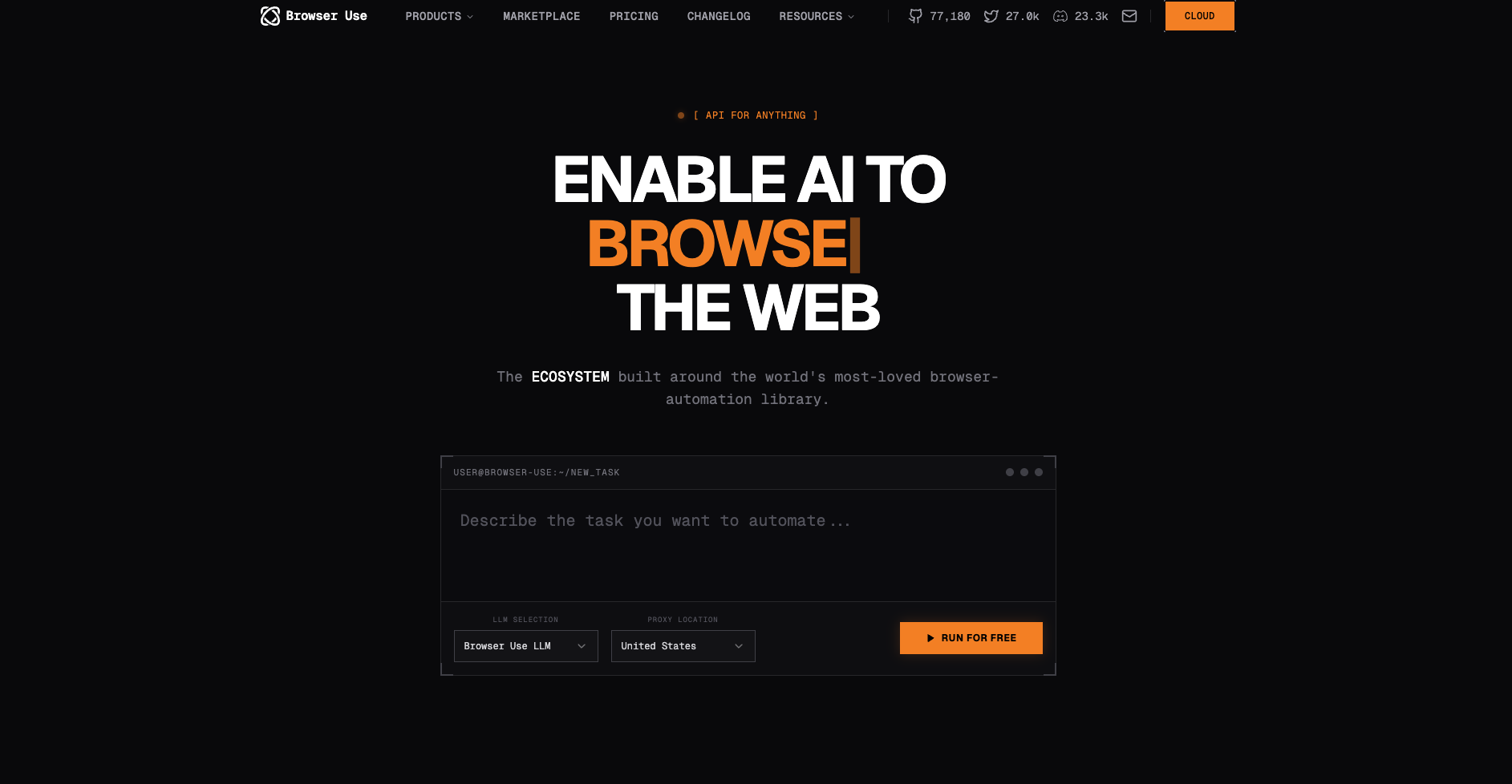
Browser Use is best understood as an AI agent framework built around browser interaction. You can find more details on the Browser Use Official Website. It is a Python library designed to give large language models (LLMs) the ability to use a web browser effectively. The platform focuses on the "intelligence" layer of automation. It abstracts away the complexities of the Document Object Model (DOM) and low-level browser commands. This allows developers to focus on the agent's decision-making process. The primary value of Browser Use is its high-level API for agentic control. It enables agents to perceive the page visually and interact based on reasoning, not just hard-coded selectors. This approach is crucial for handling websites with dynamic layouts or frequent updates. For AI agents that need to perform complex, multi-step tasks, Browser Use offers a powerful foundation. It simplifies the process of translating an agent's intent into a sequence of browser actions.
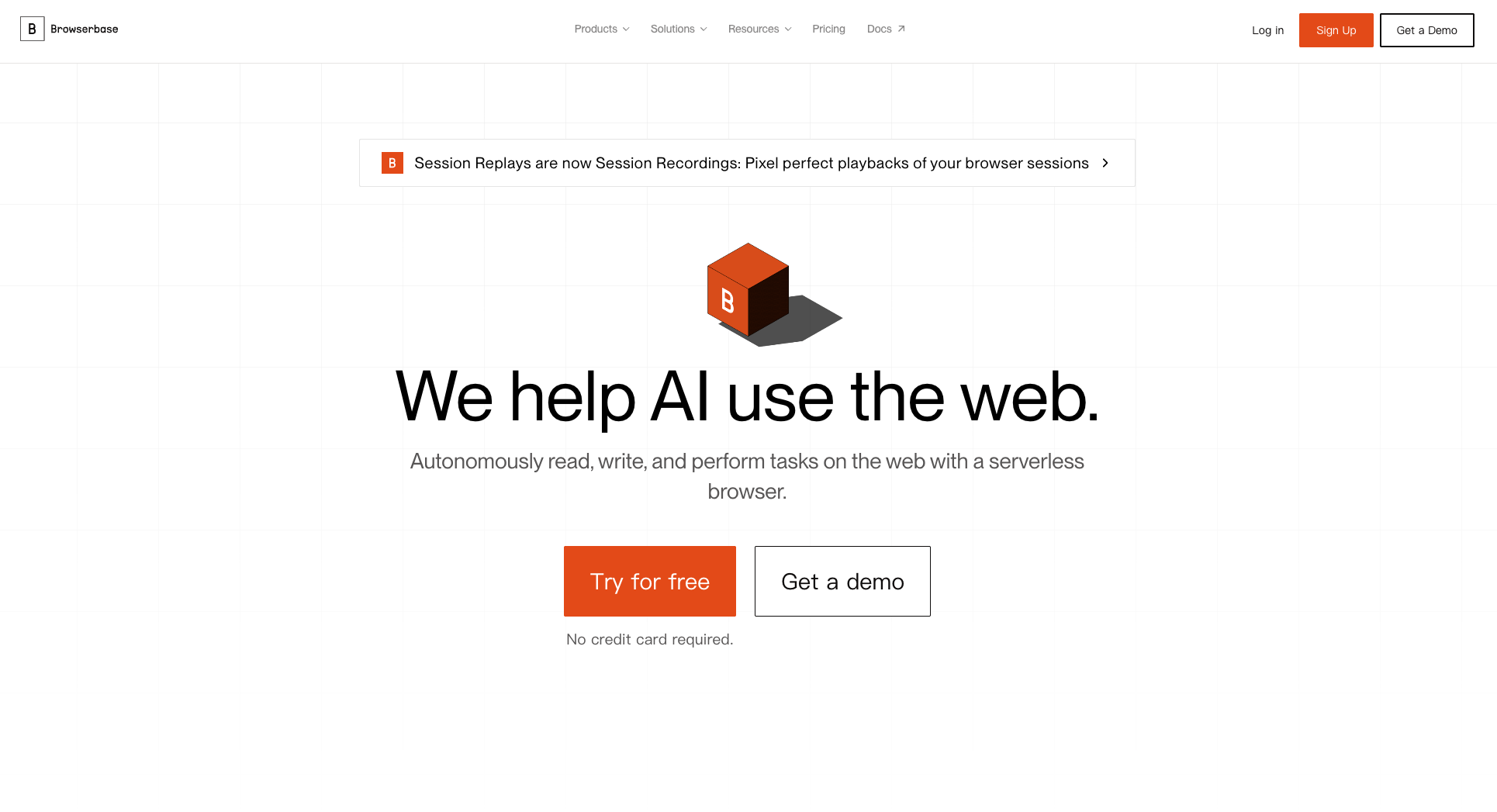
Browserbase is a managed cloud service that provides headless browser infrastructure at scale. Their official documentation is available on the Browserbase Official Website. It offers a reliable, high-performance environment for running standard automation tools like Playwright and Puppeteer. Developers often use the Playwright Documentation to build their scripts before deploying them to a managed service like Browserbase. The platform's focus is on the "infrastructure" layer. It handles the complexities of managing thousands of concurrent browser sessions, proxies, and network stealth. Browserbase is particularly strong in providing features that ensure reliability and maintain state. For instance, its session recording and replay features are invaluable for debugging complex, long-running workflows. This is a significant advantage when dealing with the inherent flakiness of web automation. The platform is designed for high-volume, production-grade web scraping and data collection. When comparing Browser Use vs Browserbase, remember that Browserbase provides the stable, scalable environment where any browser automation code can run efficiently. This distinction is vital when evaluating Browser Use vs Browserbase for production workloads.
The choice between the two platforms often comes down to a fundamental trade-off. Do you prioritize the intelligence of the agent or the robustness of the underlying infrastructure? The global automation testing market is valued at USD 24.25 billion in 2026, as reported by Fortune Business Insights. This highlights the massive scale of the automation industry. Both Browser Use and Browserbase cater to this market but from different angles.
This table summarizes the key differences between the two platforms.
| Feature | Browser Use | Browserbase |
|---|---|---|
| Primary Focus | AI Agent Framework (Intelligence) | Managed Browser Infrastructure (Scalability) |
| Core Technology | Python Library + LLM Vision | Headless Browser as a Service (HaaS) |
| Best For | AI-native applications, complex reasoning, dynamic sites | High-volume scraping, stealth, infrastructure reliability |
| Developer Experience | Python-centric, high-level agent API | Supports Playwright/Puppeteer, multi-language SDKs |
| Stealth & Evasion | Basic (Relies on proxy integration) | Advanced (Dedicated proxy management, fingerprinting) |
| Debugging | Standard logs, vision-based feedback | Session Replays, Console Logs, Network Monitoring |
| Pricing Model | Session-based subscription (e.g., $500/month for 250 sessions) | Hourly usage + subscription (e.g., $99/month + usage fees) |
Browserbase is engineered for raw performance and reliability at scale. Its managed cloud environment is optimized for spinning up and tearing down thousands of browser instances quickly. This makes it highly reliable for large, parallelized tasks. Browser Use's performance is more closely tied to the efficiency of the AI agent's reasoning loop. While the agent's logic is powerful, the overall execution time can be longer due to the overhead of LLM calls and vision processing. However, for tasks requiring high accuracy over speed, Browser Use often provides a more reliable outcome because it can adapt to unexpected page changes.
The developer experience is distinct for each platform. Browser Use offers a streamlined experience for Python developers building AI agents. The library handles much of the low-level interaction, allowing for more declarative, agent-focused code. Conversely, Browserbase appeals to developers already familiar with standard browser automation tools. It provides a managed layer for Playwright and Puppeteer scripts. This means you can use your existing code and simply point it to the Browserbase endpoint. The multi-language support (via standard browser protocols) also gives Browserbase a broader appeal to teams using Node.js, Go, or other languages.
Use code
CAP26when signing up at CapSolver to receive bonus credits!
Both platforms are designed to handle complex web interactions, but they face a common adversary: automated verification systems. These systems, such as reCAPTCHA and Cloudflare Turnstile, are specifically designed to block automated access. For an AI agent to function reliably, it must be able to solve these challenges seamlessly. This is where a specialized service becomes essential.
Integrating a dedicated CAPTCHA solver like CapSolver into your workflow is the most effective strategy. CapSolver provides a robust API that can be called by either Browser Use or Browserbase scripts to handle various challenge types. This integration ensures that your AI agent's workflow remains uninterrupted by security checks. For instance, you can learn about effective strategies to prevent IP bans and maintain a high success rate in your automation tasks by reviewing resources like the guide on the Best 7 AI Agents Tools for Web Automation. This approach offloads the complex task of challenge resolution to a specialized service, allowing the core platform to focus on its primary function.
The decision between Browser Use vs Browserbase should be driven by your specific use case. Analyzing Browser Use vs Browserbase through the lens of your project's goals will yield the best results. The market for AI agents is projected to grow at a CAGR of 45.8% from 2025 to 2030, indicating a diverse range of applications.
If you are building a new application where the core value is the agent's ability to reason and adapt to the web, Browser Use is the better starting point.
If your primary goal is to collect massive amounts of data from the web reliably and quickly, Browserbase is the clear winner.
If your automation involves frequent encounters with security measures like Cloudflare's challenges, you need a combined approach. Browserbase provides the necessary stealth and proxy management, but the challenge resolution itself requires an external tool. For a detailed guide on how to manage these specific hurdles, you can consult resources like how to Change User Agent to Solve Cloudflare. The combination of Browserbase's infrastructure and CapSolver's resolution capabilities creates a highly resilient automation pipeline.
Regardless of whether you choose Browser Use or Browserbase, integrating a CAPTCHA solving service is a best practice for production environments. The integration process is straightforward and significantly enhances the reliability of your agents.
Since Browser Use is Python-centric, the integration involves calling the CapSolver API directly within your agent's workflow logic. For a step-by-step guide, see the article on Browser Use CapSolver Integration. When the agent detects a CAPTCHA challenge (either through vision or DOM analysis ), it pauses the browser session, sends the challenge details to CapSolver, and waits for the token. Once the token is received, the agent injects it into the appropriate field and continues the workflow. This is a clean, programmatic way to handle verification.
Browserbase users typically integrate CapSolver within their Playwright or Puppeteer scripts. The script detects the challenge and uses the CapSolver API to obtain the solution. For users of specific automation frameworks, the integration can be even more direct. For example, developers using Playwright can find specific instructions on How to Integrate Playwright with CapSolver. This ensures that the high-performance infrastructure of Browserbase is never stalled by a security challenge.
The debate of Browser Use vs Browserbase is not about which tool is universally "better," but which tool is better suited for your specific needs. Ultimately, the choice of Browser Use vs Browserbase depends on your balance of intelligence and infrastructure. Browser Use offers the intelligence and high-level control necessary for building sophisticated, adaptive AI agents. Browserbase provides the scalable, reliable, and stealthy infrastructure required for high-volume, production-grade web automation.
For the modern AI agent developer, the optimal solution often involves a hybrid approach. Use the agentic capabilities of a tool like Browser Use or the robust infrastructure of Browserbase, and then fortify your workflow with specialized services. By integrating a dedicated CAPTCHA solver like CapSolver, you ensure that your AI agents can operate reliably and at scale, regardless of the underlying browser platform. Evaluate your project's core requirements—intelligence or infrastructure—and choose the tool that aligns best with that priority.
A: Yes, a hybrid approach is possible. You could use Browser Use for the core agent logic and decision-making, and then deploy the resulting browser actions to run on the highly scalable and managed infrastructure provided by Browserbase. This combines the best features of both platforms.
A: Browserbase generally offers a lower entry point with its smaller subscription tiers and pay-as-you-go hourly model. Browser Use's pricing tends to be session-based, which can be more expensive for low-volume, intermittent use. Evaluate your expected concurrent usage and total browser hours to determine the most cost-effective option.
A: Browserbase offers more advanced, built-in features for stealth and browser fingerprinting management. This is part of its core offering as a managed infrastructure service. Browser Use relies more on integrating with external proxy services to handle network-level stealth.
A: The main advantage is reliability and speed. CAPTCHA solving is a specialized task that can significantly slow down or halt an automation workflow. By offloading this to CapSolver, you ensure that your agents running on either Browser Use vs Browserbase can maintain high uptime. Comparing Browser Use vs Browserbase often reveals that both need external help for verification challenges. Thus, Browser Use vs Browserbase users both benefit from CapSolver.
A: Browserbase is generally better for non-Python developers. It supports standard automation protocols (like Playwright and Puppeteer) and offers multi-language SDKs, making it accessible to teams using Node.js, Go, or other languages. Browser Use is primarily a Python library.
Anh Tuan
Data Science Expert
Turning task outcomes into actionable insights.
ABOUT THE AUTHOR
Discover how AI agents transform web scraping and competitive intelligence. Learn about automated data collection, anti-bot challenges, and CAPTCHA solutions for scalable workflows.

Discover the key differences between AI agent vs chatbot. Learn how agentic AI outperforms traditional AI in automation, decision-making, and complex workflows.