

🎉NEWCapSolver for AI agents-MCP, agent tools, and SDK integrations

Ethan Collins
AI Agent Workflow Engineer
Published Sep 09, 2026
Updated Sep 09, 2026 · min read
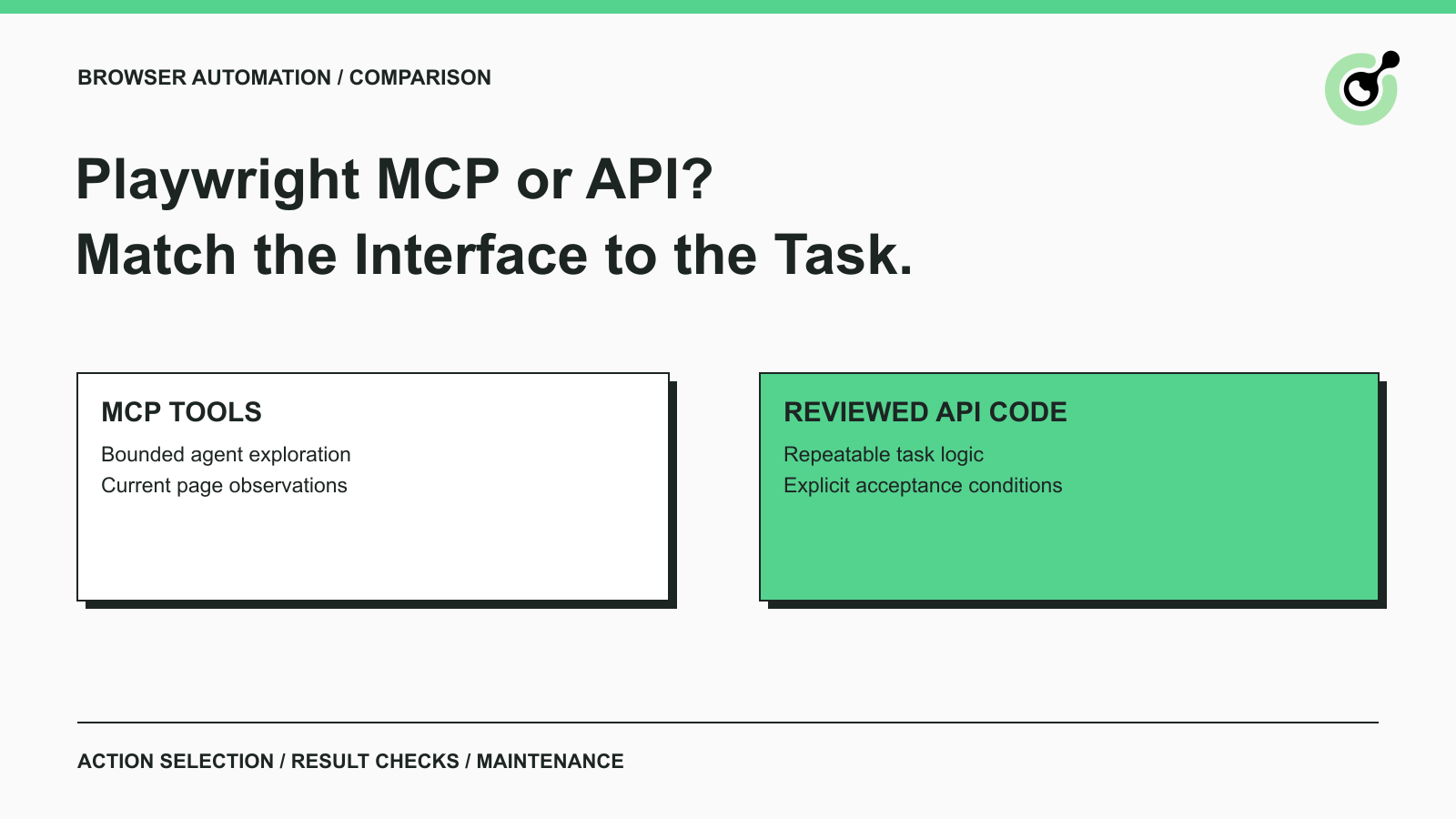
Playwright MCP and the Playwright API provide different control interfaces for browser work. MCP presents tools to an agent, while the API gives a program direct access to browser operations. The useful comparison is who chooses each next action, how the result is checked, and who maintains the workflow. CapSolver can support documented CAPTCHA handling in an authorized design, but that separate capability does not decide which browser interface you should use.
Imagine opening an unfamiliar application to find a permitted report versus running the same report every morning. The first task may require interpretation of the current interface. The second benefits from a stable definition of the expected result. Start with that distinction before comparing installation commands or counting available tools.
The comparison includes an MCP server, a browser library, and potentially a test runner. Keeping those components separate prevents a feature of the test runner from being incorrectly attributed to every script using the library.
The official Playwright MCP introduction describes a server that exposes browser automation through structured tools and accessibility snapshots. An agent can inspect the snapshot and choose a subsequent interaction. The server supplies the browser capability; the host still controls the agent's task and permissions.
The Playwright Library documentation distinguishes direct library use from Playwright Test. The library provides browser APIs, while the test runner adds a managed testing experience. In this article, “API” means code using those browser APIs, not a target website's data API and not the Playwright CLI.
The Playwright glossary entry provides the broader browser-automation context. For a production decision, specify which component your team would deploy. “We use Playwright” is too broad to identify who owns sessions, assertions, and cleanup.
Compare the interfaces by action selection and acceptance responsibility rather than declaring one more advanced. Both can participate in a useful system, and both can be misconfigured.
| Decision area | Playwright MCP workflow | Code using the Playwright API |
|---|---|---|
| Next-action selection | Agent interprets current evidence and invokes a tool | Program follows reviewed logic |
| Natural starting point | Bounded exploration or a task with changing steps | A known workflow with explicit conditions |
| Acceptance | Host or application must define the final check | Code or test assertions must define the final check |
| Change handling | Agent may interpret a changed page, subject to limits | Maintainer revises logic and checks |
| Session ownership | Depends on server and host configuration | Depends on application or test-runner setup |
| Review artifact | Task, tool sequence, observations, and result evidence | Code change, execution results, and assertions |
This is a design comparison, not a measured performance ranking. A particular agent may take more or fewer actions on a given page. A script may be well maintained or fragile. Measure your own workload before making a claim about speed, cost, or completion rate.
Playwright MCP is a strong candidate when the task benefits from interpreting the current interface before choosing the next action. A bounded investigation of an owned application is a useful example: the agent may need to identify which panel contains the relevant setting and explain what it observed.
Define the allowed outcome and the stopping conditions before the investigation begins. “Find the current export setting and report its value” is a more reviewable task than a general instruction to improve the application. The agent should not infer permission to change settings merely because the browser exposes a save button.
Ask the workflow to retain the observation that supports its conclusion. A successful click is not enough to establish that the intended setting appeared or that a report finished loading. The result should identify the relevant page state and any unresolved ambiguity.
Use a fresh observation when the page changes materially. An element reference from an earlier view should not become a durable business identifier. If the application navigates, rerenders, or changes account context, re-establish the relevant evidence before continuing.
MCP is less compelling when the workflow does not require interpretation. An agent choosing the same sequence every day may add operational complexity without adding useful judgment. Consider whether the sequence can become a reviewed, bounded operation with a stable result contract.
Use the Playwright API when the workflow can be expressed as reviewed code with explicit conditions and failure behavior. Repeating a known form validation, opening a stable internal report, or checking an owned application's release behavior are natural examples.
For end-to-end testing, evaluate Playwright Test as the runner instead of assuming a standalone script includes the same facilities. The official assertion documentation explains retrying assertions for expected conditions. Those assertions help express what must become true, but the test author still chooses a meaningful condition.
A test that only checks for a visible success banner may miss an incorrect saved value. A collection script that checks for a nonempty string may accept an error page. Connect the assertion to the actual task: the intended record, state, or permitted output.
Use a failure condition that operators can interpret. Distinguish an unavailable page from a changed locator or a failed business assertion. That distinction helps maintainers decide whether to change code, inspect the application, or pause the job.
Code-driven automation is not automatically maintenance-free. When the application changes, the owner must determine whether the script still represents the intended workflow. Keep the task contract close to the code review so a locator repair does not silently change the business meaning.
Redeem Your CapSolver Bonus Code
Boost your automation budget instantly!
Use bonus code CAP26 when topping up your CapSolver account to get an extra 5% bonus on every recharge — with no limits.
Redeem it now in your CapSolver Dashboard
Sessions and CAPTCHA handling belong in the application's execution design regardless of the browser interface. Decide which component owns authenticated state, who may use it, and when it must be discarded.
The Playwright authentication guide warns that stored browser state can contain sensitive material that enables impersonation. Treat session files and traces as protected artifacts. Do not move them into a shared repository or a broad support channel just to make a workflow easier to reproduce.
For an authorized CAPTCHA step, use the current CapSolver task documentation to determine the supported inputs. The agent should not invent a task type from a screenshot, and the script should not assume that every access failure is a CAPTCHA.
After a supported challenge task completes, the browser workflow still needs to verify the intended result. The correct page may not have loaded, the session may have changed, or the requested data may be absent. Keep that acceptance check outside any generic “challenge handled” message.
The AI agent browser infrastructure stack discusses broader ownership boundaries. Use those boundaries to decide how the browser, agent, and service exchange state. Changing from API calls to MCP tools does not remove the need for that design.
You can combine agent exploration with reviewed code when the transfer between them is explicit. An agent can help investigate a changed page, while a maintainer turns the verified workflow into a repeatable implementation.
Treat the agent's proposed sequence as a candidate for review. Check the target, account context, required permissions, and final assertion before adding it to a recurring job. A sequence that worked once under a developer's session may rely on state the production worker does not have.
A useful handoff contains the intended task, relevant observations, proposed steps, and unresolved assumptions. Keep credentials and unrelated page data out of it. The maintainer should be able to reproduce the permitted task in the correct environment and understand what would make the result unacceptable.
Do not automatically rewrite production automation every time an exploratory run finds a different path. Evaluate whether the difference reflects a genuine application change, a temporary condition, or an agent's alternate choice. Review protects the recurring workflow from unnecessary churn.
Evaluate cost and maintenance by running representative, authorized tasks with the same acceptance criteria. Count human review time and failure diagnosis alongside browser runtime and any model usage.
For MCP, record the observations and tool calls needed to finish the task. For code, record the initial implementation and any maintenance needed across changed conditions. Compare accepted outcomes, not just whether each process exited without an error.
Include an ambiguous case and a case that should stop. A workflow that correctly refuses an unauthorized or unsupported action may be more useful than one that reports success without evidence. Define that expected behavior before reviewing the pilot results.
Avoid a universal token-cost or latency claim. The comparison depends on the model, host, tool configuration, page, and task. Publish the workload and measurement method if you later turn the pilot into a benchmark.
Choose Playwright MCP when bounded interpretation is part of the task, and choose reviewed API code when the workflow and its checks are stable. Use a clear transfer when both contribute. Keep CapSolver within documented, authorized challenge handling, with session ownership and result acceptance defined by your application.
Q: Does Playwright MCP replace the Playwright API?
No. MCP exposes browser capabilities through an agent-facing interface, while application code can use the API directly. The choice depends on who should select actions and how the workflow is maintained.
Q: Is Playwright Library the same as Playwright Test?
No. The library provides browser APIs, and Playwright Test adds a managed test-runner experience. Decide which component your workflow needs before comparing features.
Q: Is MCP always cheaper than a script?
No. Cost depends on the task, model usage, browser runtime, maintenance, and review effort. Compare representative accepted outcomes using the same requirements.
Q: Does either option automatically solve every CAPTCHA?
No. Browser control and challenge handling are separate capabilities. A permitted workflow needs a supported challenge method and an application-level check of the final result.
Ethan Collins
AI Agent Workflow Engineer
Building clearer handoffs between AI agents and tools.
ABOUT THE AUTHOR
Handle MCP CAPTCHA cancellation in AI agents. Stop new calls, distinguish remote tasks from local waits, and prevent late results from restarting work.

Fix CAPTCHA tools that connect but never run. Check discovery, agent visibility, required inputs, approvals, and executor dispatch before changing solver settings.
