

🎉NEWCapSolver for AI agents-MCP, agent tools, and SDK integrations

Khadija Santos
AI Agent & MCP Engineer
Published Sep 18, 2026
Updated Sep 18, 2026 · min read
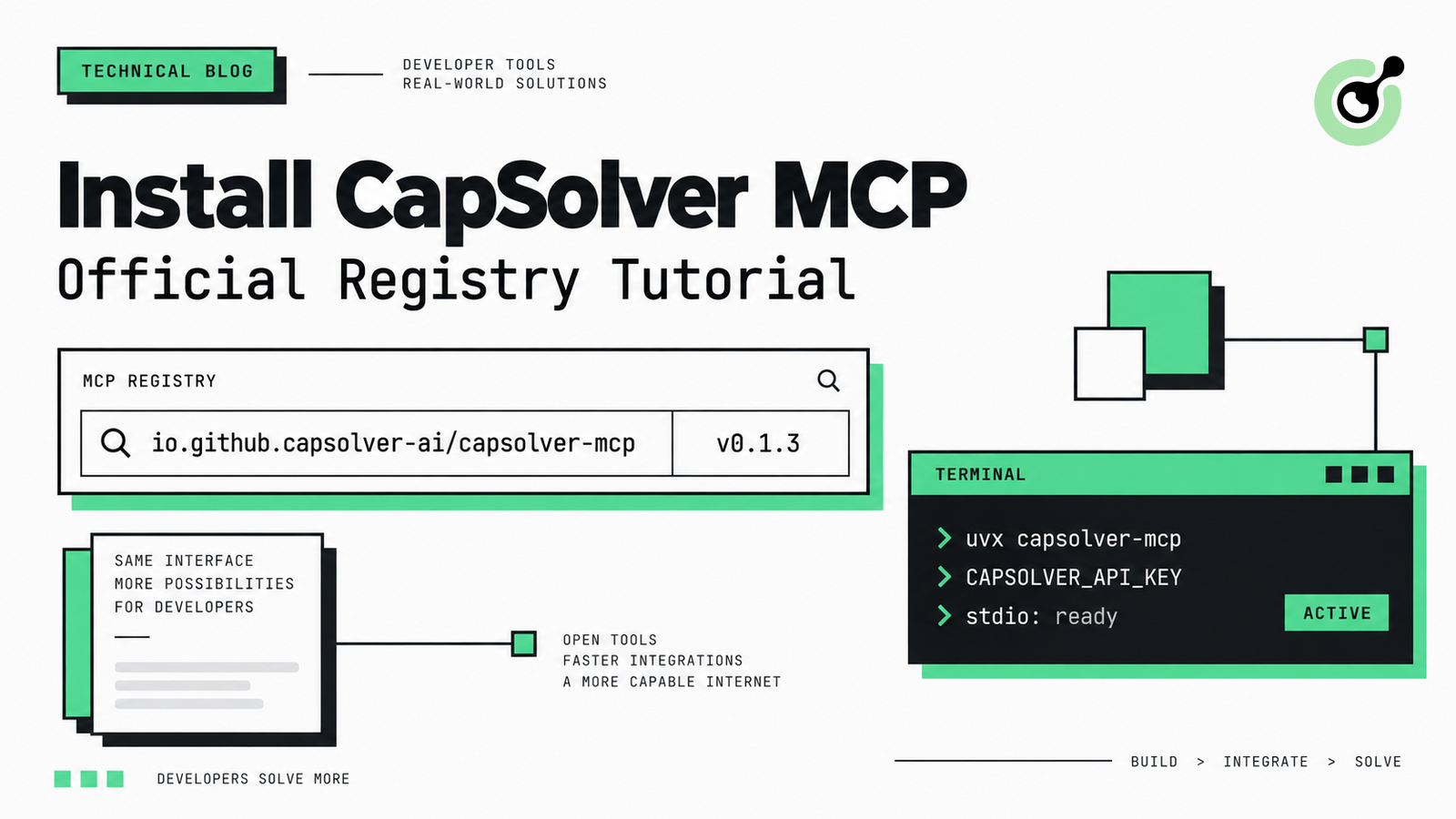
io.github.capsolver-ai/capsolver-mcp. The active latest release is 0.1.3, distributed through PyPI and launched locally over stdio.uvx capsolver-mcp. uvx creates an isolated environment and runs the published command without requiring a permanent global package installation.CAPSOLVER_API_KEY. Keep the real key in the client environment or an approved secret store, never in a public repository.browser extra and Playwright Chromium. Basic token-based tools do not need that additional browser installation.The Official MCP Registry gives MCP clients and developers a canonical record for discovering CapSolver MCP, its package, transport, required environment variable, repository, and current version. The registry does not host the Python package; it points clients to the verified capsolver-mcp release on PyPI.
This tutorial walks through discovery, installation, configuration, and the first connection check. It uses CapSolver only for lawful, authorized AI-agent, QA, RPA, and browser-automation workflows.
The CapSolver MCP entry publishes the exact metadata a compatible client needs to construct a local stdio configuration.
| Registry field | Current value |
|---|---|
| Registry name | io.github.capsolver-ai/capsolver-mcp |
| Latest version | 0.1.3 |
| Package registry | PyPI |
| Package identifier | capsolver-mcp |
| Runtime hint | uvx |
| Transport | stdio |
| Required variable | CAPSOLVER_API_KEY |
| Status | active |
You can inspect the current entry in the Official MCP Registry search interface. The registry is an upstream catalog: it standardizes discovery metadata while the actual package remains on PyPI. The MCP Registry launch documentation describes this catalog-and-distribution model.
CapSolver MCP needs Python 3.10 or newer, a compatible MCP client, and a CapSolver API key.
Prepare the following before editing a client configuration:
uv if you want the recommended uvx workflow.The CapSolver MCP service documentation explains the supported integration path, while the CapSolver AI agent overview helps you choose between MCP, agent tools, and the Core SDK.
Search for capsolver in the Official MCP Registry and select this exact name:
io.github.capsolver-ai/capsolver-mcpConfirm that the displayed version is 0.1.3 or newer and that the status is active. Avoid similarly named community packages unless you have separately reviewed their publisher, repository, permissions, and source code.
For an API-level check, request the exact server version:
curl "https://registry.modelcontextprotocol.io/v0.1/servers/io.github.capsolver-ai%2Fcapsolver-mcp/versions/0.1.3"The slash in the registry name is encoded as %2F. The response should identify capsolver-mcp as a PyPI package, uvx as the runtime hint, and stdio as the transport.
The recommended path runs CapSolver MCP in an isolated environment:
uvx capsolver-mcp --helpIf you prefer a managed virtual environment, install the package explicitly:
python -m pip install "capsolver-mcp==0.1.3"
capsolver-mcp --help
The current CLI supports stdio, sse, and streamable-http runtime modes. The Official MCP Registry entry uses stdio because clients launch the local package as a subprocess. The package can also start an HTTP-capable process on your own infrastructure, but CapSolver does not currently publish a hosted remote MCP endpoint in the registry.
The uvx approach follows the isolated tool execution model documented in the official uv tool guide.
Redeem Your CapSolver Bonus Code
Boost your automation budget instantly!
Use bonus code CAP26 when topping up your CapSolver account to get an extra 5% bonus on every recharge — with no limits.
Redeem it now in your CapSolver Dashboard
A local client must launch uvx capsolver-mcp and pass CAPSOLVER_API_KEY to the subprocess.
Use this configuration shape in clients that accept an mcpServers object, including Claude Desktop and clients with compatible local-server configuration:
{
  "mcpServers": {
    "capsolver": {
      "command": "uvx",
      "args": ["capsolver-mcp"],
      "env": {
        "CAPSOLVER_API_KEY": "YOUR_CAPSOLVER_API_KEY"
      }
    }
  }
}
Replace the placeholder locally. Do not commit a real API key to Git, paste it into issue reports, or include it in screenshots.
If the desktop application cannot find uvx, use the absolute path returned by the following command:
which uvxOn Windows PowerShell, use:
Get-Command uvxAfter saving the configuration, fully restart the MCP client. A window close may leave the application running in the background, so quit the process if the server does not appear after editing the configuration.
A successful connection should expose five CapSolver MCP tools to the client.
| Tool | Purpose | Additional browser dependency |
|---|---|---|
solve_captcha |
Submit and retrieve a solution using explicit challenge parameters | No |
detect_captchas |
Inspect an authorized page for supported challenge types | Yes |
solve_on_page |
Detect, solve, and fill supported challenges in an authorized browser workflow | Yes |
get_balance |
Check the account balance and packages | No |
get_supported_captchas |
List supported challenge types and handlers | No |
Start with a non-browser check such as:
Use the CapSolver MCP server to list the supported CAPTCHA types.Then verify account authentication with:
Use the CapSolver MCP server to check my account balance.These checks confirm that the client can launch the stdio process, discover its tools, and pass the environment variable. A real solving request additionally needs authorized target parameters and sufficient account balance.
Browser-based detection and page interaction require the optional package extra plus Playwright Chromium.
For a dedicated environment, run:
python -m pip install "capsolver-mcp[browser]==0.1.3"
playwright install chromium
If the MCP client launches uvx, include the browser extra in the package argument:
{
  "mcpServers": {
    "capsolver-browser": {
      "command": "uvx",
      "args": ["--from", "capsolver-mcp[browser]==0.1.3", "capsolver-mcp"],
      "env": {
        "CAPSOLVER_API_KEY": "YOUR_CAPSOLVER_API_KEY"
      }
    }
  }
}
Playwright still needs a compatible Chromium binary on the same machine. For production workflows, pin versions, test upgrades in staging, and keep browser installation separate from application secrets.
Most CapSolver MCP connection failures come from the runtime path, Python version, missing credentials, or optional browser dependencies.
spawn uvx ENOENTThe desktop application cannot see uvx on its process PATH. Use the absolute uvx path in the command field, then restart the application completely.
The CAPSOLVER_API_KEY value is missing, malformed, or not reaching the child process. Confirm the variable name exactly, replace the placeholder, and avoid adding extra quotation marks inside JSON values.
detect_captchas or solve_on_page is unavailableThe base package does not install Playwright. Install capsolver-mcp[browser], install Chromium, and restart the client so it launches the updated environment.
Registry search APIs can return multiple published versions of the same server. Select the record where isLatest is true, or query the exact version endpoint rather than treating the result count as a uniqueness check.
Separate connection problems from task problems. First verify tool discovery and get_balance; then check the task type, website URL, site key, optional fields, and account balance against the CapSolver documentation.
CapSolver MCP is a local tool interface, not permission to automate a target. Use it only on websites and systems you own or are authorized to test or automate. Follow applicable terms, privacy requirements, rate limits, and data-retention rules.
The Official Registry confirms publisher-controlled metadata and package location; it does not replace your own security review. Inspect the CapSolver MCP source repository, pin versions where your change process requires it, protect API keys, and test updates before broad deployment.
For architecture decisions beyond a single client, see how enterprise AI-agent teams structure authorized challenge handling and review the definition of an API endpoint when designing service boundaries.
The Official MCP Registry now provides a canonical, searchable record for CapSolver MCP, while PyPI supplies the executable Python package. A reliable setup follows a short sequence: confirm the registry identity, run the CLI, add CAPSOLVER_API_KEY to the client environment, restart the client, and verify tool discovery before attempting an authorized task.
Use CapSolver to add documented CAPTCHA-solving tools to supported AI-agent and browser-automation workflows.
Create an account, store your API key securely, and start with a bounded test on a website or system you are authorized to automate. The CapSolver FAQ covers common product and account questions before you move the integration into production.
Q: Is CapSolver MCP available in the Official MCP Registry?
Yes. The registry name is io.github.capsolver-ai/capsolver-mcp, and version 0.1.3 is currently active and marked as the latest release.
Q: Does installing from the Registry create a hosted remote connection?
No. The current registry entry describes a PyPI package launched locally with uvx over stdio; it does not advertise a CapSolver-hosted remote MCP endpoint.
Q: Do I need to install capsolver-mcp globally?
No. uvx capsolver-mcp runs the tool in an isolated environment, while an explicit pip install remains available for teams that manage their own virtual environments.
Q: Why does my client connect but not show the browser tools?
The browser tools require the capsolver-mcp[browser] extra and a Playwright Chromium installation. Restart the client after installing both components.
Q: Which environment variable does CapSolver MCP require?
CapSolver MCP requires CAPSOLVER_API_KEY. Pass it through the client environment and keep the real value out of source control and support screenshots.
Q: Can I use CapSolver MCP on any website?
No. Use CapSolver MCP only on websites and systems you own or are authorized to test or automate, and follow the applicable terms, privacy rules, and legal requirements.
Khadija Santos
AI Agent & MCP Engineer
Develops and maintains CapSolver’s MCP tooling, from implementation and package releases to AI agent integrations.
ABOUT THE AUTHOR
Handle MCP CAPTCHA cancellation in AI agents. Stop new calls, distinguish remote tasks from local waits, and prevent late results from restarting work.
Fix CAPTCHA tools that connect but never run. Check discovery, agent visibility, required inputs, approvals, and executor dispatch before changing solver settings.

