🎉NEWCapSolver for AI agents-MCP, agent tools, and SDK integrations

Lucas Mitchell
Automation Engineer
Published Feb 18, 2025
Updated Jan 09, 2026 · min read
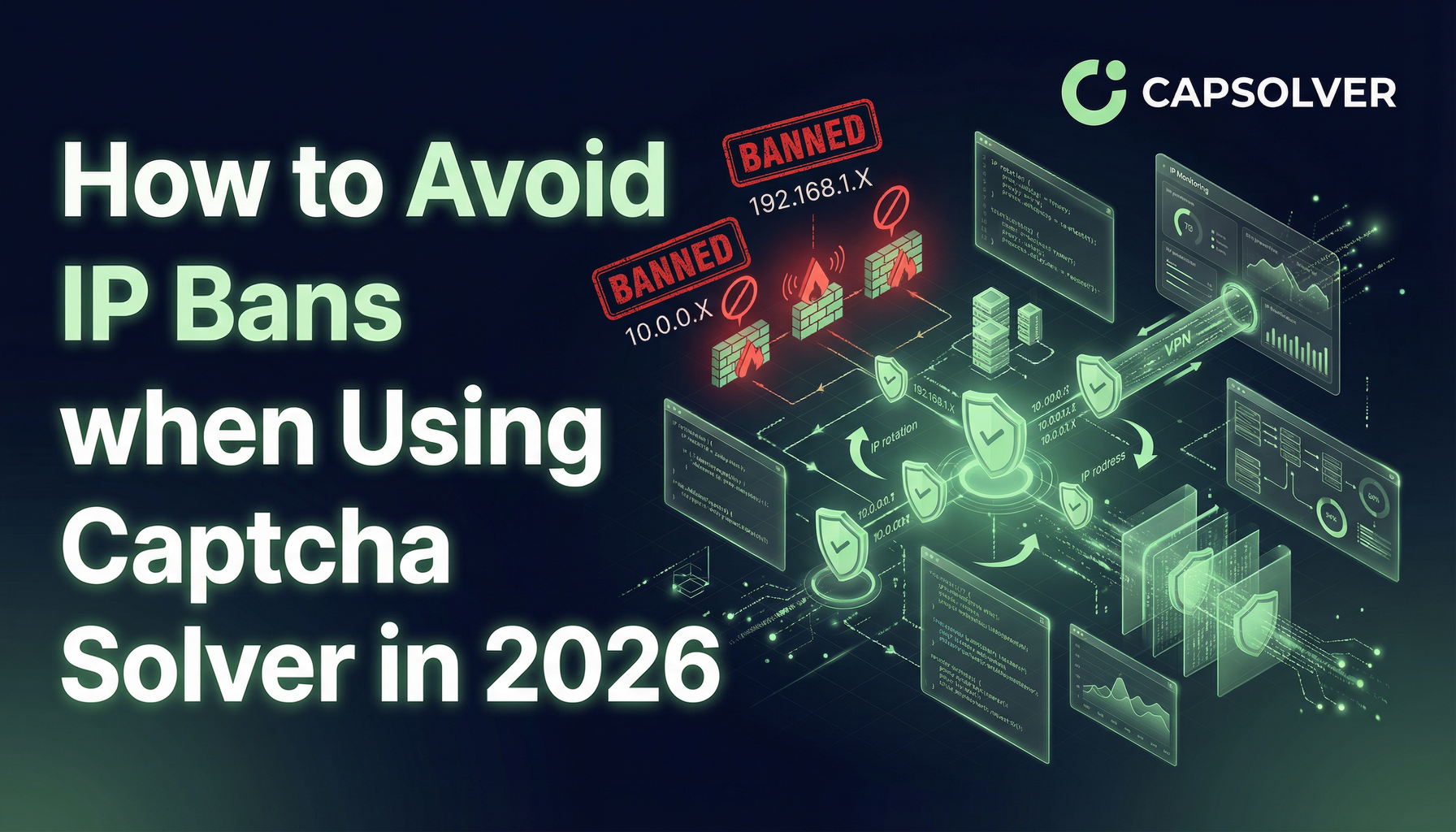
In 2026, CAPTCHA solvers have become essential for automating tasks like web scraping and other online processes. However, one common challenge that automation users face is IP bans. When a website detects automated activity, it often blocks the IP address making the requests, rendering CAPTCHA challenges unsolvable.
In this article, we’ll explore practical strategies to avoid IP bans when using CAPTCHA solvers
An IP ban is a security measure implemented by websites or online services to block a specific IP address from accessing their resources. Essentially, when your IP address gets banned, you can no longer access that website, similar to being locked out by the site's "bouncer."
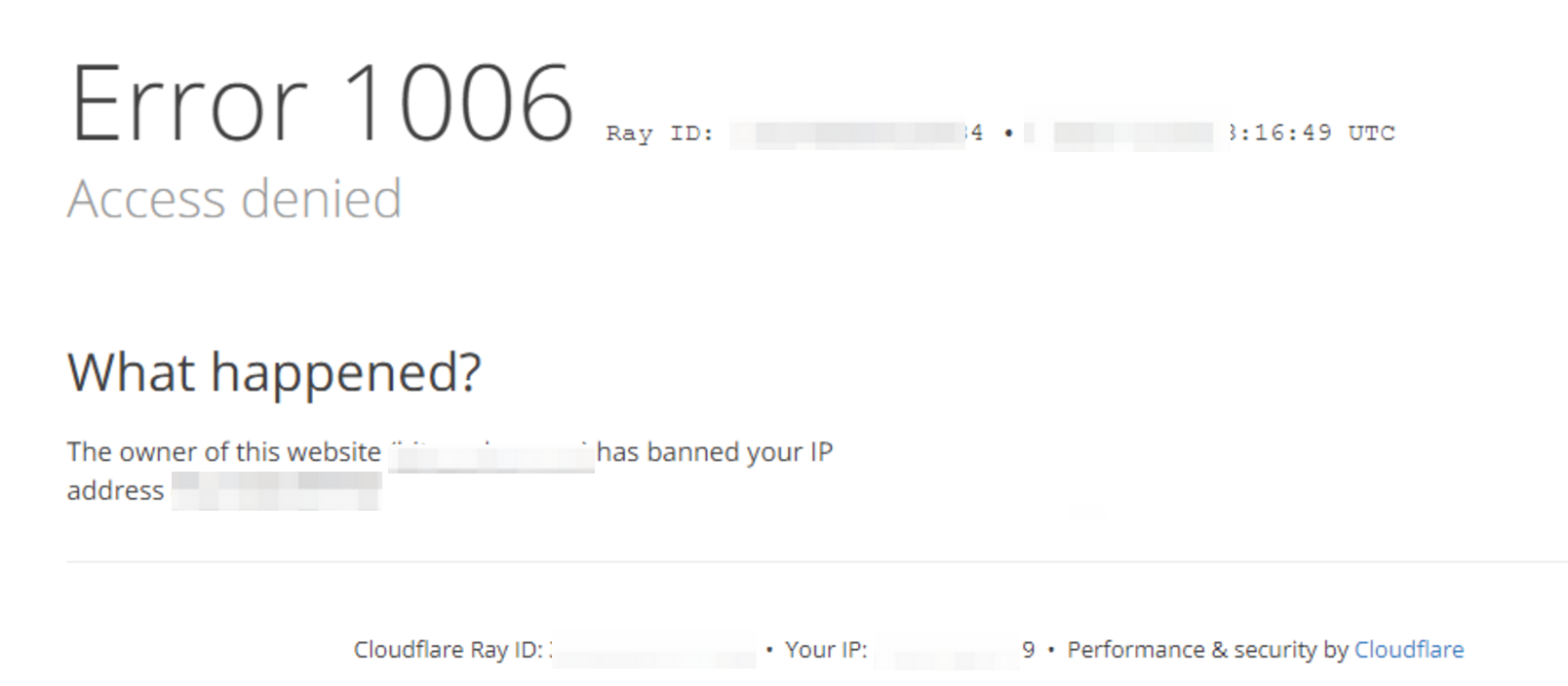
Websites detect and record the IP address of users making requests. When an IP is blacklisted, all requests from that address are denied access.
There is no universal standard for how long an IP ban lasts; it depends on the website's blocking strategy and the reason for the block.
Generally, IP bans can be categorized into the following types, with varying durations:
Temporary Ban: This is the most common type of IP ban. It usually occurs due to a high request frequency in a short period (exceeding the website's rate limit). These bans are typically short-lived, lasting from a few minutes to several hours. Websites often set rate limits to prevent server overload and malicious attacks. For example, if your program sends a large number of requests in a short time, the website may temporarily block your IP to control access speed.
Semi-Permanent Ban: This ban usually happens when suspicious behavior is detected, but the website is unsure if it’s malicious. Examples include frequently triggering CAPTCHAs, accessing sensitive pages, or exhibiting abnormal behavior patterns. The duration of this ban could last longer than a temporary block, such as several hours to days. Sometimes, this type of block might automatically lift, or it may require manual intervention (e.g., contacting the website's customer service or filling out an appeal form).
Permanent Ban: This is the most severe type of IP ban. It typically results from serious violations of the website’s terms of service or malicious activity, such as malicious attacks, large-scale data scraping, or posting illegal content. A permanent ban means your IP address will be permanently blacklisted. Unless manually lifted by the website's admin, you will never be able to access the site again. Reversing a permanent ban is often difficult or even impossible.
Automating CAPTCHA solving is a technique used to solve CAPTCHA verification, but it does not inherently solve the issue of IP bans. In fact, frequently triggering CAPTCHA challenges is often a warning signal that your IP is close to being banned. Managing and preventing IP bans is critical when using CAPTCHA solvers, as it ensures that automation processes can continue smoothly without disruption.
Several factors can lead to an IP ban while using CAPTCHA solvers for automation. Understanding these factors can help you better avoid them:
Excessive Request Frequency
Sending too many requests to a website in a short amount of time can overwhelm the server and trigger an IP ban. This is especially common when scraping large amounts of data without taking care to spread requests over time.
Geographic Blockades
Websites, such as streaming services, may restrict access to users from certain geographical locations. If your IP address is detected from an unsupported region, it could trigger a ban.
Brute Force Attacks
Repeated login failures or attempts to guess passwords in a short time frame are typical signs of brute force attacks. Websites often block IPs involved in such activities to protect user data.
Shared IP Addresses
If you’re using a shared IP address (common in residential networks, especially with CGNAT), your access could be impacted if someone else on the same IP performs prohibited activities. This can cause your IP to get banned without your direct involvement.
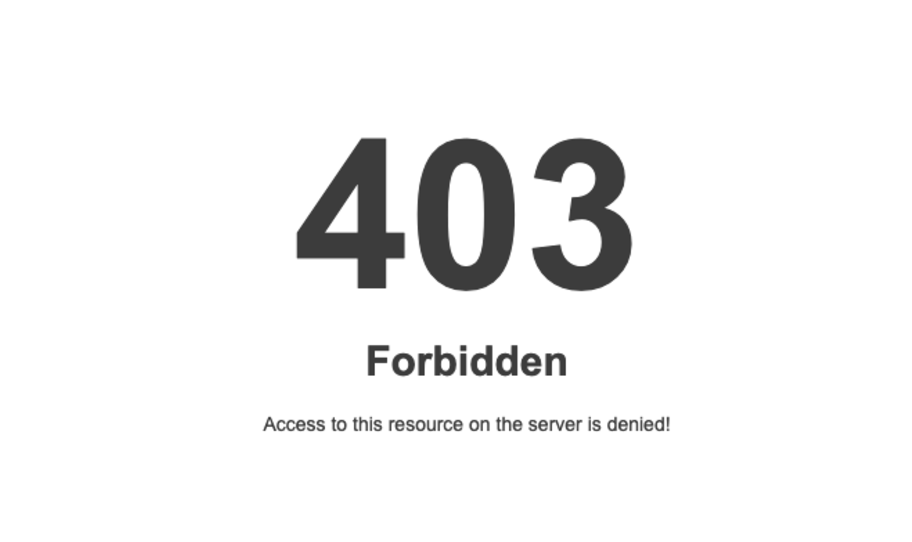
Here are some common signs that your IP may have been banned:
To avoid getting your IP banned while using CAPTCHA solvers, consider these strategies:
Integrating a service like CapSolver ensures that your requests are efficiently handled. CapSolver solves reCAPTCHAs and other CAPTCHA challenges without over-relying on a single IP. This way, you can distribute the CAPTCHA-solving workload and avoid getting flagged for suspicious activity.
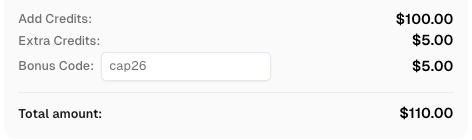
Claim Your Bonus Code for top captcha solutions; CapSolver: CAP26. After redeeming it, you will get an extra 5% bonus after each recharge, Unlimited
Here’s a basic example of how you can integrate CapSolver with your code:
import requests
import time
from DrissionPage import ChromiumPage

# Initialize ChromiumPage
page = ChromiumPage()
page.get("https://www.google.com/recaptcha/api2/demo")

# CapSolver API setup
api_key = "your_api_key"  # Replace with your actual CapSolver API key
site_key = "your_site_key"  # Replace with the actual site key of your target page
site_url = "https://www.google.com/recaptcha/api2/demo"  # Replace with the target URL

def solve_captcha():
    payload = {
        "clientKey": api_key,
        "task": {
            "type": 'ReCaptchaV2TaskProxyLess',
            "websiteKey": site_key,
            "websiteURL": site_url
        }
    }
    response = requests.post("https://api.capsolver.com/createTask", json=payload)
    task_id = response.json().get("taskId")

    while True:
        time.sleep(3)  # Wait before checking the task result
        res = requests.post("https://api.capsolver.com/getTaskResult", json={"clientKey": api_key, "taskId": task_id})
        result = res.json()

        if result.get("status") == "ready":
            return result.get("solution", {}).get('gRecaptchaResponse')

# Using CapSolver response to bypass CAPTCHA
def check_and_solve():
    token = solve_captcha()
    page.run_js(f'document.getElementById("g-recaptcha-response").value="{token}"')
    page.run_js(f'onSuccess("{token}")')
    page.ele('x://input[@id="recaptcha-demo-submit"]').click()

check_and_solve()Rotating proxies allow you to distribute your requests across multiple IP addresses, reducing the risk of triggering IP bans. Proxy pools can be used to rotate your IP address after each request or batch of requests, ensuring that your real IP address stays hidden.
Simulating natural user behavior is key to avoiding bans. Instead of bombarding a website with numerous requests in a short amount of time, space out your requests, and mimic human interaction by visiting different pages intermittently.
By randomizing your browser fingerprint and user agent strings, you can disguise your requests and make them appear like they come from different users, avoiding detection by anti-bot systems. This makes it harder for websites to identify and block you.
To successfully automate web scraping and avoid IP bans, it's crucial to use powerful CAPTCHA-solving tools like CapSolver, alongside effective IP management strategies. By simulating genuine user behavior, distributing your requests using proxies, and utilizing CAPTCHA services efficiently, you can significantly reduce the chances of getting blocked by anti-scraping systems.
Q1: What is the best way to prevent IP bans while scraping websites?
A1: Using proxies, controlling request frequency, and employing CAPTCHA-solving services like CapSolver are the most effective strategies for avoiding IP bans.
Q2: How long do IP bans last?
A2: IP bans can vary in duration depending on the website’s policies. They can range from temporary bans lasting minutes or hours to permanent bans for severe violations.
Q3: How can I tell if my IP is banned?
A3: Common signs include receiving 403 or 429 error codes, facing timeouts, and being presented with CAPTCHA challenges more frequently.
Lucas Mitchell
Automation Engineer
Helping browser automation recover and continue.
ABOUT THE AUTHOR
Find CapSolver MCP in the Official MCP Registry, install version 0.1.3 with uvx or pip, configure a local client, and verify the stdio tools.

Add CAPTCHA tools to Pydantic AI using the official CapSolver adapter, test tool execution locally, and handle typed inputs and structured solver results.