🎉NEWCapSolver for AI agents-MCP, agent tools, and SDK integrations

Adélia Cruz
MCP Integration Engineer
Published May 28, 2026
Updated May 28, 2026 · min read
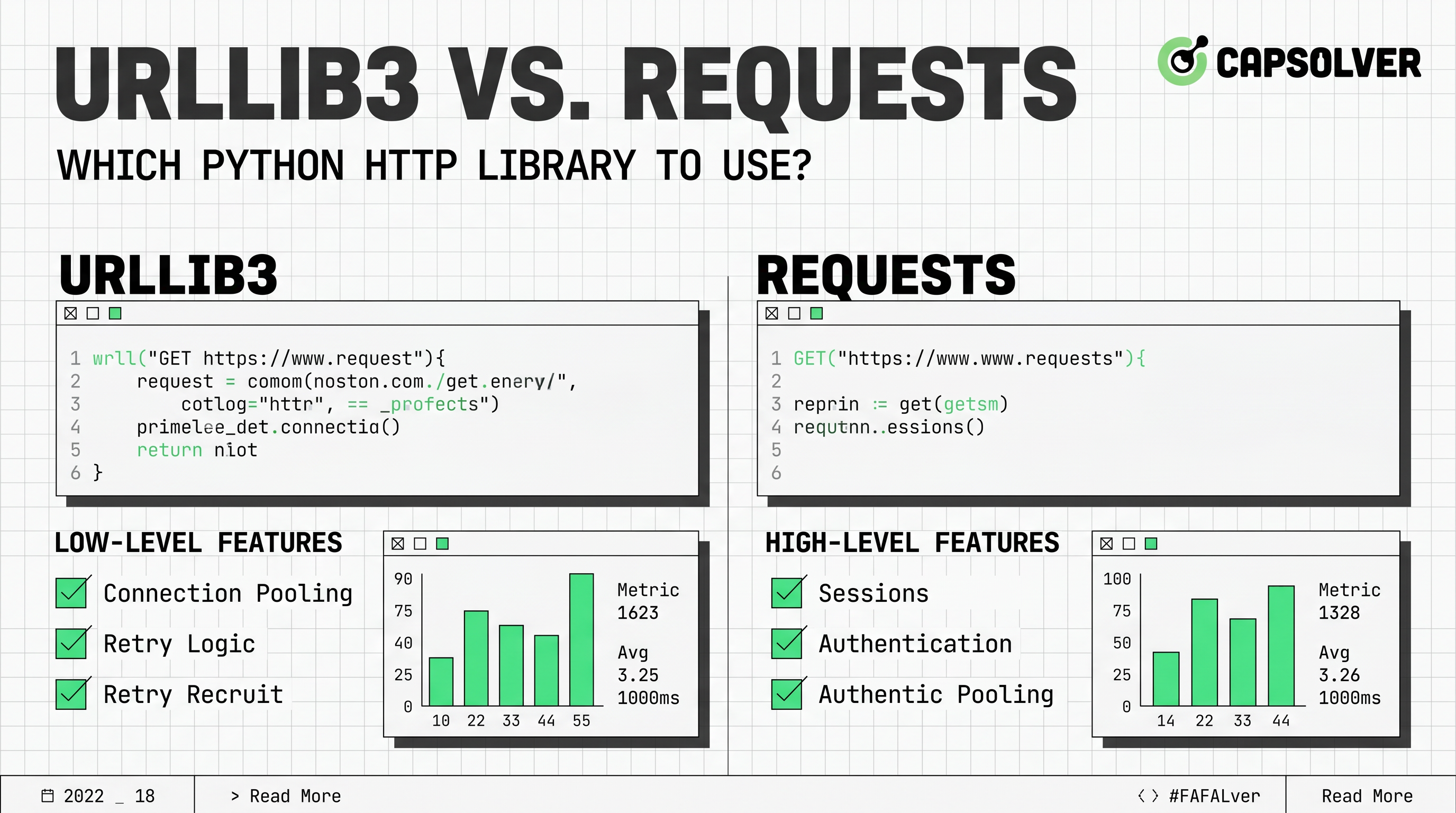
Requests is the best starting point for most teams, while urllib3 is the better fit when transport control matters more than concise code. This urllib3 vs. Requests guide is written for Python developers choosing a Python HTTP library for APIs, scraping, QA automation, monitoring, and backend services. The core value is simple: pick Requests when maintainability and speed of development matter, and pick urllib3 when you need direct control over pools, retries, and low-level HTTP behavior. If your automation workflow also faces traffic validation or CAPTCHA challenges, CapSolver can be considered for compliant challenge handling, while your code still respects site terms and data access rules.
urllib3 vs. Requests has a practical default. Use Requests unless you can explain why you need urllib3 directly. Requests presents HTTP as ordinary Python methods. It handles common needs such as headers, parameters, cookies, sessions, redirects, JSON responses, streaming downloads, and proxies with a compact API. The official Requests documentation also states that keep-alive and HTTP connection pooling are automatic because Requests uses urllib3 underneath Requests documentation.
urllib3 is not a lesser tool. It is the transport engine that many Python projects depend on. The urllib3 project describes itself as an HTTP client with thread-safe connection pooling, retries, redirects, SSL/TLS verification, compression support, and proxy support urllib3 on PyPI. That makes it a strong choice for internal SDKs, infrastructure services, and high-volume clients where connection behavior must be visible and configurable.
Requests makes ordinary HTTP tasks easier. That is its main advantage in the urllib3 vs. Requests decision. A typical API call can be written in a few lines, and the response object offers clear attributes such as status code, text, headers, and JSON parsing. This matters when the project will be maintained by several developers, not only by the person who wrote the first script.
Requests also has a large ecosystem. Its PyPI page lists around 300 million downloads per week and more than 4 million dependent repositories in the project description Requests on PyPI. Popularity should not decide architecture alone, but it improves troubleshooting, examples, and code review familiarity.
urllib3 gives you closer access to the transport layer. That is why urllib3 vs. Requests is not a simple beginner-versus-expert comparison. urllib3 exposes PoolManager as a central concept. Its user guide explains that PoolManager handles connection pooling and thread safety, and that request() can make requests with any HTTP verb urllib3 user guide.
This explicit model helps when the HTTP client is part of a larger system. You can reason about pool sizes, host-specific behavior, retry policy, timeouts, redirects, TLS details, and response streaming. That control is useful when you are building a reusable SDK or a service that must behave predictably under load.
urllib3 vs. Requests becomes clearer when you compare the decision criteria side by side. The table below uses a practical scoring style rather than a generic feature list.
| Decision Factor | Requests | urllib3 | Better Choice |
|---|---|---|---|
| Beginner readability | Very strong, with simple methods such as get() and post() | Good, but more explicit setup is common | Requests |
| Connection pooling | Automatic through Sessions and urllib3 underneath | Direct through PoolManager | Tie, with urllib3 for more control |
| Retry configuration | Available through adapters using urllib3 utilities | Native and explicit | urllib3 |
| JSON response handling | Very convenient | Supported in modern urllib3, but lower-level usage is common | Requests |
| TLS and transport tuning | Possible, but more abstracted | More direct and visible | urllib3 |
| API integrations | Fast to write and review | Good when transport details matter | Requests |
| Internal SDKs | Good for simple SDKs | Strong for controlled transport behavior | urllib3 |
| Async workloads | Not the right fit by default | Not the right fit by default | Consider alternatives |
Requests wins on first-read clarity. In urllib3 vs. Requests examples, Requests usually looks closer to natural Python. A basic call often reads as a direct action, such as requests.get(url). The same urllib3 call may require a method string, a PoolManager, or direct response byte handling, depending on the pattern.
urllib3 is not hard to read. It is more explicit. That difference matters in production because explicit clients make hidden state easier to inspect. However, for teams writing ordinary API clients, the extra control may create avoidable code. The best rule is direct: use Requests for application code unless the transport layer is part of your application design.
Performance should not be reduced to one benchmark. In urllib3 vs. Requests, both libraries can be fast enough because Requests uses urllib3 as the underlying HTTP engine. The more important question is how you reuse connections, set timeouts, handle retries, and close responses.
For a small script, Requests overhead is rarely the main issue. Network latency, server response time, rate limits, DNS, TLS negotiation, and payload size usually matter more. For a long-running worker, urllib3 may be easier to tune because PoolManager makes connection behavior more visible. Timeout and retry rules should be explicit in either library, especially for POST, PUT, or payment-like operations.
urllib3 vs. Requests also appears in web scraping discussions. Requests is common because it keeps headers, cookies, and sessions readable. urllib3 is useful when connection pools and low-level transport settings are important. For public-data monitoring or QA automation, either library can work when the target allows automated access.
Compliance is not optional. Technical ability does not create permission to access private, restricted, sensitive, or unauthorized data. Review robots.txt where relevant, read terms of service, respect rate limits, identify your client when appropriate, and avoid collecting personal or confidential data without a lawful basis. CapSolver’s web scraping FAQ and AI and automation FAQ are useful internal reading points for teams designing automation workflows.
When a permitted workflow encounters a CAPTCHA challenge, the HTTP library is only one part of the system. Requests or urllib3 can send normal HTTP requests, but challenge handling may require a dedicated service. CapSolver documents its API server endpoints and the createTask flow in its official documentation CapSolver API server documentation CapSolver createTask documentation. Use official documentation only, and do not invent task parameters or endpoints.
Redeem Your CapSolver Bonus Code
Boost your automation budget instantly!
Use bonus code CAP26 when topping up your CapSolver account to get an extra 5% bonus on every recharge — with no limits.
Redeem it now in your CapSolver Dashboard
For additional background, CapSolver’s guide to solving CAPTCHA in web scraping connects these issues to real Python workflows.
urllib3 vs. Requests should be decided by project type, not personal taste. For a one-off script, Requests is the right answer most of the time. It lowers code volume and reduces review friction. For an internal service that calls many hosts with custom retry rules, urllib3 may be the better foundation.
For an API client library shipped to customers, choose carefully. Requests gives users a familiar dependency and clean examples. urllib3 gives maintainers more control and fewer abstractions at the transport layer. For scraping and monitoring, Requests is usually enough for permitted pages and simple responses. If you manage many hosts, long-lived workers, and tuned pools, urllib3 deserves serious consideration.
The first mistake is treating urllib3 vs. Requests as a pure speed contest. Most real systems are limited by network conditions, server behavior, and workflow design. Measure before replacing a clear library with a lower-level one.
The second mistake is omitting timeouts. A request without a timeout can hang a worker and hide failures. Both libraries support timeout patterns, so timeouts should be standard in production code.
The third mistake is retrying unsafe actions without idempotency planning. A failed response does not always mean the server failed to perform the action. Build retry rules around HTTP method, endpoint behavior, and business impact.
The fourth mistake is ignoring compliance in automation. A Python HTTP library is a tool, not permission. For CAPTCHA-related topics, use resources such as CapSolver’s captcha solving FAQ as part of a broader legal and operational review.
urllib3 vs. Requests has a practical answer. Start with Requests for most application code because it is readable, popular, and built on urllib3. Move to urllib3 when you need direct control over pooling, retries, TLS behavior, and transport-level design. Do not change libraries for vague performance reasons; profile the real workload first.
For compliant automation, separate normal HTTP access from challenge handling. Requests or urllib3 can manage HTTP communication, while official CapSolver documentation can guide CAPTCHA-related tasks when your workflow is authorized and reasonable. If your team needs a dedicated service for CAPTCHA challenges in automation, consider CapSolver as part of a responsible Python workflow.
Requests uses urllib3 underneath for connection pooling and HTTP transport, but it is more than a thin wrapper. It adds a simpler API, sessions, cookies, authentication helpers, response conveniences, and a large user ecosystem.
urllib3 can have less wrapper overhead, but real performance depends on connection reuse, timeouts, payload size, DNS, TLS, and server latency. In most API clients, Requests is fast enough. Measure your own workload before switching.
Use Requests for most permitted scraping tasks because it is easier to read and maintain. Use urllib3 when you need tighter control over pools, retries, and transport behavior. Always follow site terms, rate limits, and data protection rules.
They are synchronous libraries by default. If your project needs async concurrency, evaluate HTTPX, aiohttp, or another async HTTP client instead of forcing urllib3 or Requests into that role.
Yes, CapSolver can support CAPTCHA challenge handling in authorized automation workflows. Keep normal HTTP logic in Requests or urllib3, and use CapSolver only according to official documentation and applicable rules.
Adélia Cruz
MCP Integration Engineer
Making CapSolver tools accessible through MCP.
ABOUT THE AUTHOR
Learn scalable Rust web scraping architecture with reqwest, scraper, async scraping, headless browser scraping, proxy rotation, and compliant CAPTCHA handling.

Learn the best techniques to scrape job listings without getting blocked. Master Indeed scraping, Google Jobs API, and web scraping API with CapSolver.