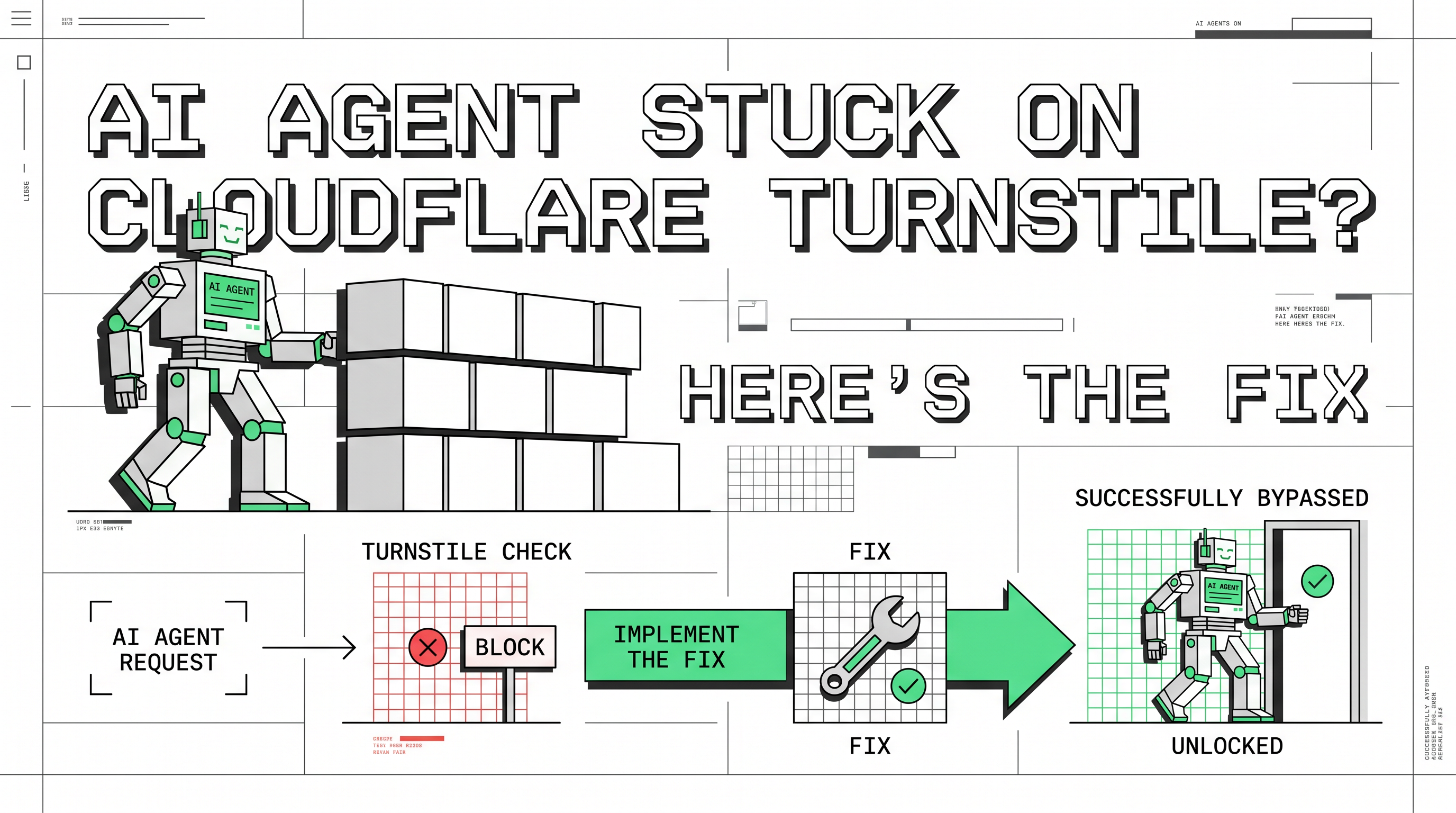
AI Agent Stuck on Cloudflare Turnstile? Here's the Fix

Ethan Collins
Pattern Recognition Specialist
TL;DR
- AI agents stall on Cloudflare Turnstile because automated browsers fail behavioral and fingerprint checks.
- Turnstile runs invisible checks in the background. There is no puzzle to click.
- The reliable fix is to hand token generation to a dedicated solving service, then inject the token into your form.
- For full-page "Just a moment..." screens, you need a different task type plus a sticky proxy.
- Use this only on sites you own or are authorized to automate. Compliance comes first.
Introduction
Your AI agent stops cold on a verification screen. The page loads for you, but the agent reports an empty result. This happens to nearly every AI agent that touches the open web today. This guide explains why an AI agent stuck on Cloudflare Turnstile gets blocked, and how to fix it the right way. It is written for developers and automation engineers who run agents against authorized targets. You will get the cause, a working code path, and clear compliance limits.
What an AI Agent Actually Is
An AI agent is software that plans and acts on its own. It reads a goal, breaks it into steps, and runs those steps through tools. A browser is often one of those tools. ChatGPT Agent Mode and Claude's computer use both work this way.
The agent reasons well. It writes code, summarizes pages, and fills forms. But it browses through an automated browser. That browser looks nothing like a human's. And that gap is where most failures start. The category is growing fast, too. Gartner forecasts that 40% of enterprise applications will include task-specific AI agents by the end of 2026, up from less than 5% the year before. More agents means more agents hitting the same wall.
Common Problems AI Agents Hit on the Web
AI agents fail on live sites in a few repeatable ways. The patterns below show up across almost every framework.
- The blank page. A JavaScript challenge runs, the agent fails it, and the real content never loads.
- The verification dead end. A widget appears, and the agent has no way to satisfy it.
- The silent block. The server returns a 403 before any page renders, based on IP reputation alone.
These are not bugs in one product. They are a category-wide gap between what an AI agent can think and what it can do on a protected site. When an AI agent is stuck on Cloudflare Turnstile, it usually hits one of these three walls.
Why Cloudflare Blocks AI Agents So Often
Cloudflare sits in front of a large share of the web. According to W3Techs, Cloudflare is used by roughly a fifth of all websites, which means an agent that browses widely will meet it constantly. The company has spent years learning to tell a real browser from an automated one. Several signals work together, and an AI agent tends to fail all of them at once.
Browser fingerprint mismatch
Every real browser reports a consistent set of signals. Screen size, fonts, GPU, timezone, and language all line up. An automated browser often reports gaps or contradictions. The user agent claims Chrome while the TLS handshake says otherwise. Cloudflare catches the mismatch in milliseconds.
Behavioral signals
Real users scroll, pause, and move the mouse in uneven curves. An agent loads a page and extracts text instantly. That speed is itself a flag. Cloudflare's Turnstile runs proof-of-work, proof-of-space, and web-API probes to read browser quirks and human behavior. An efficient agent fails this profile by being too clean.
IP reputation
Most agents run on cloud infrastructure. Those data-center IP ranges are well catalogued and heavily penalized. A request from a known bot-hosting range draws suspicion even when everything else looks right.
The Turnstile wall
When the other signals are uncertain, Cloudflare issues a challenge. Turnstile is the modern form of that challenge. It replaced the old image puzzles with a silent assessment. For a human, it is often invisible. For an AI agent stuck on Cloudflare Turnstile, there is nothing to click and no obvious way through.
Turnstile vs. the Full Cloudflare Challenge
People mix these up constantly. They need different handling, so the distinction matters before you write any code.
Turnstile is a widget embedded in a form. You usually see it on login, signup, or checkout. The full Challenge is a separate, full-page interstitial. It shows the "Just a moment..." screen and returns a 403 with a cf_clearance cookie requirement. Knowing which one you face decides your entire approach. The comparison below lays out the practical differences.
Comparison Summary
| Factor | Cloudflare Turnstile | Full Cloudflare Challenge |
|---|---|---|
| Where it appears | Embedded widget in a form | Full-page interstitial |
| Visible sign | Small checkbox or invisible | "Just a moment..." screen, 403 status |
| What you need | websiteURL + websiteKey |
Target URL + sticky proxy + user agent |
| Proxy required | No | Yes (static or sticky) |
| Output | A response token | A cf_clearance cookie and token |
| Typical solve time | 1–20 seconds | 2–20 seconds |
Treating a Challenge as if it were Turnstile is the most common mistake. The widget approach will not return a usable cookie for a full-page block.
How to Handle Turnstile Inside an AI Agent
The wrong instinct is to make the automated browser more convincing. Patching that setup is a losing race against a detection system that updates constantly. The practical path is to separate the verification step from the agent's main logic. Let a dedicated service generate the token, then have your agent submit it.
This is where a CAPTCHA solving service like CapSolver fits a workflow. It produces a valid token for the verification step so the agent can continue its task. The flow has three parts: read the parameters, request a token, inject the token.
Step 1: Find the site key
Turnstile needs two inputs: the page URL and the site key. The site key lives in the page HTML on the Turnstile element. You can read it from the rendered DOM or extract it with a browser extension. The process is covered in detail in this walkthrough on how to identify Cloudflare Turnstile parameters.
Step 2: Request a token
Create a task with the URL and site key. Turnstile is a client-side check, so no proxy is needed here. The task type is AntiTurnstileTaskProxyLess. Then poll for the result until the status is ready.
python
# pip install requests
import requests
import time

api_key = "YOUR_API_KEY"
site_key = "0x4XXXXXXXXXXXXXXXXX"   # site key of your target page
site_url = "https://www.yourwebsite.com"

def solve_turnstile():
    payload = {
        "clientKey": api_key,
        "task": {
            "type": "AntiTurnstileTaskProxyLess",
            "websiteKey": site_key,
            "websiteURL": site_url,
            "metadata": {
                "action": ""   # optional, match the data-action attribute if present
            }
        }
    }
    res = requests.post("https://api.capsolver.com/createTask", json=payload)
    task_id = res.json().get("taskId")
    if not task_id:
        print("Failed to create task:", res.text)
        return None

    while True:
        time.sleep(1)
        result = requests.post(
            "https://api.capsolver.com/getTaskResult",
            json={"clientKey": api_key, "taskId": task_id}
        ).json()
        if result.get("status") == "ready":
            return result["solution"]["token"]
        if result.get("errorId"):
            print("Solve failed:", result)
            return None

token = solve_turnstile()
print(token)
The full parameter reference, including the optional action and cdata fields, is in the Cloudflare Turnstile API guide.
Step 3: Inject the token and submit
The token is single-use. Place it in the expected response field, usually cf-turnstile-response, then submit the form within your agent's browser session. Request a fresh token for every submission. Do not cache or reuse one.
python
# inside your agent's browser session (Playwright example)
page.evaluate(
    """(token) => {
        const field = document.querySelector('[name="cf-turnstile-response"]');
        if (field) field.value = token;
    }""",
    token,
)
# then trigger the form's normal submit action
Handling the full-page Challenge
If your agent meets the "Just a moment..." screen instead, switch to the AntiCloudflareTask type. This one needs a static or sticky proxy and your real user agent. It returns a cf_clearance cookie that you then attach to your session. The setup, including when to pass the page HTML, is documented in the Cloudflare Challenge guide. A rotating proxy will break this flow, so keep the IP stable across the request.
Common Errors and Quick Fixes
A token can return successfully and still be rejected. These are the usual causes.
- Token reuse. Tokens are single-use. Request a new one per submission.
- Wrong task type. A widget needs
AntiTurnstileTaskProxyLess. A full page needsAntiCloudflareTask. - Mismatched user agent. For the Challenge, the user agent must match the one tied to the cookie.
- Rotating proxy on a Challenge. Use a sticky or static IP instead.
- Missing action value. If the widget has a
data-action, pass it in the metadata.
For a broader breakdown of techniques and tooling, this guide on how to solve Turnstile captcha covers the current methods. Teams running browser frameworks may also find this piece on Playwright stealth in AI workflows useful for the fingerprint side of the problem.
Use It Responsibly
This matters as much as the code. Handle verification only on sites you own or are explicitly authorized to automate. Good use cases include QA testing of your own forms, monitoring data you have rights to, and authorized public-data collection. Read each target's terms of service before you build. Respect robots rules and rate limits. Never use these methods to access private accounts, collect protected personal data, or evade a site owner's clearly stated wishes. An AI agent that handles Turnstile is still bound by the same rules a human operator would follow. Keeping the work authorized protects both you and the project.
Conclusion
An AI agent stuck on Cloudflare Turnstile is a predictable problem with a clean fix. The block comes from fingerprint, behavior, and IP signals, not from the agent's intelligence. The repair is to separate verification from your main logic: read the site key, request a token from a solving service, inject it, and submit. Match the task type to what you actually face, a widget or a full page. Then keep every run inside the bounds of authorization. Done that way, your agent moves past the wall without cutting corners.
If your agent is getting stuck today, start with the Turnstile API guide, confirm the challenge type, and wire the three-step flow into your workflow.
FAQ
Is Cloudflare Turnstile the same as the "Just a moment..." screen?
No. Turnstile is a small widget inside a form. The "Just a moment..." page is the full Cloudflare Challenge. They need different task types and different setups, so identify which one you face first.
Do I need a proxy to handle Turnstile?
Not for the Turnstile widget itself. It is a client-side check, so the proxyless task type works. The full-page Challenge is different and does require a static or sticky proxy.
Why does my token get rejected even though the solve succeeded?
The most common reasons are token reuse, a mismatched user agent, or the wrong task type. Turnstile tokens are single-use, so request a fresh one for each submission.
Can my AI agent do this within its existing browser session?
Yes. Request the token from the solving service, then inject it into the expected response field inside the agent's own browser session before submitting the form.
Is it legal to handle Cloudflare Turnstile this way?
It depends on the target and your authorization. Use it on sites you own or are permitted to automate, follow each site's terms of service, and respect rate limits. Authorization is what keeps the work legitimate.
More
AISep 01, 2026
CloakBrowser Review 2026: Features, Pricing, Pros and Cons
CloakBrowser review for 2026 covering features, pricing, licensing, deployment options, advantages, limitations, alternatives, and ideal use cases.

AISep 01, 2026
How to Solve reCAPTCHA v3 in CrewAI Agents with CapSolver
Build a CrewAI reCAPTCHA v3 solver with CapSolver, typed tools, trusted page actions, server-side token submission, score policy, and page verification.