
🎉NEWCapSolver for AI agents-MCP, agent tools, and SDK integrations

Ethan Collins
AI Agent Workflow Engineer
Published Jul 28, 2026
Updated Jul 28, 2026 · min read
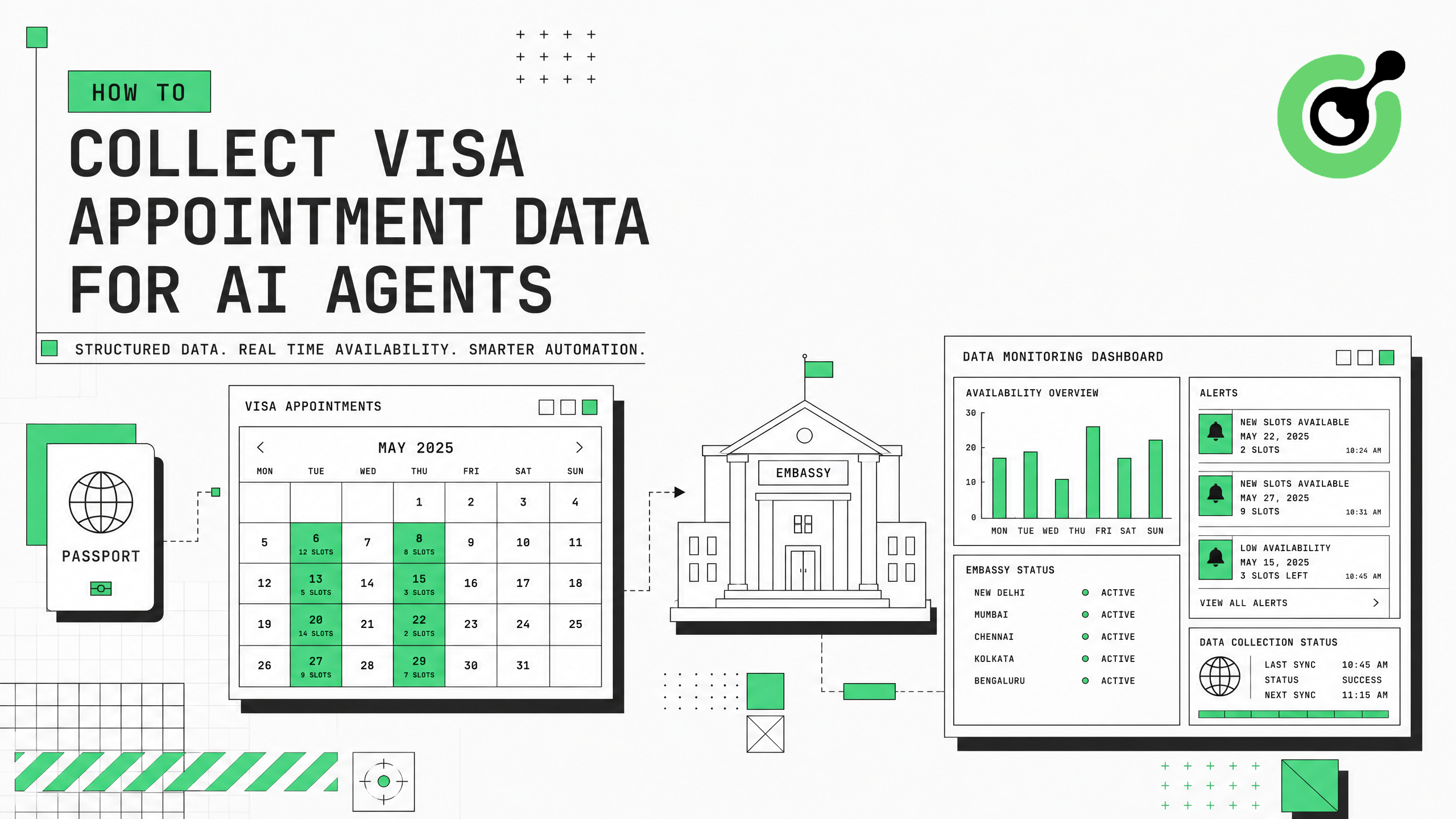
Visa appointment slots on embassy and consulate portals disappear within minutes. AI agents that monitor these portals for availability need reliable access to appointment data — but government visa systems deploy aggressive CAPTCHA protection that blocks automated monitoring. This guide shows how to build a visa appointment data collection pipeline for AI agents using CapSolver to handle verification challenges on embassy portals, visa scheduling systems, and immigration databases.
Visa appointment portals serve millions of applicants worldwide, and popular consulates have extreme demand-to-supply ratios. Appointment slots for US B1/B2 visas, Schengen tourist visas, and UK visitor visas often book out months in advance, with cancellation slots appearing unpredictably.
AI agents that monitor these portals provide significant value: they check availability at regular intervals and alert users when slots open. However, every major visa appointment system deploys CAPTCHA protection. Cloudflare's bot management documentation explains that government portals are among the most aggressively protected sites, using multiple verification layers to manage automated traffic.
Common CAPTCHA types on visa portals include reCAPTCHA v2 on login and search pages, image-based CAPTCHAs on appointment selection screens, Cloudflare Turnstile on modern portal frontends, and custom JavaScript challenges on legacy systems. Without automated solving, an AI agent cannot maintain continuous monitoring — it stalls at the first verification wall and misses time-sensitive slot openings.
Prepare these components:
aiohttp, requests, and scheduling librariesInstall dependencies:
pip install git+https://github.com/capsolver-ai/capsolver-core.git
pip install aiohttp schedule python-telegram-bot
Set your API key:
export CAPSOLVER_API_KEY="your-capsolver-api-key"Review the terms of service for each visa portal you plan to monitor. Most portals permit checking availability for personal use but restrict commercial resale of appointment slots.
Audit each visa portal to identify CAPTCHA types and trigger conditions:
VISA_PORTALS = {
    "us_visa_cgifederal": {
        "name": "US Visa (CGI Federal)",
        "url": "https://www.usvisascheduling.com",
        "captcha_type": "ReCaptchaV2TaskProxyLess",
        "site_key": "6Lc...",  # Identify via browser inspection
        "trigger": "login_page_and_date_selection",
        "check_interval_minutes": 10
    },
    "vfs_global_schengen": {
        "name": "VFS Global (Schengen)",
        "url": "https://visa.vfsglobal.com",
        "captcha_type": "AntiTurnstileTaskProxyLess",
        "site_key": "0x4A...",
        "trigger": "appointment_search",
        "check_interval_minutes": 15
    },
    "uk_visa_tls": {
        "name": "UK Visa (TLS Contact)",
        "url": "https://visas-immigration.service.gov.uk",
        "captcha_type": "ReCaptchaV2TaskProxyLess",
        "site_key": "6Le...",
        "trigger": "every_page_load",
        "check_interval_minutes": 10
    }
}
Use the CapSolver browser extension to identify CAPTCHA parameters on each portal. Government sites frequently update their protection, so verify parameters monthly.
Each visa portal has unique CAPTCHA behavior. Some only challenge on login, others on every page load. Understanding trigger patterns helps you minimize solving costs by avoiding unnecessary challenges through session persistence and cookie management.
Create an async monitoring engine that handles CAPTCHA challenges and extracts appointment availability:
import asyncio
import aiohttp
import time
from capsolver_core import create_capsolver, CaptchaType, CaptchaInfo

class VisaAppointmentMonitor:
    """Monitor visa appointment availability with CAPTCHA handling."""

    def __init__(self, api_key: str):
        self.cap = create_capsolver(api_key=api_key)
        self.session = None
        self.last_check = {}

    async def solve_portal_captcha(self, portal_config: dict) -> str:
        """Solve CAPTCHA on a visa portal and return the token."""
        captcha_type_map = {
            "ReCaptchaV2TaskProxyLess": CaptchaType.RECAPTCHA_V2,
            "AntiTurnstileTaskProxyLess": CaptchaType.CLOUDFLARE,
            "ReCaptchaV3TaskProxyLess": CaptchaType.RECAPTCHA_V3
        }

        info = CaptchaInfo(
            type=captcha_type_map[portal_config["captcha_type"]],
            website_url=portal_config["url"],
            website_key=portal_config["site_key"]
        )

        solution = await self.cap.solve(info)
        return solution.token

    async def check_availability(self, portal_key: str) -> dict:
        """Check appointment availability on a specific portal."""
        portal = VISA_PORTALS[portal_key]

        try:
            # Solve CAPTCHA to access the portal
            token = await self.solve_portal_captcha(portal)

            # Use token to authenticate and check slots
            # (Implementation varies by portal)
            availability = await self._fetch_slots(portal, token)

            self.last_check[portal_key] = {
                "timestamp": time.time(),
                "slots_found": len(availability),
                "status": "success"
            }

            return {
                "portal": portal["name"],
                "available_slots": availability,
                "checked_at": time.strftime("%Y-%m-%d %H:%M:%S")
            }

        except Exception as e:
            self.last_check[portal_key] = {
                "timestamp": time.time(),
                "status": "error",
                "error": str(e)
            }
            return {"portal": portal["name"], "error": str(e)}

    async def _fetch_slots(self, portal: dict, captcha_token: str) -> list:
        """Fetch available appointment slots using the solved token."""
        if not self.session:
            self.session = aiohttp.ClientSession()

        # Submit CAPTCHA token and retrieve appointment data
        headers = {"Content-Type": "application/x-www-form-urlencoded"}
        data = {
            "g-recaptcha-response": captcha_token,
            # Additional form fields specific to each portal
        }

        async with self.session.post(
            f"{portal['url']}/appointment/check",
            data=data, headers=headers
        ) as resp:
            result = await resp.json()
            return result.get("available_dates", [])

    async def close(self):
        if self.session:
            await self.session.close()
        await self.cap.aclose()
The CapSolver API supports concurrent task submissions, so you can monitor multiple consulates simultaneously without rate limiting on the solving side.
Visa appointment slots are extremely time-sensitive. A slot that opens at 3:00 AM may be booked by 3:05 AM. Your monitoring engine needs to check frequently, solve CAPTCHAs quickly (3-12 seconds), and alert immediately when slots appear.
Set up continuous monitoring with notification when slots become available:
import asyncio
from datetime import datetime

class VisaSlotAlertSystem:
    """Continuous monitoring with instant alerts."""

    def __init__(self, monitor: VisaAppointmentMonitor):
        self.monitor = monitor
        self.alert_callbacks = []

    def add_alert(self, callback):
        self.alert_callbacks.append(callback)

    async def run_monitoring_loop(self, portals: list, interval_minutes: int = 10):
        """Run continuous monitoring for specified portals."""
        print(f"Starting visa monitoring for {len(portals)} portals...")

        while True:
            for portal_key in portals:
                result = await self.monitor.check_availability(portal_key)

                if result.get("available_slots"):
                    # Slots found - trigger alerts
                    await self._send_alerts(result)
                    print(f"[ALERT] Slots found on {result['portal']}!")
                else:
                    print(f"[{datetime.now().strftime('%H:%M')}] "
                          f"{result.get('portal', portal_key)}: No slots")

                # Brief delay between portal checks
                await asyncio.sleep(5)

            # Wait before next cycle
            await asyncio.sleep(interval_minutes * 60)

    async def _send_alerts(self, result):
        for callback in self.alert_callbacks:
            await callback(result)

# Telegram notification example
async def telegram_alert(result):
    """Send Telegram notification when slots are found."""
    message = (
        f"🎫 Visa Appointment Available!\n"
        f"Portal: {result['portal']}\n"
        f"Slots: {len(result['available_slots'])}\n"
        f"Dates: {', '.join(result['available_slots'][:5])}\n"
        f"Checked: {result['checked_at']}"
    )
    # Send via Telegram Bot API
    print(message)

# Run the system
async def main():
    monitor = VisaAppointmentMonitor(api_key="YOUR_CAPSOLVER_API_KEY")
    alert_system = VisaSlotAlertSystem(monitor)
    alert_system.add_alert(telegram_alert)

    await alert_system.run_monitoring_loop(
        portals=["us_visa_cgifederal", "vfs_global_schengen"],
        interval_minutes=10
    )

asyncio.run(main())Running continuous visa monitoring requires balancing check frequency against CAPTCHA solving costs:
| Check Frequency | Monthly CAPTCHAs (1 portal) | Estimated Cost | Best For |
|---|---|---|---|
| Every 5 minutes | ~8,640 | $17-26 | High-demand slots (US H1B) |
| Every 10 minutes | ~4,320 | $9-13 | Standard monitoring |
| Every 15 minutes | ~2,880 | $6-9 | Low-urgency appointments |
| Every 30 minutes | ~1,440 | $3-5 | Long-range planning |
Cost optimization strategies:
Claim Your Bonus Code: Use code WEBS at CapSolver Dashboard to get an extra 5% bonus on every recharge. Ideal for visa monitoring systems that need continuous CAPTCHA solving.
Visa appointment monitoring operates in a sensitive area. Follow these guidelines:
US State Department guidance and similar authorities provide information on legitimate appointment booking practices. The CapSolver FAQ on responsible use covers additional compliance considerations for automated portal access.
For technical implementation patterns, the CapSolver web scraping guide and Cloudflare Turnstile solving documentation provide additional code examples applicable to visa portal monitoring.
Building a visa appointment data collection pipeline for AI agents requires profiling portal CAPTCHA systems, implementing async solving with CapSolver, setting up scheduled monitoring with instant alerts, and optimizing for cost efficiency. The combination of CapSolver's fast solving (3-12 seconds) and session persistence strategies enables reliable monitoring at reasonable cost.
Start with one portal, validate your CAPTCHA solving integration, then expand to additional consulates. Configure alerts for immediate notification when slots appear, and always operate within the bounds of portal terms of service and responsible use guidelines.
This approach works for portals using standard CAPTCHA systems: US visa (CGI Federal), VFS Global (Schengen countries), TLS Contact (UK, various), Canada (IRCC), and Australia (ImmiAccount). Each portal requires specific CAPTCHA parameter identification, but the solving mechanism is the same across all of them.
Detection speed depends on your check interval. With 5-minute intervals and 3-12 second CAPTCHA solving, you can detect new slots within 5-6 minutes of them becoming available. For high-demand slots, this is fast enough to book before they disappear.
At a 10-minute check interval, you need approximately 4,320 CAPTCHA solves per month. At $2-3 per 1,000 reCAPTCHA v2 solves, monthly cost is approximately $9-13 per portal. Monitoring 3 consulates costs $27-39 per month — significantly less than missing an appointment and waiting months for the next slot.
Yes. The async architecture supports concurrent monitoring of multiple portals. CapSolver's API handles thousands of simultaneous solving tasks. Run separate monitoring loops for each portal or batch checks within a single loop with brief delays between requests.
Monitoring publicly accessible appointment availability for personal booking purposes is generally permissible. However, commercial resale of appointment slots, overwhelming portal servers, and accessing non-public data may violate terms of service or local laws. Always check the specific portal's terms and local regulations before implementing monitoring.
Ethan Collins
AI Agent Workflow Engineer
Building clearer handoffs between AI agents and tools.
ABOUT THE AUTHOR
Learn scalable Rust web scraping architecture with reqwest, scraper, async scraping, headless browser scraping, proxy rotation, and compliant CAPTCHA handling.

Learn the best techniques to scrape job listings without getting blocked. Master Indeed scraping, Google Jobs API, and web scraping API with CapSolver.