
🎉NEWCapSolver for AI agents-MCP, agent tools, and SDK integrations

Lucas Mitchell
Automation Engineer
Published Jun 12, 2023
Updated Jun 12, 2023 · min read
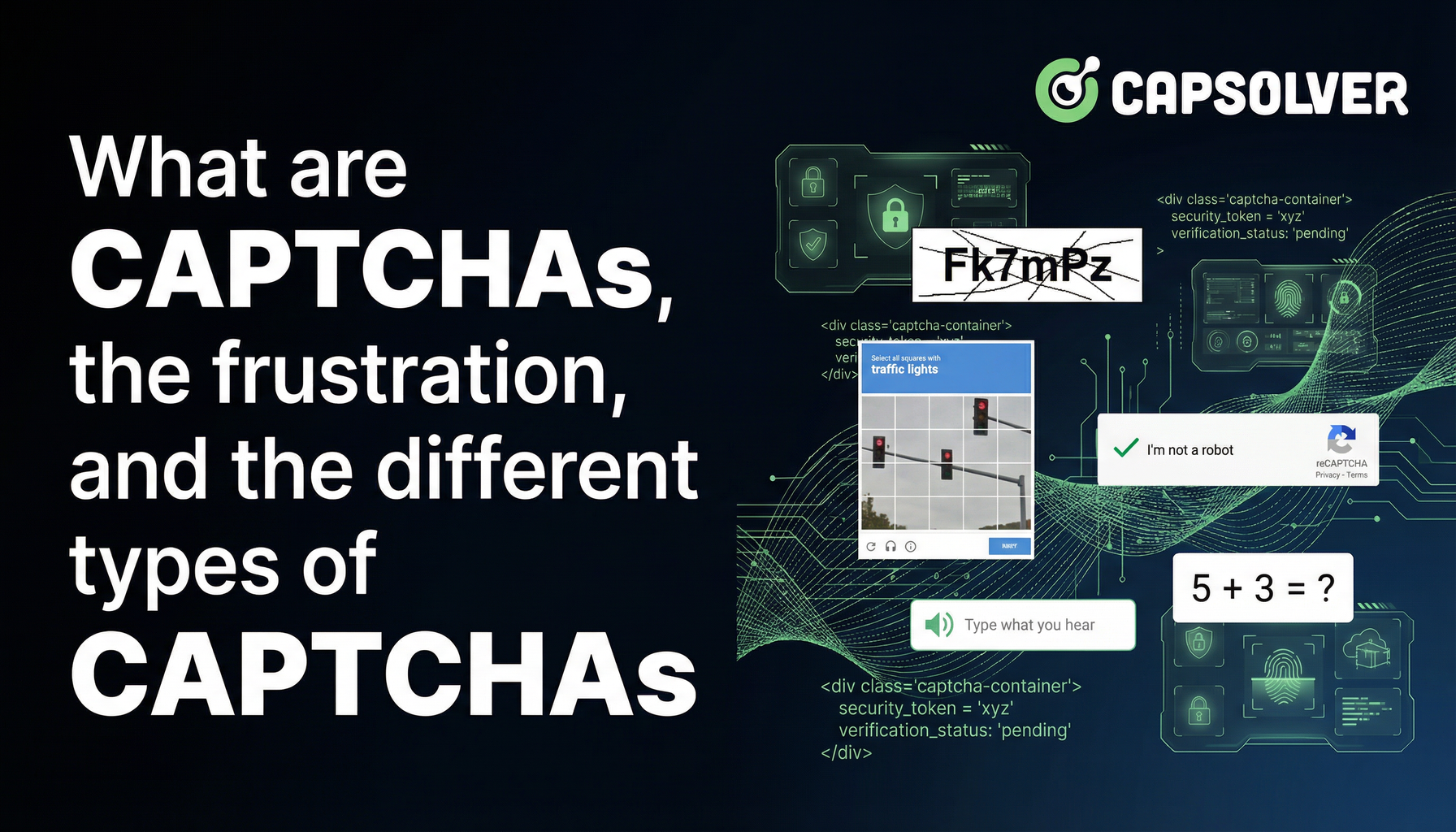
Everyone who has been on the Internet for a while has encountered them - those often irritating little tests that ask you to identify traffic lights, crosswalks, or simply enter a string of distorted characters. They're called CAPTCHAs, and they are an integral part of our online experience, for better or worse.
CAPTCHA is an acronym for "Completely Automated Public Turing test to tell Computers and Humans Apart." Invented in the late 90s by researchers at Carnegie Mellon University, the goal of a CAPTCHA is to create a test that a human can pass, but a computer cannot. As the name implies, it's essentially a form of Turing Test, specifically designed to differentiate humans from AI or automated scripts, protecting online services from abuse by bots.
They are often a source of frustration for many people, especially when the images are difficult to decipher or when the tests repeatedly fail. But they serve a purpose, and as we'll see throughout this blog, they're a necessary tool in maintaining the security and integrity of the internet.
The need for CAPTCHAs arose with the growth of the internet and the corresponding increase in fraudulent and spam activities. Early internet services faced an onslaught of spam emails, fraudulent account creation, and other types of abuse. It became clear that a solution was needed to tell apart legitimate human users from malicious bots.
The birth of the CAPTCHA test was the answer to this problem. The first CAPTCHA, known as EZ-Gimpy, was a simple distorted image of a word. A human could make out the text with some effort, but it was intended to be difficult for a computer to recognize.
Since then, CAPTCHAs have undergone many changes and iterations, each one designed to be more effective and secure than the last. As AI technology has improved, so has the complexity and variety of CAPTCHA tests. The fundamental goal remains the same: to keep bots at bay.
Despite their importance in maintaining internet security, CAPTCHAs are often a source of annoyance and frustration. There's a certain irony that these tests, designed to distinguish humans from machines, can often feel quite inhuman in their difficulty and repetitiveness.
But why are they so frustrating?
One reason is the difficulty of the tasks. Many CAPTCHAs require users to decipher distorted text or identify specific objects within cluttered images. For many people, especially those with visual impairments, these tasks can be challenging or even impossible.
Secondly, the repetitive nature of these tasks can wear down users. It's not uncommon for a user to be prompted to complete multiple CAPTCHA tests in a row, which can become tedious quickly.
Lastly, there's the issue of failure. Even after completing a CAPTCHA test, a user might not pass due to minor errors, leading to a loop of CAPTCHA frustration.
In the following sections, we will explore the different types of CAPTCHAs, why they're necessary, and what alternatives exist.
There are several types of CAPTCHAs, each with unique characteristics and levels of security. Here's an overview of the most common ones:
This is the most traditional form of CAPTCHA. It usually involves a series of distorted letters and numbers that users must type into a box. The distortion is designed to confuse optical character recognition (OCR) algorithms used by bots.
One of the more common forms of CAPTCHA today, image-based CAPTCHAs require users to select images that match a certain description (for example, 'Select all images with traffic lights'). The complexity of real-world images makes this type of CAPTCHA particularly challenging for bots to solve.
Audio CAPTCHAs provide an audio recording of a series of letters or numbers, which the user then needs to type in. This type of CAPTCHA is particularly helpful for visually impaired users.
Math CAPTCHAs require the user to solve a basic math problem, such as 'What is 9 + 3?'. While these are relatively easy for humans to solve, they pose a challenge for bots without the ability to perform arithmetic.
These CAPTCHAs present users with 3D images or models, which they need to rotate or manipulate to find a specific object or text. They can be more engaging for users but also more challenging to create and implement.
Google's reCAPTCHA is perhaps the most widely used CAPTCHA technology. It evolved from requiring users to decipher distorted text to image selection, and now to a more seamless interaction where normal user behavior on a webpage can determine if they are human or not. The latest version, reCAPTCHA v3, scores users based on their interactions without interrupting their workflow.
With the rise in the complexity and frequency of CAPTCHAs, there has been an increase in the demand for services that can solve them quickly and effectively. These services, often called CAPTCHA solving services, use a combination of automated software and human labor to solve CAPTCHAs.
CAPTCHA solving services serve various purposes. For some, they help to automate tasks that would otherwise require human intervention, such as data scraping, or mass account creation. For others, they provide a workaround for individuals who struggle with CAPTCHA due to visual impairments or other challenges.
Redeem Your CapSolver Bonus Code
Boost your automation budget instantly!
Use bonus code CAPN when topping up your CapSolver account to get an extra 5% bonus on every recharge — with no limits.
Redeem it now in your CapSolver Dashboard
.
Just like any other technology, CAPTCHAs have their benefits and drawbacks. It's important to understand both sides to get a clear picture of their place in our digital world.
The most significant advantage of CAPTCHAs is the security they provide. By preventing bots from submitting forms, they reduce spam and unauthorized data access. This protection is vital for services like email, online banking, and e-commerce sites.
CAPTCHAs are a cost-effective method of increasing security. They require minimal resources to implement and maintain compared to other security measures, like two-factor authentication or biometric verification.
CAPTCHAs can be a significant source of frustration for users. If the CAPTCHA is too hard, it may drive users away, leading to a loss in traffic or conversions for a business.
Not all CAPTCHAs are accessible to all users. Visually impaired users can struggle with image-based CAPTCHAs, even when an audio alternative is provided. Moreover, not all CAPTCHAs are designed with consideration for color-blind users or those with other visual impairments.
Given the frustrations and accessibility issues associated with CAPTCHAs, researchers and developers have been exploring alternatives.
Some services are starting to use biometrics, like fingerprints or facial recognition, as a form of verification. While this provides a high level of security, it also raises privacy concerns, as users must provide sensitive biological data.
Another alternative is to use behavioral analysis to distinguish humans from bots. This approach involves analyzing user behavior, such as mouse movements and keystrokes, to detect bot-like activity.
2FA adds an extra layer of security by requiring users to provide two forms of identification. This could be a combination of something the user knows (like a password), something the user has (like a phone), or something the user is (like a fingerprint).
CAPTCHAs, though often frustrating, play a crucial role in protecting the internet from bots and spam. While CAPTCHA-solving services can assist users who struggle with these tests, As technology evolves, we may see the rise of new, more user-friendly methods of bot detection. Until then, it's likely that CAPTCHAs will remain a common, if occasionally irritating, part of our online experience.
CAPTCHAs remain popular because they offer a relatively simple and cost-effective way to reduce spam, fraud, and automated abuse. While they can negatively impact user experience, many organizations consider the security benefits to outweigh the usability drawbacks, especially for high-risk actions like account creation or form submissions.
CAPTCHAs are less effective than they once were due to advances in AI, machine learning, and computer vision. However, modern implementations—such as behavioral analysis and risk scoring in reCAPTCHA v3—still provide value when combined with other security measures rather than used in isolation.
There is no single “best” alternative. Behavioral analysis offers a frictionless user experience, biometrics provide strong security but raise privacy concerns, and two-factor authentication improves protection at the cost of extra user steps. In practice, many platforms adopt a hybrid approach, using CAPTCHAs alongside these alternatives to balance security, usability, and accessibility.
ABOUT THE AUTHOR
Explore how AI detects and solves CAPTCHA challenges, from image recognition to behavioral analysis. Understand the technology behind AI CAPTCHA solvers and how CapSolver aids automated workflows. Learn about the evolving battle between AI and human verification.

Compare top CAPTCHA solving APIs by speed, accuracy, uptime, and pricing. See how CapSolver, 2Captcha, CapMonster Cloud, and others stack up in our detailed performance comparison.

Master how to integrate CAPTCHA solving API in Python with this step-by-step guide. Learn to automate reCAPTCHA, Geetest, and AWS WAF using CapSolver for reliable data extraction.
Discover how an Image Recognition API for custom CAPTCHAs streamlines automation. Learn about AI vision logic, OCR vs. AI, and CapSolver's modular solutions.
