
🎉NEWCapSolver for AI agents-MCP, agent tools, and SDK integrations

Sora Fujimoto
AI Solutions Architect
Published Nov 13, 2026
Updated Nov 13, 2026 · min read
“Fast” and “accurate” are useful claims only when the measurement behind them is clear. One CAPTCHA solver may advertise the time to return an API response, while another reports the time for a complete browser step. A success percentage may count returned tokens, accepted challenges, or jobs completed after several attempts.
This guide explains how to compare those measurements for your own permitted workload. CapSolver is one service that can be evaluated through documented task interfaces. The method below does not present a measured provider leaderboard or assume which service will perform best.
CAPTCHA solver accuracy should describe correct or accepted results for a specified challenge type and a clearly stated denominator.
For an image-to-text task with known answers, exact recognition is a useful measurement. Count whether the returned text matches the expected characters under the receiving application's rules. If the application treats case as significant, an evaluation that ignores case measures a different problem.
For a token task, the more useful result is whether the receiving application accepts the challenge response. A provider returning a nonempty token establishes delivery of an output, not its acceptance. Google's reCAPTCHA validation guide describes the backend check that verifies the response.
Keep three quantities separate:
| Measurement | Numerator | Denominator | Question answered |
|---|---|---|---|
| API solution rate | Tasks returning the documented solution | All valid submitted tasks | Did the solver return an output? |
| First-attempt acceptance | Challenges accepted on the first attempt | All planned first attempts | Did the initial result work? |
| Eventual job completion | Jobs completed within allowed attempts and deadline | All planned jobs | Did the complete workflow finish? |
Malformed test requests should be reported as setup failures. Do not silently remove them from the report, but avoid attributing a wrong site key to recognition accuracy. State whether a published denominator includes or excludes setup failures and why.
Solver speed should be measured between two named events using a consistent clock and the same definition for each provider.
Record when the client submits the task, receives a usable solution, and observes application acceptance. These timestamps distinguish API latency from the additional work required by the application. If task retrieval uses polling, record the polling policy too: the time your client notices completion may be later than the moment the service finished.
CapSolver's getTaskResult contract distinguishes pending and ready results for asynchronous tasks. Its ImageToTextTask returns recognition directly from task creation. Do not impose the asynchronous measurement model on a synchronous task or compare unlike task types in a single speed column.
Use at least the median and a tail percentile, such as p95, for successful attempts. The median describes the middle of the observed distribution; the tail percentile shows how much longer slower successful attempts took. Google's SRE guidance on latency distributions explains why averages can hide behavior in the tail.
Also publish the timeout count and deadline. A provider that returns five quick successes and times out on many other attempts must not appear superior simply because failures were excluded from its latency average.
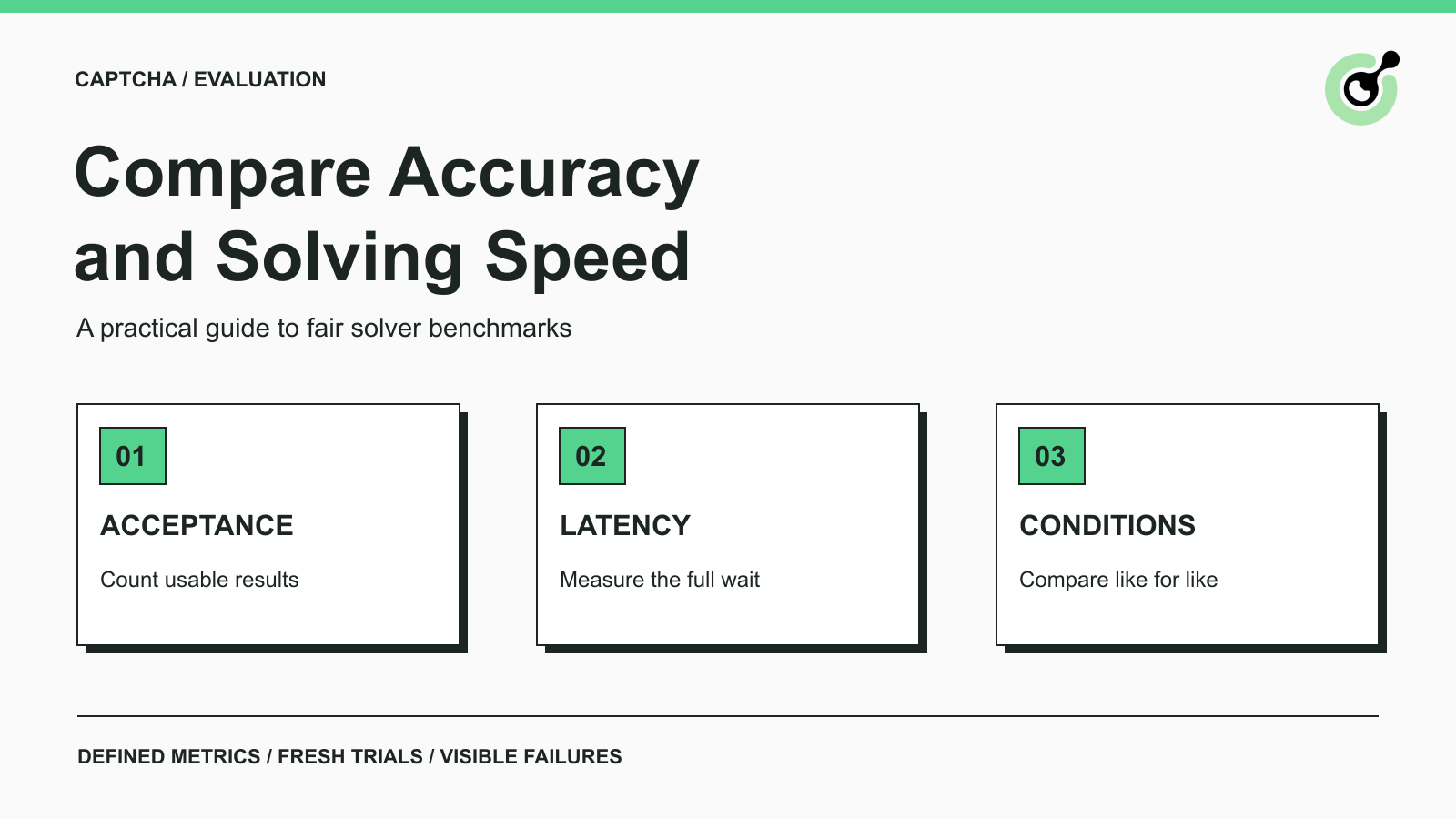
A useful comparison groups similar challenges and holds the main operating conditions steady.
Separate reCAPTCHA v2, reCAPTCHA v3, Turnstile, and text-in-image recognition. Within a family, retain relevant variants and parameters. A result from one category does not establish performance on another. The reCAPTCHA v2 task documentation is an example of why variant-specific request fields matter.
For each group, record the approved environment, client location, concurrency, request deadline, polling policy, retry allowance, and test period. Do not give one provider a single request at a time and another a burst of simultaneous work, then attribute the entire difference to the solver.
Use owned test properties or workflows with explicit permission for this evaluation. Start at a small load that the environment supports. A publicly reachable page is not a license to conduct an unrestricted performance test.
Equivalent trials need comparable challenge conditions, not reuse of a completed token. Google documents reCAPTCHA responses as single-use with a two-minute lifetime. Cloudflare's Turnstile validation reference similarly requires server-side validation and describes a five-minute token lifetime with single use.
Plan independent trials under the same permitted conditions. Where possible, alternate provider order across the test period rather than testing one service only during a quiet interval and another only during a busy interval. Keep the assignment plan before looking at the results.
For offline image recognition, the same authorized labeled image set can be useful. For a changing live challenge, describe how comparable samples were assigned and acknowledge the remaining variation. Do not claim a perfectly controlled experiment if the challenge population changed during the run.
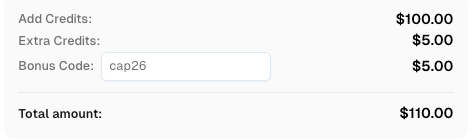
Redeem Your CapSolver Bonus Code
Boost your automation budget instantly!
Use bonus code CAP26 when topping up your CapSolver account to get an extra 5% bonus on every recharge — with no limits.
Redeem it now in your CapSolver Dashboard
A benchmark record should retain one row per attempt and a stable job identifier linking any retries.
The following fields form an editorial reporting template, not a provider API schema:
| Field | What to record |
|---|---|
| Job and attempt identifiers | Which planned challenge this attempt belongs to |
| Challenge family and variant | The exact task category being compared |
| Provider and client version | The service and integration used |
| Submission and result times | Enough information to calculate API latency |
| Acceptance time and evidence | When the application accepted the response, if observable |
| Final outcome | Accepted, rejected, timeout, API error, or setup failure |
| Retry number | Whether this was the original or a later attempt |
| Billed amount | Actual cost when available, with its billing basis |
Do not store API keys, raw response tokens, or unrelated personal information in a shared benchmark report. Keep restricted diagnostic evidence separately when needed. A redacted task reference and outcome are usually more useful than copying the complete request into a spreadsheet.
Use API testing assertions to make the outcome definition repeatable. If the backend is outside your visibility, record the observable application signal and call it application acceptance rather than claiming access to an internal validation score.
A useful result explains the tradeoff between acceptance, delay, retries, and sample size instead of compressing everything into one score.
Consider this hypothetical arithmetic example, not a measured comparison of real services:
| Planned first attempts | Accepted on first attempt | First-attempt acceptance | Additional jobs completed after retry | Eventual completed jobs |
|---|---|---|---|---|
| 100 | 90 | 90% | 5 | 95 |
The first-attempt acceptance rate is 90 divided by 100, or 90%. Eventual completion is 95 divided by 100, or 95%. Neither number tells you how long the retries took or how many extra attempts were billed. Those need separate columns in a real report.
Now consider a hypothetical set of 20 successful attempt durations: 18 take two seconds and two take 20 seconds. The average is 3.8 seconds, while the median is two seconds. Using the nearest-rank definition, p95 is 20 seconds. All three statements can be true; a single average hides the long waits.
State the percentile calculation method when reporting small samples. Different software may interpolate percentiles differently, so unexplained decimal differences should not be presented as a meaningful provider advantage.
Avoid treating a small difference from a short trial as a permanent ranking. Repeat measurements over a relevant period and show the number of evaluated cases in every group. If a service was tested only on one challenge family, say so beside the result.
A reCAPTCHA v3 score describes an assessed interaction and should not be relabeled as the solver's percentage accuracy.
Google's reCAPTCHA v3 guide describes score-based decisions and checking the expected action on the backend. The receiving application decides how to use that assessment. A score field therefore has a different meaning from “90 out of 100 planned jobs were accepted.”
For an owned application, record the acceptance rule used in the trial and keep it consistent across providers. Report the score distribution separately if you have legitimate access to it. If you only observe whether the workflow continued, do not invent the hidden score or assume every accepted result reached the same threshold.
Choose a solver whose observed acceptance and response-time distribution fit the workflow you actually need to run.
Set the decision criteria before the trial. An interactive workflow may have a tighter waiting budget than an offline batch. A batch may tolerate longer waits but need a clear eventual-completion target and cost limit. These are workload requirements, not reasons to declare one provider universally fastest.
For agent-driven workflows, the CAPTCHA tool-call evaluation guide covers a related but separate question: whether the agent chooses and calls the tool correctly. Keep that evaluation separate from the solver performance comparison described here.
Evaluate CapSolver with the same task definitions and acceptance criteria as any other candidate. A useful benchmark leaves a reader able to explain what succeeded, how long it took, and where the evidence stops.
Q: What is a good CAPTCHA solver accuracy rate?
A useful target depends on the challenge family and workflow requirements. Compare accepted results on representative samples, and state the denominator before judging any percentage.
Q: Is the fastest API response the fastest usable solution?
Not necessarily. A submission acknowledgment, a returned solution, and application acceptance are different events. Measure the event that matches the reader's requirement.
Q: Should failed attempts be excluded from latency percentiles?
Successful-attempt latency can be reported separately, but failures and timeout deadlines must remain visible alongside it. Otherwise the fast subset can misrepresent the complete workload.
Q: Can I test providers by reusing the same token?
No. Single-use verification tokens are unsuitable for replay-based comparisons. Use fresh, equivalent, permitted trials for token workflows.
Q: Does this article rank CAPTCHA solving services?
No. It supplies a comparison method and explicitly hypothetical arithmetic examples. A performance ranking requires actual measurements under stated, comparable conditions.
Sora Fujimoto
AI Solutions Architect
Connecting agents, browsers, and APIs into one workflow.
ABOUT THE AUTHOR
Fix CAPTCHA errors by checking widget loading, solver API responses, token validation, and application results. Follow a clear troubleshooting path for each stage.

Review ImageToTextTask image encoding, API errors, and recognized text handling in an existing CAPTCHA recognition client.