
🎉NEWCapSolver for AI agents-MCP, agent tools, and SDK integrations

Emma Foster
Machine Learning Engineer
Published Nov 05, 2026
Updated Nov 05, 2026 · min read
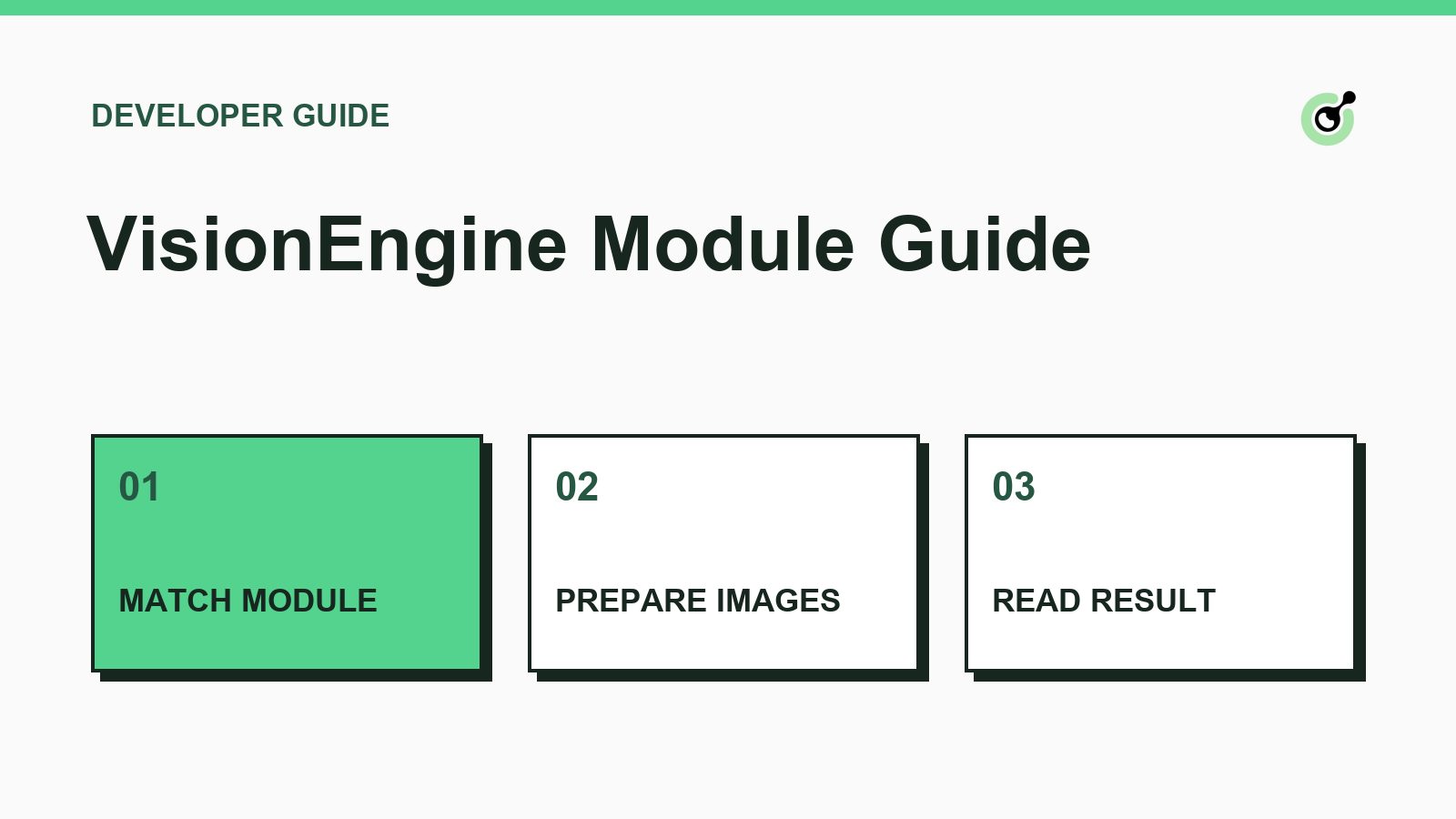
VisionEngine clients need to make two decisions together. The selected module determines which images the request describes and which result the application should expect. A parser that assumes every image task returns text will discard a valid rotation or distance result.
CapSolver documents the request and response fields covered in this guide.
Start with the screenshots and request examples in the official module table. For a rotation layout matching the rotate_1 example, the documented request contains a foreground image and a background image. The slider_1 example also contains both fields, but its output represents distance. Keep each captured image associated with its original role. VisionEngine API reference
Review the example for the specific module before treating the general parameter table as a universal request schema. Prepare only the images required for the authorized challenge under test. Remove the data URL prefix and line breaks when preparing the documented Base64 fields.
The VisionEngine reference documents a synchronous response to createTask. Check the error fields before reading solution. Then check the solution shape against the module you submitted. For rotate_1, the published example contains angle. For slider_1, it contains distance. Keep the field name and module together when handing the result to application code. Task creation reference
Redeem Your CapSolver Bonus Code
Boost your automation budget instantly!
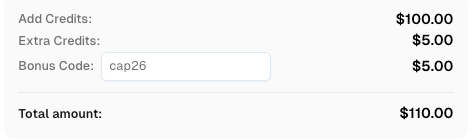
Use bonus code CAP26 when topping up your CapSolver account to get an extra 5% bonus on every recharge — with no limits.
Redeem it now in your CapSolver Dashboard
Record the module, response status, and whether the expected solution field was present. If the field is absent, compare the submitted module and image layout with its reference example before changing the parser. In an owned test environment, record application acceptance separately from the recognition result. For service errors, use the documented error code as the starting point. API error codes
Use CapSolver with the documented request contract and check the application outcome separately.
Q: Should I poll getTaskResult for VisionEngine?
The VisionEngine documentation describes the result as part of the createTask response.
Q: Can I use one result parser for every module?
You can share error handling. Validate the solution shape separately for each supported module.
Q: What should I inspect first if the result looks wrong?
Compare the challenge layout, selected module, and image roles with the matching official example.
Emma Foster
Machine Learning Engineer
Where machine learning meets practical AI tooling.
ABOUT THE AUTHOR
Review ImageToTextTask image encoding, API errors, and recognized text handling in an existing CAPTCHA recognition client.

Fix ERROR_INVALID_TASK_DATA by checking the response description, task type, field names, value types, and serialization in your CAPTCHA solver request.