
🎉NEWCapSolver for AI agents-MCP, agent tools, and SDK integrations

Nikolai Smirnov
Software Development Lead
Published Nov 18, 2026
Updated Nov 10, 2026 · min read
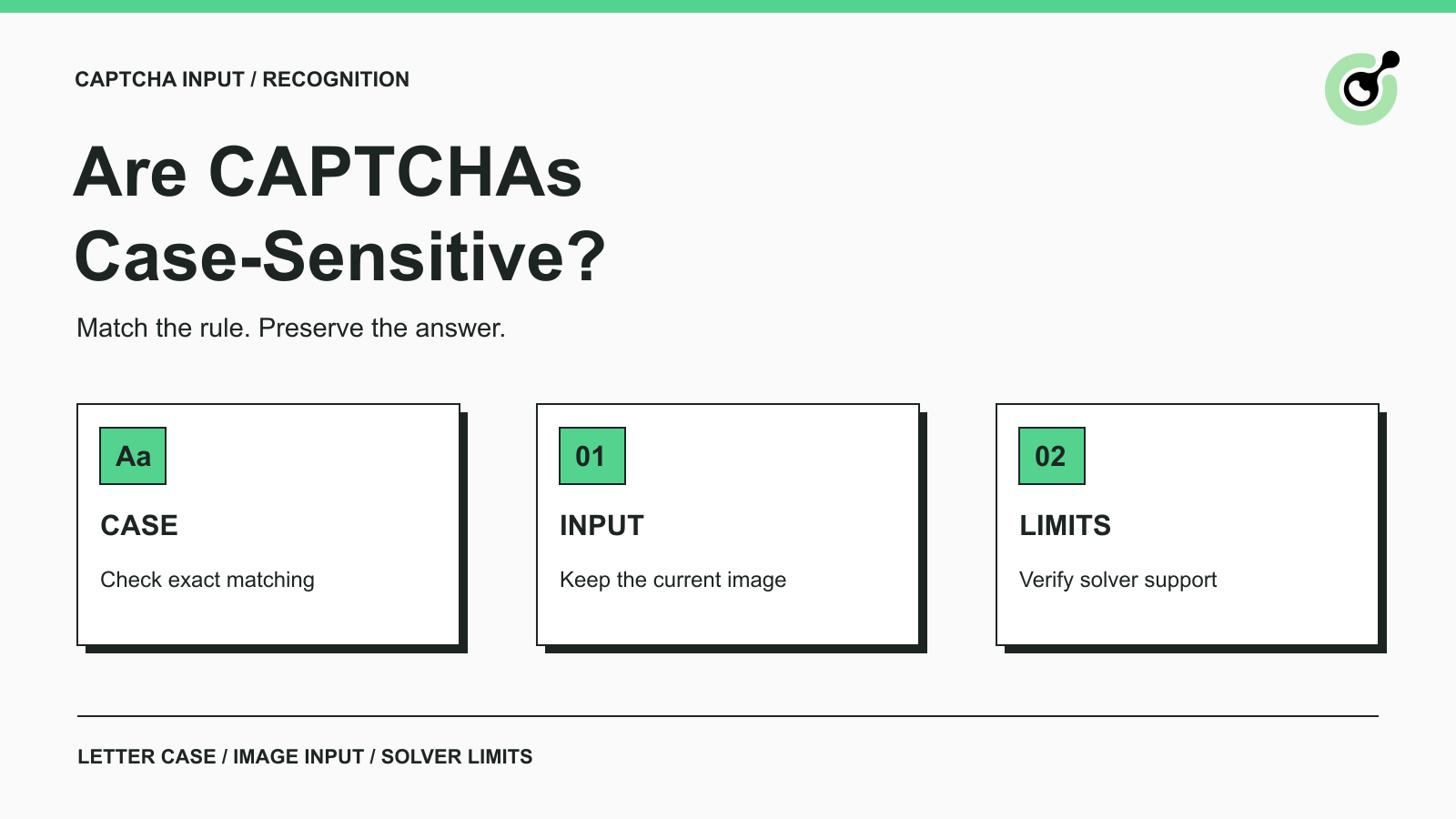
A CAPTCHA is case-sensitive when its receiving application treats uppercase and lowercase versions of a letter as different answers. If the expected text is aB7K, an exact comparison rejects AB7K. A site that deliberately normalizes both values before comparing them may accept either. Those are illustrative validation rules, not a universal CAPTCHA standard.
The practical answer is to follow the instructions on the page and preserve the displayed characters. A challenge containing uppercase letters does not automatically mean that its backend ignores lowercase input. Conversely, a visually mixed-case image does not prove that case matters to its validator.
This distinction matters for people entering answers and for developers using a CAPTCHA recognition API. Recognizing the letters and preserving their case are separate requirements. CapSolver supports documented recognition tasks, but you still need to match the task's capabilities to the receiving website's validation rules.
For the general purpose of these challenges, see the CAPTCHA glossary. This guide focuses specifically on letter case and what happens between reading an image and submitting its answer.
Start with the current image and enter the characters as shown. Preserve letter case, keep digits unchanged, and avoid adding spaces unless the instructions require them. If you cannot distinguish a character, use the page's refresh or accessibility option rather than submitting repeated guesses.
A short check before submission catches several common problems:
| Check | Example | What to do |
|---|---|---|
| Letter case | a entered as A |
Match the visible case when required |
| Similar-looking characters | O and 0, or I and l |
Look at the original image; refresh if ambiguous |
| Accidental whitespace | A space before the answer | Inspect the actual input rather than its visual width |
| Updated challenge | The image changed after typing | Enter the answer for the new image |
| Keyboard modification | A phone capitalized the first letter | Review the value immediately before submitting |
Mobile input behavior deserves particular attention. The HTML autocapitalize attribute can influence automatic capitalization on supported input methods. It does not define the server's acceptance rule. A form can therefore look straightforward while the keyboard changes a character the user intended to enter.
Automatic correction is another separate behavior. MDN documents autocorrect as a control for automatic spelling correction where supported. Developers maintaining their own forms should review both behaviors for a field that expects an exact character sequence, then test the actual browsers and keyboards their users use.
Only rely on case-sensitive recognition when the selected service and task explicitly support it. An API returning a string is not, by itself, a guarantee that it preserves case.
CapSolver's official image-CAPTCHA integration guide states that Image To Text recognition does not support case sensitivity. Its current ImageToTextTask reference also does not document a parameter that enables case-sensitive recognition. Do not add a case-setting field copied from a different provider's API and assume it changes this behavior.
For a site requiring an exact mixed-case answer, this is a compatibility limitation to establish before integration. A successful recognition response can still fail the site's comparison. Retrying the same unsupported requirement does not make the task case-aware.
For an image containing only digits, uppercase versus lowercase is irrelevant, although recognition mistakes remain possible. For a site that explicitly accepts either case, the case limitation may not prevent the workflow from working. Those conditions should come from the application contract or a controlled test on a system you maintain, not from a few lucky submissions.
Redeem Your CapSolver Bonus Code
Boost your automation budget instantly!
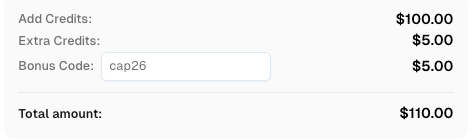
Use bonus code CAP26 when topping up your CapSolver account to get an extra 5% bonus on every recharge — with no limits.
Redeem it now in your CapSolver Dashboard
Uppercasing can satisfy a known formatting requirement, but it cannot reconstruct missing case information. Suppose a recognizer returns ab7k for an image that actually reads aB7K. Transforming the result to AB7K still does not reproduce the mixed-case answer.
Keep three questions separate:
A transformation is justified only by a documented contract. If your own application deliberately treats case as equivalent, normalize the expected and submitted values consistently at validation. Changing only the submitted value can create an asymmetric comparison. For third-party forms, follow their stated requirements instead of experimenting with unbounded case combinations.
This also applies to trimming or correcting recognition results. Removing a transport-added newline is different from guessing that a visible character must be a digit. Preserve the original result in a bounded debugging record and make any transformation explicit, so you can identify where the answer changed.
Inspect one failed transaction from image acquisition through application response. The goal is to identify the actual mismatch rather than assigning every rejection to uppercase letters.
For an owned QA form, compare the challenge generated for that session with the value received by the server. Record a test identifier, the challenge generation event, the submitted text, and the validation outcome. Avoid collecting unrelated form fields or credentials. If the value changed between the solver response and submission, investigate input formatting first.
Next, confirm that the answer belongs to the displayed challenge. A refresh can invalidate an earlier answer even when its letters and case are correct. A separate image-fetch request may also obtain a different session's challenge. CapSolver's image-CAPTCHA guide describes maintaining the relevant session when acquiring and submitting an image-based challenge; recognition does not replace that application state.
Finally, inspect ambiguous characters. O versus 0 is a letter-versus-digit problem, not capitalization. If the image is too unclear to establish the expected answer reliably, exclude it from any confident claim that case handling is the root cause.
A useful QA result distinguishes recognition correct, case preserved, current challenge matched, and application accepted. Reporting only “the API returned text” leaves the last three questions unanswered.
No. A token returned by a supported token-based CAPTCHA task is not a human transcription of letters in an image. Do not uppercase it, lowercase it, or run spelling correction on it.
Google's server-side reCAPTCHA verification documentation explains the separate token-validation step and its validity constraints. That mechanism should be debugged as a token lifecycle and verification issue, rather than as a text-CAPTCHA case setting.
The same distinction helps when choosing an API integration: identify whether the receiving form expects recognized text or a verification token before selecting a task. A generic string type in your code does not make those outputs interchangeable.
Start with the exact acceptance rule of your authorized workflow. Compare it with the documented task capability, then validate the full submission on a controlled example. CapSolver can be evaluated for supported image-recognition tasks; an exact mixed-case requirement should be resolved before you build around ImageToTextTask.
Q: Are all text CAPTCHAs case-sensitive?
No. Case sensitivity depends on the application's validation rule. Follow the displayed instructions and preserve case when the rule is unspecified.
Q: Does CapSolver ImageToTextTask support case-sensitive recognition?
The official image-CAPTCHA guide says that Image To Text recognition does not support case sensitivity. The task reference does not provide a documented switch to enable it.
Q: Will converting the solver result to uppercase fix a rejected CAPTCHA?
Only if uppercase conversion is consistent with the receiving application's known rule. It does not recover the original mix of uppercase and lowercase characters.
Q: Why is my answer rejected even when the case looks correct?
The characters may be misread, the challenge may have refreshed, or the answer may belong to another session. Inspect the exact image and submitted value from the same transaction.
Q: Should I change the case of a reCAPTCHA response token?
No. Submit the token unchanged through the documented integration. Token verification and expiry are separate from letter-case rules in image transcription.
Nikolai Smirnov
Software Development Lead
Building dependable software for complex automation.
ABOUT THE AUTHOR
Compare Python CAPTCHA solvers by SDK design, async support, task inputs, and browser responsibilities. Choose an API with a practical acceptance test.
Test a CAPTCHA solver API with Postman, configure JSON requests, inspect task results, distinguish API errors, and keep account credentials out of shared files.