
🎉NEWCapSolver for AI agents-MCP, agent tools, and SDK integrations

Lucas Mitchell
Automation Engineer
Published Nov 17, 2026
Updated Nov 17, 2026 · min read
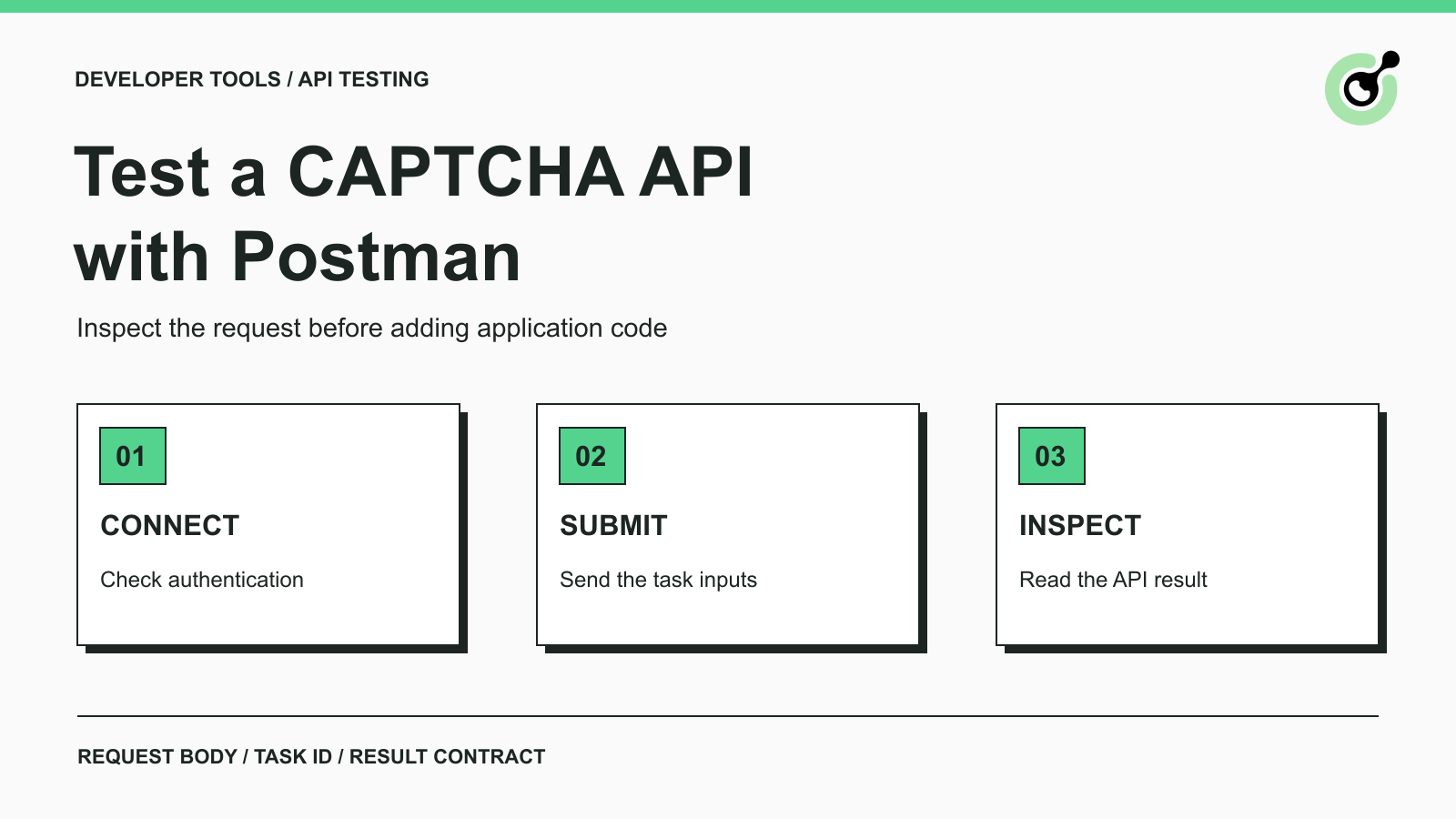
Postman is an API client for building requests, inspecting responses, and organizing reusable collections. It is useful when a developer wants to separate a request-format problem from an SDK or application bug. Instead of debugging the browser, application, and solver client simultaneously, you can first inspect the API exchange on its own.
This tutorial uses CapSolver as the documented API example. The workflow covers account authentication, task submission, and result inspection. It does not claim that Postman operates a browser or automatically completes a protected form. Use your own test page or another explicitly authorized workflow when progressing from an API result to application testing.
You need a Postman client, a CapSolver API key, and valid inputs for the specific CAPTCHA task you intend to test.
For a token task, that normally includes the page URL and public site key, plus any additional fields required by its current task documentation. Start with the supported task type you actually use. Do not substitute a nearby name from another CAPTCHA service or assume a reCAPTCHA example applies to every provider.
Keep three credentials separate. Your CapSolver account key authenticates solver API requests. The website's site key identifies its CAPTCHA configuration. A site-owner verification secret belongs to the website's backend and is not the solver account key. This distinction prevents a common setup mistake before you send the first request.
Use an environment dedicated to this test. Postman supports variables in requests, which avoids editing the same value in several places. Store real secrets using your team's approved local or vault mechanism. Never publish an exported collection containing an account key. Review inherited authorization settings as well: an unrelated collection-level bearer token is not a substitute for the documented clientKey field.
Verification boundary: the request shapes below come from current official API documentation. Placeholders require your own credentials and authorized page inputs. A getBalance request executed with Postman Newman and a deliberately invalid placeholder key reached the official endpoint and returned a JSON API error. That checks the negative authentication path only; successful authentication, task creation, and CAPTCHA solving require your own account and were not exercised in this check.
The getBalance request is the simplest place to validate account authentication without creating a paid solving task.
Create a POST request to https://api.capsolver.com/getBalance. Choose a raw JSON body and confirm the request uses Content-Type: application/json. Use this official getBalance request structure, replacing the placeholder locally:
{
  "clientKey": "YOUR_API_KEY"
}
Send the request and inspect the response body. An HTTP response alone is not enough: inspect the API's error fields. A successful authenticated response includes the documented account information. An authentication error tells you to correct the key or account access before testing a CAPTCHA task.
If Postman receives HTML, a proxy error, or an unexpected redirect, first check the URL and the component returning that response. Do not try to solve a CAPTCHA merely to diagnose an incorrect API endpoint. Keep TLS verification enabled; certificate errors should be investigated rather than hidden in the client settings.
Postman can also import cURL requests. Its import documentation explains this path. If you import an official example, inspect the method, URL, headers, and body afterward. Importing a request does not prove its credentials or task inputs are valid.
CreateTask submits a CAPTCHA-solving task; the task type determines which fields belong in the body.
For a standard reCAPTCHA v2 proxyless task, the official reCAPTCHA v2 reference defines the following structure. This is an illustrative request template: replace all placeholders with the real values for your authorized test page before sending it to https://api.capsolver.com/createTask.
{
  "clientKey": "YOUR_API_KEY",
  "task": {
    "type": "ReCaptchaV2TaskProxyLess",
    "websiteURL": "YOUR_AUTHORIZED_PAGE_URL",
    "websiteKey": "YOUR_WEBSITE_SITE_KEY"
  }
}
The capitalization of the task type matters. Copy field names from the official reference instead of guessing them from the product name. Do not add unsupported parameters to compensate for an error whose cause you have not identified.
Save this request separately from the balance request. Give it a descriptive collection name, such as the task type and test environment, so you do not accidentally run a production task while checking a development page. For a manual test, press Send once and inspect the result before doing anything else.
If the response reports an error, fix that error before proceeding. If an asynchronous task was created, retain its returned taskId. A later request must use that exact identifier. Repeatedly pressing Send on createTask starts new attempts; it is not how you ask about an existing task.
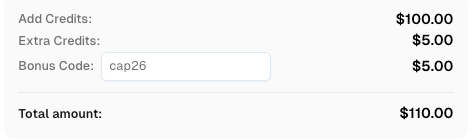
Redeem Your CapSolver Bonus Code
Boost your automation budget instantly!
Use bonus code CAP26 when topping up your CapSolver account to get an extra 5% bonus on every recharge — with no limits.
Redeem it now in your CapSolver Dashboard
For an asynchronous task, getTaskResult checks the task you already submitted.
Create a separate POST request to https://api.capsolver.com/getTaskResult. The official task-result request uses the same account key and the returned task identifier:
{
  "clientKey": "YOUR_API_KEY",
  "taskId": "TASK_ID_RETURNED_BY_CREATE_TASK"
}
Inspect errorId before interpreting the status. A processing status means there is no solution to consume yet. A ready status means you can inspect the documented solution object. For the reCAPTCHA v2 task above, the token is returned in solution.gRecaptchaResponse. Other task types can return different fields, so choose the parser according to the task contract.
Start with manual requests while you are learning the exchange. Wait according to the current documented polling guidance before checking again, and stop at a predefined task deadline. Do not place createTask inside a repeated collection run merely to imitate polling. If your application later automates polling, use the same taskId for that attempt and handle terminal errors explicitly.
A task result is sensitive operational data. Redact tokens when sharing screenshots with colleagues. The task identifier and error code may be enough to explain a request issue; a full response dump is often unnecessary.
ImageToTextTask returns recognition text in the createTask response rather than requiring getTaskResult.
Use the official ImageToTextTask reference when testing a text CAPTCHA image. Its body field contains the image's Base64 data. Keep that image separate from report PDFs, invoice documents, or full browser screenshots: this endpoint is for the documented image-recognition task, not arbitrary document extraction.
Check the response for an API error and then read solution.text when the call succeeds. Preserve the result as a string. Converting a recognized value such as 0072 to a number changes it before the application has a chance to validate the answer.
This direct-response behavior is why one universal collection loop is a bad starting point. Build a small request group for the task you need and follow that group's actual return contract. The existing image-to-text API guide explains the input and output boundary in more detail.
Troubleshooting is faster when you distinguish the HTTP exchange, the API result, and the website result.
At the HTTP layer, inspect the actual destination, response type, and whether the client received a response at all. At the API layer, inspect errorId and the documented error code. At the website layer, inspect whether the application accepted a correctly associated, current solution. The official error-code list is the source for API error meanings.
If the balance request fails, task parameters are not yet the first thing to change. If balance authentication succeeds but createTask fails, inspect the selected type and its required fields. If a task is ready but the application rejects the result, repeating the same Postman request may only create additional tasks. Check the page context and the website's validation path instead.
Do not describe a successful token response as an end-to-end browser test. Postman has not automatically supplied the token to your application, preserved its browser state, submitted the form, or verified the business result. For your own reCAPTCHA integration, Google's server-side verification documentation explains the website's separate responsibility.
A useful collection preserves the request structure and expected response checks while keeping credentials out of shared artifacts.
Save distinct requests for balance, task creation, and task result. Explain which values are supplied by the user and which come from an earlier response. Clear example tokens and account keys before exporting the collection. Inspect the exported JSON rather than assuming a masked field in the interface makes the file safe to share.
Postman's collection runner can help repeat a controlled request sequence. Keep the scope explicit: a request-format check, an authentication check, and a paid solve are different tests. Use a small approved test budget for the last one, with known task inputs and a clear stop condition.
Use Postman to make the API exchange visible before adding application complexity. Once the request fields and result handling are correct, transfer the same documented contract into your application and verify its real outcome. CapSolver supplies the supported solving step; your workflow remains responsible for using the result correctly.
Q: Can Postman solve a CAPTCHA by itself?
Postman sends API requests. A CAPTCHA-solving service performs the supported solving task, while your application handles the returned result.
Q: Where should I put the CapSolver API key?
Put it in the clientKey field of the documented JSON request. Keep the real value private and do not confuse it with the website's public site key.
Q: Does every task require getTaskResult?
No. Asynchronous tasks use the task-result endpoint, while ImageToTextTask returns its recognition result directly. Follow the current documentation for your chosen task type.
Q: Why do I receive a token but the website still fails?
The website has a separate acceptance step. A current, correctly associated token must be used in the appropriate application flow; receiving it in Postman does not complete that flow.
Q: Should I run createTask repeatedly while waiting?
No. Check the existing asynchronous task with getTaskResult and its returned taskId. Repeated task creation is not polling and can create unnecessary work and charges.
Lucas Mitchell
Automation Engineer
Helping browser automation recover and continue.
ABOUT THE AUTHOR
Compare Python CAPTCHA solvers by SDK design, async support, task inputs, and browser responsibilities. Choose an API with a practical acceptance test.

Compare CAPTCHA solver accuracy and speed using accepted results, latency percentiles, fresh trials, and clear retry rules for an authorized test workload.