
🎉NEWCapSolver for AI agents-MCP, agent tools, and SDK integrations

Sora Fujimoto
AI Solutions Architect
Published Sep 15, 2023
Updated Sep 15, 2023 · min read
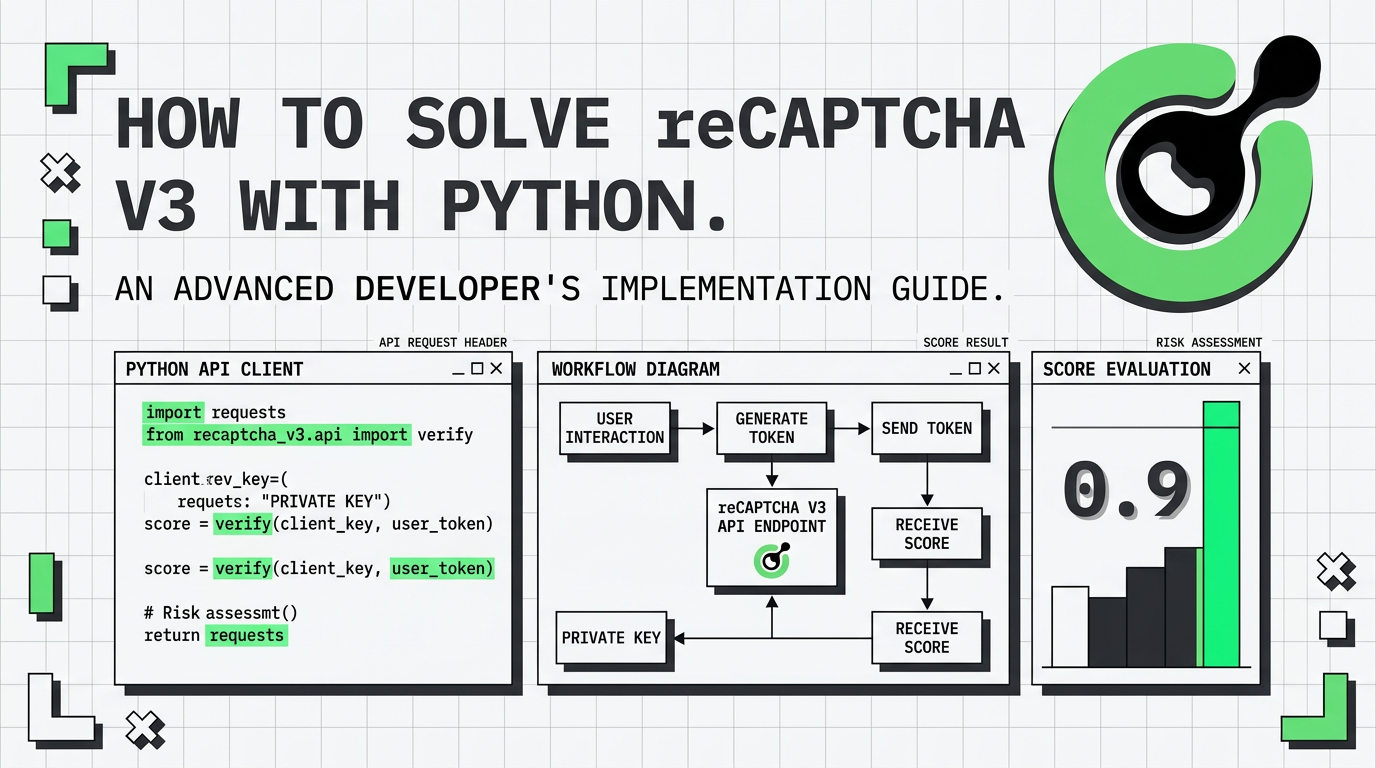
Automating Google Search, SEO tools, or data collection often requires interacting with websites protected by reCAPTCHA v3. Unlike v2,reCAPTCHA v3 does not show a checkbox—it silently assigns a risk score (0.0–1.0). To perform stable automation and achieve a human‑like score (0.7–0.9), you need both the correct implementation and a reliable solver.
This guide shows you how to solve reCAPTCHA v3 using Python and CapSolver, with a ready-to-use script, key configuration tips, and best practices to avoid getting low scores.
Why these prerequisites matter
Python allows easy integration with API-based solvers, while the Capsolver API key identifies your account and ensures the request receives high-quality human-like scoring. reCAPTCHA v3 is highly sensitive to user‑behaviour simulation, so using an optimized API is critical.
Execute the following commands to install the required packages:
pip install capsolver⚡ Tip: Using a virtual environment (e.g.,
venvorconda) helps isolate dependencies and avoid conflicts with other Python projects.
Here's a Python sample script to accomplish the task:
import json
import os
import capsolver
from urllib.parse import urlparse

# Change these values
capsolver.api_key = "YourApiKey"
PAGE_URL = ""
PAGE_KEY  = ""
PAGE_ACTION = ""

def solve_recaptcha_v3(url,key,pageAction):
    solution = capsolver.solve({
        "type": "ReCaptchaV3TaskProxyLess",
        "websiteURL": url,
        "websiteKey":key,
        "pageAction":pageAction
    })
    return solution


def main():

    print("Solving reCaptcha v3")
    solution = solve_recaptcha_v3(PAGE_URL, PAGE_KEY, PAGE_ACTION)
    print("Solution: ", solution)

if __name__ == "__main__":
main()websiteKey
This is typically the data-sitekey value embedded in the HTML of the target website. You can find it via browser DevTools or network requests.
pageAction
Google uses pageAction to categorize user interactions. Setting it correctly significantly increases scoring accuracy. You can refer to the linked blog to extract real pageAction values.
ReCaptchaV3TaskProxyLess
This mode is recommended when the website does not require a browser with a proxy. If the system returns abnormally low scores, you may consider a proxy-enabled task type to simulate user locality.
Result Structure
Capsolver returns a token string (g-recaptcha-response) that you must pass back to the target site’s form or API endpoint during submission.
This code sample focuses on clarity, but in production scripts, you may also want to:
✓ Add retry logic
✓ Log responses
✓ Add exception handling for network/timeouts
✓ Validate tokens before submission
Solving reCAPTCHA v3 reliably is essential for automation tasks such as SEO data extraction, Google SERP scraping, and high-volume workflow automation. With Python and CapSolver’s API, you can generate stable human‑like scores (0.7–0.9) and avoid challenge pages, even on heavily protected sites.
Following the configuration tips above ensures higher success rates and smoother integration into your automation pipeline.
reCAPTCHA v3 uses a score-based system instead of challenges or image tests. It silently analyzes user behavior and assigns a score from 0.0 to 1.0. Higher scores indicate human-like activity, while bots usually receive low scores.
You can inspect the HTML of the webpage using Chrome DevTools. Look for the attribute data-sitekey or check the script loading the reCAPTCHA library.
The pageAction parameter identifies the type of interaction on the website, such as login, submit, or search. A mismatched pageAction may lead to low scores or rejections.
Common causes include missing pageAction, incorrect sitekey, low-quality proxies (if used), or failing to mimic real browser behavior. Using CapSolver’s optimized configuration helps improve scoring.
Yes. After obtaining the token using CapSolver, you can inject it into forms or JavaScript variables inside any automated browser, including Selenium or Playwright.
Sora Fujimoto
AI Solutions Architect
Connecting agents, browsers, and APIs into one workflow.
ABOUT THE AUTHOR
Understand reCAPTCHA v3 score range (0.0 to 1.0), its meaning, and how to improve your score. Learn how to handle low scores and optimize user experience.

Facing "reCAPTCHA Invalid Site Key" or "invalid reCAPTCHA token" errors? Discover common causes, step-by-step fixes, and troubleshooting tips to resolve reCAPTCHA verification failed issues. Learn how to fix reCAPTCHA verification failed please try again.


