
🎉NEWCapSolver for AI agents-MCP, agent tools, and SDK integrations

Sora Fujimoto
AI Solutions Architect
Published Sep 20, 2023
Updated Dec 04, 2025 · min read
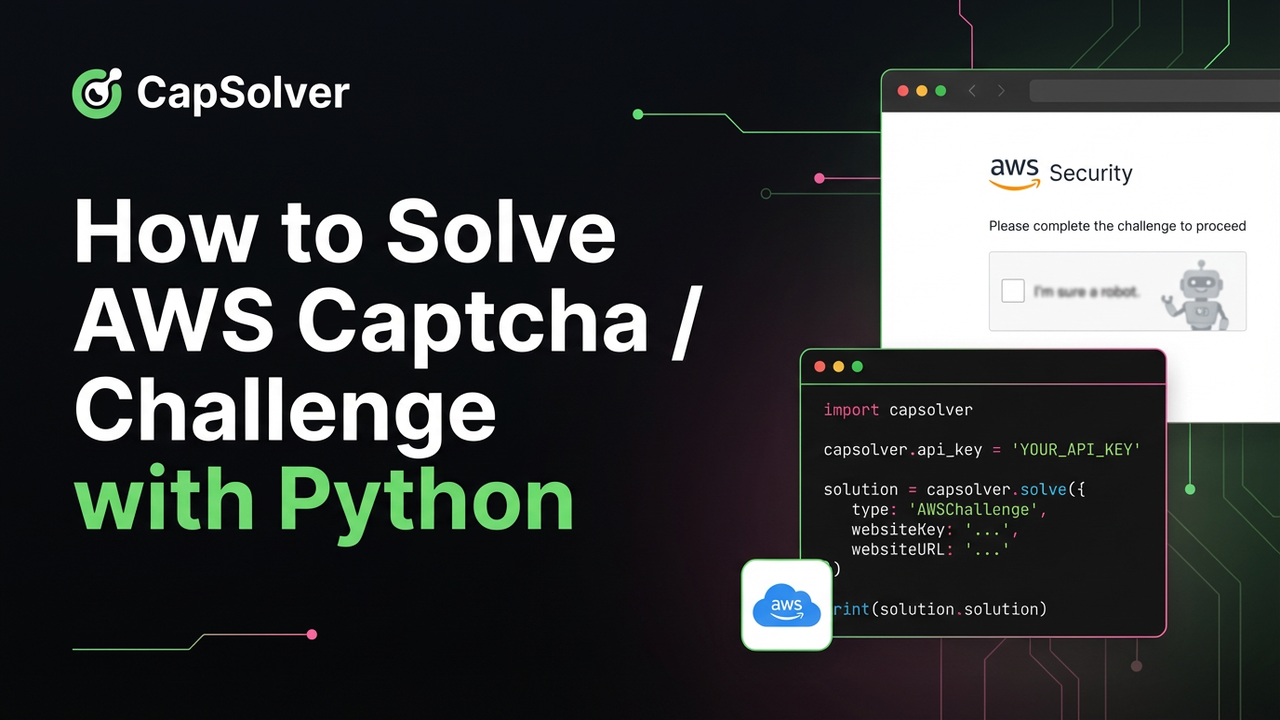
Are your web scraping or automation tasks being blocked by a seemingly insurmountable AWS WAF (Web Application Firewall)? This is a common challenge for many developers. AWS WAF is a powerful security service from Amazon designed to protect websites from common web exploits and malicious bots. It identifies and blocks suspicious activity by analyzing traffic patterns, using methods that include JavaScript challenges (returning a 202 status code) and more complex image captchas (returning a 405 status code).
While essential for website protection, these security measures can be a major roadblock for legitimate automation scripts. Fortunately, with the right tools, you can effectively bypass these protections. This guide will provide a detailed walkthrough on how to use Python and CapSolver to easily obtain the aws-waf-token, enabling seamless access to AWS WAF-protected websites.
Before you begin, ensure you have the following tools and information ready:
First, we need to install a few key Python libraries for making HTTP requests and parsing HTML. Open your terminal and execute the following command:
pip install capsolver requests beautifulsoup4The following is the complete Python code for solving AWS WAF challenges and captchas using CapSolver. This code is based on the latest practices from the CapSolver official documentation, features a cleaner structure, and automatically handles the two most common blocking scenarios.
import capsolver
import requests
from bs4 import BeautifulSoup
import re
from urllib.parse import urlparse

# -------------------PLEASE MODIFY THESE VALUES-------------------
# Your proxy details in the format: http://username:password@ip:port
PROXY = "http://username:password@ip:port"
# The URL of the target website you want to solve AWS WAF for
PAGE_URL = "https://www.your-aws-protected-website.com"
# Your API key from the CapSolver Dashboard
CAPSOLVER_API_KEY = "Your_API_KEY"
# ----------------------------------------------------------------

def solve_aws_waf(is_captcha_challenge, **kwargs):
    """
    Solves an AWS WAF challenge or captcha using CapSolver.
    :param is_captcha_challenge: True for a captcha (405 status), False for a JS challenge (202 status).
    :param kwargs: Parameters required for the solving task.
    :return: The solution object, or None on failure.
    """
    task_type = "AntiAwsWafTask" if is_captcha_challenge else "AntiAwsWafTaskProxyLess"
    print(f"Creating '{task_type}' task...")

    task_payload = {
        "type": task_type,
        "websiteURL": PAGE_URL,
    }

    # Add specific parameters based on the challenge type
    if is_captcha_challenge:
        # For captcha challenges, awsKey, awsIv, awsContext are needed
        task_payload.update({
            "awsKey": kwargs.get("awsKey"),
            "awsIv": kwargs.get("awsIv"),
            "awsContext": kwargs.get("awsContext"),
            "awsChallengeJS": kwargs.get("awsChallengeJS"),
            "proxy": PROXY
        })
    else:
        # For JS challenges, only the awsChallengeJS URL is needed
        task_payload["awsChallengeJS"] = kwargs.get("awsChallengeJS")

    try:
        solution = capsolver.solve(task_payload)
        if solution and solution.get("errorId", 0) == 0:
            print("Solution retrieved successfully!")
            return solution
        else:
            error_desc = solution.get('errorDescription', 'Unknown error') if solution else 'Unknown error'
            print(f"Failed to solve task: {error_desc}")
            return None
    except Exception as e:
        print(f"An exception occurred while calling CapSolver: {e}")
        return None

def main():
    """Main function to execute the entire process."""
    capsolver.api_key = CAPSOLVER_API_KEY
    session = requests.Session()
    session.proxies = {"http": PROXY, "https": PROXY}

    headers = {
        "User-Agent": "Mozilla/5.0 (Windows NT 10.0; Win64; x64) AppleWebKit/537.36 (KHTML, like Gecko) Chrome/112.0.0.0 Safari/537.36",
        "Accept": "text/html,application/xhtml+xml,application/xml;q=0.9,image/avif,image/webp,image/apng,*/*;q=0.8",
        "Accept-Language": "en-US,en;q=0.9",
    }

    print(f"Attempting to access: {PAGE_URL}")
    response = session.get(PAGE_URL, headers=headers)
    print(f"Received status code: {response.status_code}")

    solution = None

    # Scenario 1: Handle AWS JavaScript Challenge (Status Code 202)
    if response.status_code == 202:
        print("AWS JavaScript challenge detected.")
        soup = BeautifulSoup(response.content, 'html.parser')
        script_tag = soup.find('script', {'src': re.compile(r'token\.awswaf\.com')})
        if script_tag:
            challenge_js_url = script_tag['src']
            print(f"Found challenge JS URL: {challenge_js_url}")
            solution = solve_aws_waf(is_captcha_challenge=False, awsChallengeJS=challenge_js_url)
        else:
            print("Error: Could not find the AWS challenge script.")

    # Scenario 2: Handle AWS Captcha (Status Code 405)
    elif response.status_code == 405:
        print("AWS Captcha detected.")
        soup = BeautifulSoup(response.content, 'html.parser')
        script_tag = soup.find('script', {'src': re.compile(r'token\.awswaf\.com')})
        script_text_tag = soup.find('script', string=re.compile('.*key.*'))

        if script_tag and script_text_tag:
            challenge_js_url = script_tag['src']
            script_text = script_text_tag.string

            key = re.search(r'"key":"(.*?)"', script_text).group(1)
            iv = re.search(r'"iv":"(.*?)"', script_text).group(1)
            context = re.search(r'"context":"(.*?)"', script_text).group(1)

            print(f"Extracted parameters: Key={key[:5]}..., IV={iv[:5]}..., Context={context[:5]}...")
            solution = solve_aws_waf(
                is_captcha_challenge=True,
                awsKey=key,
                awsIv=iv,
                awsContext=context,
                awsChallengeJS=challenge_js_url
            )
        else:
            print("Error: Failed to extract all required captcha parameters from the page.")

    # If solved successfully, set the cookie and retry the request
    if solution and solution.get("cookie"):
        aws_token = solution["cookie"]
        print(f"Successfully obtained aws-waf-token: {aws_token[:30]}...")

        domain = f".{urlparse(PAGE_URL).netloc}"
        session.cookies.set("aws-waf-token", aws_token, domain=domain)

        print("Cookie set. Retrying request...")
        final_response = session.get(PAGE_URL, headers=headers)
        print(f"Final request status code: {final_response.status_code}")

        if final_response.status_code == 200:
            print("Successfully bypassed AWS WAF!")
            # print(final_response.text) # Uncomment to see the page content
        else:
            print("Request failed after setting cookie. Check the token or proxy.")
    else:
        print("Failed to solve AWS WAF. Exiting.")

if __name__ == "__main__":
main()Before running the code, be sure to modify the following variables:
PROXY: Replace this with your proxy server address and credentials. The format should be http://username:password@ip:port.CAPSOLVER_API_KEY: Find your API key in the CapSolver Dashboard and replace the placeholder.PAGE_URL: Replace this with the URL of the target website protected by AWS WAF.By integrating CapSolver into your Python automation workflow, you can effectively handle both JavaScript challenges and captchas triggered by AWS WAF. This approach simplifies a complex verification process into a single API call, allowing you to focus on your core business logic instead of getting bogged down in a constant battle with anti-bot technologies. This is an invaluable solution for any developer who needs to interact with sites protected by AWS WAF.
Use bonus code CAPN when topping up your CapSolver account to get an extra 5% bonus on every recharge — with no limits.
Redeem it now in your CapSolver Dashboard
Q1: Why must I use a proxy?
A1: AWS WAF strictly monitors the behavior of IP addresses. Requests from data centers or IPs flagged as suspicious are easily blocked. Using a high-quality residential or ISP proxy mimics real user access behavior and is a critical first step to successfully bypassing the WAF.
Q2: How long is the aws-waf-token valid?
A2: The validity of this token is typically very short, possibly only a few minutes. Once the token expires, you need to re-run the verification process to obtain a new one. It's important to design a token refresh logic in your application.
Q3: What is the difference between AntiAwsWafTask and AntiAwsWafTaskProxyLess?
A3: AntiAwsWafTask is used to solve the AWS captcha, which requires a full browser environment (typically seen with a 405 status code) and needs a proxy provided by you. AntiAwsWafTaskProxyLess is used for the simpler JavaScript challenge (202 status code), which is solved on CapSolver's servers and does not require you to provide a proxy. Our code automatically selects the appropriate task type based on the status code.
Q4: Does this method work for all websites using AWS WAF?
A4: This method is effective for most standard AWS WAF configurations. However, website owners can customize WAF rules, which may increase the difficulty of bypassing them. If you encounter issues, consult the CapSolver documentation or support. Different challenges may require different strategies
Sora Fujimoto
AI Solutions Architect
Connecting agents, browsers, and APIs into one workflow.
ABOUT THE AUTHOR
Use the official Go SDK for an AWS WAF CAPTCHA task, set HTTPS explicitly, supply documented parameters, and check the returned cookie before continuing.

Build an authorized AWS WAF LangChain workflow with CapSolver tools, response detection, policy gates, session handling, retries, and verification.

