
🎉NEWCapSolver for AI agents-MCP, agent tools, and SDK integrations

Ethan Collins
AI Agent Workflow Engineer
Published Jul 01, 2026
Updated Jul 01, 2026 · min read
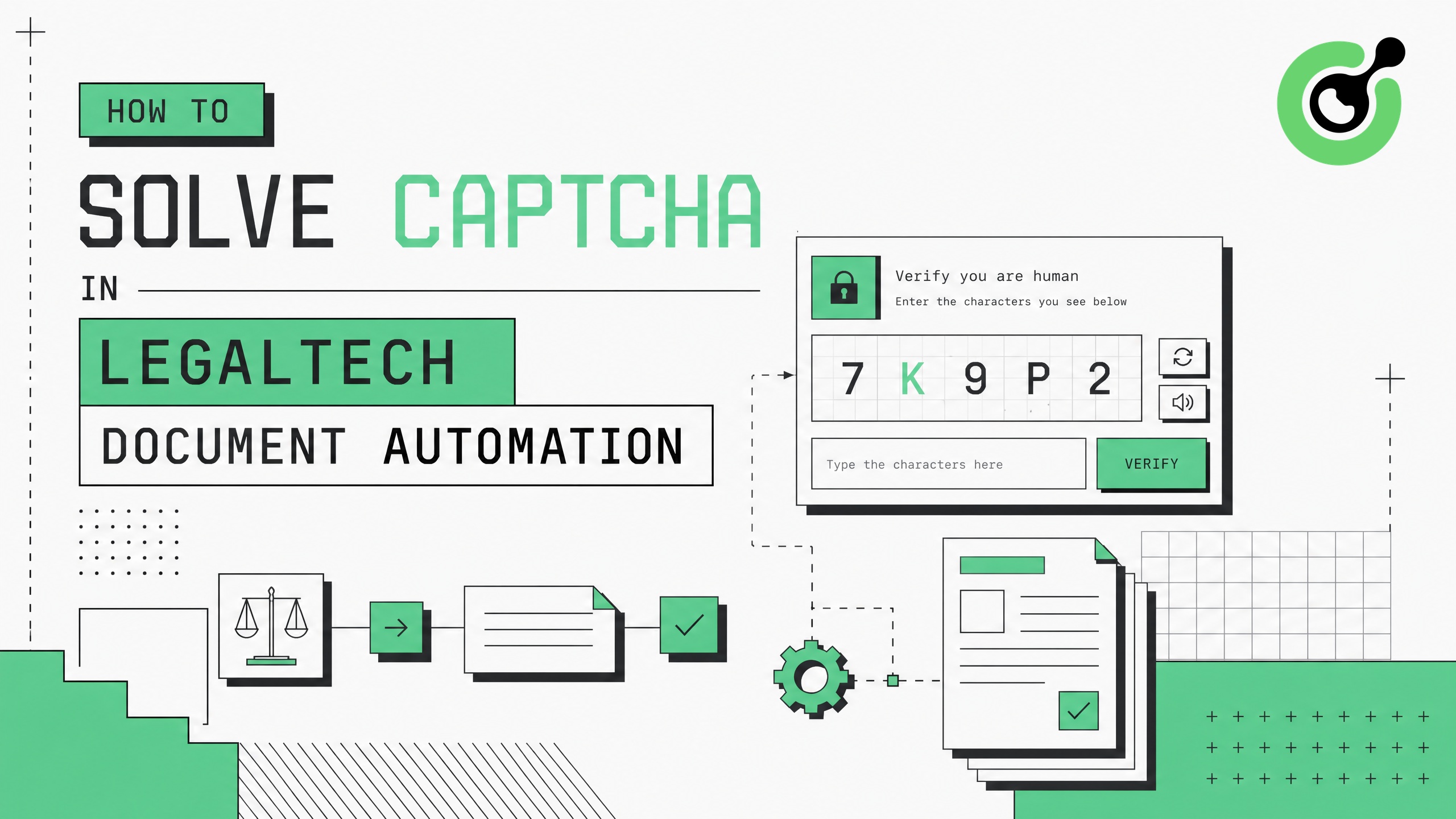
Automating document retrieval is a cornerstone of modern LegalTech, but the process is often derailed by aggressive bot protection. Whether you are scraping public court records, monitoring patent filings, or automating compliance checks, CAPTCHAs stand as a significant barrier. The challenge is not just bypassing these checks, but doing so reliably and at scale without violating compliance standards. This guide explains how to solve CAPTCHAs in LegalTech document automation using CapSolver, ensuring your automated workflows remain efficient and uninterrupted.
Legal platforms and government databases frequently use CAPTCHAs (like reCAPTCHA or Cloudflare Turnstile) to prevent abuse. For LegalTech companies relying on automated data extraction, these challenges cause timeouts and incomplete data gathering.
Standard browser automation tools like Puppeteer or Selenium are easily detected by modern anti-bot systems. They lack the nuanced human-like interaction patterns required to solve advanced CAPTCHAs, leading to IP bans and blocked access.
Before implementing a solution, identify the CAPTCHA protecting the legal database. Is it an image-based challenge, an invisible reCAPTCHA v3, or a Cloudflare Turnstile? Understanding the type dictates the API parameters you will use.
CapSolver provides a robust API designed to handle various CAPTCHA types seamlessly. By routing the CAPTCHA challenge through CapSolver, you receive a token that can be submitted with your automation request.
Bonus Code: Use this code for a bonus when signing up:
legaltech-bonus
Claim your bonus here
In your automation script, capture the site key and URL of the target page. Send this data to CapSolver's API. Once the API returns the solved token, inject it into the page's form or submit it via your HTTP request.
# Example: Sending request to CapSolver API
import requests

api_key = "YOUR_CAPSOLVER_API_KEY"
site_key = "TARGET_SITE_KEY"
page_url = "TARGET_PAGE_URL"

payload = {
    "clientKey": api_key,
    "task": {
        "type": "ReCaptchaV2TaskProxyless",
        "websiteURL": page_url,
        "websiteKey": site_key
    }
}
# Send request and wait for token...When automating legal data extraction, respect the target site's robots.txt and terms of service. Use residential proxies and implement reasonable rate limits to avoid overwhelming the server.
| Feature | Manual Solving | CapSolver Automation |
|---|---|---|
| Speed | Slow and prone to human error | Fast, API-driven responses |
| Scalability | Impossible for large datasets | Highly scalable for enterprise needs |
| Cost Efficiency | High labor costs | Cost-effective API pricing |
| Reliability | Variable | Consistent high success rates |
Solving CAPTCHAs in LegalTech document automation is essential for maintaining the flow of critical data. By integrating a reliable service like CapSolver, LegalTech firms can overcome bot protection hurdles efficiently and at scale. Ready to streamline your document automation? Explore CapSolver's solutions today.
Using an API-driven service like CapSolver is the most efficient and scalable method for solving CAPTCHAs in automated legal workflows.
Yes, CapSolver supports a wide range of CAPTCHA types, including Cloudflare Turnstile, reCAPTCHA.
The legality depends on the target site's terms of service, the nature of the data (public vs. private), and your jurisdiction. Always consult legal counsel and adhere to compliance standards.
CapSolver provides comprehensive documentation and SDKs for integrating with browser automation tools like Puppeteer and Selenium.
Ethan Collins
AI Agent Workflow Engineer
Building clearer handoffs between AI agents and tools.
ABOUT THE AUTHOR
Fix common Selenium CAPTCHA integration problems by checking test configuration, extensions, waits, iframe context, solver responses, and application results.

Choose the CapSolver Python Core SDK or direct HTTP API by task support, page access, response handling, and the responsibilities your application owns.