
🎉NEWCapSolver for AI agents-MCP, agent tools, and SDK integrations

Sora Fujimoto
AI Solutions Architect
Published Jun 15, 2026
Updated Jun 15, 2026 · min read
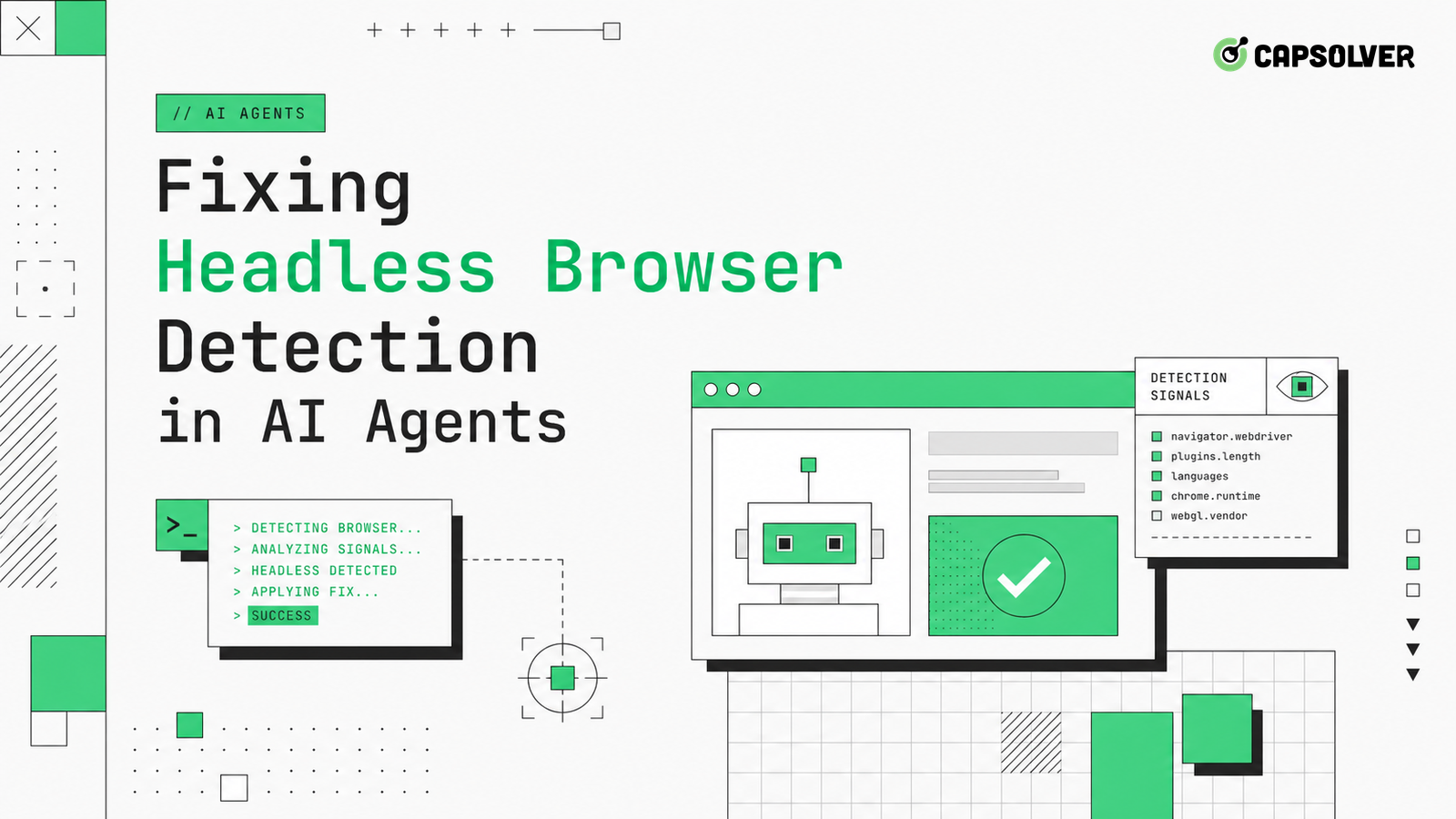
Headless detection is rarely one magic property that can be flipped back. Modern traffic validation compares browser APIs, rendering behavior, storage, timing, and network context for internal consistency. CapSolver is relevant when authorized AI workflows also encounter CAPTCHA or challenge steps, but fixing headless browser detection in AI agents starts with a fingerprint inventory. The agent must keep one believable environment across observation, planning, clicking, waiting, and submit actions. A clean fix removes contradictions instead of adding random stealth patches.
Begin by inventorying the session as a site would see it. Capture user agent, navigator properties, viewport, device scale, locale, timezone, permissions, storage support, canvas behavior, audio behavior, WebGL renderer, fonts, cookie policy, TLS route, and request ordering. CapSolver's browser fingerprinting overview helps name these signals. Fixing headless browser detection in AI agents means making this inventory coherent for the task, not making it unique for every page.
The W3C WebDriver specification defines the webdriver-active signal, but that signal is only one item. Many teams patch it and then miss larger contradictions. A desktop Chrome user agent paired with mobile viewport behavior, missing fonts, disabled storage, and a datacenter route can still look inconsistent. Headless browser detection is a score of mismatches.
Tie the inventory to an agent task ID. When the model opens a new tab, asks a browser tool to extract content, or retries a form, the inventory should remain stable unless the task intentionally starts a fresh session. This prevents the planner from creating a new identity mid-flow.
Store the inventory in a diffable format. A blocked task should show exactly which attributes changed since the last successful task: browser version, route ASN, timezone, permission state, installed font set, WebGL renderer, media devices, and storage policy. Fixing headless browser detection in AI agents becomes much easier when the evidence is a small diff instead of a full browser dump.
Keep the inventory small enough to review. A hundred raw properties are less useful than twenty stable fields with expected ranges and ownership. Assign each field to the layer that controls it: browser launch, container image, proxy route, test account, or agent planner. When a value changes, the owner can explain whether the change was intentional.
Randomization often makes detection worse. A different viewport on every retry, a new timezone after login, or a changed language header after challenge validation produces an impossible user story. Fixing headless browser detection in AI agents should favor profile coherence: one route, one browser family, one locale, one storage jar, and one interaction model for a complete workflow.
CapSolver's glossary entries for headless browser and browser behavior profiling are useful because they separate environment signals from behavior signals. You need both. A coherent environment can still fail if the agent clicks every button at identical intervals or scrolls only when extracting text.
Use profiles that match business use cases. A QA workflow for your own staging site can run with a transparent automation profile. A public data workflow may need a normal browser context with stable storage and respectful pacing. Do not create profiles for accessing private accounts, restricted content, or systems where automation is not allowed.
Avoid mixing profile families in the same queue. If one task starts with a desktop profile and another starts with a mobile profile, their cookies, viewport assumptions, and interaction patterns should not be shared. Profile contamination can create detection symptoms that look like headless problems but are really state-management bugs. Assign profiles deliberately and expire them according to policy.
Run one passing headed session and one failing headless session under the same account, route, and task. Compare API availability, console errors, failed assets, redirect chains, layout shifts, and challenge triggers. The Chrome team documents many browser capability changes through Chrome Platform Status, which is useful when a property differs because of browser version rather than automation.
Do not stop at screenshots. Screenshots show the result, not the cause. Use trace events for DOMContentLoaded, network idle, iframe creation, storage writes, permission prompts, service worker registration, and challenge script execution. If the headed run loads a risk script that the headless run blocks, that difference matters. If the headless run has a missing media codec or font, the visible page may still look normal while the validation script sees a mismatch.
CapSolver's article on fingerprint detection in AI agents can sit beside your local trace checklist. The important discipline is to change one variable, rerun, and record the result. Fixing headless browser detection in AI agents fails when five stealth settings change at once and nobody knows which one mattered.
Add negative controls. Run a headed browser with the same route and a headless browser with a clean route. Run both with the same account state. If only one combination fails, the failure is cross-layer. If every automated run fails, focus on planner behavior or authorization. Negative controls keep teams from blaming headless mode when the target is rejecting the workflow itself.
Redeem Your CapSolver Bonus Code
Boost your automation budget instantly!
Use bonus code CAP26 when topping up your CapSolver account to get an extra 5% bonus on every recharge — with no limits.
Redeem it now in your CapSolver Dashboard
Browser fingerprinting crosses layers. JavaScript APIs describe the device. Rendering exposes fonts, canvas, WebGL, and audio behavior. Network identity exposes TLS, IP route, ASN, and timing. CapSolver's TLS fingerprinting glossary is a reminder that a perfect DOM patch does not cover lower layers.
The privacy research community has measured browser fingerprinting for years. The classic study on browser uniqueness measurements shows why many small attributes can identify or classify a browser. For automation, the lesson is not to chase uniqueness; it is to avoid contradictions. A browser that claims to be a common desktop environment should have fonts, codecs, dimensions, and network behavior that fit.
Keep proxy routing stable during sensitive flows. Changing IP route after the site sets a session cookie can make a previously coherent browser look suspicious. If a route fails, end the session and restart after policy allows it. Do not patch the browser while keeping a broken network story.
Version browser images like application dependencies. A container rebuild can change fonts, GPU flags, sandbox settings, codecs, or certificate stores. Those changes affect fingerprint coherence. Record image digest, browser build, driver build, and launch flags with every trace. When fixing headless browser detection in AI agents, the release note for a browser image can be as important as the agent code diff.
AI agents can trigger headless detection through behavior even with a coherent browser. They may search the DOM before the app is ready, open many pages in parallel, click hidden controls, or repeat the same failed action because the model sees similar text. Fixing headless browser detection in AI agents therefore needs tool-level guardrails.
Teach the browser tool to wait for product states: form valid, table loaded, modal closed, route stable, challenge absent, and network quiet for the specific action. The CapSolver page on headless browser detection can support the runbook, but the core fix is local. The agent should not click faster than the application can update or scrape pages that the user is not allowed to access.
Use realistic interaction only where it matches an authorized task. Do not add fake behavior to disguise prohibited access. For QA and owned workflows, interaction timing should reduce flakiness and duplicate submits. For permitted public data collection, it should reduce load and respect access limits.
Define success with metrics. Track challenge rate, 403 rate, 429 rate, task success, median time to first challenge, duplicate submit count, storage-loss events, and profile-change events. HTTP Archive's Web Almanac JavaScript findings show how script-heavy modern sites are, so script errors and blocked assets deserve first-class metrics.
A durable fix should reduce contradictions and reduce load at the same time. If the challenge rate drops but request volume doubles, the agent may still be risky. If success improves only on one domain, document the domain-specific assumptions. Fixing headless browser detection in AI agents is an engineering practice, not a one-line patch.
Keep a rollback path. If a fingerprint change reduces blocks on one site but breaks rendering, accessibility, or login on another, revert it quickly. The agent platform should support per-domain profile selection, feature flags, and trace sampling. That operational discipline prevents a local detection fix from becoming a global reliability regression.
Add review gates for sensitive changes. Any update that changes route identity, browser launch flags, storage policy, or challenge handling should ship with before-and-after traces. The reviewer should see both reliability impact and compliance impact. Fixing headless browser detection in AI agents is not only a browser task; it changes how the system presents itself to other services.
Train support teams on the same evidence model. When a customer reports a block, the first question should be which layer changed, not which stealth option should be added. A shared vocabulary around profile, route, storage, timing, and challenge state keeps triage consistent across engineering, operations, and customer-facing teams.
Keep a small baseline suite for the domains you own. Run it after browser upgrades, proxy changes, container rebuilds, and agent prompt updates. If the baseline changes, freeze broader rollout until traces explain the difference. This discipline turns fingerprint work from emergency response into release management.
It also gives teams a known-good reference when a vendor page changes without notice.
Fixing headless browser detection in AI agents is about coherent sessions. Inventory the fingerprint, keep settings stable, compare traces, align browser and network identity, and design agent actions that respect product state. Use CAPTCHA and challenge tooling only after the browser journey is lawful, permitted, and technically consistent. For teams that need authorized challenge support alongside fingerprint-aware browser automation, complete the workflow with CapSolver.
No. It is only one signal. Sites may also evaluate rendering, fonts, storage, timing, TLS route, request order, and interaction behavior.
Usually no. Randomization can create contradictions. A stable, coherent profile for one complete task is safer and easier to debug.
Use traces, not just screenshots. Compare console errors, failed assets, API availability, storage writes, iframe creation, redirects, and challenge timing.
Use it for owned systems, contracted QA, and permitted automation. Do not use it to access private, restricted, or disallowed services.
Sora Fujimoto
AI Solutions Architect
Connecting agents, browsers, and APIs into one workflow.
ABOUT THE AUTHOR
Find CapSolver MCP in the Official MCP Registry, install version 0.1.3 with uvx or pip, configure a local client, and verify the stdio tools.

Add CAPTCHA tools to Pydantic AI using the official CapSolver adapter, test tool execution locally, and handle typed inputs and structured solver results.


