🎉NEWCapSolver for AI agents-MCP, agent tools, and SDK integrations

Sora Fujimoto
AI Solutions Architect
Published Jan 12, 2026
Updated Jan 13, 2026 · min read
TL;DR
- Top Choice: Capsolver is the best CAPTCHA solver Chrome extension in 2026 for its speed, accuracy, and broad support for various CAPTCHA types.
- What it is: A CAPTCHA solver extension automates the process of solving those annoying “I am not a robot” tests you encounter online.
- Why use one: It saves time, improves browsing efficiency, and provides accessibility for users who find CAPTCHAs difficult.
- Key Comparison Factors: When choosing an extension, consider its accuracy, speed, the types of CAPTCHAs it supports, pricing, and ease of use.
CAPTCHAs are a necessary friction point on the internet, designed to distinguish human users from automated bots. While effective in preventing spam and securing services, they often disrupt user workflows and create accessibility barriers. For developers, marketers, and even daily internet users, manually solving CAPTCHA after CAPTCHA is a significant time drain. A CAPTCHA solver Chrome extension offers a streamlined solution by automatically handling these challenges. This article provides a comprehensive comparison of the best CAPTCHA solver Chrome extensions available in 2026, helping you choose the right tool to reclaim your productivity and enhance your browsing experience. We will evaluate them on performance, features, and overall value, with a special focus on providing actionable insights for both casual users and automation professionals.
A CAPTCHA (Completely Automated Public Turing test to tell Computers and Humans Apart) is a security measure that protects websites from bots. You've seen them everywhere: distorted text, image selections, or simple checkboxes. While crucial for website security, their increasing complexity can be a hurdle for legitimate users. This is where a best CAPTCHA solver Chrome extension becomes invaluable.
The landscape of CAPTCHA technology has evolved significantly over the last decade. Initially, simple text-based challenges were sufficient to deter basic bots. However, as machine learning and computer vision advanced, so did the complexity of these tests. Today, we encounter sophisticated systems like reCAPTCHA v3, which analyzes user behavior to assign a risk score, and Cloudflare Turnstile, which aims to provide a non-intrusive verification experience. Despite these advancements, the core problem remains: legitimate users are often caught in the crossfire of anti-bot measures.
Using a dedicated extension offers several benefits. It automates a repetitive and often frustrating task, allowing for uninterrupted browsing and workflow. For professionals engaged in web scraping or data collection, an automated solver is essential for maintaining efficiency and preventing IP bans, a topic we've covered in our guide on how to avoid IP bans when using a captcha solver. Furthermore, these tools can be a significant aid for individuals with visual impairments or other disabilities who may find manual CAPTCHA solving challenging, aligning with principles outlined in the W3C Web Content Accessibility Guidelines (WCAG).
Beyond simple convenience, a best CAPTCHA solver Chrome extension provides a layer of reliability for automated systems. When a bot encounters a CAPTCHA, it typically stops or fails. By integrating a solver, you ensure that your automation pipelines continue to run smoothly, regardless of the security measures in place. This is particularly critical for time-sensitive tasks like price monitoring, inventory tracking, or automated account management.
After extensive testing and comparison, we've ranked the top CAPTCHA solver extensions for Chrome in 2026. Our evaluation focuses on accuracy, speed, supported CAPTCHA types, and overall user experience.
CapSolver stands out as the best CAPTCHA solver Chrome extension due to its superior AI-driven technology and user-centric design. It seamlessly integrates into your browser, solving CAPTCHAs in the background without requiring any user interaction. Its ability to handle a wide array of complex CAPTCHAs, including reCAPTCHA v2/v3, Cloudflare Turnstile, and ImageToText, makes it a versatile tool for any scenario.
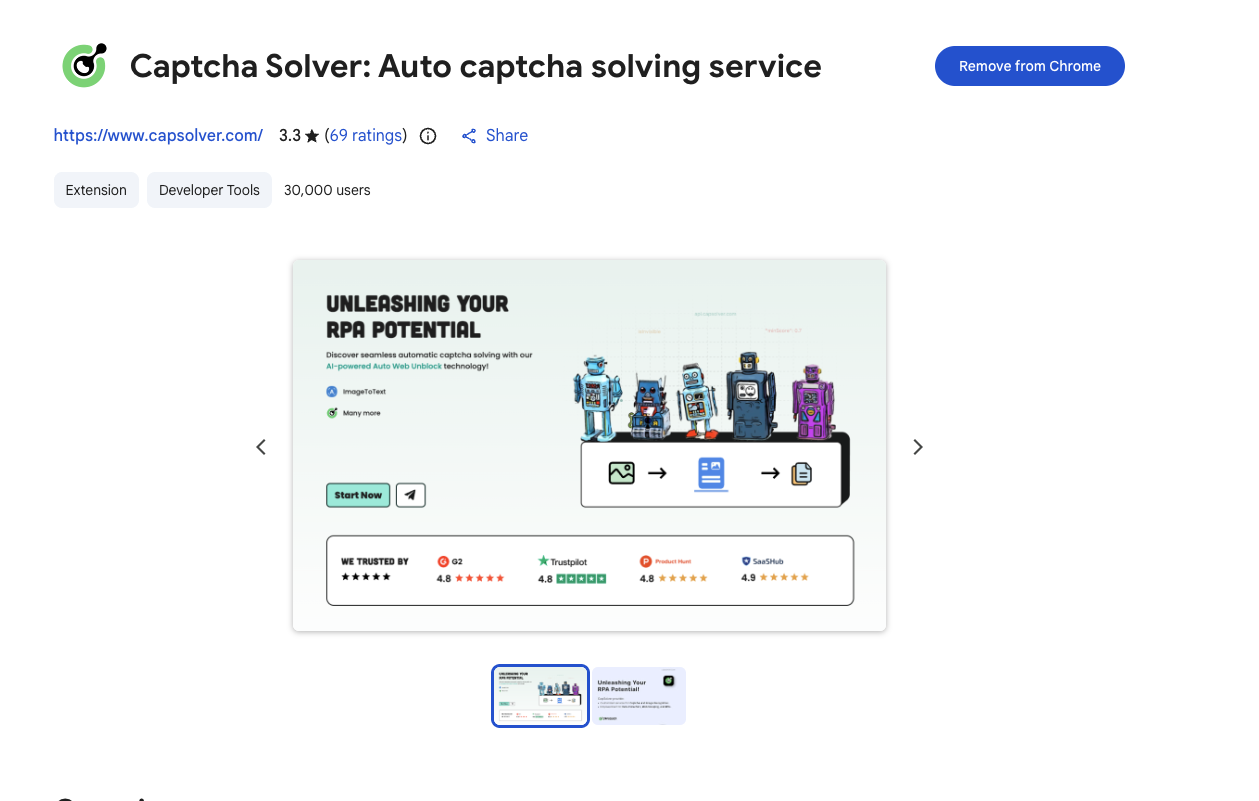
Based on its official documentation, the extension is built on the same powerful AI algorithms as its backend service, ensuring high accuracy and speed. It's an ideal solution for both individuals looking for a smoother browsing experience and businesses that rely on automated web tasks. For those interested in the broader market, our analysis of the best captcha solvers in 2026 provides more context on why CapSolver leads the pack.
The secret to CapSolver's success lies in its commitment to continuous improvement. As anti-bot systems evolve, CapSolver's team of engineers and data scientists update their models in real-time. This proactive approach ensures that the extension remains effective even against the most recent security updates. Furthermore, the extension offers advanced features like:
Proxy Integration: Users can route their solving requests through their own proxies to maintain anonymity and avoid IP-based detection.
Customizable Delays: To better mimic human behavior, users can set specific delays before the solving process begins.
Blacklist Control: You can specify websites where you want the extension to remain inactive, giving you full control over your browsing experience.
Developer-Friendly Features: With support for callbacks and easy integration with automation frameworks like Puppeteer and Selenium, it's a favorite among developers.
Key Features: AI-powered solving, broad CAPTCHA support, automatic background operation, proxy support.
Best for: Everyone, from casual users to web scraping professionals.
Use code
CAP26when signing up at CapSolver to receive bonus credits!
Setting up a best CAPTCHA solver Chrome extension is a straightforward process that can be completed in just a few minutes. Here is a step-by-step guide using Capsolver as an example.
Navigate to the Chrome Web Store and search for "CapSolver." Click the "Add to Chrome" button. Once the installation is complete, you will see the Capsolver icon in your browser's extension bar. It is recommended to "pin" the extension for easy access.
To use the service, you will need a CapSolver account. Visit their website and sign up. Once logged in, navigate to your dashboard to find your unique API key. This key is what connects your browser extension to the powerful AI solving servers.
Click on the Capsolver icon in your browser and enter your API key. You can also configure various settings here, such as enabling automatic solving for specific CAPTCHA types or setting up your proxy details.
With the extension configured, you can now browse the web as usual. When you encounter a CAPTCHA, the extension will automatically detect it and begin the solving process. You will see a small status indicator showing the progress, and once solved, the challenge will be bypassed automatically.
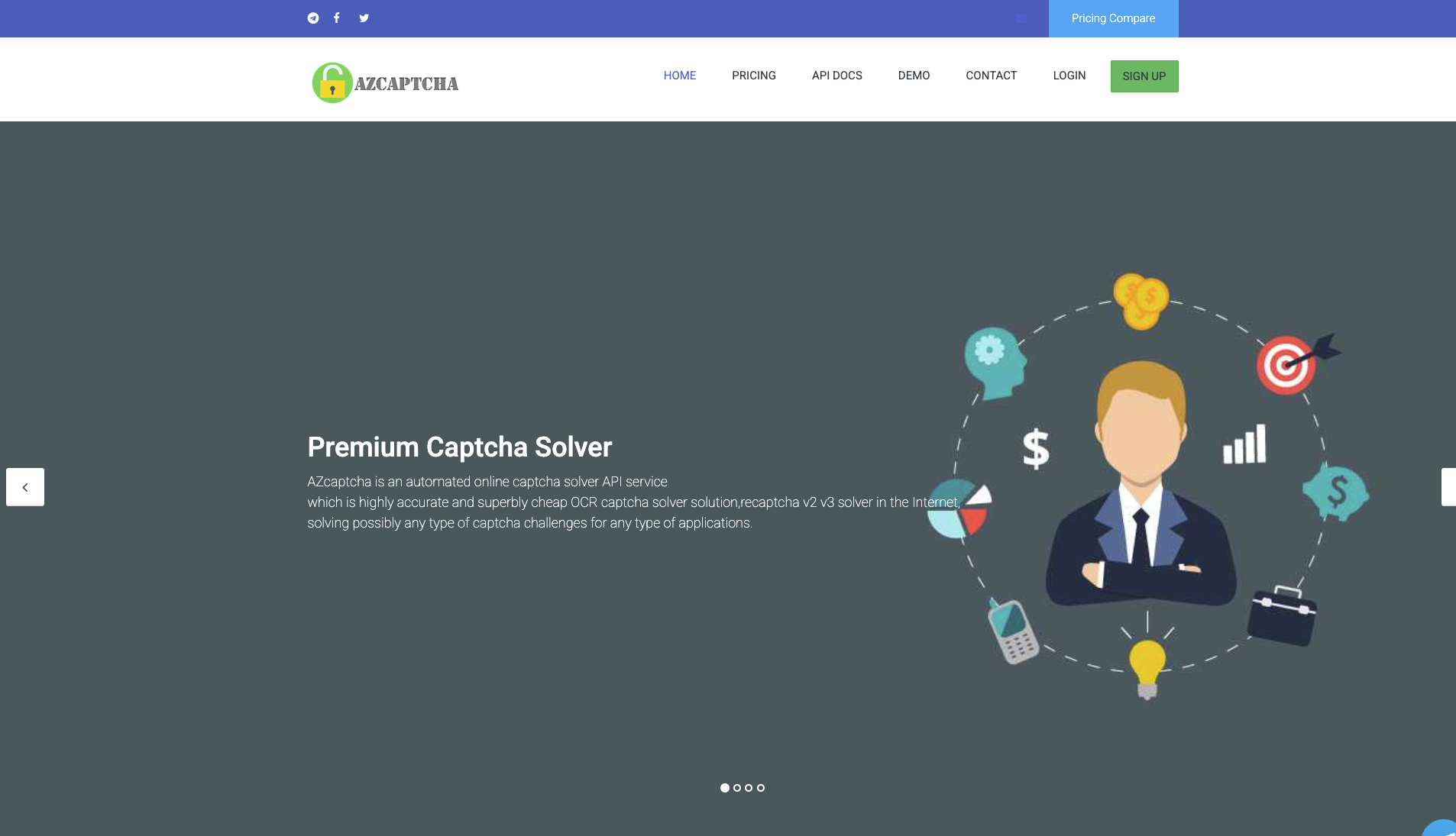
AZcaptcha utilizes OCR technology to solve CAPTCHAs, offering a faster and often more cost-effective solution compared to human-based services. While its accuracy might vary slightly for highly complex or distorted CAPTCHAs, its speed makes it an attractive option for users prioritizing rapid resolution. AZcaptcha supports a range of CAPTCHA types, including reCAPTCHA v2, reCAPTCHA v3, and hCaptcha, and provides browser extensions for Chrome and Firefox, alongside a robust API for integration into automated workflows.
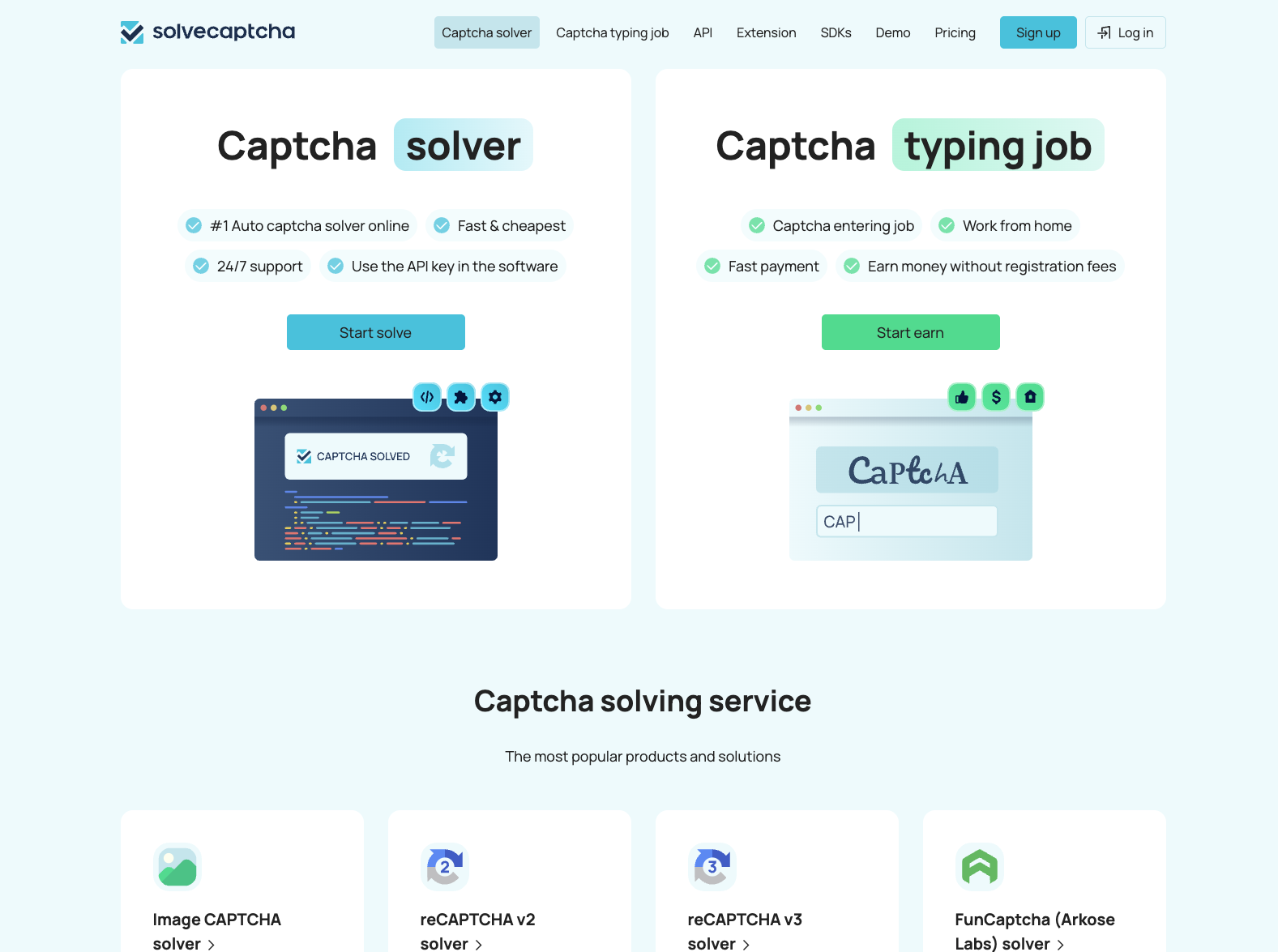
SolveCaptcha offers a browser extension that integrates its solving service directly into Chrome. Unlike free, limited tools, SolveCaptcha is a paid service that utilizes a hybrid model of human and machine-based solving, making it a more comprehensive solution than simple audio-based extensions. It is known for its compatibility with the 2Captcha API, allowing users to easily switch services. While it may not have the market share of the industry leaders, it provides a reliable, no-code solution for users who need a dedicated, pay-per-use solver for various CAPTCHA types, including reCAPTCHA and hCaptcha.
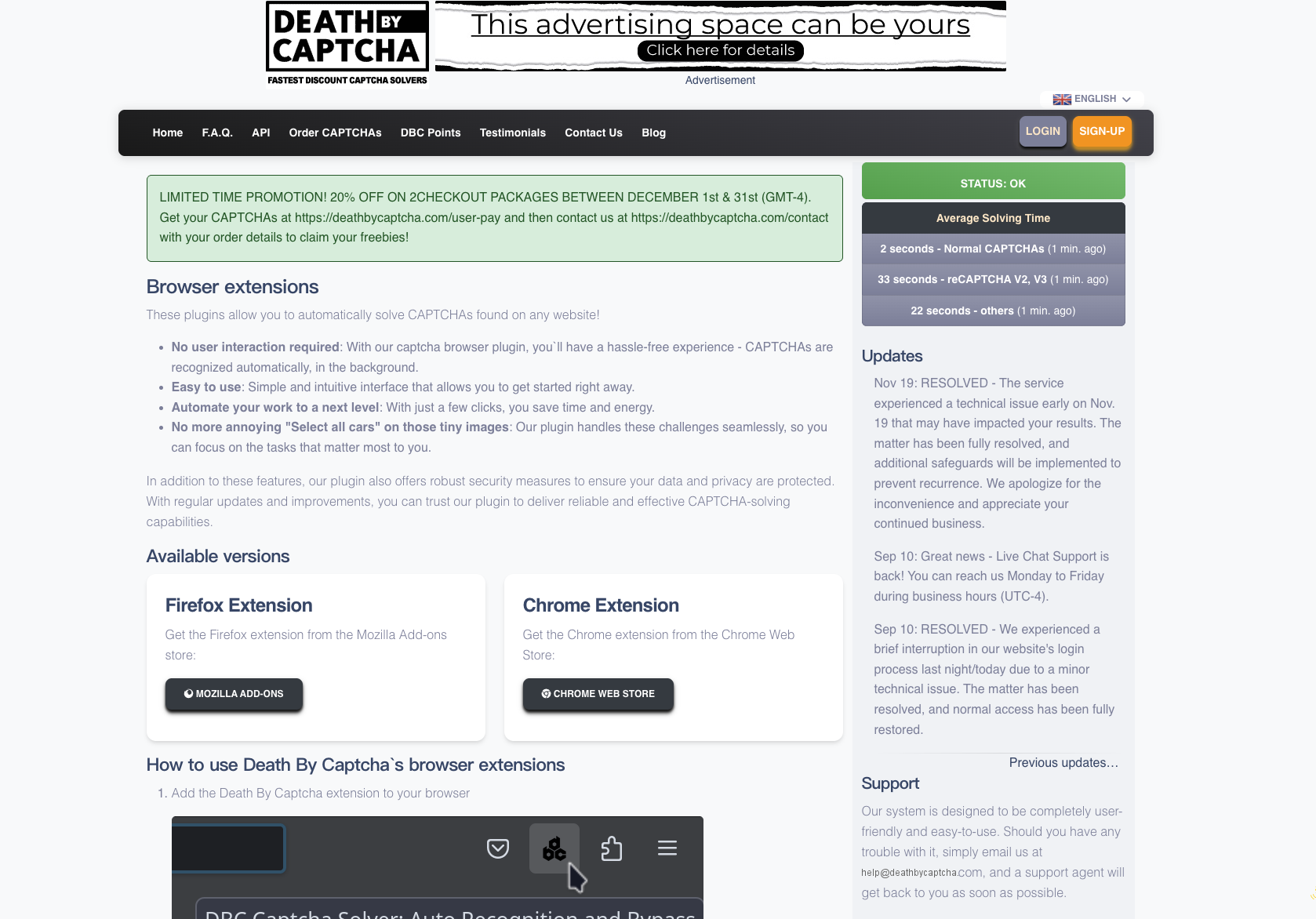
DeathByCaptcha is another service that combines OCR with a team of human solvers. It offers competitive pricing and a straightforward API. It supports a wide range of CAPTCHA types and is a solid contender in the space. However, its speed can fluctuate depending on the workload of its human team.
To help you make an informed decision, here is a summary table comparing the key features of the top CAPTCHA solver Chrome extensions.
| Feature | CapSolver | AZcaptcha | SolveCaptcha | DeathByCaptcha |
|---|---|---|---|---|
| Solving Method | AI-Powered | OCR | Hybrid Human/Machine | Human & OCR |
| reCAPTCHA v2/v3 | Yes | Yes | Audio Only | Yes |
| Cloudflare Support | Yes (Turnstile) | Limited | No | Limited |
| Image CAPTCHA | Yes | Yes | No | Yes |
| Speed | Very Fast | Very Fast | Fast | Moderate |
| Automation Focus | High | High | Medium | Medium |
| Ease of Use | Excellent | Good | Good | Good |
This comparison highlights why Capsolver is rated as the best CAPTCHA solver Chrome extension. Its modern, AI-powered approach provides the best balance of speed, accuracy, and broad compatibility, making it the most efficient and reliable choice for 2026. For a deeper dive into solvers specifically for web scraping, check out our post on the best 5 captcha solvers for web scraping.
When searching for the best CAPTCHA solver Chrome extension, you'll encounter two main types of services: those powered by AI and those powered by human workers.
AI-powered solvers like Capsolver are significantly faster than human-based alternatives. While a human might take 10-30 seconds to solve a complex challenge, an AI model can often complete the same task in under 5 seconds. In the world of automation, these seconds add up quickly, making AI the superior choice for high-volume tasks.
In the past, human solvers were considered more accurate for highly distorted images. However, in 2026, modern neural networks have surpassed human performance in many CAPTCHA-solving tasks. AI models don't get tired, don't make "human errors," and can be trained on millions of examples to recognize patterns that a human might miss.
AI solvers are also much more cost-effective. Maintaining a global workforce of human solvers is expensive, and those costs are passed on to the user. AI models, once trained, can be scaled infinitely at a much lower cost, allowing services like Capsolver to offer extremely competitive pricing. For more on the technical evolution, see our article on solving reCAPTCHA with AI recognition.
To get the most out of your best CAPTCHA solver Chrome extension, it's important to utilize its advanced features.
Modern anti-bot systems look for "unnatural" behavior. If a CAPTCHA is solved instantly every time, it might trigger a red flag. Using the delay settings in your extension can help make your automated actions look more like a real person, reducing the risk of detection.
If you are performing high-volume tasks, your IP address might be flagged by security providers. By integrating high-quality proxies into your extension, you can distribute your requests across multiple IPs, ensuring a higher success rate and better stability. We recommend checking out our list of the top 10 proxy providers in 2026 for the best options.
For developers, the extension is just the beginning. Most top-tier solvers provide robust APIs that can be integrated directly into your code. Whether you are using Python, Node.js, or C#, you can leverage the same AI power in your custom applications. This is a key theme in our discussion of the best 6 CAPTCHA solver tools for automation.
When using any browser extension, security and privacy should be a top priority. A best CAPTCHA solver Chrome extension should be transparent about its data practices.
Ensure that the service uses industry-standard encryption for all communication between your browser and their servers. This protects your API key and any data associated with the CAPTCHA challenges.
A good extension should only ask for the permissions it absolutely needs to function. Be wary of extensions that request access to your entire browsing history or sensitive personal information.
Look for services that have a strong reputation in the community and comply with relevant data protection regulations. The CVE Program is a good resource for checking if a service has had any reported security vulnerabilities in the past. Choosing a well-established provider like Capsolver ensures that you are using a tool that has been vetted by thousands of users.
Navigating the modern web almost guarantees encounters with CAPTCHAs. While they serve a valid security purpose, they don't have to be a constant interruption to your workflow. The best CAPTCHA solver Chrome extension for your needs will depend on your specific use case, but for a majority of users in 2026, Capsolver offers the most robust and efficient solution. Its advanced AI, ease of use, and comprehensive support for the latest CAPTCHA technologies make it the clear winner. By automating this final hurdle, you can browse, work, and scrape data with greater efficiency and less frustration.
Ready to automate your CAPTCHA solving? Try the CapSolver extension today and experience a smoother internet.
1. Are CAPTCHA solver extensions safe to use?
Yes, reputable extensions from trusted developers like Capsolver are safe. They operate within the security framework of the Chromium Project. However, always download extensions from official web stores and be cautious about the permissions they request.
2. Can using a CAPTCHA solver get my IP address banned?
If used excessively or improperly on a single site, any automated tool can lead to rate limiting or temporary blocks. Using high-quality proxies and services that mimic human behavior, like Capsolver, significantly reduces this risk.
3. How much do CAPTCHA solver extensions cost?
Pricing varies. Some have free trials. Most powerful solvers, like CapSolver, operate on a pay-per-use model, which is often very affordable, costing fractions of a cent per CAPTCHA solved.
4. Can these extensions solve all types of CAPTCHAs?
No single extension can guarantee a 100% success rate on every CAPTCHA type, as new variations are always being developed. However, top-tier services like Capsolver constantly update their AI models to support the latest and most common types, including reCAPTCHA,Test Captcha and Cloudflare Turnstile.
5. How do I install a CAPTCHA solver Chrome extension?
Installation is simple. You can find the extensions on the Chrome Web Store. Search for your chosen solver, click “Add to Chrome,” and follow the prompts. Once installed, you'll typically need to add an API key from the service provider's dashboard to activate it.
Sora Fujimoto
AI Solutions Architect
Connecting agents, browsers, and APIs into one workflow.
ABOUT THE AUTHOR
Learn how to set up a browser extension for automatic CAPTCHA solving. Boost your web automation efficiency with step-by-step instructions and code examples.

Use the CapSolver Chrome Extension for AI-powered, one-click solving of Image Captcha and ImageToText challenges directly in your browser.