
最高のreCAPTCHA v2ソルバー
reCAPTCHA v2 CAPTCHA ソルバー
reCAPTCHA v2とは
人間とボットを区別するために、reCAPTCHA v2はユーザーにチェックボックスをクリックして本人確認を行うよう求めます。場合によっては、グリッドから特定の種類の画像を選択するようさらに促されることもあります。この2段階認証により、ウェブサイトにさらなるセキュリティレイヤーが提供されます。
reCAPTCHA v2の詳細情報reCAPTCHA v2 デモ
reCAPTCHA v2の解決方法 - APIガイド
CapSolverの自動CAPTCHA解決サービスは、reCAPTCHA v2を簡単に解決できます。当社のサービスは、CapSolver API およびChromeの 拡張機能 を通じて利用可能です。CapSolverに 登録 して、CAPTCHAサービスをご利用ください。
Step 1 : Creating a Task
To solve reCaptcha v2, you first need to create a task using the createTask method.
Here's the structure of the task object:
type: Required. This should beReCaptchaV2TaskProxyLess.websiteURL: Required. This is the web address of the website using reCaptcha v2.websiteKey: Required. This is the domain's public key.proxy: Optional. If you're using a proxy, you can include it here.isInvisible: Optional. If the reCaptcha doesn't have pageAction, set this to true.userAgent: Optional. If you're emulating a browser, include its User-Agent here.cookies: Optional. If you need to use cookies, include them here.
Here's an example request:
json
{
  "clientKey": "YOUR_API_KEY",
  "task": {
    "type": "ReCaptchaV2TaskProxyLess",
    "websiteURL": "https://www.google.com/recaptcha/api2/demo",
    "websiteKey": "6Le-wvkSAAAAAPBMRTvw0Q4Muexq9bi0DJwx_mJ-",
    "isInvisible": false
  }
}
Once the task is successfully submitted, you'll receive a Task ID in the response:
json
{
  "errorId": 0,
  "errorCode": "",
  "errorDescription": "",
  "taskId": "61138bb6-19fb-11ec-a9c8-0242ac110006"
}
Step 2 : Getting Results
Once you have the Task ID, you can use it to retrieve the solution. Submit the Task ID with the getTaskResult method. The results should be ready within an interval of 1s to 10s.
Here's an example request:
json
{
  "clientKey": "YOUR_API_KEY",
  "taskId": "61138bb6-19fb-11ec-a9c8-0242ac110006"
}
The response will include the solution token:
json
{
  "errorId": 0,
  "errorCode": null,
  "errorDescription": null,
  "solution": {
    "userAgent": "xxx",
    "expireTime": 1671615324290,
    "gRecaptchaResponse": "3AHJ....." // This is the solution token
  },
  "status": "ready"
}
CapSolver SDKを使用したreCAPTCHA v2の解決
人気のCAPTCHAをサポート
CapSolverを使用して簡単にCAPTCHAを解決
当社の製品をインフラに統合することが可能な限り簡単になるように努めています。多言語サポートとすぐに使えるコード例により、Webプロジェクトの迅速かつ簡単な開始を保証します。

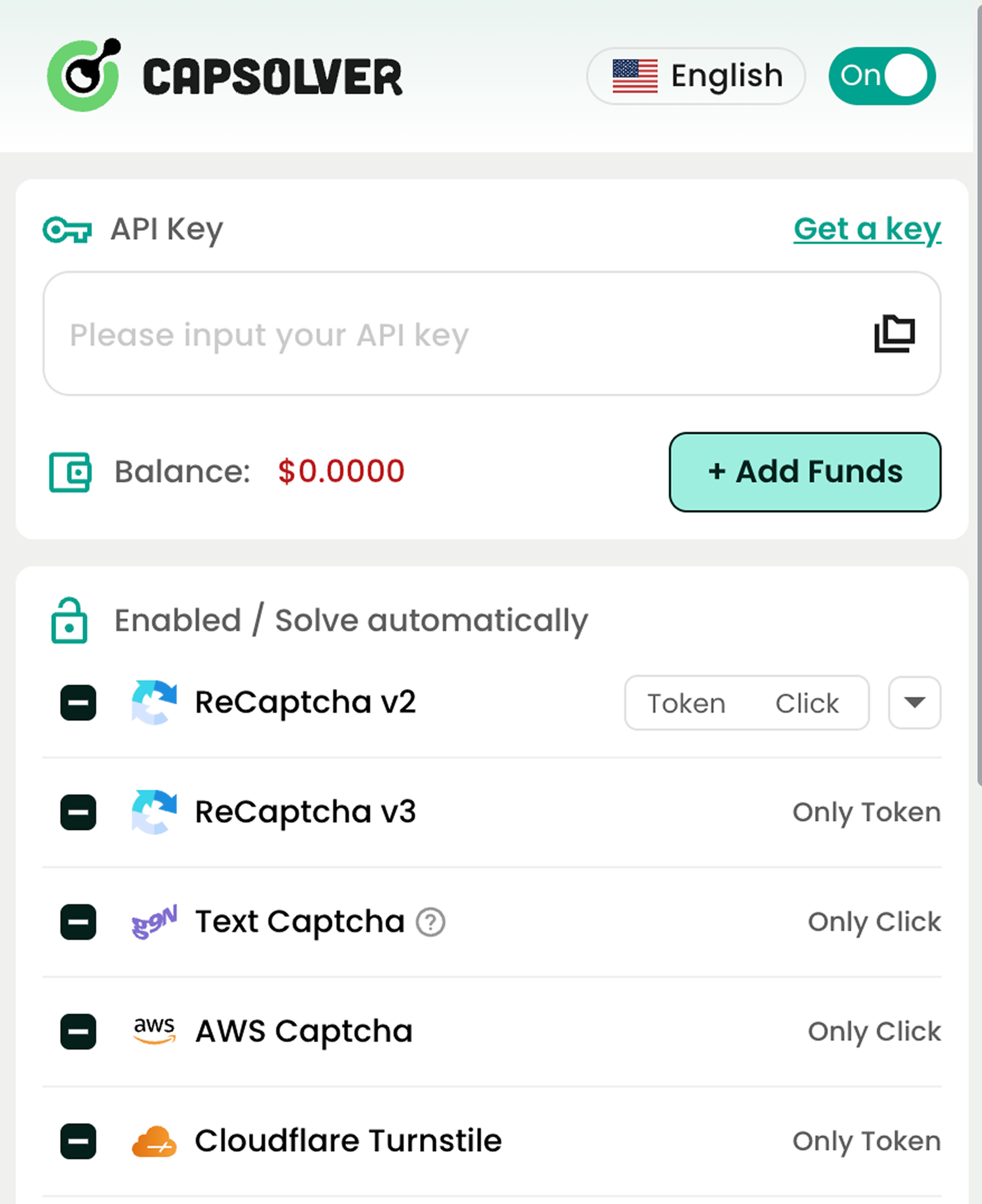
サポートしている主なCAPTCHA解決サービス

reCAPTCHA v2 / v3
Cloudflare Challenge
AWS WAF
画像からテキストへ
Cloudflare Turnstile
その他のタイプ
コンプライアンス規制の遵守を保証すべてのユーザーへ

私たちは、人類の幸福を促進するためのテクノロジーの倫理的利用を支持し、違法な慣行や当社のソリューションの不適切な使用に断固として反対します。私たちは、適切な同意なしに機密データを不法に収集することを厳しく非難する一方で、人間の存在を豊かにするための公開データの責任ある集約を提唱します。当社のプラットフォームを悪用している個人に遭遇した場合は、そのような不正行為を報告することをお勧めします。信頼を高め、ユーザーにより大きな自律性と知識を提供するために、データ権利に関する強化されたツールとインサイトを個人に提供する専用のプライバシーハブを開設しました。