
सबसे अच्छा reCAPTCHA v2 सॉल्वर
reCAPTCHA v2 सॉल्वर
reCAPTCHA v2 क्या है?
इंसानों और बॉट्स के बीच अंतर करने के लिए, reCAPTCHA v2 उपयोगकर्ताओं से एक चेकबॉक्स पर क्लिक करने के लिए कहता है। कुछ मामलों में, उन्हें ग्रिड से विशिष्ट प्रकार की छवियों का चयन करने के लिए कहा जा सकता है, जो सुरक्षा की एक अतिरिक्त परत प्रदान करता है।
reCAPTCHA v2 के बारे में अधिक जानकारीreCAPTCHA v2 डेमो
reCAPTCHA v2 को कैसे हल करें - API गाइड
CapSolver की स्वचालित सेवा आपको reCAPTCHA v2 को आसानी से हल करने में मदद कर सकती है। हमारी सेवा CapSolver API और Chrome एक्सटेंशन के माध्यम से उपलब्ध है। कृपया सेवा का उपयोग करने के लिए CapSolver पर पंजीकरण करें।
Step 1 : Creating a Task
To solve reCaptcha v2, you first need to create a task using the createTask method.
Here's the structure of the task object:
type: Required. This should beReCaptchaV2TaskProxyLess.websiteURL: Required. This is the web address of the website using reCaptcha v2.websiteKey: Required. This is the domain's public key.proxy: Optional. If you're using a proxy, you can include it here.isInvisible: Optional. If the reCaptcha doesn't have pageAction, set this to true.userAgent: Optional. If you're emulating a browser, include its User-Agent here.cookies: Optional. If you need to use cookies, include them here.
Here's an example request:
json
{
  "clientKey": "YOUR_API_KEY",
  "task": {
    "type": "ReCaptchaV2TaskProxyLess",
    "websiteURL": "https://www.google.com/recaptcha/api2/demo",
    "websiteKey": "6Le-wvkSAAAAAPBMRTvw0Q4Muexq9bi0DJwx_mJ-",
    "isInvisible": false
  }
}
Once the task is successfully submitted, you'll receive a Task ID in the response:
json
{
  "errorId": 0,
  "errorCode": "",
  "errorDescription": "",
  "taskId": "61138bb6-19fb-11ec-a9c8-0242ac110006"
}
Step 2 : Getting Results
Once you have the Task ID, you can use it to retrieve the solution. Submit the Task ID with the getTaskResult method. The results should be ready within an interval of 1s to 10s.
Here's an example request:
json
{
  "clientKey": "YOUR_API_KEY",
  "taskId": "61138bb6-19fb-11ec-a9c8-0242ac110006"
}
The response will include the solution token:
json
{
  "errorId": 0,
  "errorCode": null,
  "errorDescription": null,
  "solution": {
    "userAgent": "xxx",
    "expireTime": 1671615324290,
    "gRecaptchaResponse": "3AHJ....." // This is the solution token
  },
  "status": "ready"
}
CapSolver SDK के साथ reCAPTCHA v2 हल करें
लोकप्रिय कैप्चा प्रकारों का समर्थन करता है
CapSolver के साथ आसानी से कैप्चा हल करें
हम अपने उत्पादों को आपके सिस्टम में एकीकृत करना जितना संभव हो उतना आसान बनाने का प्रयास करते हैं। बहु-भाषी समर्थन और कोड उदाहरणों के साथ, हम आपकी परियोजनाओं के लिए तेज़ शुरुआत सुनिश्चित करते हैं।

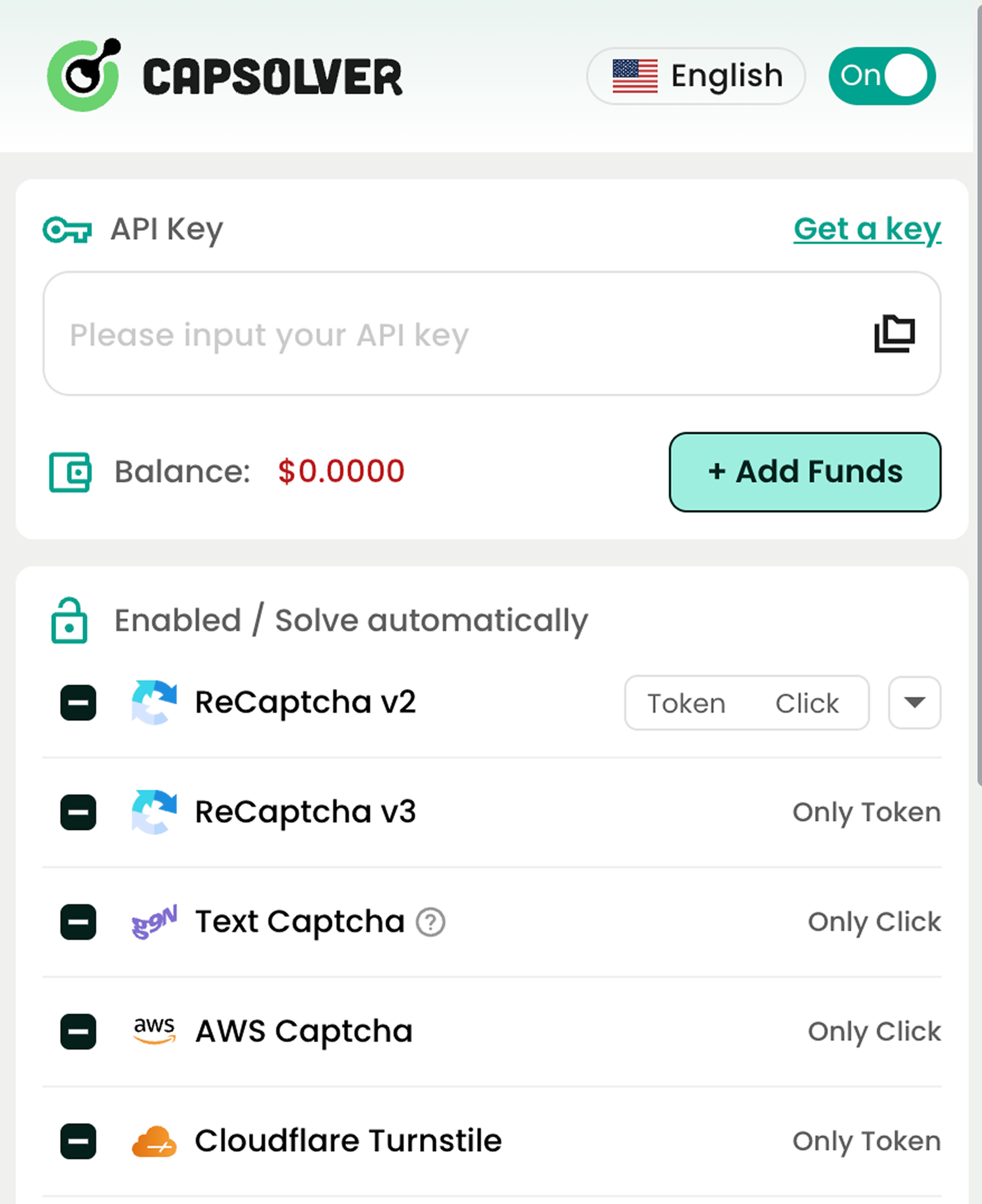
लोकप्रिय कैप्चा सॉल्विंग सेवाएं जिनका हम समर्थन करते हैं

reCAPTCHA v2 / v3
Cloudflare Challenge
AWS WAF
इमेज से टेक्स्ट
Cloudflare Turnstile
अधिक प्रकार
नियमों का अनुपालन सुनिश्चित करनासभी उपयोगकर्ताओं के लिए

हम नैतिकता के साथ प्रौद्योगिकी के उपयोग का समर्थन करते हैं और अवैध प्रथाओं का विरोध करते हैं। हम सार्वजनिक डेटा के जिम्मेदार संग्रह का समर्थन करते हैं। यदि आपको दुरुपयोग मिले, तो रिपोर्ट करें। हमने एक गोपनीयता केंद्र लॉन्च किया है जो डेटा अधिकारों पर उपकरण और जानकारी प्रदान करता है।