
Melhor Solucionador de reCAPTCHA v2
Solucionador de reCAPTCHA v2
O que é o reCAPTCHA v2?
Para distinguir humanos de bots, o reCAPTCHA v2 solicita que os utilizadores cliquem numa caixa de verificação. Em alguns casos, pode ser solicitado que selecionem tipos específicos de imagens de uma grelha, fornecendo uma camada extra de segurança.
Mais sobre o reCAPTCHA v2Demo do reCAPTCHA v2
Como Resolver reCAPTCHA v2 - Guia da API
O serviço do CapSolver ajuda a resolver reCAPTCHA v2 facilmente. Disponível via API CapSolver e Extensão. Registe-se em CapSolver para usar.
Step 1 : Creating a Task
To solve reCaptcha v2, you first need to create a task using the createTask method.
Here's the structure of the task object:
type: Required. This should beReCaptchaV2TaskProxyLess.websiteURL: Required. This is the web address of the website using reCaptcha v2.websiteKey: Required. This is the domain's public key.proxy: Optional. If you're using a proxy, you can include it here.isInvisible: Optional. If the reCaptcha doesn't have pageAction, set this to true.userAgent: Optional. If you're emulating a browser, include its User-Agent here.cookies: Optional. If you need to use cookies, include them here.
Here's an example request:
json
{
  "clientKey": "YOUR_API_KEY",
  "task": {
    "type": "ReCaptchaV2TaskProxyLess",
    "websiteURL": "https://www.google.com/recaptcha/api2/demo",
    "websiteKey": "6Le-wvkSAAAAAPBMRTvw0Q4Muexq9bi0DJwx_mJ-",
    "isInvisible": false
  }
}
Once the task is successfully submitted, you'll receive a Task ID in the response:
json
{
  "errorId": 0,
  "errorCode": "",
  "errorDescription": "",
  "taskId": "61138bb6-19fb-11ec-a9c8-0242ac110006"
}
Step 2 : Getting Results
Once you have the Task ID, you can use it to retrieve the solution. Submit the Task ID with the getTaskResult method. The results should be ready within an interval of 1s to 10s.
Here's an example request:
json
{
  "clientKey": "YOUR_API_KEY",
  "taskId": "61138bb6-19fb-11ec-a9c8-0242ac110006"
}
The response will include the solution token:
json
{
  "errorId": 0,
  "errorCode": null,
  "errorDescription": null,
  "solution": {
    "userAgent": "xxx",
    "expireTime": 1671615324290,
    "gRecaptchaResponse": "3AHJ....." // This is the solution token
  },
  "status": "ready"
}
Resolver reCAPTCHA v2 com o SDK CapSolver
Suporta CAPTCHAs populares
Resolva CAPTCHAs Facilmente com o CapSolver
Esforçamo-nos para tornar a integração dos nossos produtos o mais fácil possível. Com suporte para várias linguagens e exemplos prontos, garantimos um início rápido.

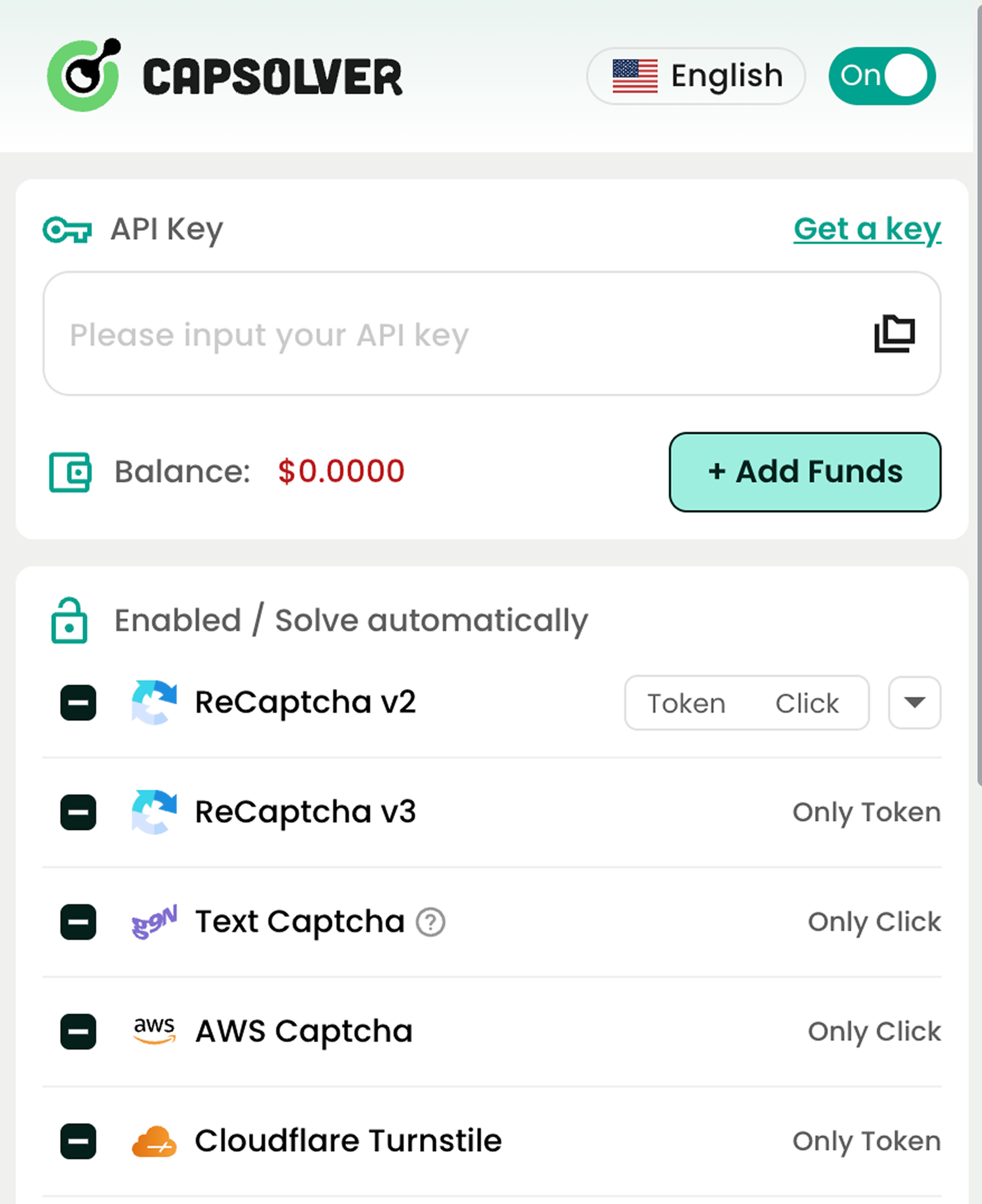
Serviços Populares de Resolução de CAPTCHA que Suportamos

reCAPTCHA v2 / v3
Cloudflare Challenge
AWS WAF
Imagem para Texto
Cloudflare Turnstile
Mais Tipos
Garantindo Conformidade com RegulamentaçõesPara todos os utilizadores

Apoiamos o uso ético da tecnologia e opomo-nos a práticas ilegais. Defendemos a agregação responsável de dados públicos. Se encontrar abusos na nossa plataforma, denuncie. Lançámos um centro de privacidade com ferramentas e informações sobre direitos de dados.