
🎉NEWCapSolver for AI agents-MCP, agent tools, and SDK integrations

Lucas Mitchell
Automation Engineer
Published Aug 13, 2024
Updated Aug 13, 2024 · min read
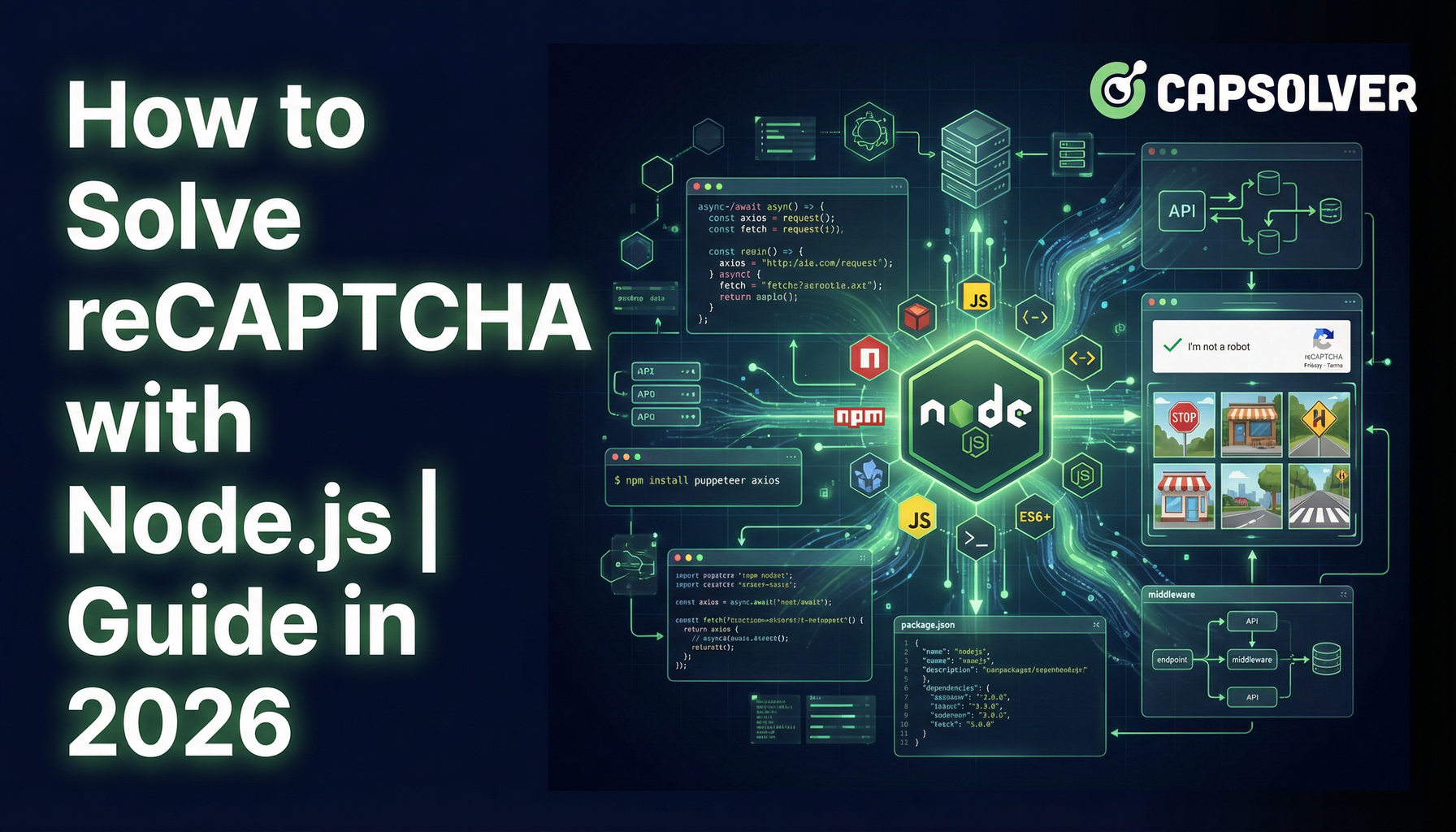
reCAPTCHA is a common obstacle in automation and web scraping workflows, but it can be handled efficiently using Node.js and CapSolver. This guide explains the differences between reCAPTCHA v2 and v3, why Node.js is well suited for CAPTCHA automation, and how to use CapSolver’s API to obtain valid reCAPTCHA tokens within seconds. By combining asynchronous Node.js workflows with CapSolver’s AI-powered solving, developers can significantly reduce manual intervention while maintaining efficiency and scalability.
Ever found yourself stuck trying to prove to a website that you’re not a robot? We’ve all been there. reCAPTCHA, designed to differentiate humans from bots, is a common hurdle for automation enthusiasts. But fear not! With Node.js and CapSolver, you can solve reCAPTCHA challenges efficiently. Let’s dive into this 2026 guide on how to automate reCAPTCHA solving with Node.js.
Before we dive into the code, it’s important to understand what reCAPTCHA is and how it works. reCAPTCHA is a free service designed to protect websites from spam and abuse by presenting challenges that are easy for humans but difficult for bots. There are different types of reCAPTCHA:
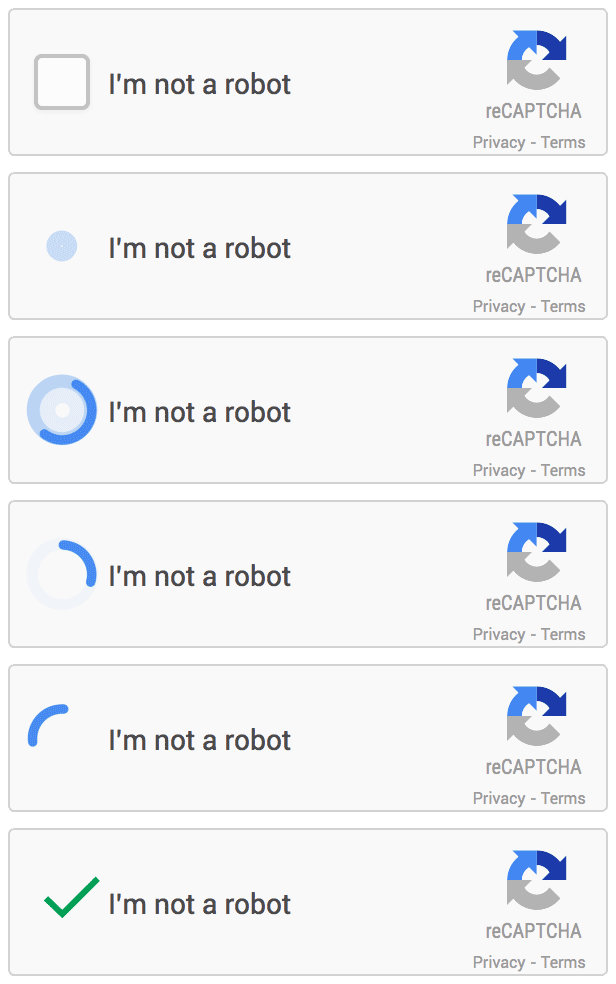
This version requires users to interact, such as clicking on images to verify their identity. There is also an invisible version of reCAPTCHA v2 that does not require user interaction.
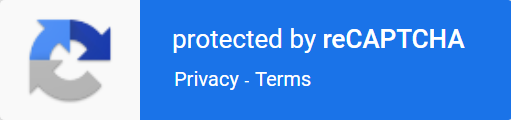
This version is entirely invisible. It typically displays a reCAPTCHA icon at the bottom of the page and assigns a score based on user behavior. A higher score indicates a higher likelihood of being a human.
To accurately distinguish between these versions, you may need to check specific parameters. You can experience the different versions through the following demos:
Struggling with the repeated failure to completely solve the irritating captcha?
Discover seamless automatic captcha solving with Capsolver AI-powered Auto Web Unblock technology!
Redeem Your CapSolver Bonus Code
Boost your automation budget instantly!
Use bonus code CAPN when topping up your CapSolver account to get an extra 5% bonus on every recharge — with no limits.
Redeem it now in your CapSolver Dashboard
.
Before diving into the technicalities of solving reCAPTCHA, it's important to understand why Node.js is an excellent choice for this task:
For reCAPTCHA v2, after clicking I'm not a robot, a request similar to https://www.google.com/recaptcha/api2/reload is sent, where the value of k is the site_key.

Replace the site_key from the first step and the api_key you received after registering on the CapSolver platform into the code below. You will get a token within a few seconds:
// npm install axios
const axios = require('axios');

const api_key = "YOUR_API_KEY";
const site_key = "6Le-wvkSAAAAAPBMRTvw0Q4Muexq9bi0DJwx_mJ-";
const site_url = "https://www.google.com/recaptcha/api2/demo";

async function capsolver() {
  const payload = {
    clientKey: api_key,
    task: {
      type: 'ReCaptchaV2TaskProxyLess',
      websiteKey: site_key,
      websiteURL: site_url
    }
  };

  try {
    const res = await axios.post("https://api.capsolver.com/createTask", payload);
    const task_id = res.data.taskId;
    if (!task_id) {
      console.log("Failed to create task:", res.data);
      return;
    }
    console.log("Got taskId:", task_id);

    while (true) {
      await new Promise(resolve => setTimeout(resolve, 1000)); // Delay for 1 second

      const getResultPayload = {clientKey: api_key, taskId: task_id};
      const resp = await axios.post("https://api.capsolver.com/getTaskResult", getResultPayload);
      const status = resp.data.status;

      if (status === "ready") {
        return resp.data.solution.gRecaptchaResponse;
      }
      if (status === "failed" || resp.data.errorId) {
        console.log("Solve failed! response:", resp.data);
        return;
      }
    }
  } catch (error) {
    console.error("Error:", error);
  }
}

capsolver().then(token => {
  console.log(token);
});
CapSolver supports solving both reCAPTCHA v2 and reCAPTCHA v3. The official documentation provides detailed code examples, making it easy to obtain a token within seconds with minimal steps!
Dealing with reCAPTCHA doesn’t have to be a hassle. With Node.js and CapSolver, you can automate and simplify this process, saving time and boosting efficiency. Give it a shot and watch your productivity soar. Here’s to fewer CAPTCHA headaches and more time focusing on what truly matters!
Important: When engaging in web scraping, it's crucial to adhere to legal and ethical guidelines. Always ensure that you have permission to scrape the target website, and respect the site's
robots.txtfile and terms of service. CapSolver firmly opposes the misuse of our services for any non-compliant activities. Misuse of automated tools to bypass CAPTCHAs without proper authorization can lead to legal consequences. Make sure your scraping activities are compliant with all applicable lcaptcha and regulations to avoid potential issues.
CapSolver supports both reCAPTCHA v2 (including checkbox and invisible variants) and reCAPTCHA v3. You simply need to select the correct task type and provide the appropriate site key and page URL.
You need a valid CapSolver API key, the site key extracted from the target website, and the page URL where the reCAPTCHA is loaded. For some use cases, proxies may also be used, but they are optional.
In most cases, CapSolver returns a valid gRecaptchaResponse token within a few seconds. The exact time depends on the reCAPTCHA type, challenge complexity, and network conditions.
Automation must always comply with applicable laws, website terms of service, and ethical guidelines. CapSolver is intended for authorized and compliant use cases such as testing, research, or approved automation scenarios, and should not be used for unauthorized access.
Lucas Mitchell
Automation Engineer
Helping browser automation recover and continue.
ABOUT THE AUTHOR
Understand reCAPTCHA v3 score range (0.0 to 1.0), its meaning, and how to improve your score. Learn how to handle low scores and optimize user experience.

Facing "reCAPTCHA Invalid Site Key" or "invalid reCAPTCHA token" errors? Discover common causes, step-by-step fixes, and troubleshooting tips to resolve reCAPTCHA verification failed issues. Learn how to fix reCAPTCHA verification failed please try again.


