🎉NEWCapSolver for AI agents-MCP, agent tools, and SDK integrations

Ethan Collins
AI Agent Workflow Engineer
Published May 11, 2023
Updated May 11, 2023 · min read
To start using CapSolver, you need to sign up for an account.
Visit the website and click on the ‘Sign Up’ button. You will be prompted to enter your email address and create a password. Once you have provided the necessary information, click on the ‘Sign Up’ button to create your account.
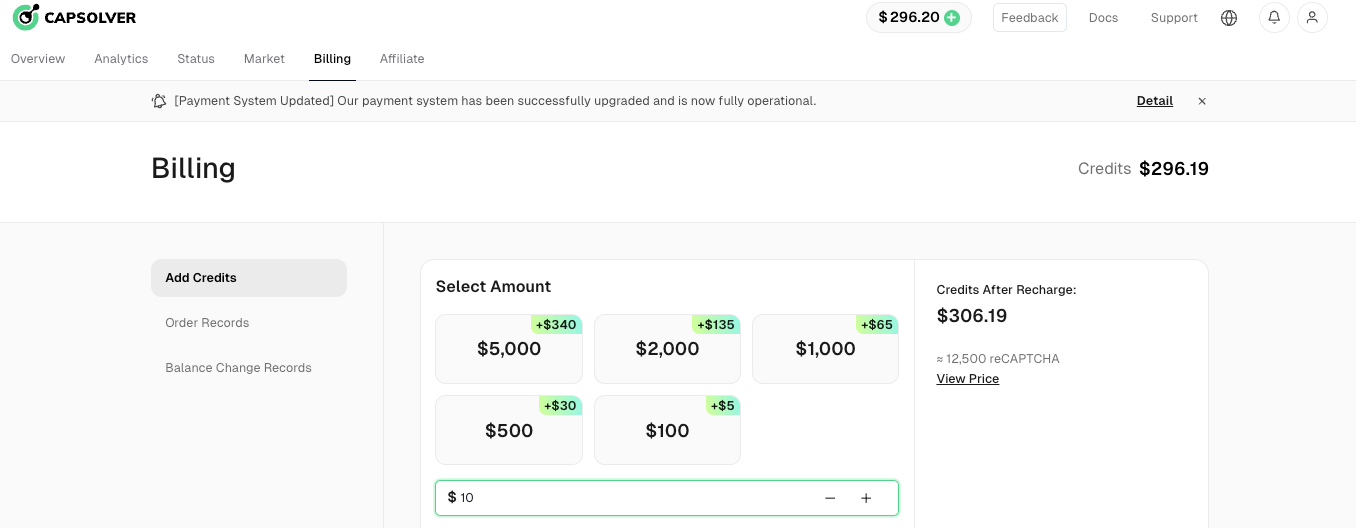
Before you can start solving reCaptcha v3, you need to add funds to your capsolver.com account. Click on the ‘Billing’ button and select your preferred payment method. Follow the on-screen instructions to complete the payment process.
👏 Before we start solving reCaptcha v3, there are some requeriments and points that we need to be aware that they are needed to know
🔒 Requeriments:
⚠️ Points to be aware that if we don't follow, solution will be invalid:
pageAction need to be correct. Check this blog of how to obtain the correct pageAction, click herewebsiteUrl need to be correct.proxy need to be good. If you use ReCaptchaV3TaskProxyless, this isn't needed. Only for ReCaptchaV3TaskTo solve reCaptcha v3, follow our documentation
For this example, we will only use the required parameters. The task types for reCaptcha v3 are:
ReCaptchaV3Task: This task type requires your own proxies.ReCaptchaV3TaskProxyLess is using the server's built-in proxy.POST https://api.capsolver.com/createTask
{
"clientKey":"yourapiKey",
"task":
{
"type":"ReCaptchaV3TaskProxyLess",
"websiteURL":"https://antcpt.com/score_detector",
"websiteKey":"6LcR_okUAAAAAPYrPe-HK_0RULO1aZM15ENyM-Mf",
"pageAction": "homepage"
}
}We will need to retrieve the getTaskResult method until the captcha is solved.
Recommended to check every 3s or 5s the taskId to see if the captchas was solved.
Example:
POST https://api.capsolver.com/getTaskResult
Host: api.capsolver.com
Content-Type: application/json

{
    "clientKey":"YOUR_API_KEY",
    "taskId": "TASKID OF CREATETASK" //ID created by the createTask method
}
After the captcha has been solved, you can check the captcha token by sending the token to the site.
A example of how to submit to the test website using JS:
var request = require('request');
var options = {
  'method': 'POST',
  'url': 'https://antcpt.com/score_detector/verify.php',
  'headers': {
    'Content-Type': 'application/json'
  },
  body: JSON.stringify({
    "g-recaptcha-response": "here the token of capsolver"
  })

};
request(options, function (error, response) {
  if (error) throw new Error(error);
  console.log(response.body);
});
And the test page will give the response of the score of the token.
⚠️ If the token return a very low score and token isn't accepted, could be that you aren't following any of the points to be aware that we explained above on the blog. If after do everything correct, still the token isn't accepted, we recommend add these 2 extra parameters of this blog
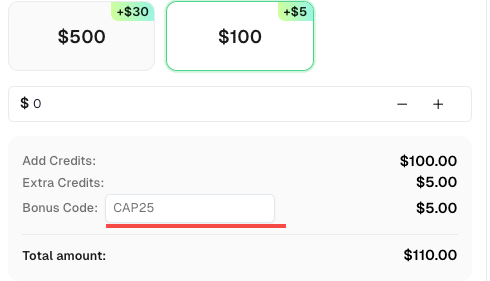
🎁 Claim Your Bonus Code for top captcha solutions -CapSolver: CAPTCHA. After redeeming it, you will get an extra 5% bonus after each recharge, Unlimited
Solving reCaptcha v3 can be a daunting task, but with the help of capsolver.com, it can be done quickly and efficiently. By following the steps outlined above, you can easily solve reCaptcha v3 and get a ‘human like’ score.
Capsolver Team 💜
Ethan Collins
AI Agent Workflow Engineer
Building clearer handoffs between AI agents and tools.
ABOUT THE AUTHOR
Understand reCAPTCHA v3 score range (0.0 to 1.0), its meaning, and how to improve your score. Learn how to handle low scores and optimize user experience.

Facing "reCAPTCHA Invalid Site Key" or "invalid reCAPTCHA token" errors? Discover common causes, step-by-step fixes, and troubleshooting tips to resolve reCAPTCHA verification failed issues. Learn how to fix reCAPTCHA verification failed please try again.