🎉NEWCapSolver for AI agents-MCP, agent tools, and SDK integrations

Ethan Collins
AI Agent Workflow Engineer
Published Jun 20, 2023
Updated Aug 28, 2023 · min read
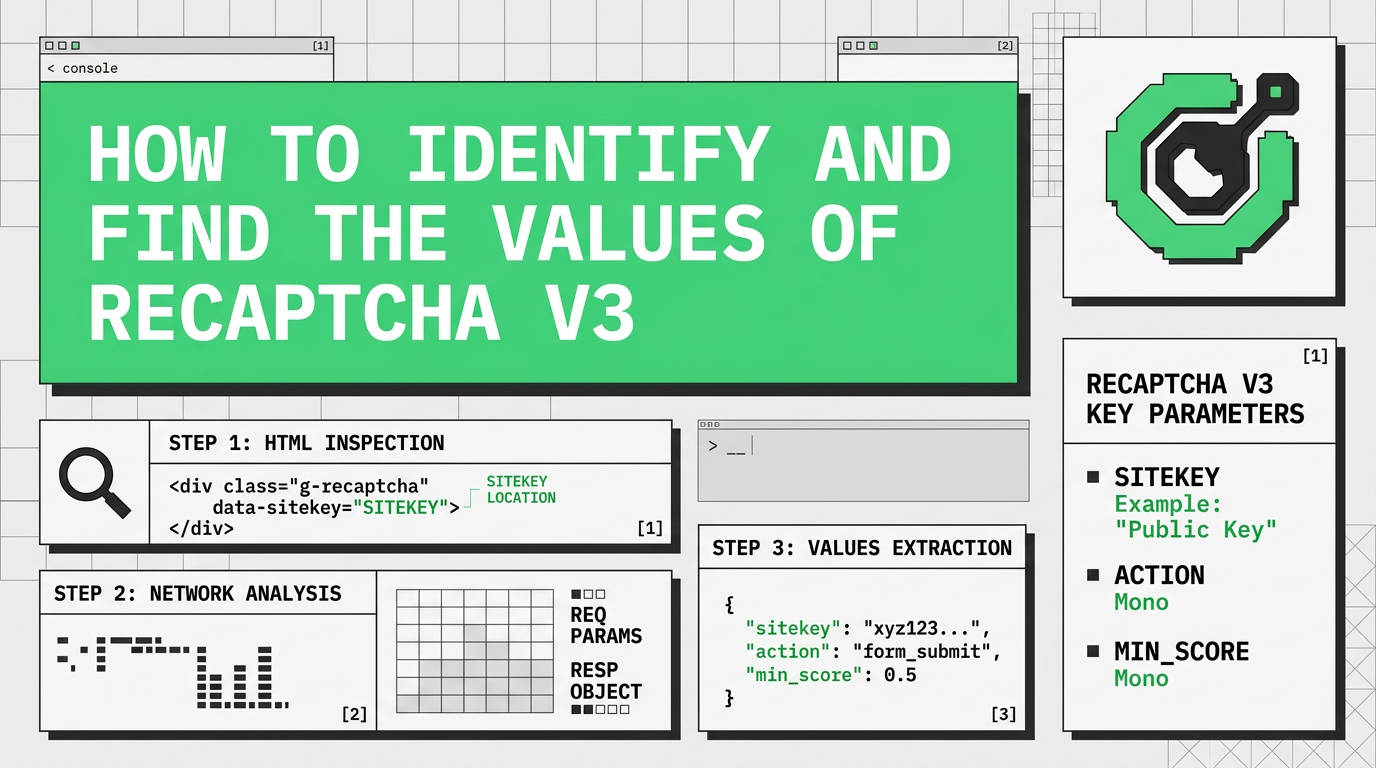
reCAPTCHA V3 is not your regular captcha task. It's not an automated Turing test to distinguish robots from humans. reCAPTCHA V3 is a browser scoring mechanism that recognizes who operates the browser, a human or a program. The result of solveing reCAPTCHA V3 is a score from 0.1 to 0.9 where 0.1 is "most likely a robot" and 0.9 is "most likely a human". CapSolver provides tokens with a 0.9 score.
Sometimes it is really tricky to distinguish between a reCAPTCHA V2 Invisible and a V3. In such cases, simply open the browser's console Command+Option+C (Mac) or Control+Shift+C (Windows, Linux, Chrome OS) and check the requests sent to google.com (or recaptcha.net in some cases) on a Network tab.
Find a request
https://www.google.com/recaptcha/api2/reload?k= for reCaptcha v3 or https://www.google.com/recaptcha/enterprise/reload?k= for reCaptcha v3 Enterprise
Then check for
https://www.google.com/recaptcha/api2/userverify?k=
The first request should always be there. If you cannot find it, try to change the hostname to "recaptcha.net" and look for it until you find it. If you cannot find the second request to userverify, then it's a case of reCAPTCHA V3. If there is a request to userverify, then it's a reCAPTCHA V2 Invisible.
There are some ways to find google key and the action paramters, some are more effective than others. First option is the best way to find these values.
Read this blog
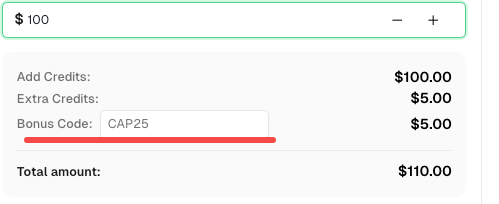
Bonus Code: A bonus code for top captcha solutions; CapSolver Dashboard: CAP25. After redeeming it, you will get an extra 5% bonus after each recharge, Unlimited.
Download Charles Proxy
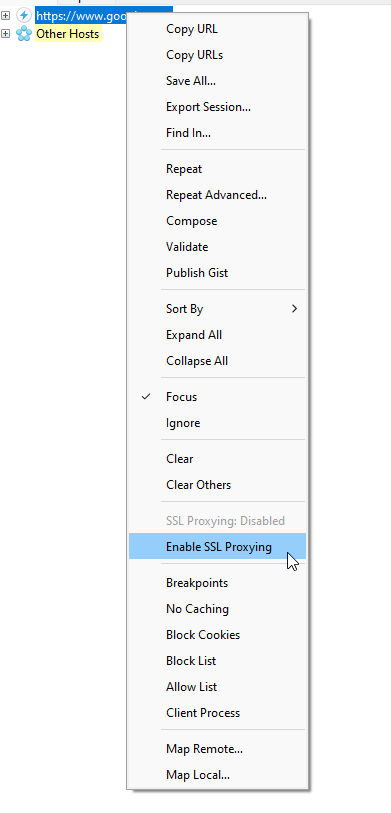
Right click to the request that we can see with the name https://google.com

Click enable ssl
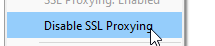
After it's clicked, should look like this:
To identify the google key and also the action parameter, we just need to go to the site and trigger the reCaptcha v3 with Charles Open
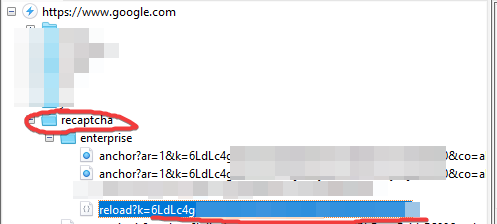
In this case, it's reCaptcha v3 Enterprise, but a request should appear there. The red line is the google key
Now that you have the google key, it's time to find the action. Click the reload request and in the right menu, click ProtoBuf

After click, some values will appear, we need to find a parameter that is text and looks like a action parameter, in this case:

LOGIN_USER_SEARCH is the action parameter.
There are 11 levels of reCAPTCHA, with scores ranging from 0.0 to 1.0. A score of 1.0 means the interaction is low risk and almost certainly real, while a value of 0.0 means the connection is high risk and perhaps fake.
POST https://api.capsolver.com/createTask
{
  "clientKey":"yourapiKey",
    "task":
        {
          "type":"ReCaptchaV3Task",
        "websiteURL":"https://antcpt.com/score_detector",
        "websiteKey":"6LcR_okUAAAAAPYrPe-HK_0RULO1aZM15ENyM-Mf",
        "pageAction": "homepage",
        "proxy":"yourproxy"
        }
}We will need to retrieve the getTaskResult method until the captcha is solved.
Example:
POST https://api.capsolver.com/getTaskResult
Host: api.capsolver.com
Content-Type: application/json

{
    "clientKey":"YOUR_API_KEY",
    "taskId": "TASKID OF CREATETASK" //ID created by the createTask method
}
After the captcha has been solved, you can check the captcha token by sending the token to the site.
For more information of how to solve reCaptcha v3, please check this blog: Solve reCaptcha v3 with human score
Capsolver Team 💜
Ethan Collins
AI Agent Workflow Engineer
Building clearer handoffs between AI agents and tools.
ABOUT THE AUTHOR
Understand reCAPTCHA v3 score range (0.0 to 1.0), its meaning, and how to improve your score. Learn how to handle low scores and optimize user experience.

Facing "reCAPTCHA Invalid Site Key" or "invalid reCAPTCHA token" errors? Discover common causes, step-by-step fixes, and troubleshooting tips to resolve reCAPTCHA verification failed issues. Learn how to fix reCAPTCHA verification failed please try again.