
🎉NEWCapSolver for AI agents-MCP, agent tools, and SDK integrations

Ethan Collins
AI Agent Workflow Engineer
Published Sep 19, 2023
Updated Sep 19, 2023 · min read
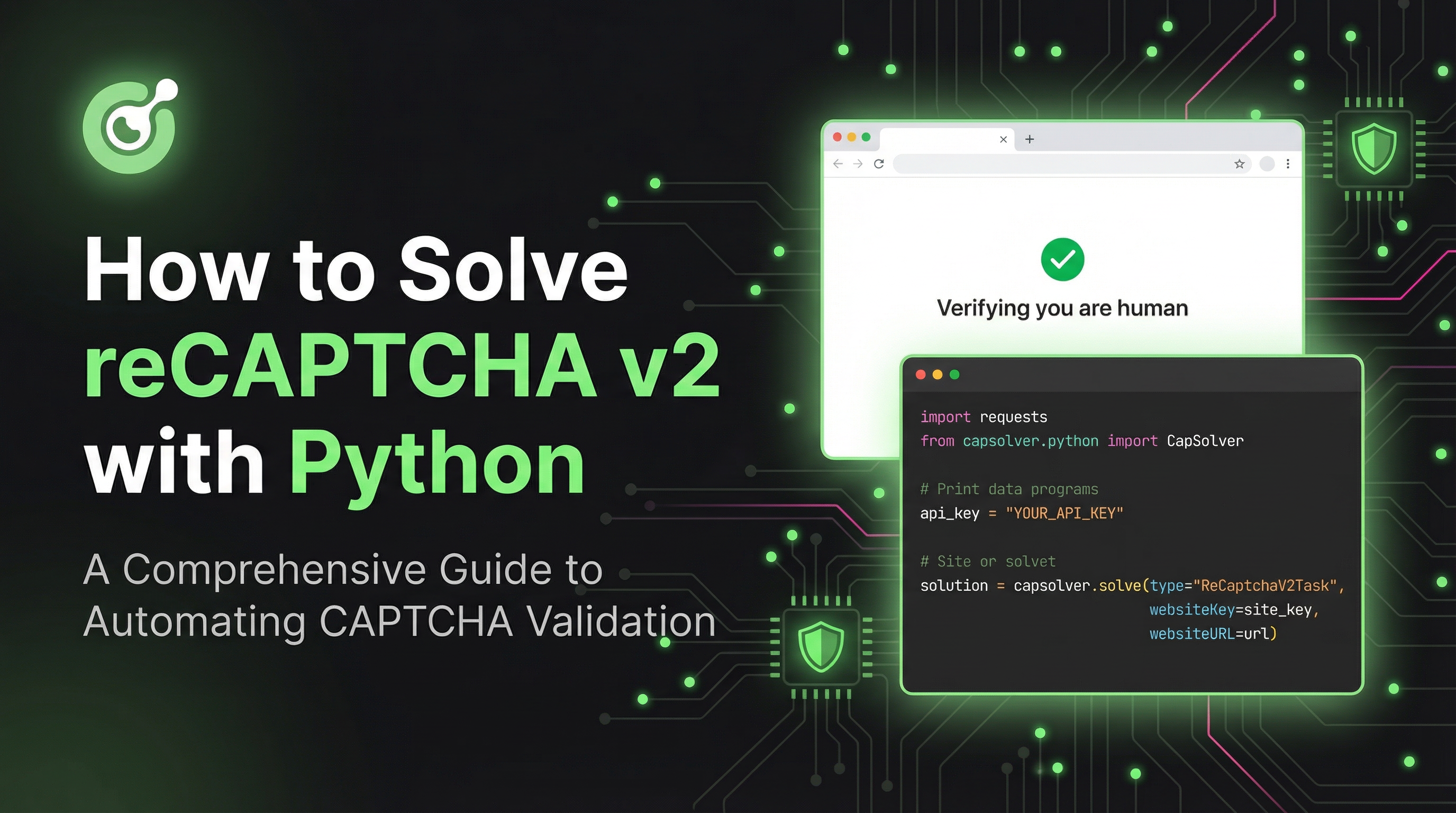
Google reCAPTCHA v2 is widely used to block automated traffic.
If you’re building scrapers, automation workflows, account creators, online form submitters, or SERP tools, solving reCAPTCHA v2 is practically mandatory.
This expanded guide walks you through:
Execute the following commands to install the required packages:
pip install capsolverHere's a Python sample script to accomplish the task:
import capsolver

# Consider using environment variables for sensitive information
PROXY = "http://username:password@host:port"
capsolver.api_key = "Your Capsolver API Key"
PAGE_URL = "PAGE_URL"
PAGE_KEY = "PAGE_SITE_KEY"

def solve_recaptcha_v2(url,key):
    solution = capsolver.solve({
        "type": "ReCaptchaV2Task",
        "websiteURL": url,
        "websiteKey":key,
        "proxy": PROXY
    })
    return solution


def main():
    print("Solving reCaptcha v2")
    solution = solve_recaptcha_v2(PAGE_URL, PAGE_KEY)
    print("Solution: ", solution)

if __name__ == "__main__":
main()Here's a Python sample script to accomplish the task:
import capsolver

# Consider using environment variables for sensitive information
capsolver.api_key = "Your Capsolver API Key"
PAGE_URL = "PAGE_URL"
PAGE_KEY = "PAGE_SITE_KEY"

def solve_recaptcha_v2(url,key):
    solution = capsolver.solve({
        "type": "ReCaptchaV2TaskProxyless",
        "websiteURL": url,
        "websiteKey":key,
    })
    return solution


def main():
    print("Solving reCaptcha v2")
    solution = solve_recaptcha_v2(PAGE_URL, PAGE_KEY)
    print("Solution: ", solution)

if __name__ == "__main__":
main()Solving reCAPTCHA v2 reliably is essential for modern automation — whether you're running large-scale scraping pipelines, automating form submissions, performing SERP data extraction, or building custom AI agents that interact with the web. With CapSolver, the entire process becomes far more predictable, stable, and scalable.
By choosing the correct task type (Proxy vs Proxyless), validating your sitekeys, and ensuring your proxy setup is solid, you can achieve near-instant CAPTCHA resolutions with minimal overhead.
No — many websites work perfectly with the Proxyless task. You only need proxies for higher security targets (e.g., marketplaces, ticketing platforms, Google Search, login flows, etc.).
Residential or ISP proxies deliver the best stability.
Datacenter proxies may work but often get flagged on high-value sites.
Most reCAPTCHA v2 tasks resolve in 1–5 seconds, depending on website difficulty and queue load.
No. Each token is single-use and expires very quickly (usually within ~120 seconds).
Boost your automation budget instantly!
Use bonus code CAPN when topping up your CapSolver account to get an extra 5% bonus on every recharge — with no limits.
Redeem it now in your CapSolver Dashboard
capsolver.solve().Ethan Collins
AI Agent Workflow Engineer
Building clearer handoffs between AI agents and tools.
ABOUT THE AUTHOR
Understand reCAPTCHA v3 score range (0.0 to 1.0), its meaning, and how to improve your score. Learn how to handle low scores and optimize user experience.

Facing "reCAPTCHA Invalid Site Key" or "invalid reCAPTCHA token" errors? Discover common causes, step-by-step fixes, and troubleshooting tips to resolve reCAPTCHA verification failed issues. Learn how to fix reCAPTCHA verification failed please try again.



