
🎉NEWCapSolver for AI agents-MCP, agent tools, and SDK integrations

Rajinder Singh
Deep Learning Researcher
Published Sep 27, 2023
Updated Sep 27, 2023 · min read
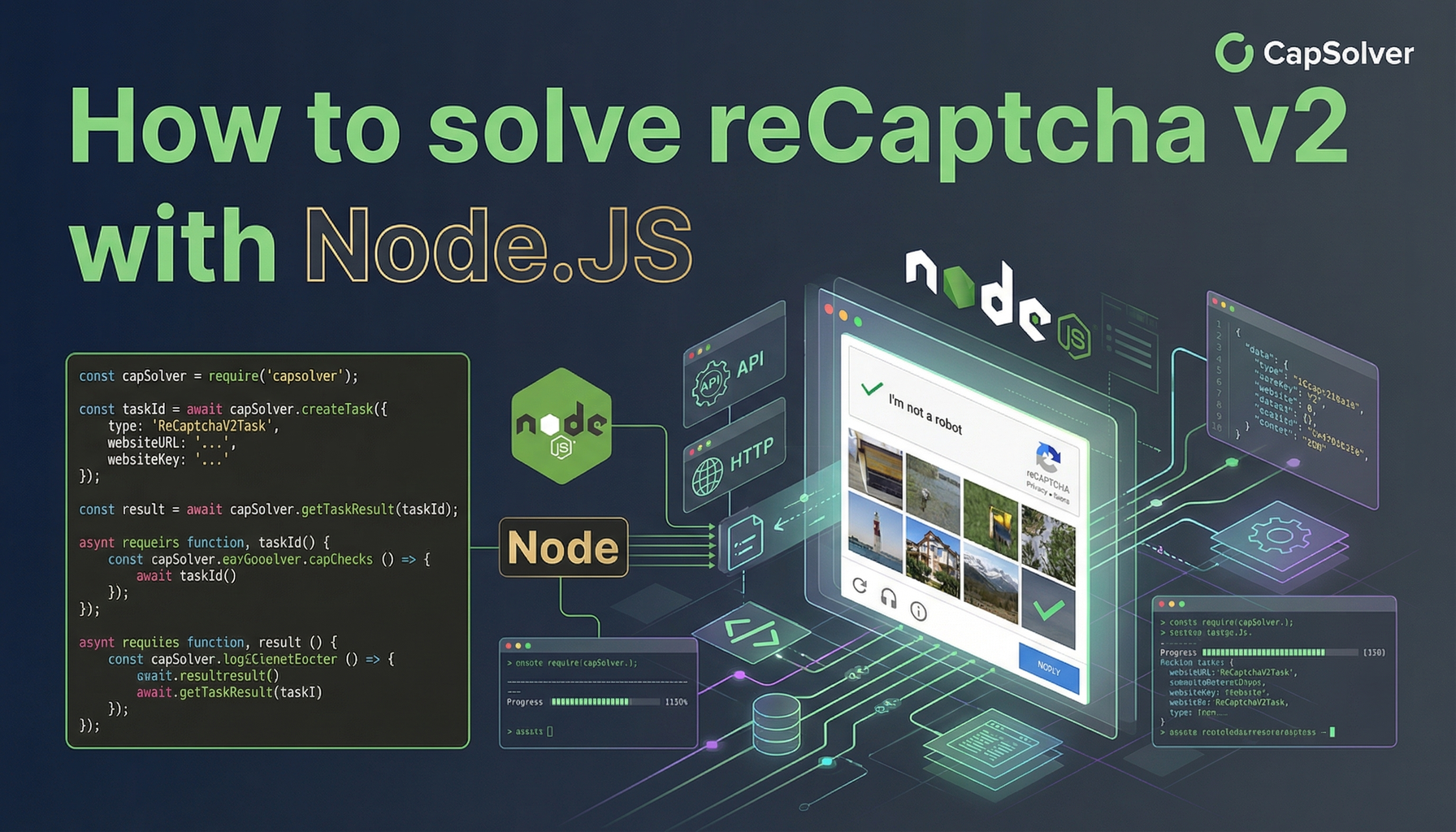
This guide explains how to solve reCAPTCHA v2 using Node.js with CapSolver’s API. It covers both proxyless and proxy-based implementations, includes step-by-step setup instructions, and provides ready-to-use Node.js code examples. By following this tutorial, developers can integrate reCAPTCHA v2 handling into their automation or data-collection workflows efficiently and reliably.
reCAPTCHA v2 remains one of the most commonly deployed human-verification mechanisms across the web. For developers working with automated workflows, data extraction, or large-scale browser automation, handling reCAPTCHA v2 efficiently is a recurring technical challenge.
In this article, we walk through a practical Node.js implementation for solving reCAPTCHA v2 using the CapSolver API. You will learn how to configure your environment, install required dependencies, and implement solutions both with and without a proxy. The included examples are production-oriented and designed to be easily adapted to real-world use cases.
Execute the following commands to install the required packages:
npm install axiosHere's a Node.JS sample script to accomplish the task:
const axios = require('axios');

const PAGE_URL = ""; // Replace with your Website
const SITE_KEY = ""; // Replace with your Website
const CLIENT_KEY = "";  // Replace with your CAPSOLVER API Key

async function createTask(payload) {
  try {
    const res = await axios.post('https://api.capsolver.com/createTask', {
      clientKey: CLIENT_KEY,
      task: payload
    });
    return res.data;
  } catch (error) {
    console.error(error);
  }
}
async function getTaskResult(taskId) {
    try {
        success = false;
        while(success == false){

            await sleep(1000);
        console.log("Getting task result for task ID: " + taskId);
      const res = await axios.post('https://api.capsolver.com/getTaskResult', {
        clientKey: CLIENT_KEY,
        taskId: taskId
      });
      if( res.data.status == "ready") {
        success = true;
        console.log(res.data)
        return res.data;
      }
    }

    } catch (error) {
      console.error(error);
      return null;
    }
  }


async function solveReCaptcha(pageURL, sitekey) {
  const taskPayload = {
    type: "ReCaptchaV2TaskProxyless",
    websiteURL: pageURL,
    websiteKey: sitekey,
  };
  const taskData = await createTask(taskPayload);
  return await getTaskResult(taskData.taskId);
}
function sleep(ms) {
    return new Promise(resolve => setTimeout(resolve, ms));
}
async function main() {
  try {

      const response = await solveReCaptcha(PAGE_URL, SITE_KEY );
      console.log(`Received token: ${response.solution.gReCaptcharesponse}`);

    }
catch (error) {
    console.error(`Error: ${error}`);
  }

}
main();Here's a Node.JS sample script to accomplish the task:
const axios = require('axios');

const PAGE_URL = ""; // Replace with your Website
const SITE_KEY = ""; // Replace with your Website
const CLIENT_KEY = "";  // Replace with your CAPSOLVER API Key
const PROXY =  "https://username:password@host:port";

async function createTask(payload) {
  try {
    const res = await axios.post('https://api.capsolver.com/createTask', {
      clientKey: CLIENT_KEY,
      task: payload
    });
    return res.data;
  } catch (error) {
    console.error(error);
  }
}
async function getTaskResult(taskId) {
    try {
        success = false;
        while(success == false){

            await sleep(1000);
        console.log("Getting task result for task ID: " + taskId);
      const res = await axios.post('https://api.capsolver.com/getTaskResult', {
        clientKey: CLIENT_KEY,
        taskId: taskId
      });
      if( res.data.status == "ready") {
        success = true;
        console.log(res.data)
        return res.data;
      }
    }

    } catch (error) {
      console.error(error);
      return null;
    }
  }


async function solveReCaptcha(pageURL, sitekey) {
  const taskPayload = {
    type: "ReCaptchaV2Task",
    websiteURL: pageURL,
    websiteKey: sitekey,
    proxy: PROXY
  };
  const taskData = await createTask(taskPayload);
  return await getTaskResult(taskData.taskId);
}
function sleep(ms) {
    return new Promise(resolve => setTimeout(resolve, ms));
}
async function main() {
  try {

      const response = await solveReCaptcha(PAGE_URL, SITE_KEY );
      console.log(`Received token: ${response.solution.gRecaptchaResponse}`);

    }
catch (error) {
    console.error(`Error: ${error}`);
  }

}
main();Solving reCAPTCHA v2 in Node.js does not need to be complex. By leveraging the CapSolver API, developers can implement a clean, scalable solution that works reliably across different website configurations. Whether you choose a proxyless setup for simplicity or a proxy-based approach for greater control, the examples in this guide provide a solid foundation for production use.
Proxyless tasks rely on CapSolver’s internal infrastructure and are simpler to implement, while proxy-based tasks allow you to control IP reputation and geographic location for higher success rates on stricter websites.
Use ReCaptchaV2Task when the target website enforces IP consistency or applies regional restrictions that require a specific proxy configuration.
Most tasks are completed within a few seconds. Actual timing depends on site complexity, challenge difficulty, and whether a proxy is used.
Yes. The provided functions are modular and can be embedded into crawlers, automation pipelines, or browser-based workflows.
Rajinder Singh
Deep Learning Researcher
Making CAPTCHA solving more reliable in automated workflows.
ABOUT THE AUTHOR
Understand reCAPTCHA v3 score range (0.0 to 1.0), its meaning, and how to improve your score. Learn how to handle low scores and optimize user experience.
Facing "reCAPTCHA Invalid Site Key" or "invalid reCAPTCHA token" errors? Discover common causes, step-by-step fixes, and troubleshooting tips to resolve reCAPTCHA verification failed issues. Learn how to fix reCAPTCHA verification failed please try again.


