
🎉NEWCapSolver for AI agents-MCP, agent tools, and SDK integrations

Nikolai Smirnov
Software Development Lead
Published Nov 24, 2026
Updated Nov 24, 2026 · min read
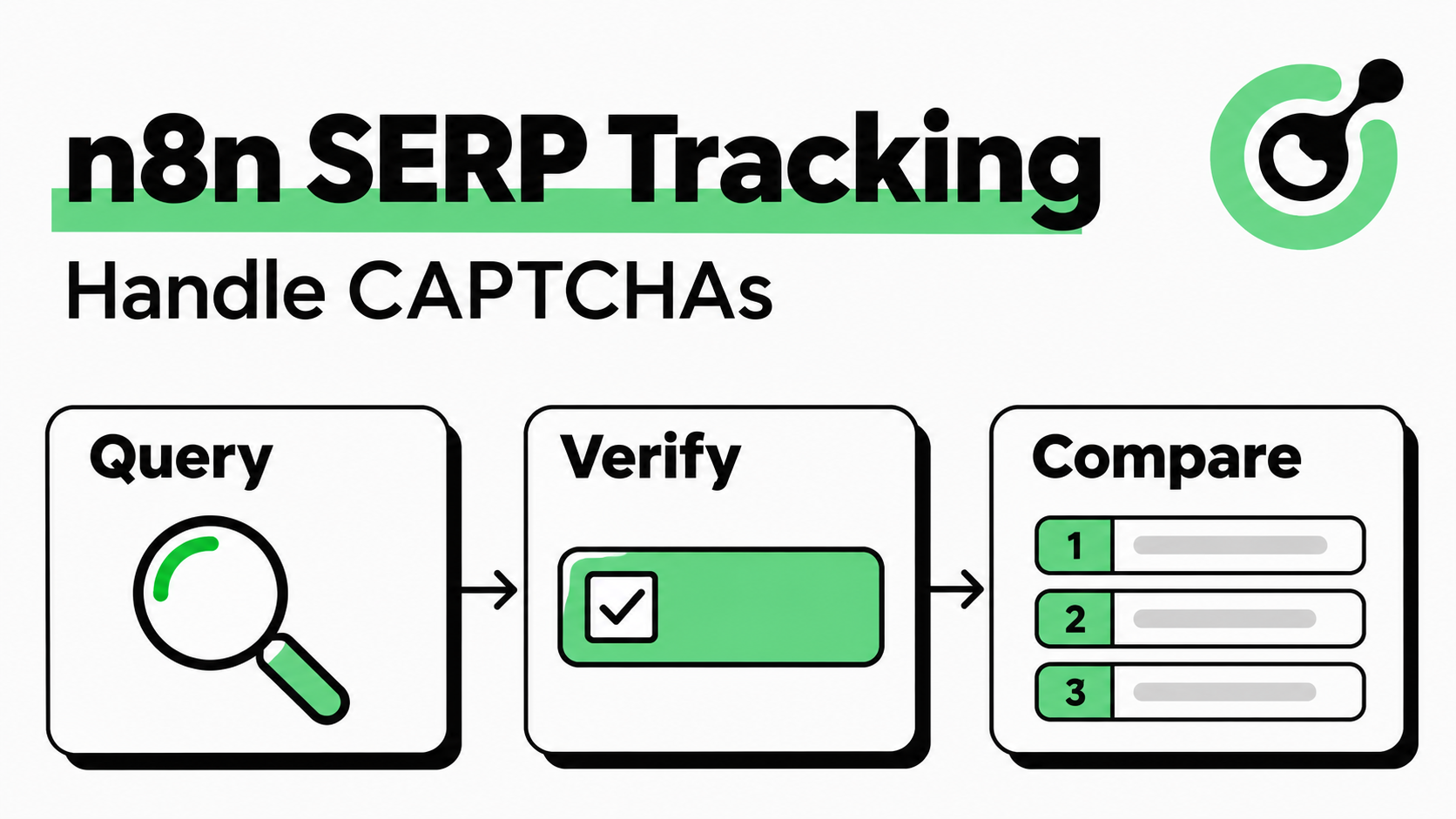
A scheduled rank check can finish without producing a usable ranking snapshot. The request may return a CAPTCHA, an error response, or a page that does not contain the expected results. If your n8n workflow treats all of those responses as ordinary search results, it can report a dramatic ranking drop that never happened.
The useful place for CapSolver is the supported CAPTCHA step inside an authorized collection process. It does not supply search rankings or decide whether two observations are comparable. This guide shows how to organize those responsibilities around an existing integration, rather than introducing another importable template.
An n8n SERP tracking workflow typically schedules a query, collects results, identifies the tracked domain, compares positions, and sends an update. The SERP glossary explains the search results page behind those observations.
First identify how your workflow obtains its data:
| Collection method | Where to investigate a failure | Role of a CAPTCHA solver |
|---|---|---|
| A search data API returns structured results | Provider response, query settings, account limits, and result schema | No separate solver step for an already completed response |
| An authorized browser session encounters a supported CAPTCHA | The challenged page, required task inputs, and browser context | Solve that supported challenge before resuming collection |
| An ordinary HTTP request returns an unexpected body | Response status, headers, content type, and actual page content | Inspect the cause first; a failed request alone does not establish a CAPTCHA |
This distinction matters when adapting an existing rank tracking workflow. Adding a solver after a search data API cannot repair the provider's quota error or create rankings that were absent from its response. Likewise, a solver result is not a replacement for the HTML or structured search data your ranking logic expects.
Use sources that permit your collection method. Keep access authorization, account limits, and data licensing with the collection provider and your application.
Before configuring the CAPTCHA branch, decide what constitutes one observation. A useful record carries the query text, intended country or region, language, device category, tracked domain, collection time, and collection method. Keep any additional settings that your data source uses to shape results.
Do not compare a mobile observation for one market against a desktop observation for another simply because the keyword string is identical. The workflow should select history using the full comparison context. If a setting changes intentionally, begin a new comparison series or clearly label the change.
Record the requested collection time separately from the time the results actually arrived. A delayed collection may still be usable, but it should not silently replace an on-time sample. This becomes especially useful when a CAPTCHA makes one branch take longer than the others.
For the recurring trigger, follow the official n8n Schedule Trigger documentation. Check the workflow timezone and save and publish the workflow when you want its schedule to run automatically. Publishing an n8n workflow here means activating its execution schedule, not publishing search data publicly.
Start with one query and one market so you can inspect the complete record as it passes through each branch. Add more combinations after the result identity and comparison rules are clear.
Inspect the collection result before sending it to the position comparison step. An HTTP success status alone does not establish that the body contains the expected search results.
When using n8n's HTTP Request node, its official response settings explain how to include response headers and status alongside the body. Inspect those fields together with the content. The HTTP Request node makes HTTP calls; it should not be treated as a browser that automatically renders and completes a JavaScript challenge.
Route the response into one of three outcomes: usable results, a recognized supported challenge, or another collection failure. Keep the categories distinct. An expired provider credential, a quota response, and a CAPTCHA require different actions.
For browser collection, preserve the relationship between the challenged page and the original observation. If you process several queries together, every challenge result must return to the query that generated it. Avoid matching them merely by their position in a list after asynchronous steps have finished.
A useful inspection record contains the observation identifier, collection outcome, HTTP status when available, and a sanitized error description. Store the relevant evidence without logging credentials, full browser cookies, or raw solver responses into ordinary reporting sheets.
Follow How to Set Up CapSolver on n8n for the integration setup. The n8n CAPTCHA solver integration page is the related product entry point. Reuse the documented credential and task configuration appropriate to your installation.
Choose a task from the actual challenge encountered, not from the fact that the larger workflow happens to track rankings. Required inputs differ between task types. Check the current task documentation linked from the createTask API guide and obtain inputs from the current permitted page or your own test environment.
The branch should retain enough context to connect the submitted task, its eventual result, and the original collection operation. Depending on the task, the response may provide a solution directly or require result retrieval. Follow that task's documented behavior instead of assuming every challenge produces the same output field.
After receiving the documented result, the browser or application integration must consume it through the relevant supported flow. Then check the page again. Mark the observation as collected only after it contains usable results. A solver response that is ready does not, by itself, confirm that search data has been retrieved.
This article defines the surrounding SERP workflow. It does not claim a new end-to-end browser connector was tested or that a generic solver task works for every search source.
Redeem Your CapSolver Bonus Code
Boost your automation budget instantly!
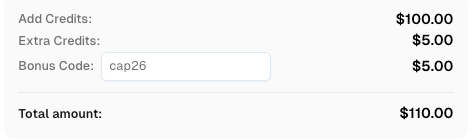
Use bonus code CAP26 when topping up your CapSolver account to get an extra 5% bonus on every recharge — with no limits.
Redeem it now in your CapSolver Dashboard
Write the validation rule around the report you intend to produce. For organic rank tracking, confirm that the response contains the expected organic result collection and that the positions, URLs, and tracked-domain matching rules are usable. Keep sponsored placements and other result types separate if your report distinguishes them.
A tracked domain not appearing in a valid observed result set is different from receiving no valid result set at all. Store the former as “not found within observed depth.” Store the latter as a collection failure or missing observation. Neither should be automatically converted into an invented numeric rank.
Make the observation depth visible. If yesterday's collection examined more results than today's, an apparent disappearance may come from reduced coverage. The comparison should either use compatible coverage or explain the limitation.
Keep the raw collection outcome alongside the normalized ranking snapshot where your retention policy allows it. That gives a reviewer a way to check whether an alert came from a real position change, a domain-matching mistake, or an extraction change.
For teams also tracking result features, the existing SERP feature monitoring guide covers that separate reporting task. Do not merge those features into organic position values without a declared rule.
A ranking alert should require two comparable, validated observations. A collection alert should describe why a fresh observation could not be produced. Combining the two makes a temporary access problem look like an SEO event.
For example, suppose a scheduled check encounters a CAPTCHA and the workflow never obtains a valid result page. Keep the previous valid observation in history, record the missing current sample, and send an operational notice if the failure warrants attention. Do not announce that the tracked domain fell out of the results.
After a delayed sample succeeds, compare it with the appropriate prior observation and preserve its actual collection time. Suppress duplicate alerts when the same observation is reprocessed. The exact storage and notification mechanism can follow the tools your team already uses.
Use n8n's error handling guidance when configuring an error workflow. Distinguish execution failures from deliberately recorded business outcomes: a workflow that correctly stores “missing observation” may finish successfully even though no ranking comparison was possible.
Set a bounded retry policy based on the failure type. Invalid task inputs need correction; repeated calls with unchanged inputs will not supply missing context. Provider quotas need the provider's documented handling. Supported challenge attempts should remain tied to the original observation and your application's retry budget.
Check representative examples in the execution history: a normal result, a valid result without the tracked domain, a supported challenge, and a non-CAPTCHA collection failure. Confirm that each reaches the intended output and that none creates a false ranking alert. These are acceptance checks for your deployment, not claimed test results from this article.
Then review the report with someone who consumes it. They should be able to tell when data was observed, which market and device it represents, and whether a gap means “not collected” or “not present.” That clarity is more useful than a dashboard that shows an uninterrupted line made from invalid samples.
Keep the supported challenge step documented through CapSolver, and keep ranking interpretation in your own workflow. This division makes collection faults easier to investigate without corrupting the SEO history.
Q: Does every n8n SERP tracking workflow need a CAPTCHA solver?
No. If your search data API returns the required structured results, use that response directly. Add solver handling only for a supported challenge in a permitted collection step that your application actually controls.
Q: Can the n8n HTTP Request node handle a browser challenge on its own?
Do not assume so. An HTTP request is not a full browser session. Inspect the response and use the documented integration appropriate to the challenge and collection method.
Q: Should a failed CAPTCHA attempt count as a ranking drop?
No. It means the workflow may lack a usable observation. Compare rankings only after validating the current and previous result sets.
Q: Can I reuse my existing n8n integration?
Yes, where its documented task support matches the challenge. Preserve the query context and verify that your collection step successfully consumes the result before saving rankings.
Q: What should I record when a query is missing from the report?
Record the query settings, intended and actual collection times, collection outcome, and sanitized failure evidence. Keep missing data separate from a valid snapshot in which the tracked domain was not found.
Nikolai Smirnov
Software Development Lead
Building dependable software for complex automation.
ABOUT THE AUTHOR
Learn how to use the CapSolver n8n template to monitor AWS WAF-protected product pages, solve challenges, extract prices, compare changes, and trigger alerts automatically.

Learn how to build web scrapers in n8n for captcha-protected sites using CapSolver. This step-by-step guide covers solving reCAPTCHA, submitting tokens correctly, extracting product data, and automating workflows with schedule and webhook triggers.