
🎉NEWCapSolver for AI agents-MCP, agent tools, and SDK integrations

Adélia Cruz
MCP Integration Engineer
Published Jun 16, 2026
Updated Jun 16, 2026 · min read
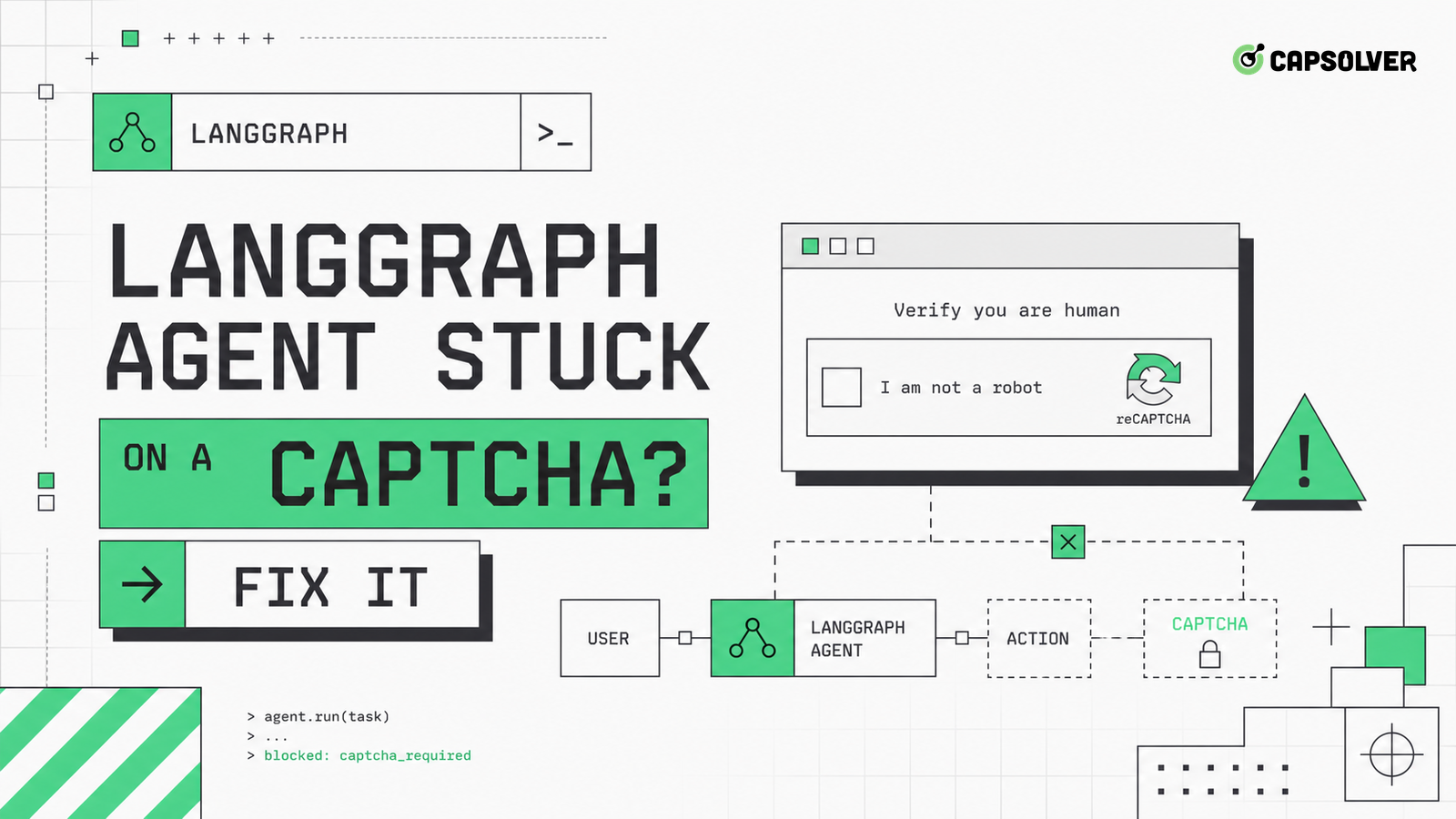
A LangGraph agent stuck on a CAPTCHA is usually a graph design problem. The browser sees a challenge, the model describes the page, the planner chooses another click, and the graph routes back into the same browser node without changing state. CapSolver can support approved CAPTCHA handling, but LangGraph needs an explicit challenge node before any solver can be used responsibly. Model the challenge as a first-class state with policy, interrupt, cooldown, and stop edges. Otherwise the graph has no way to know that progress has stopped.
Raw page text is not enough for graph routing. A LangGraph agent stuck on a CAPTCHA often receives the same observation repeatedly: a title, a widget, or a message asking for verification. The graph needs a typed state such as captcha_required, cloudflare_challenge, recaptcha_invalid, rate_limited, login_mfa, or access_denied. Each state should include URL, status code, challenge family, iframe count, screenshot ID, storage context, and last action.
LangGraph's own state graph concepts explain why node state controls routing. Use that idea directly. The browser node should not return only natural language. It should return a structured object that downstream routing can match. If the object says captcha_required, the next edge should be challenge policy, not another generic click.
CapSolver's AI web automation overview provides useful workflow context, but your local graph should define the state names and transitions. A model prompt cannot reliably compensate for a missing state transition.
Normalize state before routing. Browser tools often return slightly different text for the same challenge: verify you are human, checking your browser, confirm you are not automated, or complete the security check. Put that variation behind a detector that emits the same typed state. A LangGraph agent stuck on a CAPTCHA often loops because one node sees a challenge and another node sees ordinary text. Consistent state names prevent that split.
The challenge policy router decides whether the graph can proceed. It should read the typed state, target domain, task purpose, account owner, allowed solver types, attempt count, cooldown state, and data sensitivity. A LangGraph agent stuck on a CAPTCHA should arrive here once, receive a clear decision, and leave through one of a few edges: approved handoff, cooldown, human review, or stop.
Keep policy outside the browser tool. If the browser tool silently handles every challenge, the graph loses auditability. CapSolver's AI browser agent workflow is best used as a controlled handoff from the policy router. That handoff should include domain, slug, challenge type, and why the workflow is authorized.
OWASP's automation risk categories is relevant because a graph agent can generate repeated actions faster than a human. The router should stop when the target is private, restricted, outside policy, or repeatedly refusing access. This is a product control, not just a compliance note.
Make router decisions explainable. Store the matched domain rule, task purpose, challenge family, attempt count, and chosen edge. If the router chooses stop, the final answer should say which policy condition was hit. If it chooses handoff, the audit log should show why that target was eligible. Explainable routing makes it possible to review the system without replaying every model token.
LangGraph supports interrupt-style patterns for workflows that need external input. A CAPTCHA is exactly that kind of boundary when the domain policy allows challenge handling. A LangGraph agent stuck on a CAPTCHA should pause with a compact state packet instead of continuing to plan. The packet should include challenge type, URL, screenshot, browser context ID, cookies allowed flag, and maximum remaining attempts.
CapSolver's WebMCP integration is a useful adjacent pattern because tool-based agents need clear handoff contracts. For CAPTCHA, the contract should say what solver is allowed to receive and what result must be returned. It should not expose credentials, private data, or unrelated page content.
When the interrupt returns, validate the browser state before resuming. Did the token arrive? Did the clearance cookie appear? Did the page navigate? Did the target request succeed? If not, route back to policy with a failed handoff reason. Do not resume the same click node blindly.
Interrupts should also have expiry. If a human review or approved solver handoff does not return within the challenge window, the graph should close the attempt instead of waiting indefinitely. The expiry should mark the browser context as no longer valid for that protected action. This prevents a stale result from being applied to a page that has already changed route or session state.
Redeem Your CapSolver Bonus Code
Boost your automation budget instantly!
Use bonus code CAP26 when topping up your CapSolver account to get an extra 5% bonus on every recharge — with no limits.
Redeem it now in your CapSolver Dashboard
Graph loops need hard limits. A LangGraph agent stuck on a CAPTCHA can consume the full recursion limit or task budget without making progress. Set a per-domain challenge attempt budget, a per-node repeat budget, and a global protected-navigation budget. When the graph hits a limit, return a controlled incomplete result with the last evidence.
The OpenTelemetry project defines HTTP span attributes that are useful for tracing status codes, methods, and URLs. Instrument browser and tool nodes with similar fields: domain, route, status, challenge state, attempt number, and edge chosen. This makes loops visible in traces rather than buried in model messages.
CapSolver's Browser Use integration can support browser-agent teams, but loop control remains a graph responsibility. A solver should not be asked to compensate for missing recursion guards. If the same challenge returns after an approved handoff, the graph should classify the reason and stop after the configured limit.
Budget counters should live in durable graph state, not inside a prompt. Count protected navigations, repeated observations, challenge handoffs, cooldown exits, and access-denied states. If the process restarts, the counters should reload with the task. A LangGraph agent stuck on a CAPTCHA can otherwise reset its own memory and repeat the same blocked path under a new run ID.
A graph can accidentally lose browser state when it moves between nodes. One node opens a page, another node creates a new browser context, a third node calls a solver, and the final node submits in a different session. A LangGraph agent stuck on a CAPTCHA may actually be losing the state that the challenge just created.
W3C's WebDriver browser automation model is useful because it treats browser sessions as explicit command targets. Mirror that discipline in LangGraph. Store browser context ID, storage snapshot ID, route identity, and account binding in the graph state. Pass them through every edge that touches the protected page.
CapSolver's cookie state concept gives the practical name for this requirement. Keep cookies, local storage, clearance state, and request route coherent from observation through handoff and resume. If context is lost, close the attempt and start a new one according to policy rather than pretending the old challenge is still valid.
A good graph failure is actionable. Instead of failed, return captcha_policy_stop, challenge_budget_exhausted, solver_handoff_failed, clearance_cookie_missing, rate_limit_cooldown, or access_denied. A LangGraph agent stuck on a CAPTCHA should produce an output that an operator can route to the right owner.
RFC 9457 defines problem detail response format for machine-readable error details in HTTP APIs. You can use the same idea internally: type, title, detail, instance, domain, state, and next action. This makes downstream systems and logs easier to search.
CapSolver's top AI agent frameworks overview can help teams compare agent stacks, but the design rule is stack independent. Challenge states should be explicit, policy should be auditable, and stop decisions should be machine-readable.
Do not test only against live protected sites. Build synthetic pages that mimic a reCAPTCHA placeholder, a Turnstile container, a 403 page, a 429 response, and a login MFA prompt. The goal is to verify routing, not to solve a live challenge. A LangGraph agent stuck on a CAPTCHA should be caught by unit and integration tests before production.
Use fixtures for repeated observations. Feed the same challenge state into the graph twice and assert that the second pass goes to cooldown or stop, not to the same click node. Feed an approved handoff result and assert that the graph resumes with the same browser context ID. Feed an unapproved domain and assert that the graph refuses challenge handling.
This test suite also supports responsible use. It proves the agent can stop when policy says no. It proves the graph does not hide CAPTCHA handling inside generic browser actions. It gives reviewers confidence that the system respects target boundaries and task authorization.
Add one regression test for context preservation. The fixture should create a browser context ID, emit a challenge, return an approved handoff, and assert that the resume node uses the same context ID. Add another for denial: an unapproved domain should never call the handoff tool. These tests are small, but they catch the two failures that most often produce CAPTCHA loops: lost session and missing policy gate.
A LangGraph agent stuck on a CAPTCHA needs graph-level structure: typed browser states, a challenge policy router, interrupt-based handoff, recursion budgets, context persistence, and machine-readable failure objects. CAPTCHA handling should be authorized, logged, and bounded by stop rules. For teams that need approved CAPTCHA support inside browser-agent workflows, CapSolver can fit into the handoff edge while LangGraph owns routing and policy.
The graph likely routes raw browser text back into a generic action node. Add a typed challenge state and route it to policy, handoff, cooldown, or stop.
No. Keep solver handoff behind a policy router or interrupt. That preserves audit logs, domain permissions, attempt limits, and responsible stop behavior.
Store URL, domain, status code, challenge type, screenshot ID, browser context ID, storage snapshot, attempt count, policy decision, and last action. These fields make recovery deterministic.
Use synthetic challenge fixtures for reCAPTCHA, Turnstile, 403, 429, MFA, and access-denied states. Assert that the graph chooses the correct edge and respects attempt budgets.
Adélia Cruz
MCP Integration Engineer
Making CapSolver tools accessible through MCP.
ABOUT THE AUTHOR
Fix CAPTCHA handling that works locally but fails in a cloud AI agent. Compare browser setup, dependencies, credentials, network access, and page state.

Estimate CAPTCHA solving costs in Browser Use by separating agent runs, challenge types, billable solves, retries, and verified outcomes from browser costs.

