
🎉NEWCapSolver for AI agents-MCP, agent tools, and SDK integrations

Ethan Collins
AI Agent Workflow Engineer
Published Sep 26, 2024
Updated Sep 26, 2024 · min read
CapSolver works with multiple proxy types so users can manage their CAPTCHA-solving processes across several different IP addresses. With proxies, your requests are sent from a range of IP addresses, making it look like you're accessing the internet from multiple devices and locations.
DataImpulse provides premium proxies that can help CapSolver users avoid detection from platforms that may block requests. Residential, mobile, or datacenter proxies - you can choose the right one for your purpose. DataImpulse keeps managing digital resources simple, giving you access to the data you need. Since 2023, their focus on providing premium proxy services has been recognized by Proxyway and an 'Excellent' rating on Trustpilot.
The main benefits of choosing DataImpulse proxies:
To set up DataImpulse proxies in CapSolver, follow these steps:
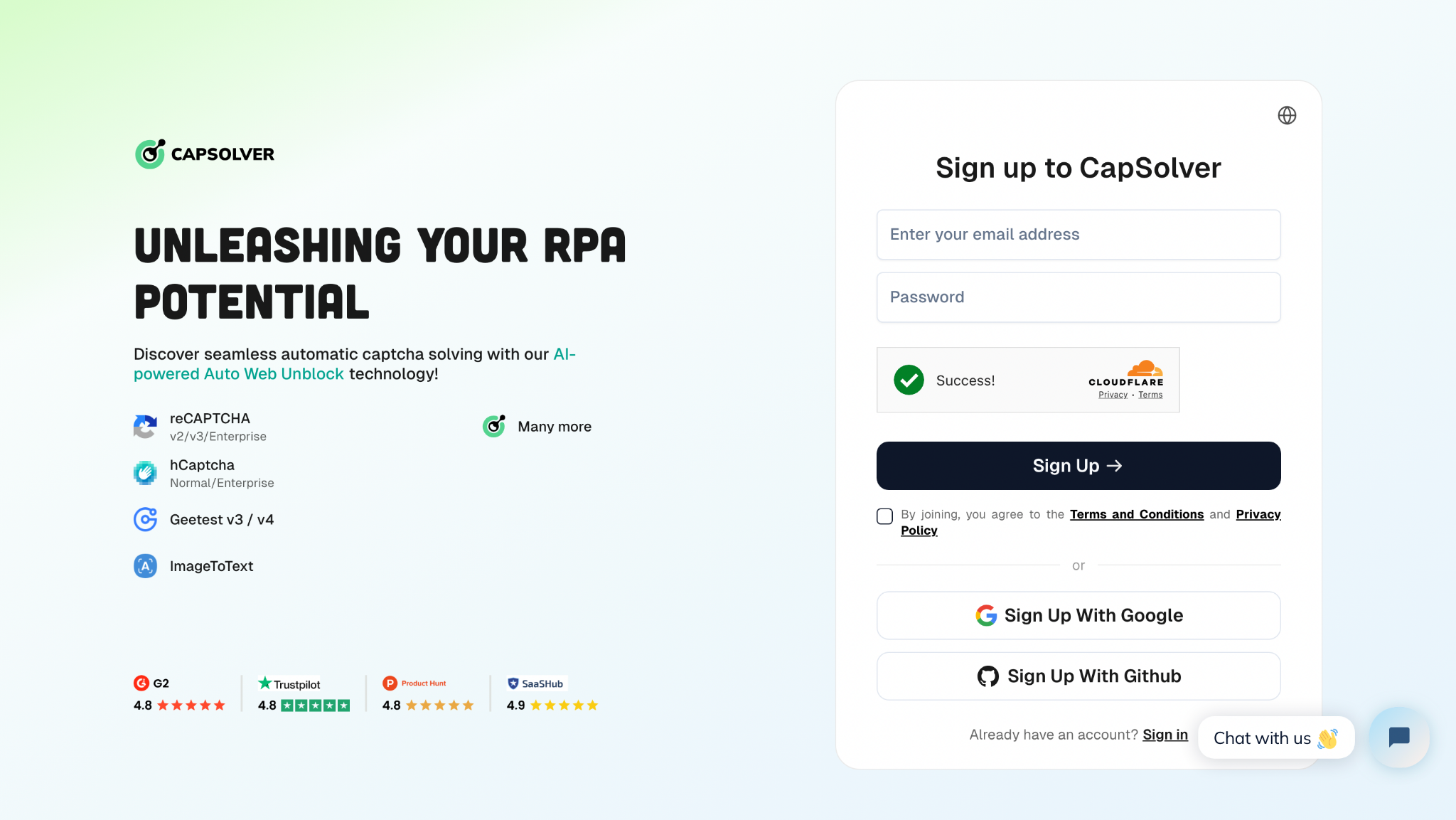
Step 1. Create CapSolver Account - To get started, create an account with CapSolver via the user panel. Then, check your email and follow the link to activate your account. After successful registration, you’ll be redirected to the Dashboard with a welcoming message.
Step 2. Download Extension
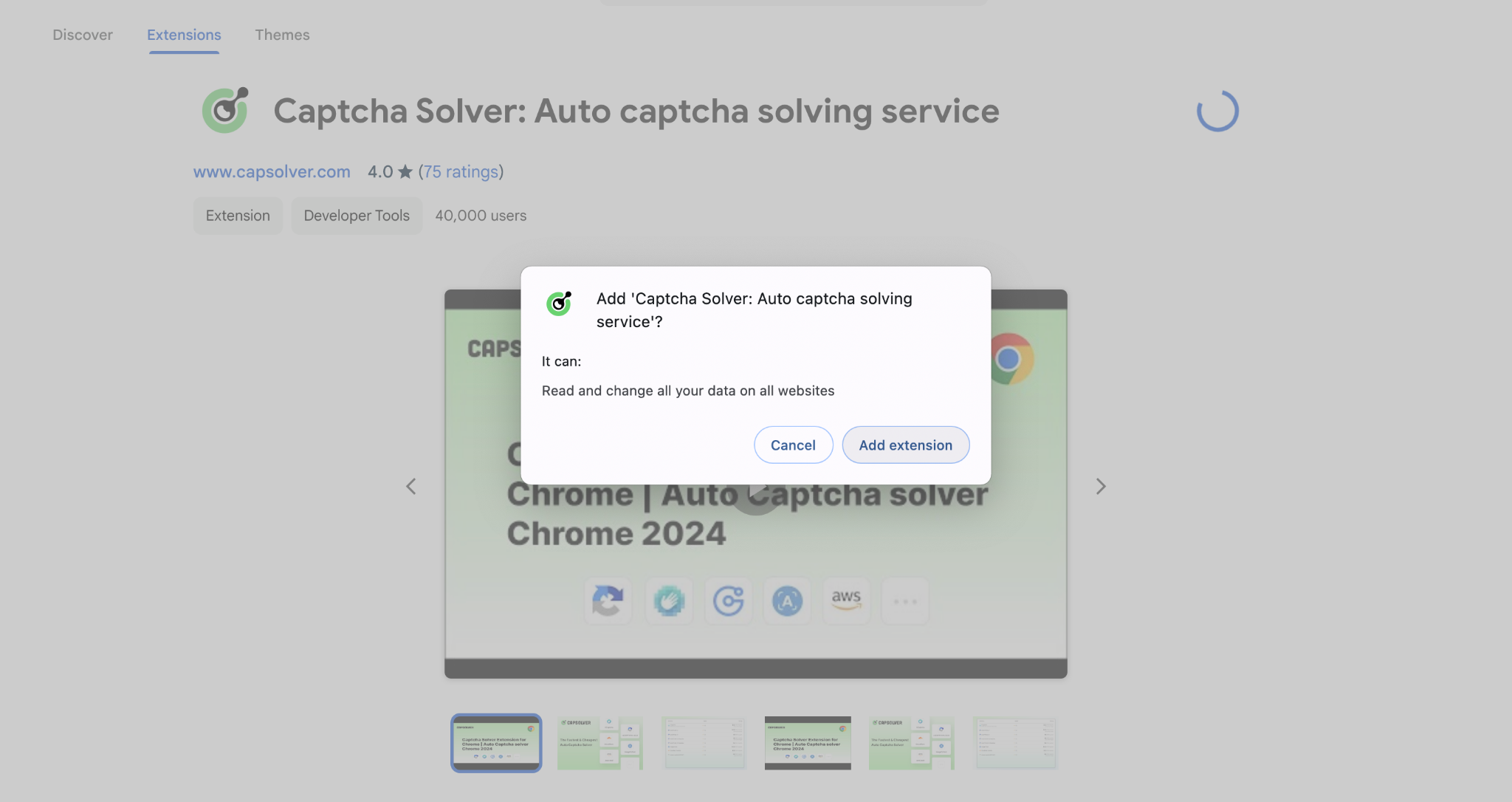
Chrome: Go to the Chrome Web Store and click on the "Add to Chrome" button. To confirm and install click "Add extension".
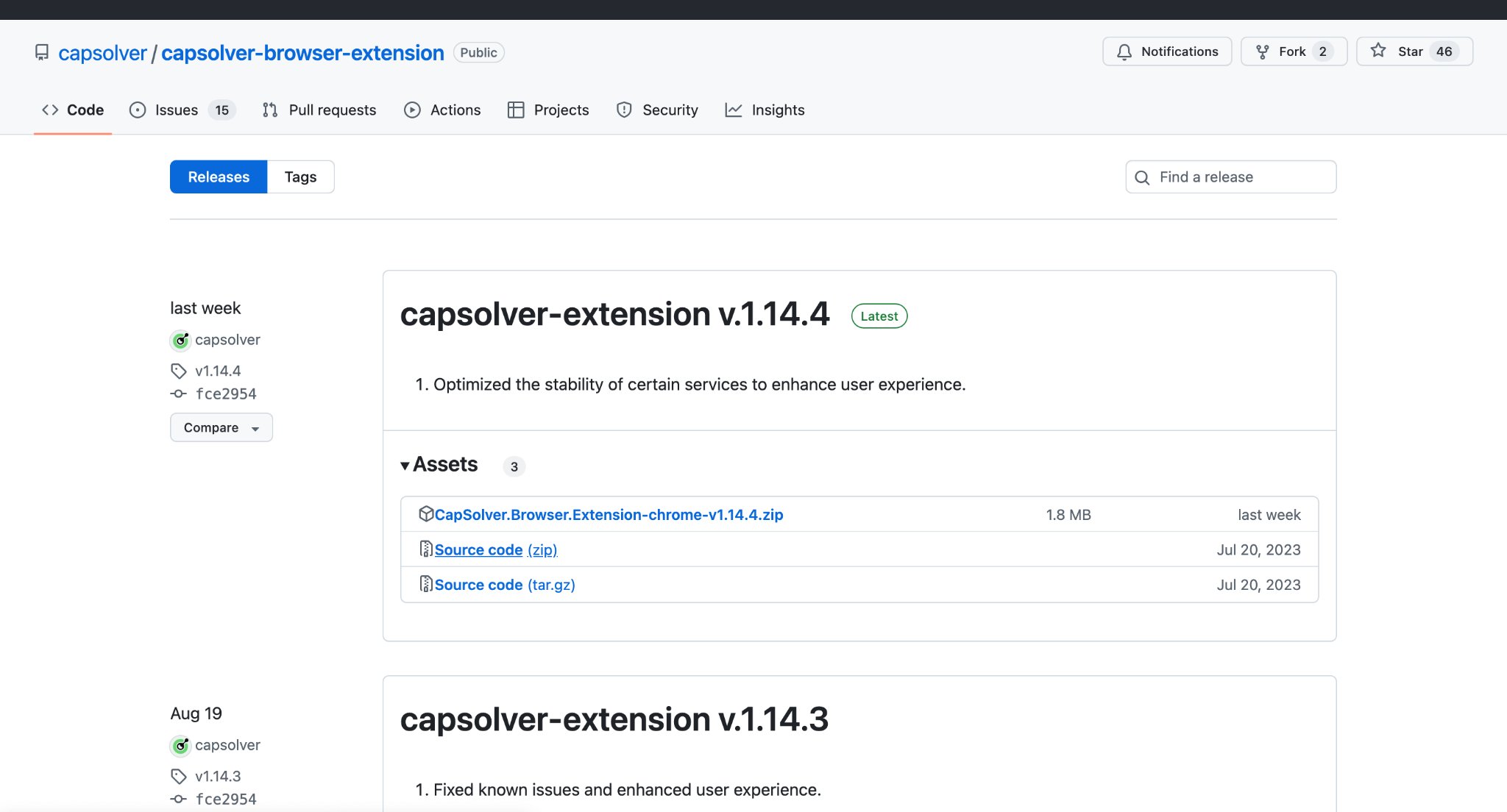
GitHub: Visit the official CapSolver Extension GitHub page. Click on the "Code" button and select "Download ZIP" to download the extension as a ZIP file. Extract the file to a desired location on your computer.
Step 3. Import DataImpulse Proxy
First of all, make sure you’re registered on both CapSolver and DataImpulse dashboards. Visit your CapSolver dashboard and copy your API key.
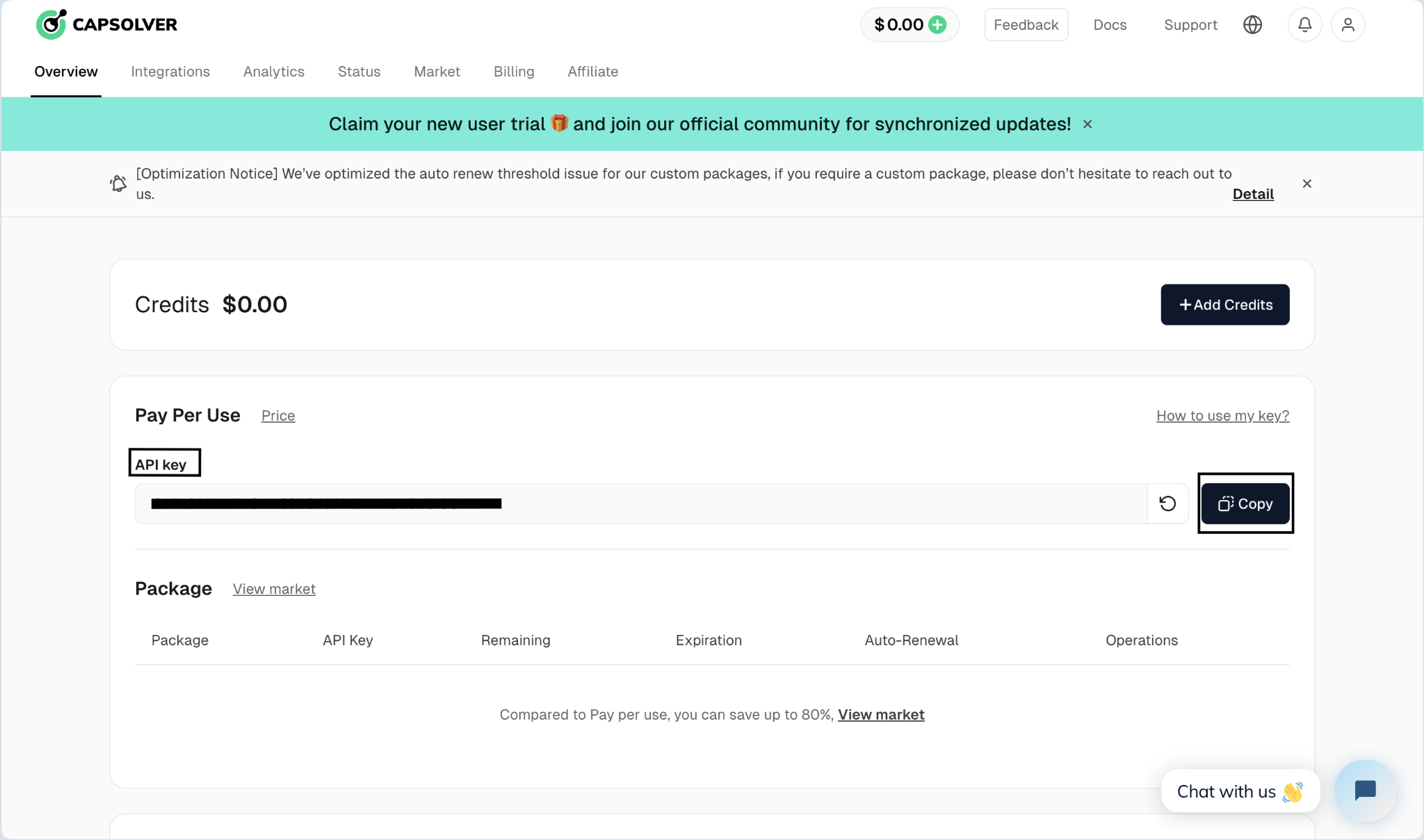
Then open your extension and input the copied key into the correct field. Go to Settings and enable the proxy option.
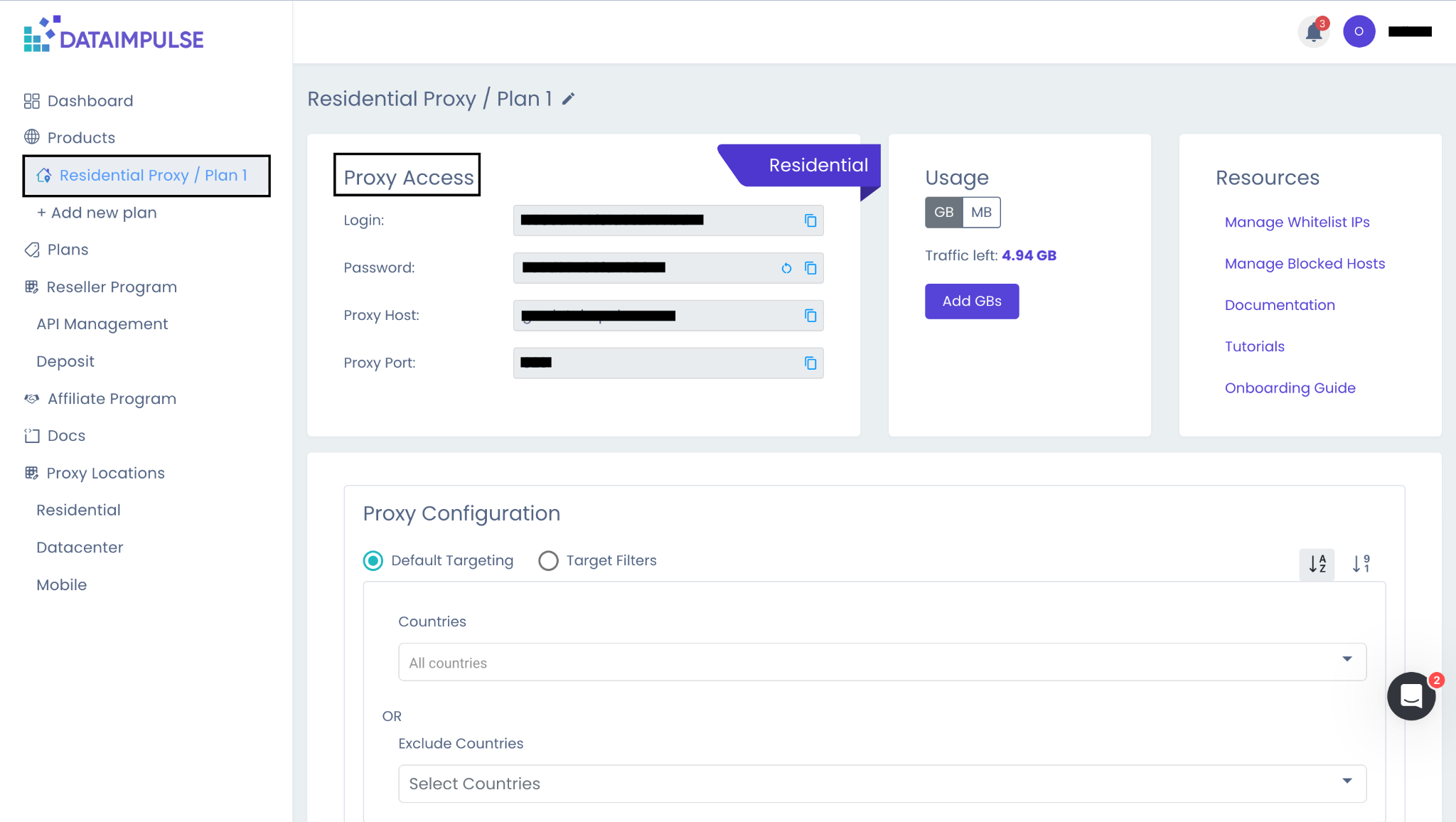
Import your DataImpulse proxy by filling in Host, Login, Password, and Port. You can find these credentials on your DataImpulse dashboard within your chosen proxy plan.
CapSolver supports four formats of proxies: HTTP, HTTPS, SOCKS4, and SOCKS5.
For further details, refer to the Extension documentation.
Step 2: Follow the API Documentation
Use the CapSolver API documentation to complete the setup process, configuring everything except the proxy.
Step. 3: Provide Proxy Details
CapSolver supports SOCKS4, SOCKS5, HTTP, and HTTPS proxies. If you're using an IP authentication proxy, please whitelist these two IP addresses: 47.253.53.46 and 47.253.81.245.
Please refer to proxy documentation for specific code upload steps.
To sum up, using DataImpulse with CapSolver means you can handle CAPTCHA tasks easily and efficiently, giving you global flexibility and control whenever you need it. This setup delivers great results for all types of online activities.
Ethan Collins
AI Agent Workflow Engineer
Building clearer handoffs between AI agents and tools.
ABOUT THE AUTHOR
Incogniton builds isolated browser profiles for safe, scalable multi-account automation with CapSolver.

Seamless web scraping with Crawl4AI & CapSolver: Automated CAPTCHA solution, enhanced efficiency, and robust data extraction for AI.